Introduction
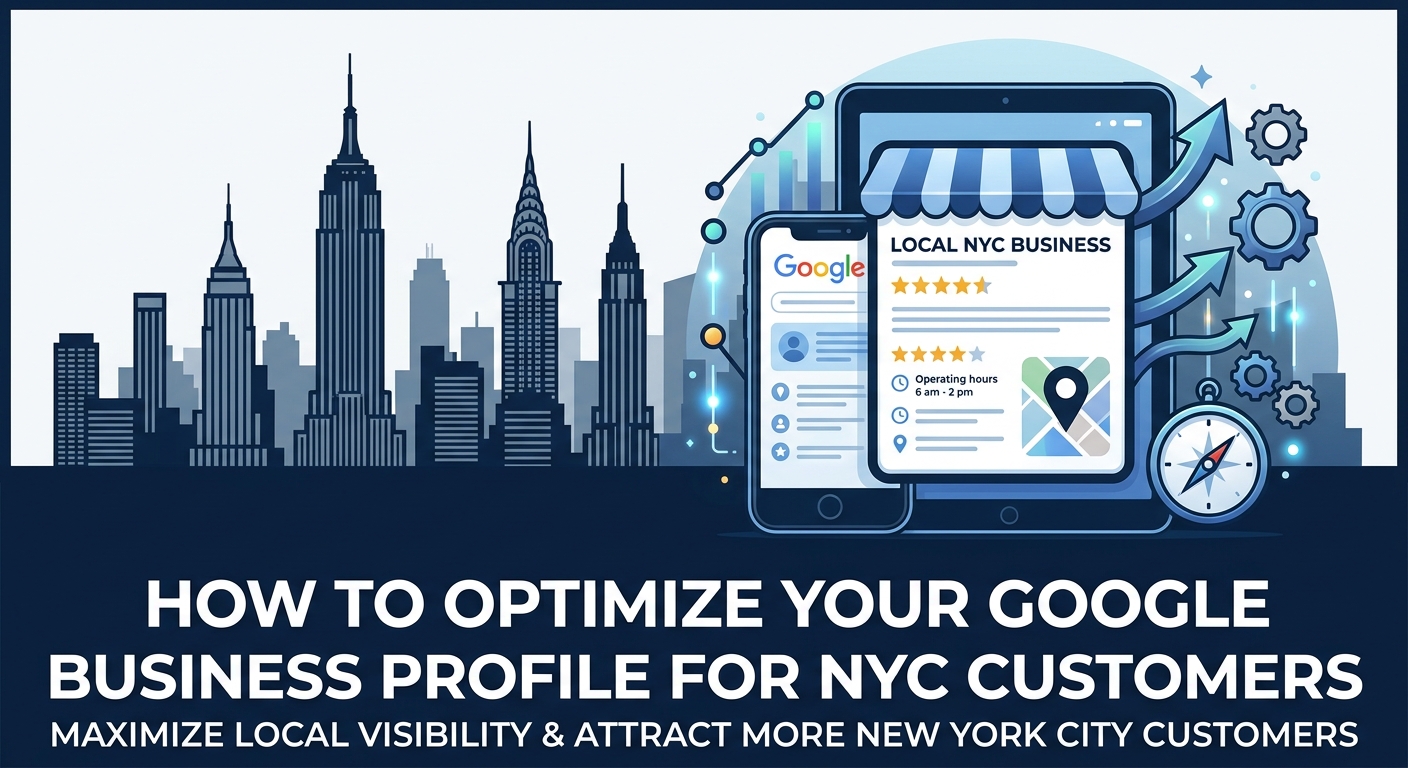
For most New York businesses, the first meeting with a customer no longer happens at the front door. It happens on a phone screen, where someone searches for a service, scrolls through a few options and picks the one that looks most trustworthy. Your Google Business Profile is the digital storefront that appears in that moment, and it often decides who gets the call.
New York City raises the stakes even higher than other markets. Millions of residents, commuters and tourists search for nearby businesses every day, and the competition within a few city blocks can be fierce. A profile that is incomplete or outdated can lose customers to a competitor who simply took the time to polish every detail.
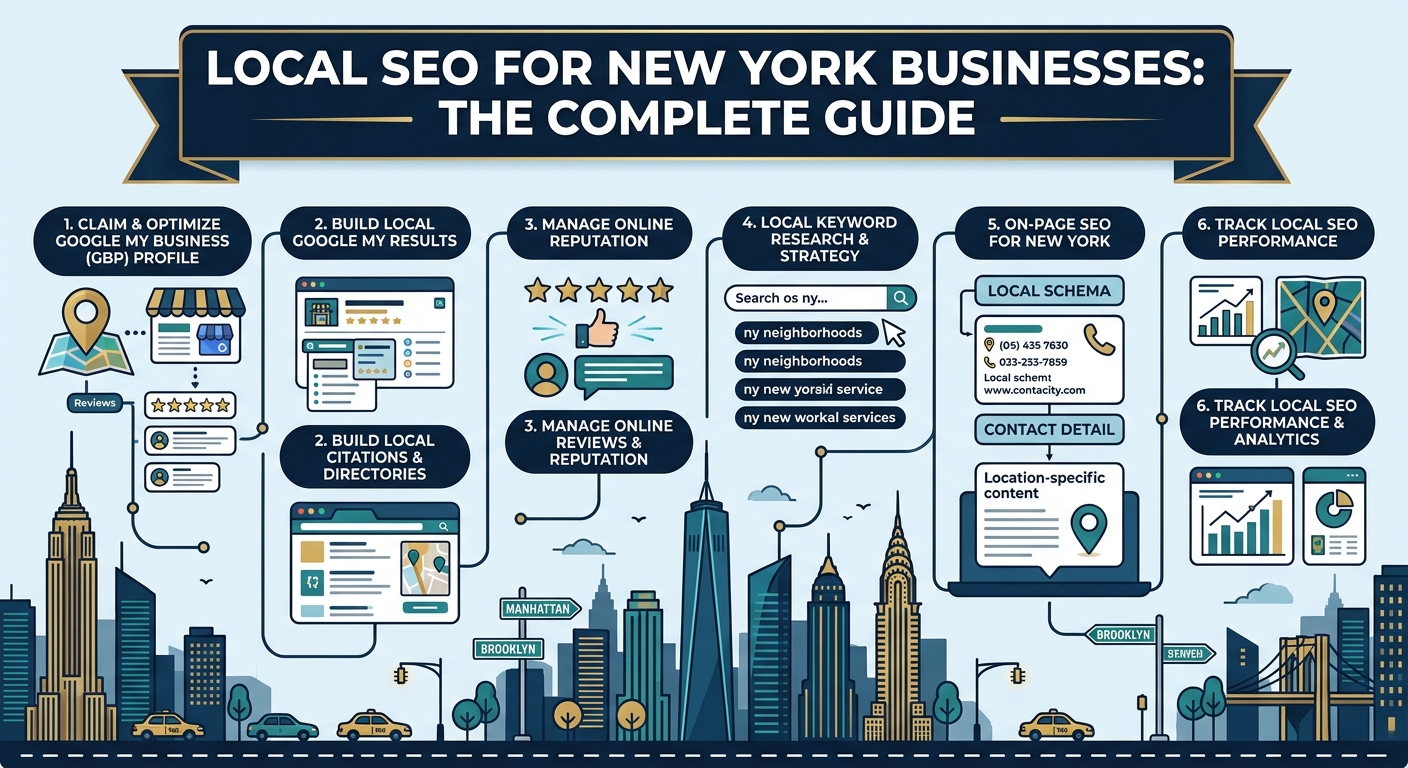
This guide explains how to optimize your Google Business Profile step by step, with a focus on what matters for New York customers. You will learn how to set up and verify your listing, choose the right categories, fill in every field, build photos and reviews, and keep your profile active over time. Each section is written in plain language so you can apply it right away.
Whether you run a corner cafe, a dental practice, a law firm or a home service company, the same principles apply. Some steps take only a few minutes, while others reward steady effort over several months. Let us begin by looking at why this profile deserves so much of your attention.
Why Your Google Business Profile Matters in New York City
New Yorkers search differently from people in many other places. They are often on the move, using a phone between meetings, on a subway platform or while walking through a neighborhood they know well. Because their need is immediate, they tend to choose from the first few results they see and act within minutes.
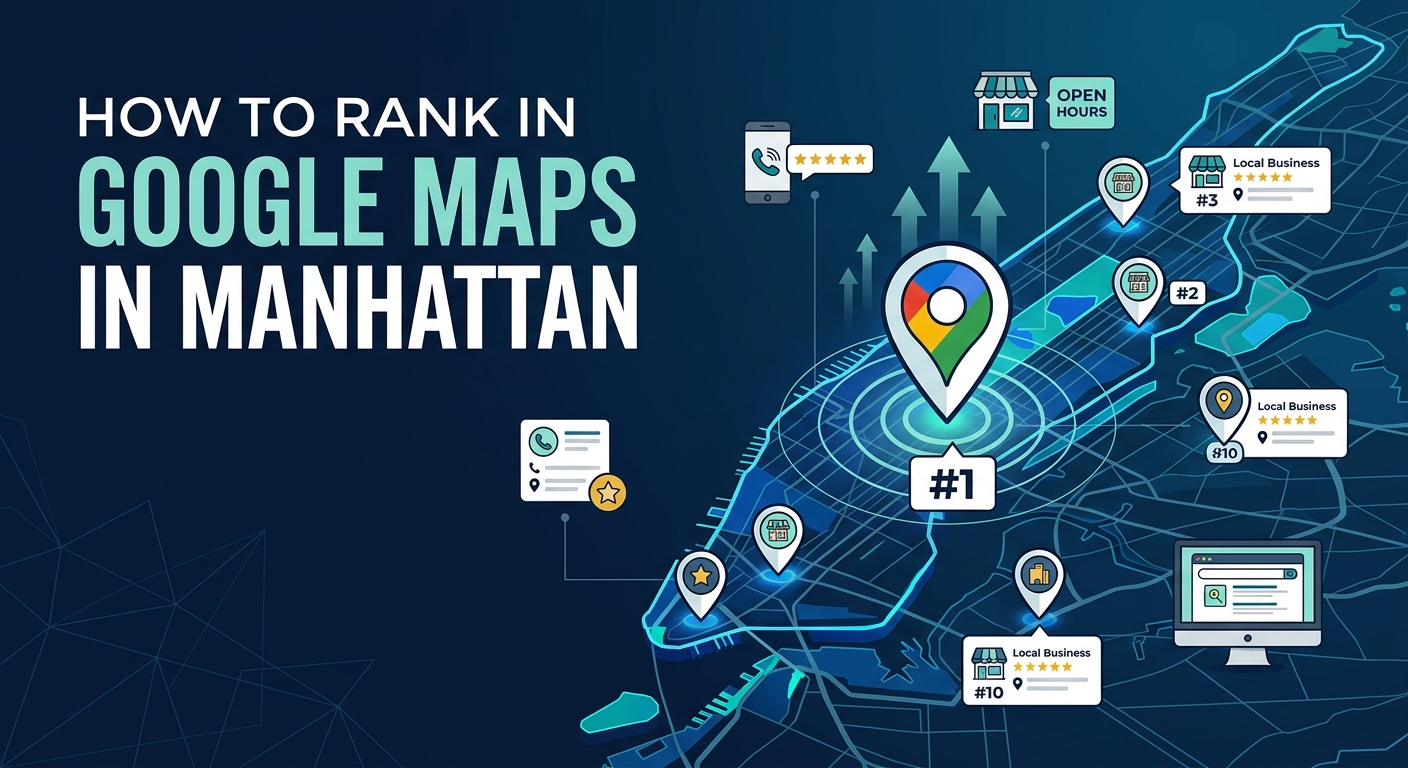
Your profile appears in the local pack and on the map, which are the most visible areas for these searches. It shows your name, rating, photos, hours and contact options in a single glance. A strong profile gives customers everything they need to decide without even visiting your website.
Here are the main ways a well optimized profile helps your business:
- It brings more phone calls from customers who are ready to book or buy
- It sends more direction requests that turn into real foot traffic
- It builds trust through ratings, reviews and real photos
- It supports your website by sending visitors who already have strong interest
- It costs far less over time than paid advertising in one of the most expensive ad markets in the country
Visitors to the city also rely heavily on profiles. Tourists searching for restaurants, hotels, clinics or transport services often have no prior knowledge of local brands, so they trust what they see on the map. Clear photos, accurate hours and strong reviews give them confidence to choose you.
Another reason to prioritize your profile is the way Google ranks local results. Relevance, distance and prominence all depend on information stored in your profile and on how customers interact with it. When people click, call, request directions and leave reviews, they send positive signals that help your ranking grow.
Many businesses treat the profile as a one time task and then forget it. In a city where competitors update constantly, that approach leads to a slow decline. Treating your profile as a living asset gives you a lasting edge that is difficult for rivals to copy.
Setting Up and Verifying Your Profile
Before you can optimize anything, you need a claimed and verified profile. Verification proves to Google that your business is real and that you have the right to manage the listing. Without it, you cannot edit details, respond to reviews or access performance insights.
Claiming or Creating Your Listing
Start by searching for your business name on Google Maps to see whether a listing already exists. Many businesses already have an unclaimed profile created from public data, and claiming it is usually better than creating a duplicate. Duplicate listings split your reviews and confuse both customers and search engines.
If no listing exists, create a new one using your Google account and enter your business details carefully. Use the exact name shown on your signage, a real address where you operate and a phone number that your team answers. Accuracy at this stage saves time and prevents problems later.
Follow these steps to claim or create your profile:
- Search for your business on Google Maps and check whether a listing already appears.
- Select the option to claim the business, or choose to add a new business if none exists.
- Enter your business name, category, address or service area, and contact details.
- Choose a verification method and follow the instructions provided.
- Wait for approval, then log in to complete the remaining profile sections.
Verification Methods
Google offers several verification options, and the available choices depend on your business type and location. Some businesses can verify instantly, while others need a short video or a postcard. The table below summarizes the common methods and what to expect from each.
| Verification Method | How It Works | Typical Speed |
|---|---|---|
| Postcard | A code arrives by mail at your business address | A few days to a couple of weeks |
| Phone or text | A code is sent to your listed phone number | Within minutes |
| A code is sent to your business email address | Within minutes | |
| Video | You record a short video showing your location, equipment and proof of operation | Usually within a few days |
If you work in a large building or a shared office in Manhattan, include clear details such as the suite or floor number so the postcard reaches you. For video verification, show your storefront, signage, work area and some proof that you operate the business, such as tools or official documents. Keep the video continuous and follow the instructions exactly to avoid rejection.
Fixing Verification Problems
Verification sometimes fails because of mismatched details, unclear signage or a shared address that looks suspicious. If your request is rejected, read the message carefully and correct the issue before trying again. Common fixes include updating the address format, improving the video quality or using a business email that matches your website domain.
Never try to bypass verification with a fake address or borrowed location. Google can detect these attempts, and a suspended profile can take weeks to recover. A patient and honest approach is always the safest path.
Choosing the Right Categories and Business Name
Two of the most powerful items in your profile are your business name and your categories. They tell Google who you are and what you do, so even small changes can shift your visibility. Getting them right early prevents ranking problems later.
Your Primary Category
Your primary category is one of the strongest relevance signals you control. Choose the option that best describes your main service, not a broad label that could fit many businesses. For example, a firm that handles immigration cases should pick an immigration specialist category rather than a general law firm option.
Google changes the available categories from time to time, so review them occasionally to make sure yours is still the best match. Look at the leading competitors in your neighborhood and see which categories they use. This research can reveal options you had not considered.
Secondary Categories
Secondary categories help you appear for related services without weakening your main focus. Add only the categories that describe services you truly offer, and avoid choosing options just to attract extra traffic. A focused set of accurate categories performs better than a long list of loosely related ones.
Consider these guidelines when selecting categories:
- Pick one primary category that matches your core service
- Add a small number of secondary categories for real, additional services
- Review your categories every few months as Google updates its list
- Avoid categories that describe services you do not provide
Keeping Your Business Name Accurate
Your business name should match the name on your signage, your website and your legal documents. Adding keywords, neighborhood names or promotional phrases to the name may seem helpful, but it breaks Google guidelines. Profiles that break this rule can be suspended or have their name edited without notice.
If your business has a legal name and a commonly used name, choose the version that customers see in real life. Consistency across your profile, website and printed materials helps Google confirm that everything refers to the same business. This consistency also builds recognition among customers who see your name in different places.
With a verified profile, the right categories and an accurate name, you have a strong base to build on. The next step is to fill in every remaining detail so that both Google and customers can understand exactly what you offer.

Completing Every Profile Detail
A complete profile gives Google more information to work with and gives customers fewer reasons to hesitate. Businesses that fill in every available field tend to outperform those that stop after the basics. In a city as competitive as New York, thoroughness is one of the easiest advantages to earn.
Address, Phone Number and Website
Your address must be a real location where your business operates, written exactly the same way as on your website and other listings. Include the suite, floor or unit number, because many New York buildings hold dozens of businesses under one street address. Use a local phone number with a New York area code when possible, since it supports trust and local relevance.
Link your profile to the most relevant page of your website, which is often the homepage or a dedicated location page. Make sure the link works and that the page loads quickly on a phone. A broken or slow link wastes the interest your profile has already created.
Service Areas for Mobile Businesses
If you travel to customers, such as a plumber, cleaner, electrician or mobile groomer, you can hide your address and list the areas you serve instead. Choose the boroughs and neighborhoods you can genuinely reach in a reasonable time. Listing places that are too far away can look misleading and may hurt your credibility.
Review your service areas every few months as your business grows or changes. Adding a new neighborhood only makes sense when your team can actually serve it. Honest service areas keep your profile compliant and bring the right customers.
Business Hours and Special Hours
Accurate hours are one of the most important details for New York customers. Many people search late at night, early in the morning or on weekends, and they will skip any business that appears closed. Showing that you are open right now can be the deciding factor.
Update your hours for holidays, local events and seasonal changes, and use the special hours feature to avoid confusion. A visitor who arrives to find a locked door is likely to leave a negative review. Keeping hours current protects both your reputation and your ranking.
Business Description
The description gives you a limited space to explain who you are and what makes you different. Write it in natural language, mention your main services and the areas you serve, and include a clear reason for customers to choose you. Avoid stuffing keywords, promotional claims or links, because a clear and honest description reads better and performs better.
A strong description might cover your years of experience, your specialties, the languages your team speaks and the neighborhoods you know best. These details help customers feel confident before they even contact you. Review the text every few months to keep it fresh and accurate.
Attributes and Booking Links
Attributes are small labels that describe features of your business, such as wheelchair access, outdoor seating, free Wi-Fi, online appointments or women led ownership. They help customers filter results and decide faster. Select every attribute that truly applies, and update them when your business changes.
If your business accepts appointments or reservations, add a booking link so customers can act immediately. Reducing the steps between search and booking can raise your conversion rate significantly. Make sure the link leads to a simple and mobile friendly page.
Use this checklist to review your core details:
- Business name matches your signage and website exactly
- Address includes the suite or floor number
- Phone number is local, active and answered by your team
- Website link opens quickly and works on mobile
- Hours are correct, including holidays and special days
- Description is clear, honest and free of keyword stuffing
- Attributes and booking links reflect your current services
Services, Products and Menus
The services and products sections let customers see what you offer without leaving the search results. They also give Google more context about your business, which can help you appear in more specific searches. Many businesses leave these sections empty, which creates a clear opportunity for those who fill them in.
Listing Your Services
Add each service you provide as a separate item, with a short and clear description. For example, a dental practice could list cleanings, whitening, emergency visits and orthodontic care individually. Where it makes sense, include prices or price ranges so customers know what to expect.
Use plain language that real customers would use, rather than internal terms they may not recognize. Think about the questions a first time visitor might have and answer them in the description. Clear information reduces hesitation and brings more qualified inquiries.
Showcasing Products
Retail shops, boutiques and specialty stores can add products with photos, names, prices and short descriptions. Highlight your best sellers and seasonal items first, since customers often browse these sections quickly. Update the list regularly so it never shows items that are out of stock.
Strong product listings can bring customers straight from the map to your door. A visitor who sees an item they want, along with a price and a nearby location, has a very short path to purchase. This is especially valuable in busy neighborhoods with heavy foot traffic.
Menus for Food Businesses
Restaurants, cafes and bars should upload a full menu with accurate prices and clear categories. Include dietary information where possible, such as vegetarian, vegan, halal or gluten free options, because many New Yorkers search with these needs in mind. A menu that is easy to read can win a customer who is deciding between several nearby spots.
Keep the menu in line with your website and any delivery platforms you use. Conflicting prices or missing items cause frustration and can lead to poor reviews. Review the menu whenever you change your offerings or adjust your prices.
Photos and Videos
Photos are often the first thing a customer notices, and they strongly influence whether someone clicks, calls or visits. Profiles with plenty of authentic images tend to receive more engagement than those with few or outdated pictures. In a visual market like New York, strong photography is a real competitive tool.
What to Upload
Aim to cover every part of your business so that customers know what to expect. Useful image types include:
- Your storefront from the street, so visitors can recognize it when they arrive
- Interior shots that show the atmosphere, layout and cleanliness
- Your team at work, which adds a human and trustworthy touch
- Products, dishes or completed projects that show the quality of your work
- Entrance and nearby landmarks, which help people find you in a busy area
Choose a clear cover photo and logo, since these appear most often in search results. Use your real images rather than stock photos, because customers and Google both value authenticity. Photos taken by customers also appear on your profile, so keep your location tidy and welcoming.
Quality and Frequency
Take photos in good light, keep them in focus and avoid heavy filters or excessive text. A modern phone camera is usually enough when the shot is steady and well framed. Short videos that give a quick tour of your space or show a service in action can add even more value.
Upload new images regularly rather than adding them all at once. A steady flow of fresh photos signals that your business is active and well maintained. Aim to add a few new images each month, especially after renovations, events or seasonal changes.
Reviews and Reputation Management
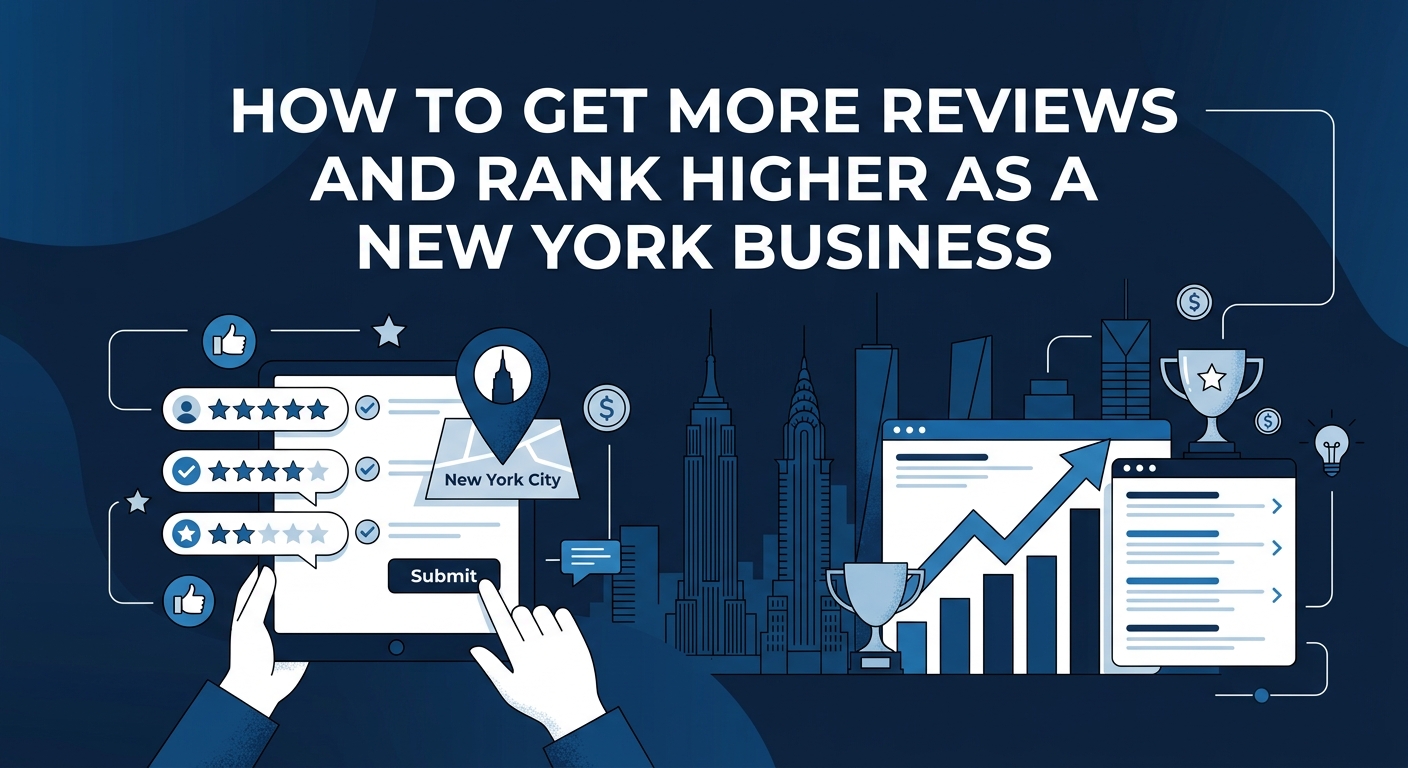
Reviews are among the most powerful trust signals in local search, and they have a direct effect on both ranking and conversion. A business with many recent and positive reviews looks reliable and established. New Yorkers read reviews carefully, so your rating and the way you respond can decide the sale.
Earning Reviews the Right Way
The best time to ask for a review is right after a positive experience, while the customer is still happy. Share a direct review link by text, email or a printed card, or display a QR code at your counter. Never offer rewards in return for reviews and never post fake ones, because Google can remove them and penalize your profile.
Follow these steps to build a healthy review habit:
- Ask satisfied customers at the end of every service or purchase.
- Make the process simple with a short link or a QR code.
- Train your team to mention reviews politely and naturally.
- Send a gentle follow up message a day or two later to customers who have not replied.
- Track how many new reviews you receive each month and set a steady goal.
Reviews that mention specific services and neighborhoods add helpful context to your profile. You cannot script what customers write, but you can ask them to share what they liked about the experience. Real and detailed feedback is far more valuable than short generic comments.
Responding to Reviews
Reply to every review, positive or negative, and do it as quickly as you can. Thank happy customers by name and mention a detail from their visit so the response feels personal. This shows future customers that a real person is paying attention.
For negative reviews, stay calm and professional, apologize where it is fair and offer to resolve the issue offline. Avoid arguing, sharing private details or blaming the customer. A thoughtful response to a bad review can actually build more trust than a perfect rating with no replies.
If a review is fake, abusive or violates platform rules, flag it through your profile and explain the reason clearly. Removal can take time, so keep collecting genuine feedback to balance your rating. Over time, a consistent routine of earning and answering reviews builds a reputation that both customers and Google can trust.
With your details, services, photos and reviews in place, your profile is already stronger than many competitors across the city. The final part of this guide covers posts, messaging, citations, mistakes to avoid and the habits that keep your profile performing month after month.

Google Posts, Offers and Updates
Google Posts let you share news, offers and events directly on your profile, where customers see them at the exact moment they are deciding. A steady posting routine shows that your business is active and gives people a fresh reason to choose you. Many New York businesses ignore this feature, so even simple and regular posts can set you apart.
What to Post
Choose content that is useful, timely and tied to real activity in your business. Good ideas include:
- Seasonal offers and limited time discounts
- New services, products or menu items
- Local events you host or take part in
- Helpful tips that answer common customer questions
- Announcements about changes to hours or locations
Keep each post short and clear, add a bright and authentic photo, and include a button that leads customers to the next step. Posts tend to stay visible for a limited time, so a weekly rhythm works well for most businesses. Match your message to the season and the city calendar, such as holiday shopping, summer street fairs or back to school periods.
Questions and Answers and Messaging
The questions and answers section lets customers ask about your business and lets you respond publicly. It is also a chance to address common concerns before they turn into lost sales. Many owners forget to check this area, which allows incorrect answers from other users to remain on their profile.
Add your own questions and answers about topics such as parking, accepted payment methods, appointment rules and accessibility. Reply quickly when a new question appears, and keep your tone friendly and professional. Clear answers save time for your team and build confidence for future visitors.
Messaging can also turn a casual searcher into a lead. When it is turned on, customers can send a quick message without making a phone call, which many busy New Yorkers prefer. Set a goal to reply within a few hours, because slow responses lose customers to competitors who answer faster.
Local Citations and Website Connection
Your profile does not work alone, and Google compares it with other places on the web to confirm that your details are correct. A citation is any online mention of your business name, address and phone number, such as a directory listing or a chamber of commerce page. The more consistent these mentions are, the more confident Google becomes in your business.
Keeping Details Consistent
Check that your name, address and phone number are written the same way on your website, social profiles and directory listings. Small differences, such as a missing suite number or an old phone line, can create confusion and weaken your ranking. Search for old or duplicate listings and merge or remove them so that your reviews and signals stay in one place.
Focus on trusted sources rather than hundreds of low quality directories. Major data platforms, industry directories, local business associations and New York news or community sites carry the most value. A smaller number of accurate listings usually beats a large number of careless ones.
Connecting Your Website
Your website should support your profile by confirming the same details and offering more depth. Create a clear location page that includes your address, phone number, hours and an embedded map. Add local business schema markup so that search engines can read your information without guessing.
Make sure your site loads quickly and works smoothly on mobile, since most local searches happen on phones. Link your profile to the page that best matches what customers want, and keep that page updated. A smooth path from profile to website keeps visitors engaged and sends positive signals back to Google.
Profile Optimization Checklist Table
The table below gives a quick overview of the main tasks, how much effort each one needs and how often you should revisit it. Use it as a working checklist when you plan your monthly routine.
| Task | Priority | Effort | Recommended Frequency |
|---|---|---|---|
| Accurate name, address and phone number | Very high | Low | Check every month |
| Primary and secondary categories | Very high | Low | Review every few months |
| Business hours and special hours | Very high | Low | Update whenever they change |
| Services, products and menus | High | Medium | Review every quarter |
| Photos and videos | High | Low | Add new items every month |
| Review requests and replies | Very high | Medium | Weekly |
| Google Posts and offers | Medium | Low | Weekly |
| Questions and answers | Medium | Low | Check every week |
| Citation and listing cleanup | High | Medium | Review every quarter |
Start with the very high priority items, since they bring the largest return for the least work. Once those are stable, move on to the medium priority tasks and build them into a regular routine. A simple monthly schedule keeps your profile accurate and active without taking over your week.
Common Mistakes to Avoid
Many New York businesses weaken their profiles through avoidable errors. Most of these mistakes come from shortcuts that seem helpful at first but cause trouble later. Watch out for these problems:
- Adding keywords or neighborhood names to the business name
- Using a virtual office or mailbox address as a storefront
- Buying fake reviews or offering rewards for positive feedback
- Ignoring negative reviews instead of answering with care
- Leaving old hours, phone numbers or addresses on the profile
- Choosing categories that describe services you do not provide
- Creating duplicate listings for the same location
Each of these mistakes can lead to lower rankings, lost trust or even a suspended profile. Recovering from a suspension can take weeks, during which you may lose a steady stream of customers. An honest and careful approach protects your profile and builds results that last.
Tracking Performance and Insights
You cannot improve what you do not measure, so review your profile performance every month. The built in insights show how many people found your profile, which searches they used and what actions they took. Compare these figures over time to see whether your work is moving the numbers in the right direction.
Pay close attention to calls, direction requests, website clicks, messages and bookings. Also look at the search terms that bring people to your listing, since they reveal what customers truly want. If a certain service draws a lot of searches, consider adding more detail, photos or posts about it.
Check your visibility from different parts of the city, because results can change from one block or borough to the next. Keep a simple record of your reviews, rating and key actions each month. This habit helps you spot problems early and shows you which efforts deserve more time.
Why Choose Dealmate
Optimizing a Google Business Profile for New York customers takes local knowledge, steady effort and a clear plan. Dealmate focuses on honest and practical local search methods that follow platform guidelines and respect how real customers search. The approach is built around lasting results rather than risky shortcuts that can put your listing in danger.
Working with Dealmate gives you support across every area covered in this guide. Here is what you can expect:
- Full setup, verification support and optimization of your profile
- Category, service and description improvements that match customer intent
- Review growth strategies that stay within platform rules
- Citation cleanup and consistent listings across trusted directories
- Regular posting and photo guidance to keep your profile active
- Clear monthly reports that show exactly what is working
Instead of guessing which steps matter most, you receive a focused plan that fits your business and your neighborhood. This saves you time, reduces wasted effort and helps you compete confidently in one of the busiest markets in the world.
FAQs
How long does it take to see results after optimizing my profile?
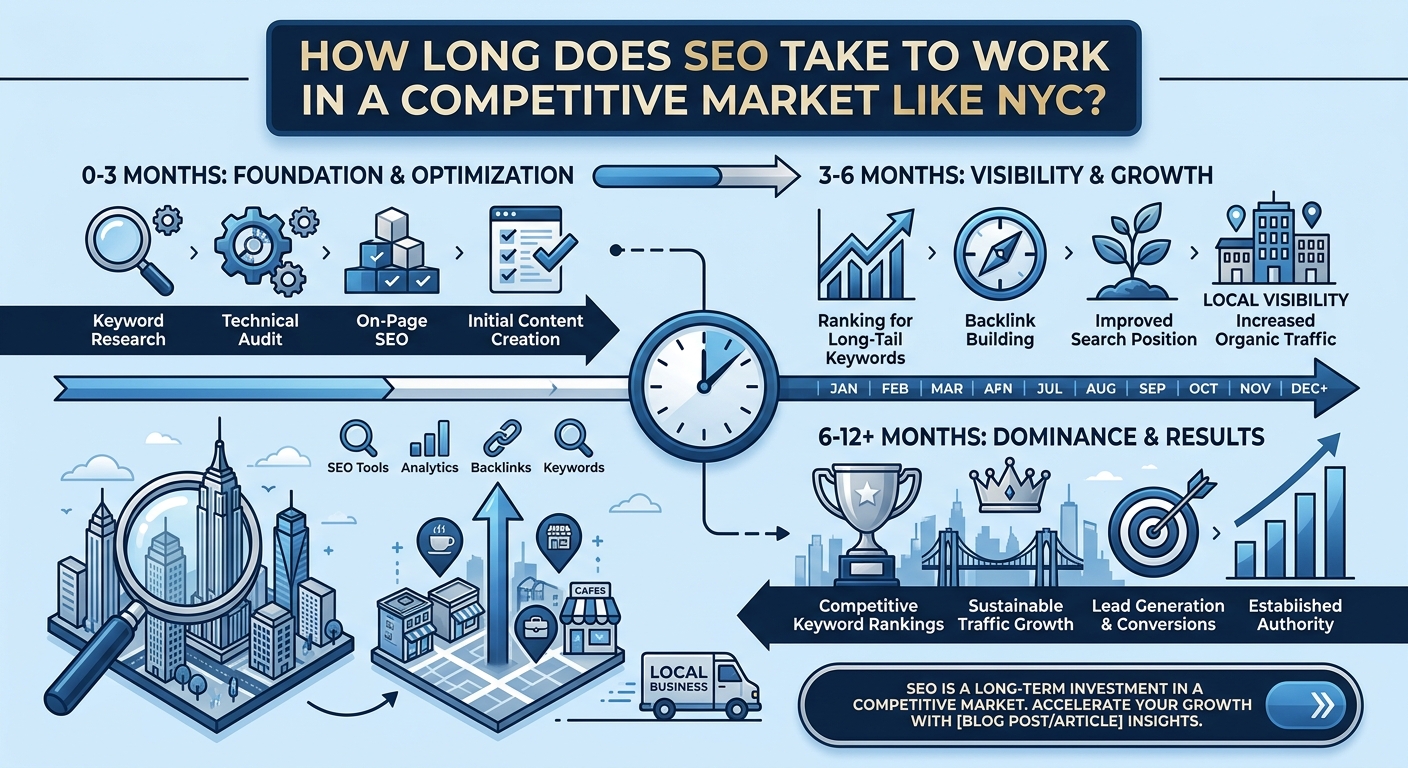
Many businesses notice early improvements within a few weeks of fixing their details and adding fresh content. Stronger ranking gains usually take three to six months of steady work. Competition in New York can slow progress in crowded categories. Consistent effort on reviews, photos and updates speeds up the process.
Can I have a Google Business Profile without a storefront?
Yes, service businesses that travel to customers can create a profile and hide their address. You will need to list the areas you serve instead of showing a public location. Choose only the neighborhoods you can truly reach in a reasonable time. Honest service areas keep your profile compliant and trustworthy.
How many photos should I add to my profile?
There is no fixed number, but more authentic and varied photos usually perform better. Aim to cover your storefront, interior, team, products and completed work. Add a few new images every month to show that your business is active. Quality, lighting and real content matter more than sheer volume.
Should I respond to every review?
Yes, you should reply to every review, whether it is positive or negative. Thank happy customers and mention a detail from their visit to make the reply personal. Stay calm and professional with negative feedback, and offer to solve the problem offline. Consistent replies show future customers that you care about service.
How often should I post on my profile?
Posting once or twice a week is a practical goal for most businesses. Share offers, events, new services or helpful tips with a clear photo and a button. Regular posts show that your business is open and engaged. Relevance and quality matter more than posting too often.
Can I change my business name to include keywords?
No, your business name should match your real signage and legal identity. Adding keywords or neighborhood names breaks Google guidelines and can lead to suspension. Use your description, services and posts to share keywords naturally. This keeps your listing safe while still supporting local relevance.
What should I do if my profile gets suspended?
Start by reading the suspension message carefully to understand the reason. Fix any problems, such as incorrect names, address issues or missing proof of operation, and gather evidence like signage photos and business documents. Submit a reinstatement request through the official process and wait for a response. Avoid creating a new profile for the same location, because this can make the situation worse.
Do customer questions and answers affect my ranking?
The questions and answers section does not act as a direct ranking switch, but it supports your profile in other ways. Clear answers help customers decide faster and reduce confusion about your business. Active engagement also keeps your profile accurate and helpful. A well managed section builds trust that can lead to more calls and visits.
How do citations help my Google Business Profile?
Citations confirm to Google that your business details are correct across the web. When your name, address and phone number match on trusted sites, Google gains confidence in your listing. Inconsistent or outdated mentions can weaken that confidence and hurt your ranking. Regular cleanup keeps your information clean and reliable.
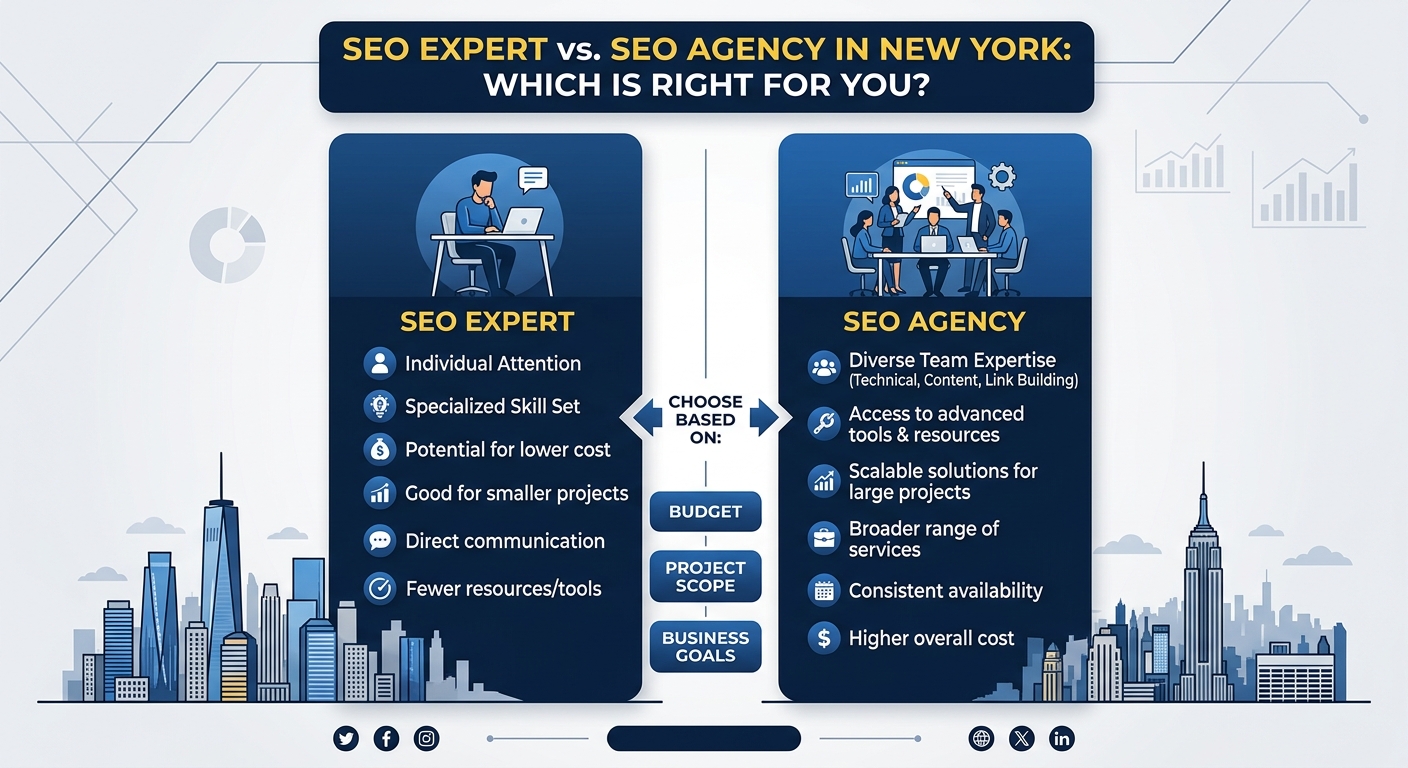
Is it better to manage my profile myself or hire a specialist?
Many owners can handle the basics, such as claiming the profile, adding details and asking for reviews. However, the work never fully ends, and New York competition is demanding. A specialist can save time, find hidden problems and build stronger local signals. The right choice depends on your time, budget and growth goals.
Conclusion
A well optimized Google Business Profile is one of the most valuable assets a New York business can own. It puts your name, reputation and contact options in front of customers at the exact moment they are ready to act. By setting up and verifying your listing, choosing accurate categories, completing every detail and earning real reviews, you build a strong foundation for steady growth.
The real advantage comes from treating your profile as a living tool rather than a one time task. Keep your information fresh, post regularly, respond to customers and review your performance every month. With patience and an honest approach, your profile can climb the local results and turn nearby searches into loyal customers.