

Low rankings usually come from a scattered plan, not one missing plugin. Business websites on WordPress tend to stall because technical setup, page targeting, internal links, and content quality drift out of sync over time. The fastest wins usually come from fixing what blocks visibility before polishing what already works.
A green light in an SEO plugin does not mean the page deserves to rank. What matters more is whether search engines can crawl the site cleanly, whether each important page has a clear job, and whether the copy actually helps a potential customer choose you.
What are the best WordPress SEO practices for business websites?
The best WordPress SEO practices are simple in principle: keep one clean plugin setup, make important pages crawlable, write specific titles, strengthen internal links, and publish pages that match business intent. Most sites do not have one catastrophic problem. They have a stack of smaller issues that compound over time.
If you have already read general advice, start with the practical priorities in how to optimize SEO for WordPress and compare that against your current setup. If your site still feels stuck, the issue is usually not effort. It is the order in which the work is being done.
1. Use one SEO plugin and configure it well
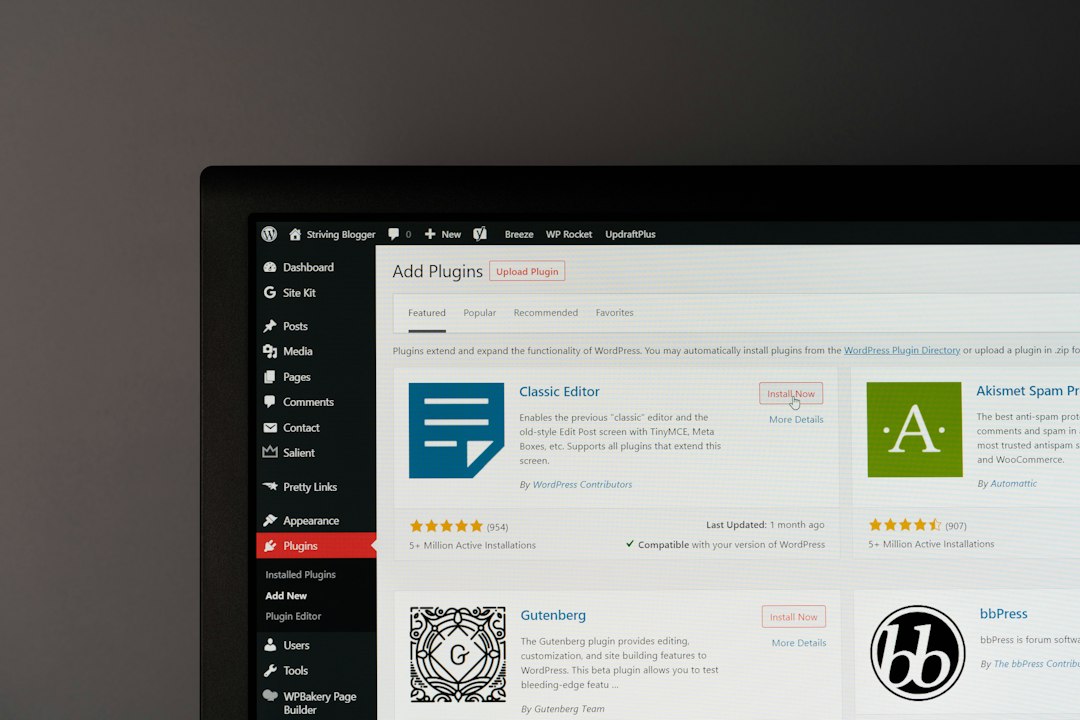
One well-configured SEO plugin is enough. Running overlapping plugins often creates duplicate metadata, conflicting canonicals, and competing sitemap outputs. That confusion can quietly hurt crawling and indexing, especially on business sites with older pages and multiple editors.
The gap between popular plugins is not that one works and one does not. The gap is in interface, features, and pricing. What matters more is whether titles, meta descriptions, schema settings, and indexation controls are configured consistently. If you are comparing tools, review Yoast SEO vs Rank Math with that lens instead of chasing feature lists.
2. Fix indexing and crawl blockers first
Fix the issues that block visibility before the issues that polish visibility. If key pages are set to noindex, hidden behind weak internal linking, or buried in bloated archive structures, content improvements will have limited impact.
Start by checking whether service pages, location pages, product categories, and blog posts that matter to revenue are indexable. Then review thin tag archives, duplicate author archives, attachment pages, and low-value filtered URLs. Business sites often leak crawl attention into pages that do not deserve to rank while the money pages stay under-supported.
3. Write titles for humans, not plugin scores
Your page title should tell both Google and the searcher what the page is about in plain language. Google recommends descriptive, concise titles and warns against keyword stuffing and repetitive boilerplate on page titles and metadata.
That means weak patterns like repeating the same service phrase across many pages can backfire. A business site needs distinct titles that reflect the real page purpose, not a recycled template with a city name swapped in.
| Weak title | Stronger title |
|---|---|
| SEO Services | SEO Company | SEO Expert | WordPress SEO Services for Small Businesses |
| Home | WordPress SEO Consultant for Business Websites |
| Website Audit | WordPress SEO Audit for Traffic Drops and Crawl Issues |
4. Keep meta descriptions useful and page-specific
Meta descriptions do not need to be stuffed with keywords. They should help the right person decide to click. Google may use the meta description as the search snippet when it better describes the page, so clarity matters more than formula.
Write each description as a short pitch tied to the page itself. A service page should explain who it helps and what problem it solves. A blog post should preview the answer. If the same description appears across dozens of pages, rewrite the pages that actually matter first.
5. Build internal links that support revenue pages
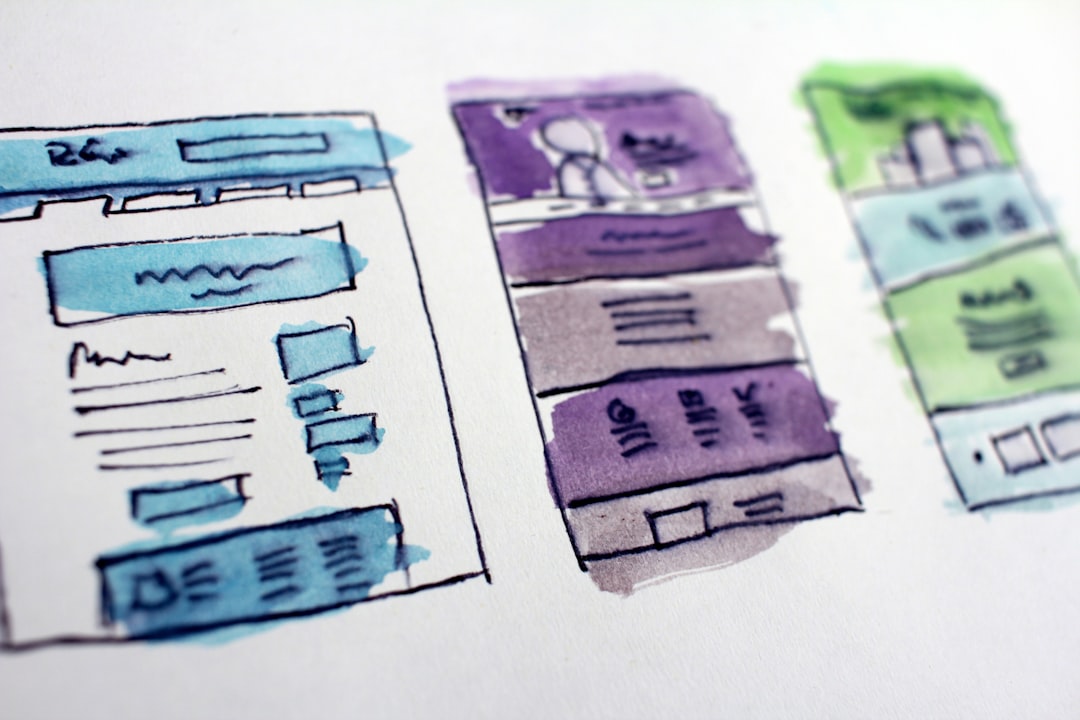
Internal linking helps search engines discover pages and understand page relationships. Google recommends crawlable HTML anchor links with descriptive text, which is why vague anchors and buried orphan pages are such a common missed opportunity on WordPress sites.
Every supporting article should help strengthen a related service, category, or core landing page. Descriptive anchors like WordPress SEO audit, technical SEO fixes, or local service page optimization do more than generic phrases. If your blog is active but conversions are flat, the missing link strategy is often part of the reason.
If you are not sure whether your current plugin configuration is helping or quietly hurting you, WordPress SEO Expert can help.
6. Clean up thin, overlapping, and duplicate content
Many business websites publish too many similar pages with too little differentiation. Thin city pages, repeated service variations, and short blog posts aimed at tiny keyword differences often compete with each other instead of building one strong asset.
A better approach is consolidation. Merge overlapping articles, expand the version that best matches search intent, and redirect weaker duplicates when appropriate. If you suspect this is happening on your site, compare your content against common WordPress SEO mistakes that hurt rankings before publishing more of the same.
7. Improve speed where it affects usability
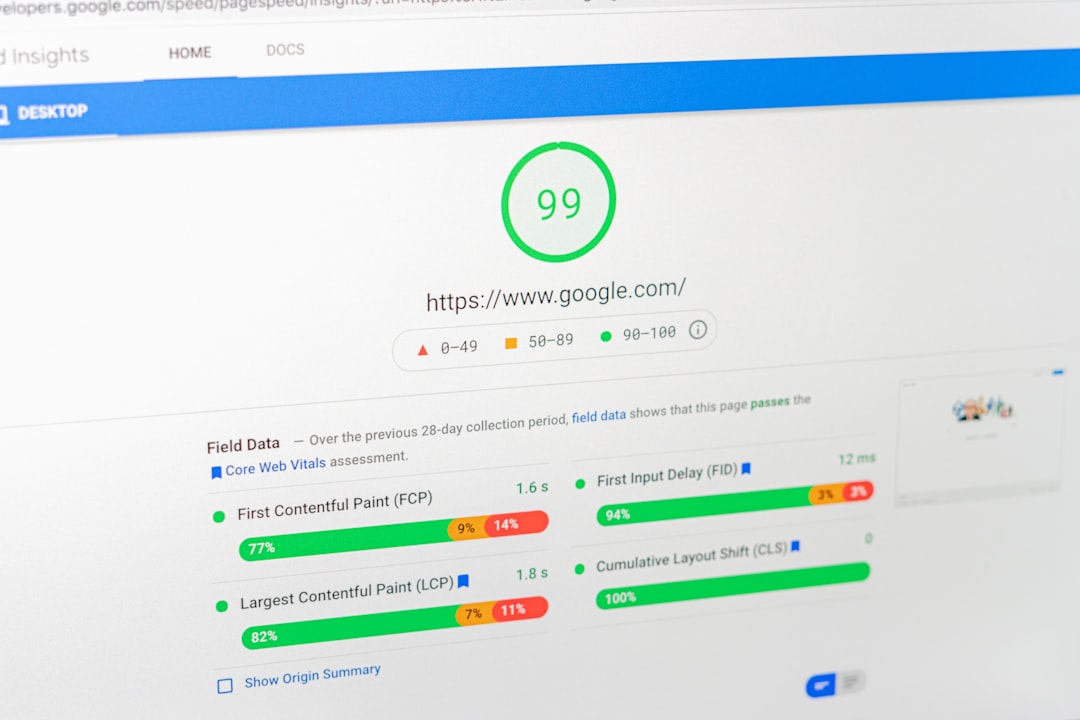
Speed matters, but it is often handled poorly. You do not need a perfect score. The goal is a site that loads cleanly, feels stable, and does not frustrate users on mobile or on weaker connections.
For most business sites, the practical issues are oversized images, excessive plugins, unoptimized scripts, weak hosting, and page builders that load more than the page needs. Focus first on the templates tied to lead generation and organic traffic. A contact page, service page, or top blog post deserves more attention than a low-value archive.
8. Match content to business intent
Traffic alone is not the goal. Business websites need pages that match the way prospects actually search when they are comparing providers, diagnosing a problem, or getting ready to contact someone. That usually means clearer service pages and fewer vague blog topics.
Each important page should have one main job. A homepage should position the business. A service page should explain the offer and next step. A supporting article should answer a real question and guide readers deeper into the site. When pages try to do everything, they usually rank weakly and convert poorly.
9. Use structured data carefully
Structured data can help search engines understand page content better, but it is not a shortcut to rankings. Google’s guidelines make it clear that structured data should reflect the visible page content and should not be misleading.
For business websites, the practical use cases are usually organization details, service information where appropriate, articles, and FAQs when the page genuinely includes those answers. Do not add every schema type you can find just because a plugin offers it. Clean, accurate implementation beats inflated markup every time.
A simple priority order for business websites
If your rankings are flat, follow a sequence instead of fixing random details. Most gains come from prioritization, not from doing more tasks. The order below keeps effort pointed at the issues most likely to unblock growth.
| Priority | What to fix | Why it comes first |
|---|---|---|
| 1 | Indexing and crawl barriers | Pages cannot rank well if they are blocked, duplicated, or hard to discover |
| 2 | Title, heading, and page targeting clarity | Search engines and users need a clear page purpose |
| 3 | Internal links to core pages | Authority and context need to flow to revenue pages |
| 4 | Thin and overlapping content cleanup | Consolidation often strengthens weaker clusters |
| 5 | Speed and template cleanup | Improves usability after visibility blockers are handled |
The bottom line
WordPress SEO best practices are less about doing everything and more about doing the right things in the right order. One clean setup, clear page targets, strong internal links, and honest content usually outperform a site packed with plugins, duplicate pages, and score-chasing edits.
Book a free SEO consultation. No pitch, no pressure. Just an honest look at what your site actually needs and whether your current setup is part of the solution or part of the problem. Contact WordPress SEO Expert today to schedule a consultation.

















