

Low rankings usually come from a scattered plan, not one missing plugin. Measuring WordPress SEO performance is not about watching one score go up and down. It is about tracking whether Google can index the right pages, whether searchers are clicking, and whether your highest-value pages are turning visibility into leads or sales.
If you only measure rankings, you will miss the real story. Google Search Console shows clicks, impressions, average CTR, and average position in its Performance report, which makes it the best place to start for SEO measurement. For a broader foundation, review our WordPress SEO best practices and our comparison of Yoast SEO vs Rank Math if your current plugin setup is adding noise instead of clarity.
What should you measure first?
Start with visibility before refinement. The first numbers to watch are indexed pages, impressions, clicks, CTR, and conversions from organic search. If those are moving in the right direction, you can drill deeper into titles, internal links, page speed, and query-level performance.
Most site owners do not have one catastrophic problem. They have a stack of smaller issues that compound over time. A page can be well written and still underperform because it is not indexed properly, buried in weak site architecture, or earning impressions without clicks. Fix the issues that block visibility before the issues that polish visibility.
| Metric | What it tells you | Why it matters |
|---|---|---|
| Indexed pages | Whether Google can include important URLs in search | If key pages are not indexed, they cannot earn traffic |
| Impressions | How often your pages appear in search results | Shows whether Google is testing your visibility |
| Clicks | How often searchers visit from Google | Shows actual traffic from search |
| CTR | How often impressions turn into clicks | Helps spot weak titles and descriptions |
| Average position | Where your top result tends to appear | Useful for trends, but weaker than clicks and impressions on its own |
| Conversions | Leads, calls, forms, or sales from organic traffic | Connects SEO work to business results |
Which tools matter most?
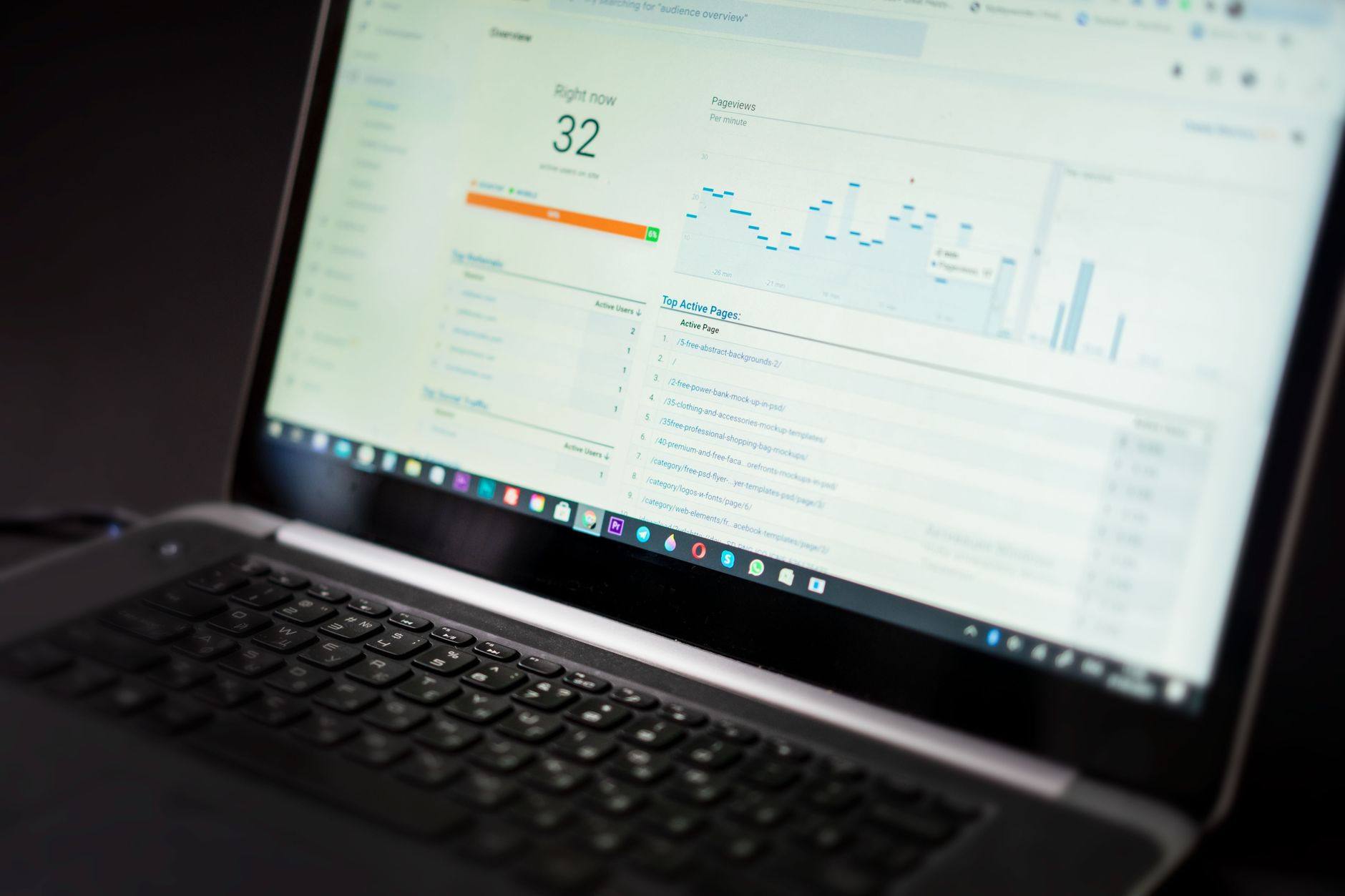
You do not need a bloated reporting stack. For most WordPress sites, the core tools are Google Search Console, Google Analytics, and PageSpeed Insights. Search Console measures search visibility, Analytics measures on-site behavior and conversions, and PageSpeed Insights helps you review performance signals and Core Web Vitals.
Google says the Search Console Performance report tracks clicks, impressions, CTR, and average position, while the Page Indexing report shows which pages Google can find and index. Google also recommends focusing more on trends in clicks and impressions than position alone. That is why a clean monthly SEO review should start with visibility and traffic, then move into page-level diagnosis.
How do you use Google Search Console correctly?

Use Search Console to answer three direct questions. Are the right pages indexed? Are impressions growing on priority pages? Are searchers clicking when your pages appear? If you cannot answer those three, you are guessing instead of measuring.
Open the Performance report and compare the last 28 days against the previous 28 days. Then review your top queries, top pages, and pages with high impressions but weak CTR. Search Console also groups data differently depending on whether you view the property overall or individual pages, so do not treat average position as a perfect ranking tracker. It is a directional metric, not a verdict.
A simple routine works well for most small business WordPress sites. Check whether core service pages and top blog posts are indexed, then look for pages earning impressions without enough clicks. Those pages often need stronger titles, tighter search intent alignment, or better internal links from related content.
What to review in Search Console each month
Keep the review short and consistent. A reliable 20-minute review is better than a giant quarterly report nobody acts on.
| Report | What to check | Common action |
|---|---|---|
| Performance | Clicks, impressions, CTR, average position | Improve titles on high-impression, low-CTR pages |
| Pages | Which URLs gained or lost visibility | Compare page intent, content depth, and internal links |
| Queries | Expected and unexpected search terms | Expand sections or consolidate overlapping content |
| Page Indexing | Excluded, indexed, and error states | Fix noindex settings, duplicates, or crawl issues |
How should you measure page performance?
Measure pages individually, not just sitewide totals. A site can show stable traffic overall while key service pages quietly lose impressions and leads. The pages that deserve the most attention are the ones tied directly to revenue, not just the ones with the most sessions.
For each priority page, track impressions, clicks, CTR, average position trend, organic conversions, and whether the page is linked clearly from relevant parts of the site. If a page has rising impressions but flat clicks, the title or meta description may be weak. If it has clicks but poor conversions, the SEO is doing its job and the page experience or offer needs work.
If you are not sure whether your current plugin configuration is helping or quietly hurting you, WordPress SEO Expert can help. We look at what is actually driving performance instead of chasing plugin scores.
What does good SEO performance actually look like?
Good performance looks like steady improvement in the right places, not perfect numbers everywhere. You want more impressions on priority pages, more qualified clicks from relevant queries, and more leads or sales from organic traffic. A green light in an SEO plugin does not mean the page deserves to rank.
One page may have a lower CTR because it ranks for broad informational searches. Another may convert well with fewer visits because it targets buyers closer to action. This is why context matters. The goal is not to win every metric on every page. The goal is to make your important pages easier to find, easier to click, and easier to act on.
How do you measure technical SEO impact?
Technical SEO performance is measured by cleaner indexing, fewer duplicate signals, stronger crawl paths, and better page experience on key templates. Do not measure technical work only by whether a tool says the score improved. Measure whether Google is finding, indexing, and serving the right URLs more reliably.
For WordPress sites, the usual checkpoints are page indexing status, canonicals, redirects, XML sitemaps, crawlable internal links, and template-level speed. PageSpeed Insights can help you review page performance and Core Web Vitals, but a perfect lab score is not the target. You do not need a perfect score. The goal is a site that loads cleanly and is easy to use.
What mistakes distort SEO measurement?

The biggest measurement mistake is watching vanity metrics without business context. If you only track sessions or plugin scores, you can miss indexing problems, weak query targeting, or pages that bring traffic but no revenue. Measurement should help you prioritize, not just reassure you.
Other common mistakes include tracking the whole site without segmenting important pages, treating average position like an exact ranking report, ignoring branded versus non-branded query performance, and failing to annotate major changes such as redesigns, migrations, or title rewrites. Most site owners need fewer metrics and better interpretation, not more dashboards.
A practical monthly SEO scorecard
Keep your scorecard simple enough to use every month. If a report is too long to maintain, it will get skipped. Start with a small set of metrics that clearly connect SEO work to search visibility and business outcomes.
| Area | Primary metric | Secondary check |
|---|---|---|
| Visibility | Impressions on priority pages | Average position trend |
| Traffic | Organic clicks | CTR by page and query |
| Indexing | Indexed key URLs | Excluded pages and reasons |
| Engagement | Landing page quality | On-page behavior in Analytics |
| Business impact | Leads or sales from organic search | Conversion rate by landing page |
The best next step
The best next move is to measure fewer things more consistently. Start with indexed pages, impressions, clicks, CTR, and conversions on your highest-value URLs. Once those are stable, you can refine titles, internal links, content depth, and speed with much better judgment.
If your reports are noisy, your plugin setup is messy, or you cannot tell whether the problem is indexing, content, or site structure, WordPress SEO Expert can help. Book a free SEO consultation. No pitch, no pressure. Just an honest look at what your site actually needs and whether your current setup is part of the solution or part of the problem.
Contact WordPress SEO Expert today to schedule a consultation and get a clearer plan for how to measure and improve your WordPress SEO performance.

















