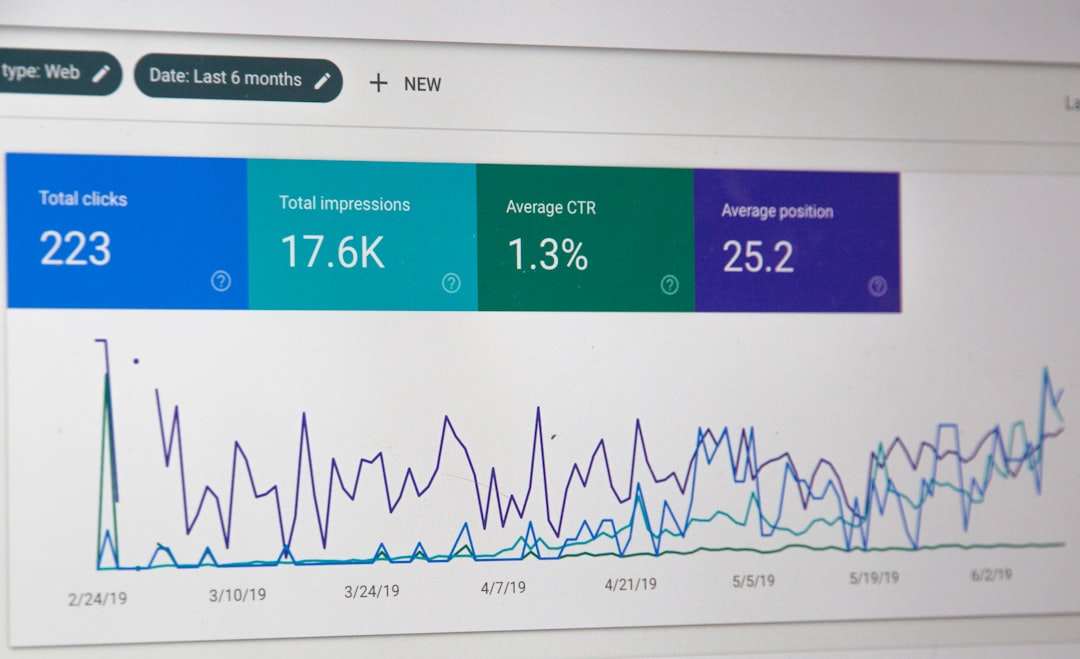
Low rankings in WordPress usually come down to a few fixable issues: weak page targeting, poor internal linking, slow performance, and settings that make it harder for search engines to crawl important pages. The fastest wins come from cleaning up your core setup first, then improving the pages that already matter most.
WordPress SEO Expert helps site owners turn WordPress into a cleaner, easier-to-rank CMS without relying on guesswork. If you want a second set of eyes before changing plugins or templates, our AI SEO services and WordPress SEO audits can help you spot what is actually holding performance back.
Start with the WordPress settings that affect indexing
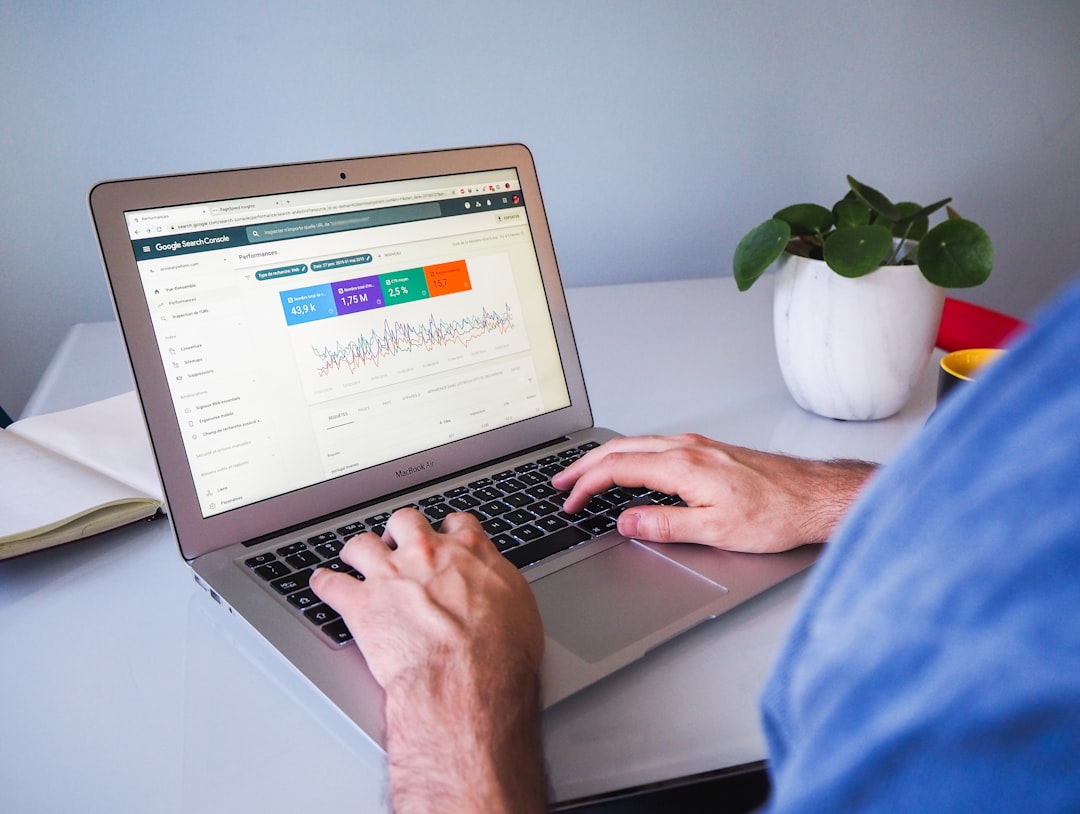
The first check is simple: make sure WordPress is not discouraging search engines from indexing the site, and make sure your permalink structure is readable. These two settings affect whether Google can access your pages cleanly and understand what each URL is about.
In WordPress, review Settings, then Reading, and confirm the search engine visibility box is not blocking indexing. Next, go to Settings, then Permalinks, and use a clean structure such as post name. WordPress documentation also recommends readable permalinks as part of its SEO basics, and Google’s SEO guidance emphasizes clear titles and descriptions because they influence how pages appear in search results.
What to check first
Look for broken pages, duplicate versions of the same URL, thin tag archives, and category pages that add no value. If your site has grown messy over time, a focused cleanup usually helps more than publishing ten new posts. This is especially true for service sites with only a handful of pages driving leads.
Use one SEO plugin and configure it fully
Most WordPress sites do better with one solid SEO plugin configured correctly than multiple plugins competing with each other. The plugin should manage titles, meta descriptions, sitemaps, schema basics, and indexing controls in one place.
If you use Yoast SEO, its documentation confirms that XML sitemaps are generated automatically and updated as content changes. Google also states that title links can be influenced by your title element and prominent on-page headings, which is why plugin settings and visible page structure need to match. Avoid installing overlapping SEO, schema, and sitemap plugins unless you know exactly which feature each one controls.
If you are unsure whether your setup is helping or hurting, WordPress SEO Expert can review the stack and remove plugin overlap before it causes crawl or duplication issues.
Optimize titles, headings, and meta descriptions page by page

Good WordPress SEO is usually won at the page level. Every important page should target one primary search intent, use a unique title, and open with copy that clearly answers what the visitor is looking for.
Write a clear H1 that matches the topic of the page, then support it with H2 sections that answer related questions. Keep title tags concise, descriptive, and distinct from other pages. Google’s Search Central documentation notes that title links may be generated from the title element, heading elements, and other prominent text, so mixed signals can weaken click-through and relevance.
Meta descriptions do not guarantee the snippet Google will show, but they still help shape clicks when they are well written. Focus on clarity, benefits, and search intent rather than stuffing extra keywords.
Strengthen internal links and site structure
Internal links help search engines discover pages and help users move from basic information to decision-ready content. If an important page has few internal links pointing to it, it often underperforms even when the content is decent.
Link related service pages, blog posts, and category pages with descriptive anchor text. For example, if you are expanding into newer search channels, connect your WordPress SEO work to AI SEO services where it fits naturally. If local targeting matters, related location pages such as WordPress SEO expert in Wisconsin can support regional relevance and user journeys.
A simple rule works well here: every page you care about should be reachable in a few clicks and should receive links from contextually related pages, not just menus and footers.
Improve speed, mobile usability, and technical cleanliness
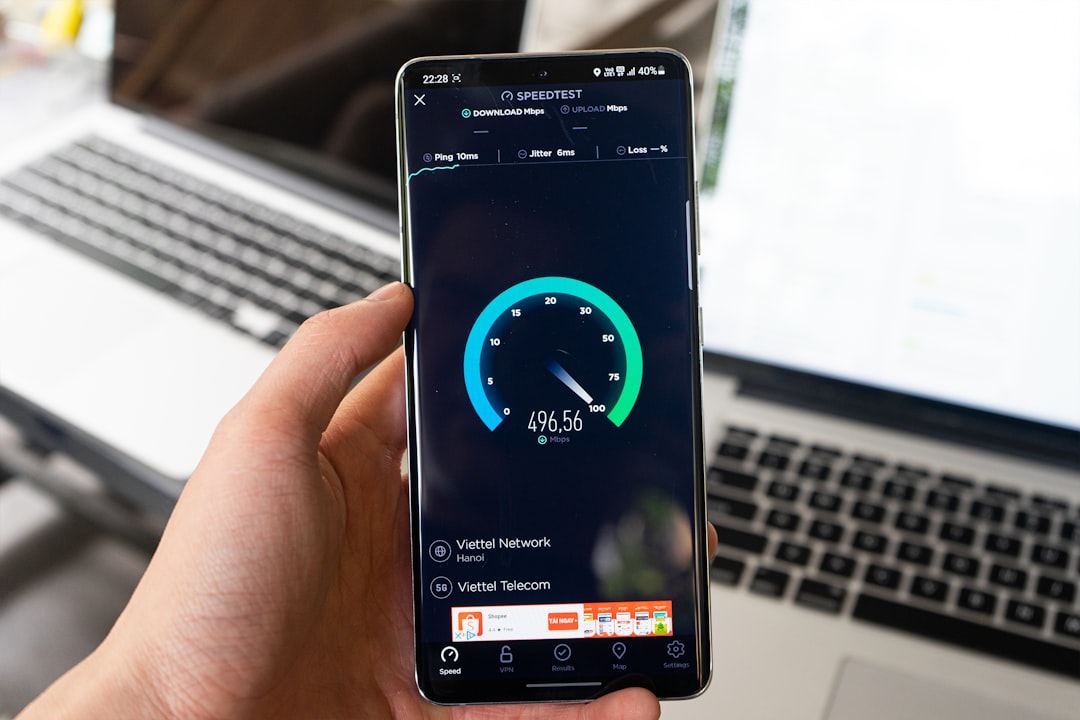
Slow WordPress sites lose momentum in both rankings and conversions. Better SEO performance usually follows when pages load faster, layouts are stable, and unnecessary scripts are removed.
Start with image compression, page caching, lean plugins, and reliable hosting. Then review mobile spacing, font sizes, and template clutter. A page does not need to be perfect to rank, but it should be easy to load and easy to use. Technical cleanup also reduces crawl waste from low-value URLs, redirect chains, and outdated attachments.
Make sure your sitemap and index controls support your goals
Your sitemap should highlight the URLs you actually want indexed, not every low-value archive or utility page WordPress can generate. Clean index controls help search engines spend more time on pages that matter.
Yoast explains that its XML sitemaps include the post types you want search engines to index and automatically exclude content marked noindex. That means your sitemap settings and your indexing settings should agree. If you noindex tag archives, thin author pages, or duplicate media pages, make sure they are not being treated like priority content elsewhere in the site.
A practical WordPress SEO checklist
If you want a straightforward improvement plan, work through the basics in order. Setup errors and weak structure usually limit results more than advanced tactics do.
| Area | What to do |
|---|---|
| Indexing | Confirm search engines are allowed to index the site and important pages |
| Permalinks | Use a clean URL structure and avoid unnecessary URL variants |
| SEO plugin | Use one plugin for titles, meta descriptions, sitemaps, and index controls |
| On-page SEO | Give each key page one primary intent, one clear H1, and unique metadata |
| Internal links | Add contextual links to important pages using descriptive anchor text |
| Performance | Compress images, enable caching, and remove plugin bloat |
| Content quality | Update thin, outdated, or overlapping pages before publishing more content |
Common mistakes that hurt WordPress SEO
The biggest WordPress SEO mistakes are usually self-inflicted: too many plugins, duplicate pages, weak titles, thin archive pages, and publishing content without a clear target query. Fixing these often produces cleaner gains than chasing the latest trend.
Other common issues include using the same title pattern on every page, forgetting alt text where it is genuinely useful, leaving orphan pages without internal links, and letting page builders load unnecessary assets sitewide. Honest pruning helps. Not every page deserves to stay indexed.
When to get help
If your WordPress site has traffic but poor conversions, or solid content but weak rankings, the problem is usually diagnostic rather than motivational. You need to know which pages, templates, and settings are holding the site back before you invest more time.
WordPress SEO Expert can help you audit the site, simplify the plugin stack, and build a plan that fits your business model. Book a free SEO consultation if you want us to review the setup with you before you make major changes.
Final takeaway
To optimize WordPress SEO, start with crawlability, titles, internal links, and speed before chasing advanced tactics. A clean structure and better page targeting usually outperform complicated setups.
If you want a practical roadmap instead of another generic checklist, contact WordPress SEO Expert today to schedule a consultation. We will help you turn WordPress SEO into a repeatable process, not a plugin guessing game.