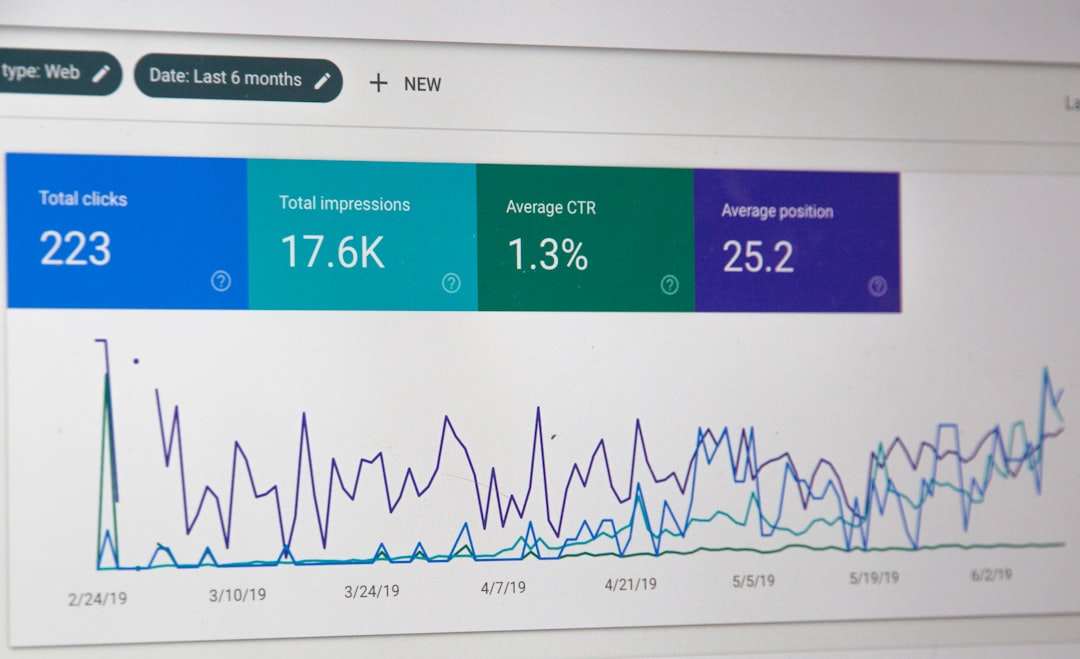
Low rankings usually come from a scattered setup, not one missing plugin. WordPress SEO affects SEO by shaping how easily Google can crawl your site, understand each page, measure page experience, and connect search intent to the content you publish. When those pieces are clean, WordPress becomes an SEO asset. When they are messy, even strong content can stall.
There is no separate algorithm for WordPress sites. What changes is how well your CMS handles the basics: titles, internal links, page speed, indexation, structured content, and site architecture. Google recommends helpful, reliable, people-first content, clear page titles, and descriptive internal links, which means your WordPress setup directly influences how well that guidance is executed on the page. If you want a second set of eyes before changing settings, review a practical WordPress SEO strategy for small business.
How WordPress SEO affects rankings

WordPress SEO affects rankings indirectly but powerfully. The platform controls whether your pages are crawlable, whether metadata is clean, whether duplicate URLs pile up, and whether visitors get a fast, usable experience. Those factors do not replace content quality, but they often decide whether good content gets fully understood and trusted.
Most site owners do not have one catastrophic SEO issue. They have a stack of smaller WordPress problems: thin archive pages getting indexed, overlapping plugins generating duplicate settings, weak internal links, bloated themes, and service pages with vague titles. That combination makes it harder for search engines to interpret page purpose. It also makes it harder for users to find the next step, which weakens engagement and conversions.
What WordPress helps with
WordPress gives you a strong SEO foundation because it makes content publishing, heading structure, media management, and URL control relatively easy. Used well, it lets you create clear site architecture, keep important pages within a few clicks, and update content without developer bottlenecks.
That matters because SEO is rarely blocked by publishing alone. It is blocked by execution. A WordPress site can support clean permalinks, logical category structure, editable title tags through an SEO plugin, and contextual internal links between related pages. Google’s own documentation says clear and concise titles help describe page content, and descriptive anchor text helps people and Google understand linked pages. WordPress makes those improvements accessible, but it does not apply them for you automatically.
Examples of helpful WordPress SEO strengths
| Area | How it affects SEO |
|---|---|
| Permalinks | Clean URLs make page topics easier to interpret and keep site structure consistent. |
| Content editing | Fast updates make it easier to improve weak pages instead of leaving outdated copy live. |
| Internal linking | Related-post and manual links help search engines discover and understand important pages. |
| Plugin ecosystem | SEO, schema, caching, and image tools can improve implementation when used in one clean stack. |
| Media handling | Compressed images and proper alt text support better performance and usability. |
Where WordPress can hurt SEO
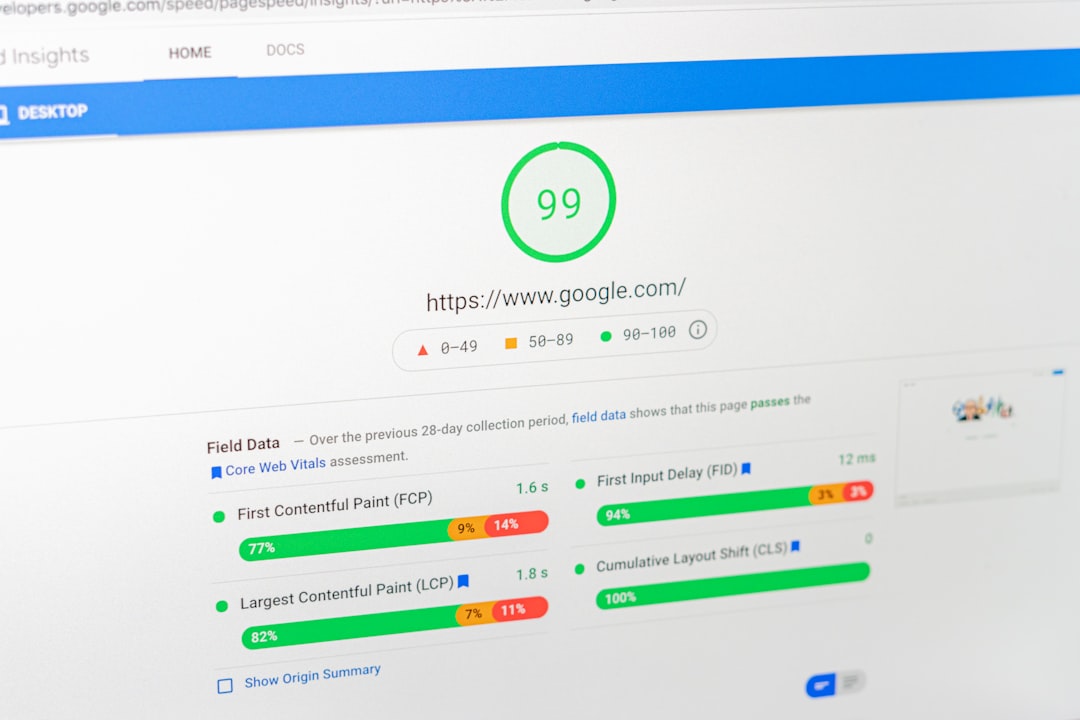
WordPress hurts SEO when convenience turns into bloat. Too many plugins, weak theme code, indexable tag archives, duplicate page variants, and slow templates can dilute ranking signals and waste crawl attention. The CMS is flexible, but flexibility without discipline creates SEO drag.
This is why plugin green lights often mislead site owners. A page can score well inside an SEO plugin and still underperform if the search intent is wrong, the title is boilerplate, the page is slow on mobile, or three similar pages compete for the same keyword. The platform does not guarantee rankings. It gives you the controls that can either sharpen or blur relevance.
Common WordPress SEO problems
| Problem | Why it matters |
|---|---|
| Multiple SEO plugins | Can create overlapping metadata, schema conflicts, and inconsistent canonical settings. |
| Thin archives | Category, tag, and author pages may get indexed without adding much value. |
| Slow themes or builders | Heavy front-end assets can weaken page experience and user satisfaction. |
| Poor internal structure | Important service pages may be buried or disconnected from supporting content. |
| Keyword overlap | Several pages targeting the same phrase can confuse Google about which one should rank. |
The biggest WordPress SEO factors to fix first
The highest-impact fixes are usually structure, indexation, metadata, speed, and internal linking. These are the areas where WordPress setup has the clearest SEO effect because they influence both discoverability and usability before you publish another article.
Start by checking whether your core pages each have one clear purpose. Then confirm that low-value archives are handled correctly, title tags are distinct, and your site is not slowed down by unnecessary plugins or oversized images. If performance is part of the problem, see these real WordPress site speed fixes for SEO to identify what to change first.
Priority checklist
| Priority | What to check | Why it matters |
|---|---|---|
| 1 | Indexation and crawl settings | Prevents low-value or duplicate pages from competing with core pages. |
| 2 | Title tags and H1s | Clarifies topic focus and helps search engines interpret page purpose. |
| 3 | Internal links to service pages | Strengthens page discovery and distributes relevance across the site. |
| 4 | Theme and plugin bloat | Reduces code weight and prevents technical conflicts. |
| 5 | Page speed and image handling | Improves user experience and supports stronger page experience signals. |
Content quality still matters more than plugins

WordPress SEO can improve how a page is presented and discovered, but it cannot rescue weak content. If a service page does not answer buyer questions, explain the offer clearly, and show why someone should trust you, no plugin setting will close that gap.
Google’s guidance is consistent on this point: SEO works best when it supports people-first content rather than content created mainly to manipulate rankings. That is why the strongest WordPress SEO work usually looks boring from the outside. It is not tricks. It is better architecture, clearer titles, stronger page purpose, cleaner links, and faster templates working together.
If you are seeing traffic stall after publishing more content, our team at WordPress SEO Expert can help identify whether the real issue is technical, structural, or page-level relevance before you keep adding pages.
Final takeaway
WordPress SEO affects SEO because it controls the environment your content lives in. A clean WordPress setup makes it easier for Google to crawl, understand, and trust your pages. A cluttered setup does the opposite. Most gains come from fixing the basics in the right order, not chasing every plugin recommendation.
If you want clarity on what is actually holding your rankings back, contact WordPress SEO Expert today to schedule a consultation. We will help you prioritize the fixes that matter instead of guessing through another round of plugin settings.