
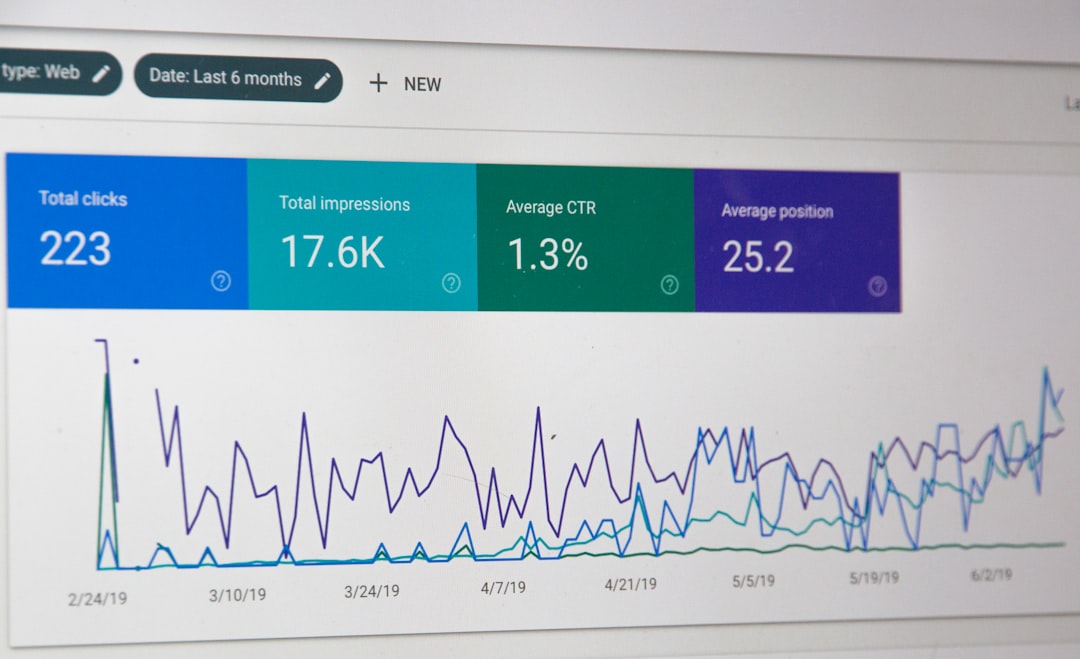
Low rankings usually come from a scattered plan, not one missing plugin. Most WordPress sites that stall in search have a stack of smaller issues: weak page targeting, duplicate URLs, thin internal linking, messy plugin settings, and pages that are hard for search engines to crawl. The fix is not more tools. It is using the right tools in the right order.
One well-configured SEO plugin is enough. Running overlapping plugins often creates duplicate metadata, conflicting canonicals, and competing sitemap outputs. If your setup feels bloated or contradictory, start by simplifying it before you chase another feature or score.
What are the most important WordPress SEO best practices?
The most important best practices are the ones that improve crawl clarity, page relevance, and site structure first. Fix the issues that block visibility before the issues that polish visibility. That means clean titles, strong internal linking, consistent canonicals, a clear sitemap, indexable priority pages, and a site that loads cleanly on real devices.
Google recommends descriptive, concise titles and warns against keyword stuffing and repetitive boilerplate in title elements. It also recommends descriptive anchor text for links and explains that canonical signals, redirects, and sitemap inclusion work together to help search engines understand the preferred version of a page. Those are practical rules WordPress site owners can apply immediately with the right configuration and page-level decisions. Google’s title guidance, link best practices, and canonical documentation all point in the same direction.
If you need a broader diagnostic starting point, our guide on WordPress SEO problems and fixes pairs well with the recommendations below.
Which tools actually help with WordPress SEO?
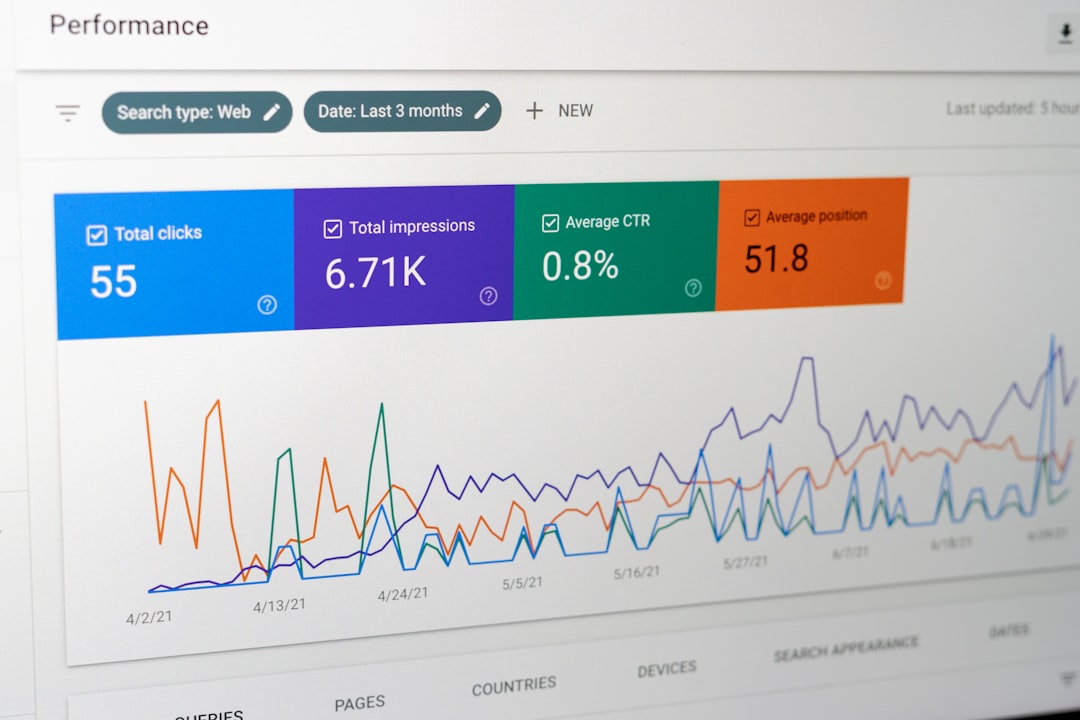
The best tools help you make decisions, not chase plugin scores. You need one SEO plugin, one analytics stack, one search performance view, and a few technical checks. Beyond that, extra tools often create noise unless they help you identify a specific problem faster.
For most sites, the core stack includes an SEO plugin such as Yoast SEO or Rank Math, Google Search Console for indexation and query data, Google Analytics for engagement trends, a crawl tool for finding broken links and duplicate patterns, and performance tools that show template-level problems. The gap between tools is not that one works and one does not. The gap is in interface, workflow, cost, and whether the tool helps you fix the next issue in line.
| Tool type | What it is best for | Common mistake |
|---|---|---|
| SEO plugin | Titles, meta data, canonicals, XML sitemaps | Running more than one at the same time |
| Google Search Console | Indexing checks, query visibility, page performance | Ignoring impressions because clicks look low |
| Analytics platform | Engagement, conversions, landing-page behavior | Using traffic alone as the success metric |
| Site crawler | Broken links, redirect chains, duplicate patterns | Auditing everything but fixing nothing |
| Performance testing tool | Template bottlenecks, script weight, layout issues | Optimizing scores instead of user experience |
If you are comparing plugins specifically, see our breakdown of Yoast SEO vs Rank Math. If you run a store, our post on WordPress SEO strategy for ecommerce sites covers the duplicate URL and crawl issues that standard plugin comparisons usually skip.
What should you set up first?
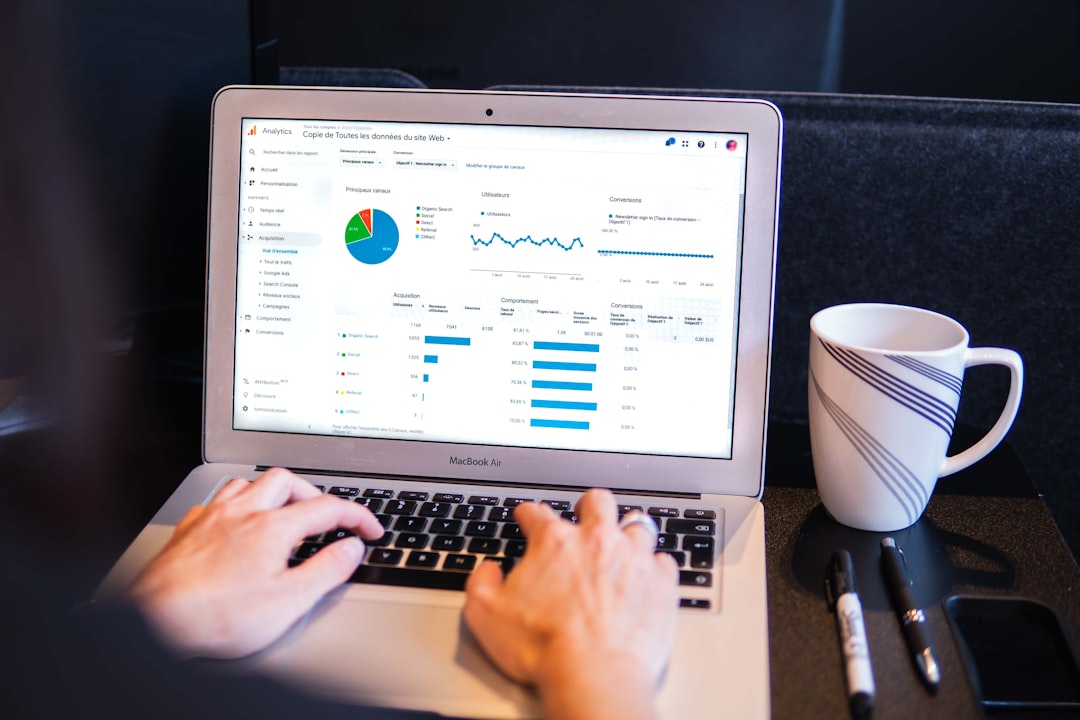
Start with the settings that decide whether search engines can crawl, index, and understand your pages. Before you rewrite copy or buy another tool, make sure your site is indexable, your preferred URLs are consistent, and your most important pages are actually reachable through internal links.
Check whether the site or key sections are accidentally blocked. Google’s documentation is clear that robots.txt should be used to control crawling, not as a way to prevent indexing, and that the noindex meta tag is the page-level method for keeping content out of search. Google also warns not to use robots.txt as the mechanism to hide pages from results. Its technical guidance and robots.txt documentation both reinforce that distinction.
After that, confirm your canonical setup, XML sitemap output, title templates, and internal linking. A green light in an SEO plugin does not mean the page deserves to rank. The page still needs a clear purpose, a search-aligned title, useful copy, and supporting internal links from related pages.
How should you use titles, canonicals, and internal links?
Use titles to describe the page clearly, canonicals to consolidate duplicate versions, and internal links to show relationship and importance. These three areas often create more movement than endless copy edits because they help both search engines and users understand what each page is for.
Google says title text should be descriptive and concise, and it specifically calls out keyword stuffing and repetitive boilerplate as poor practice. It also explains that redirects and rel=”canonical” are strong signals for preferred URLs, while sitemap inclusion is a weaker supporting signal. For internal links, Google recommends concise, descriptive anchor text written naturally in context. The SEO Starter Guide and Google’s title systems explanation are useful references when you are cleaning this up.
| Element | Weak setup | Stronger setup |
|---|---|---|
| Title | SEO Services | SEO Company | SEO Expert | WordPress SEO Services for Small Businesses |
| Canonical | Left inconsistent across duplicate URLs | Points duplicate versions to the preferred page |
| Internal link anchor | Click here | WordPress SEO problems and fixes |
If your pages compete with filtered URLs, tag archives, parameter versions, or near-duplicate service pages, solve that structure problem before you publish more content. Most site owners do not have one catastrophic problem. They have a stack of smaller issues that compound over time.
If you are not sure whether your current plugin configuration is helping or quietly hurting you, WordPress SEO Expert can help.
What techniques improve rankings without over-optimizing?

The techniques that matter most are the ones that make each page easier to understand and easier to access. You do not need a perfect score. The goal is a site that loads cleanly, uses clear page targeting, avoids duplicate signals, and makes the next useful page easy to find.
In practice, that means consolidating overlapping content, improving service and category page specificity, tightening title tags, reducing thin archive indexation where needed, fixing broken internal links, and making sure high-value pages are linked from relevant supporting content. For WooCommerce and larger sites, it also means auditing faceted navigation, product variation URLs, and pagination behavior so crawlers spend more time on pages that can actually rank.
Schema can help search engines understand page context, but it should support a strong page, not distract from obvious structural problems. Speed improvements help most when they remove template bloat, unused scripts, heavy media, or plugin overlap. The practical question is not which tactic sounds advanced. It is which issue is limiting visibility right now.
A simple order of operations for WordPress SEO
If your rankings feel stuck, follow a short sequence instead of trying ten tactics at once. Sequential prioritization reduces wasted effort and makes it easier to measure what changed. Most sites improve faster when the work moves from access, to structure, to relevance, to refinement.
| Priority | What to fix | Why it comes first |
|---|---|---|
| 1 | Indexation and crawl blocks | Pages cannot rank if search engines cannot access them properly |
| 2 | Canonicals, redirects, duplicate URLs | Conflicting versions dilute signals and waste crawl attention |
| 3 | Titles, headings, page targeting | Search engines need clear page purpose |
| 4 | Internal linking and site structure | Helps distribute relevance and guide users deeper |
| 5 | Speed and UX cleanup | Improves usability after visibility blockers are resolved |
This is usually where DIY setups either improve quickly or stall. A scattered plan creates busy work. A focused plan creates momentum.
When should you get expert help?
You should get help when the site has conflicting signals, post-launch traffic loss, WooCommerce duplication problems, or months of content growth with no ranking movement. These are rarely solved by adding another plugin. They usually need a technical review, a content-priority plan, and cleanup across templates and settings.
WordPress SEO Expert works with businesses that need honest, platform-specific guidance without the agency fog. We help identify what is blocking growth, what can wait, and which changes are actually worth making on your WordPress site.
Book a free SEO consultation. No pitch, no pressure. Just an honest look at what your site actually needs and whether your current setup is part of the solution or part of the problem.
Contact WordPress SEO Expert today to schedule a consultation.

















