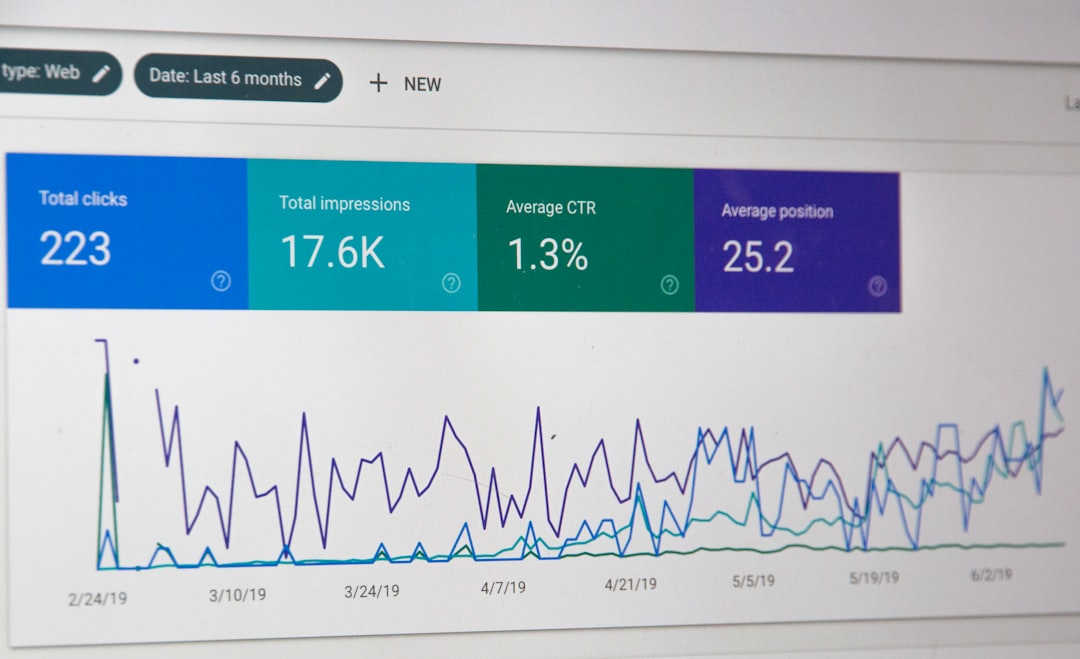
WordPress SEO problems usually come from a small number of issues: pages blocked from indexing, weak title tags, thin content, messy internal linking, and performance problems. The fastest way to improve results is to diagnose those issues in order instead of changing random plugin settings and hoping rankings recover.
Most site owners do not need a new plugin. They need a clear workflow: confirm Google can crawl and index the right pages, tighten page-level optimization, and remove technical friction. That is the process we use at WordPress SEO Expert when a site has traffic that feels stuck.
Start with indexing before anything else
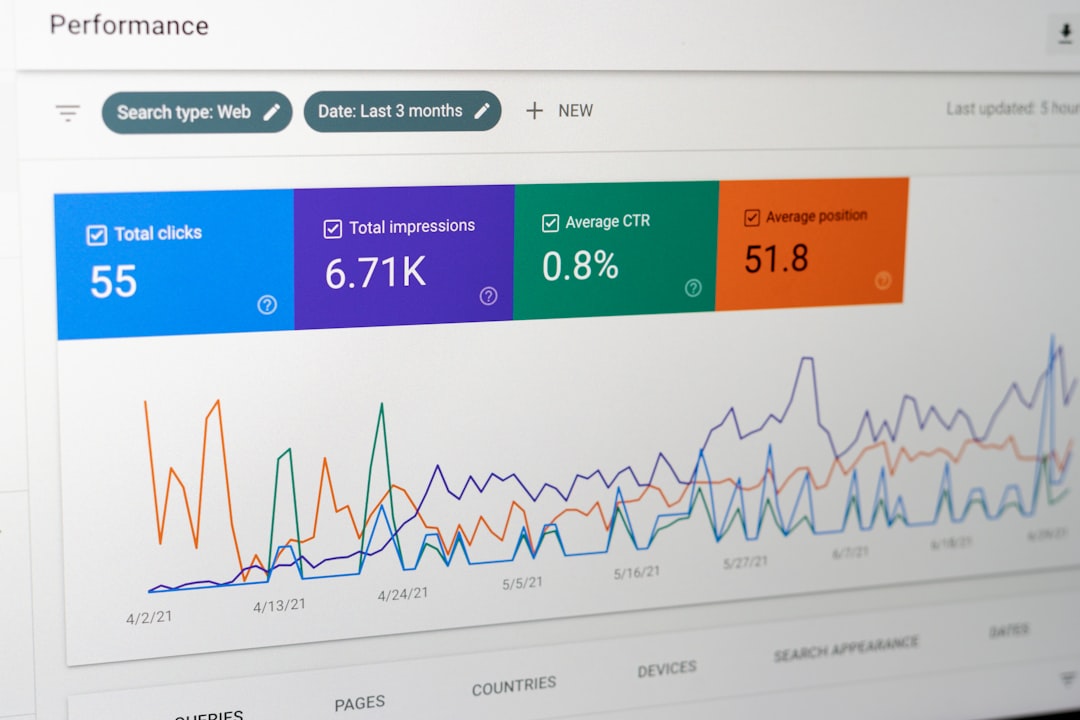
If Google cannot index your important pages, better content and better keywords will not save the site. Check indexing first, because one wrong setting can suppress the entire website or key sections of it.
In WordPress, go to Settings, then Reading, and make sure the search engine visibility box is not discouraging indexing. That setting can output a noindex directive, which tells search engines not to index the site. After that, review Google Search Console’s Page indexing report and URL Inspection tool to see whether important pages are indexed, excluded, or blocked for a specific reason.
If you need help diagnosing crawl and indexing issues, WordPress SEO Expert can help. Our technical SEO service focuses on the exact problems that stop search visibility before content changes ever have a chance to work.
Quick indexing checks
Review these items in order:
Check whether the correct version of the site is live and crawlable. Confirm your preferred domain, HTTPS version, and redirects are consistent. Look for noindex tags on pages that should rank. Review robots.txt for accidental blocking. Then inspect your XML sitemap to make sure it includes only pages you actually want indexed.
Fix on-page SEO problems page by page
Once indexing is working, the next priority is on-page SEO. Many WordPress sites underperform because titles are duplicated, headings are vague, and pages do not fully answer the search intent behind the keyword they target.
Start with your most important service, category, or product pages. Each page should have one clear primary topic, a useful title tag, a strong H1, descriptive subheadings, and content that answers the main questions a searcher would expect. If three pages are targeting the same phrase, consolidate or differentiate them so they stop competing with each other.
A practical way to approach this is to improve existing assets before publishing more low-value pages. Our on-page SEO service is built around that principle: strengthen the pages that already matter, then expand from a cleaner foundation.
Common on-page problems in WordPress
Look for title tags that repeat across posts, category archives that compete with blog posts, headings that do not match the keyword target, missing internal links to high-value pages, and content that is too short or too generic to earn trust. These issues are simple, but they add up quickly.
Clean up technical issues that slow growth

Technical SEO problems rarely look dramatic on the front end, but they often hold back rankings in the background. If a site loads slowly, creates duplicate URLs, or buries important pages too deep, search engines have a harder time crawling and prioritizing what matters.
Focus on the basics first. Reduce redirect chains. Fix broken internal links. Make sure canonical tags point to the preferred version of each page. Remove thin tag archives if they add no value. Keep category and URL structures simple enough that both users and crawlers can understand them.
Page speed also matters, especially when heavy themes, oversized images, and too many plugins are competing for resources. Core Web Vitals are part of Google’s page experience signals, so performance work supports both usability and technical SEO.
| Problem | What to check | Typical fix |
|---|---|---|
| Important pages not indexed | Noindex tags, robots rules, sitemap inclusion, Search Console status | Allow indexing and resubmit priority URLs |
| Keyword cannibalization | Multiple pages targeting the same search intent | Merge, redirect, or reposition overlapping pages |
| Slow page speed | Large images, heavy plugins, render-blocking assets | Compress assets, simplify scripts, improve caching |
| Weak internal linking | Orphan pages, vague anchor text, buried money pages | Add contextual links from relevant content |
| Duplicate URL versions | Canonicals, archives, parameters, trailing slash conflicts | Standardize URLs and correct canonical signals |
Use fewer plugins, but configure them properly
Plugin overload is a common WordPress SEO problem. The issue is usually not the existence of an SEO plugin. It is using too many overlapping plugins, or leaving important settings half-configured after installation.
Pick one primary SEO plugin and make sure its basics are correct: title templates, meta descriptions, XML sitemap behavior, schema defaults, and archive indexing rules. Then review performance plugins, image optimization tools, redirect plugins, and security tools so they are not creating conflicts or unnecessary overhead.
Build internal links that support rankings

Internal linking is one of the most underused WordPress SEO fixes. When important pages are isolated, Google gets weaker signals about their relevance and visitors have fewer paths deeper into the site.
Add contextual links from blog posts to service pages, from service pages to supporting guides, and from top-traffic pages to high-conversion pages. Use descriptive anchor text that explains what the linked page is about. This is especially important on growing sites where older content stops contributing because nothing points readers toward the pages that matter commercially.
If your site has useful content but weak structure, we can map those linking opportunities for you at WordPress SEO Expert and turn scattered posts into a stronger SEO system.
A simple workflow to fix WordPress SEO problems
The most reliable approach is to fix WordPress SEO problems in a sequence. Do not rewrite every page first. Do not install three new plugins first. Work through the issues in the order that affects visibility most.
First, confirm indexability. Second, improve your highest-value pages. Third, resolve technical weaknesses such as redirects, canonicals, speed, and broken links. Fourth, strengthen internal linking. Fifth, monitor Search Console and rankings so you can see which fixes actually move performance.
When to get outside help
If your site has already been rebuilt, re-themed, or heavily edited and rankings are still flat, the problem is often deeper than a few visible settings. That is usually the point where a proper audit saves time, because it replaces guesswork with a prioritized action plan.
WordPress SEO Expert can review your indexing, on-page setup, internal linking, and technical SEO to show exactly what is holding the site back. Contact WordPress SEO Expert today to schedule a consultation or request a free WordPress SEO audit.