
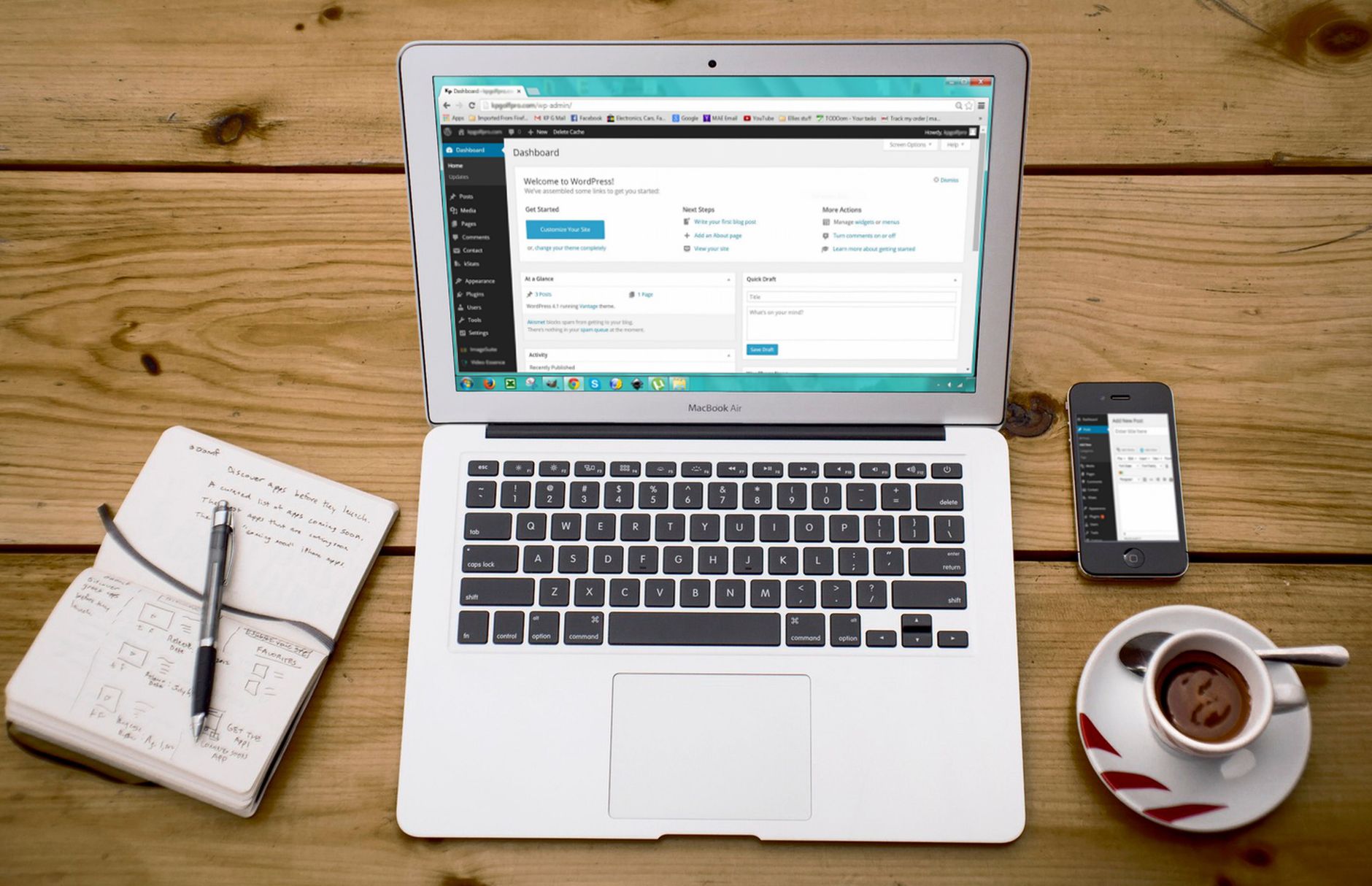
Low rankings usually come from a scattered setup, not one missing plugin. To optimize SEO for WordPress, start with indexing, permalink structure, titles, internal links, and page speed before you touch advanced settings. Most sites do not have one fatal problem. They have a stack of smaller issues that compound over time.
The fastest way to improve results is to clean up the core setup first, then strengthen the pages that already matter most. If you want a second set of eyes before changing settings, WordPress SEO Expert can help you diagnose what is actually holding the site back.
Start with indexing and permalink settings

The first step is making sure search engines can access the site and understand your URLs. If indexing is blocked or the URL structure is messy, stronger content alone will not solve the problem.
In WordPress, go to Settings, then Reading, and confirm the Search Engine Visibility box is not checked. WordPress documentation explains that this setting asks search engines not to index the site. Then review Settings, then Permalinks, and use a clean structure such as post name so URLs are readable and easier to interpret.
If you are fixing a site that has already lost visibility, our WordPress SEO optimization guide pairs well with a broader WordPress site speed SEO fix plan because crawlability and performance usually need attention together.
Use one SEO plugin and configure it fully
One well-configured SEO plugin is usually better than stacking multiple plugins that overlap. Competing features often create duplicate sitemaps, conflicting schema, and confusion over which settings actually control titles or indexing.
Pick one main plugin and use it to manage title tags, meta descriptions, XML sitemaps, schema basics, and index controls. The goal is a clean setup you can troubleshoot quickly. Plugin scores are not the goal. Clear page targeting and crawlable site structure are.
Optimize titles, headings, and meta descriptions page by page

Page-level targeting is where many WordPress sites win or lose. Every important page should answer one primary search intent, use a unique title, and open with copy that makes the topic obvious within a few seconds.
Google explains that title links can be influenced by the page title, heading elements, and other prominent text, so mixed signals can weaken relevance. Keep the main H1 aligned with the page topic, write concise titles, and avoid repeating the same template across every page. Google also notes that meta descriptions can help shape the snippet shown in search when they describe the page well, so write each one as a short, accurate pitch instead of stuffing extra keywords.
Weak title: SEO Services | SEO Company | SEO Expert. Stronger title: WordPress SEO Services for Small Businesses. The stronger version tells both Google and the searcher what the page is actually about.
Build internal links that support important pages
Internal links help search engines discover pages and help users move from general information to service pages or decision-ready content. If an important page has few contextual links pointing to it, it often underperforms even when the content is solid.
Link between related blog posts, service pages, and supporting content using descriptive anchor text. Focus on pages that drive leads, revenue, or important inquiries. Menus and footers help, but they are not enough on their own. Contextual links inside the body copy send a clearer signal about topical relevance.
If you are not sure what deserves more internal links, WordPress SEO Expert can help. Our team reviews site structure, orphan pages, and weak supporting content so you know what to fix first instead of adding links randomly.
Improve speed before chasing advanced tactics
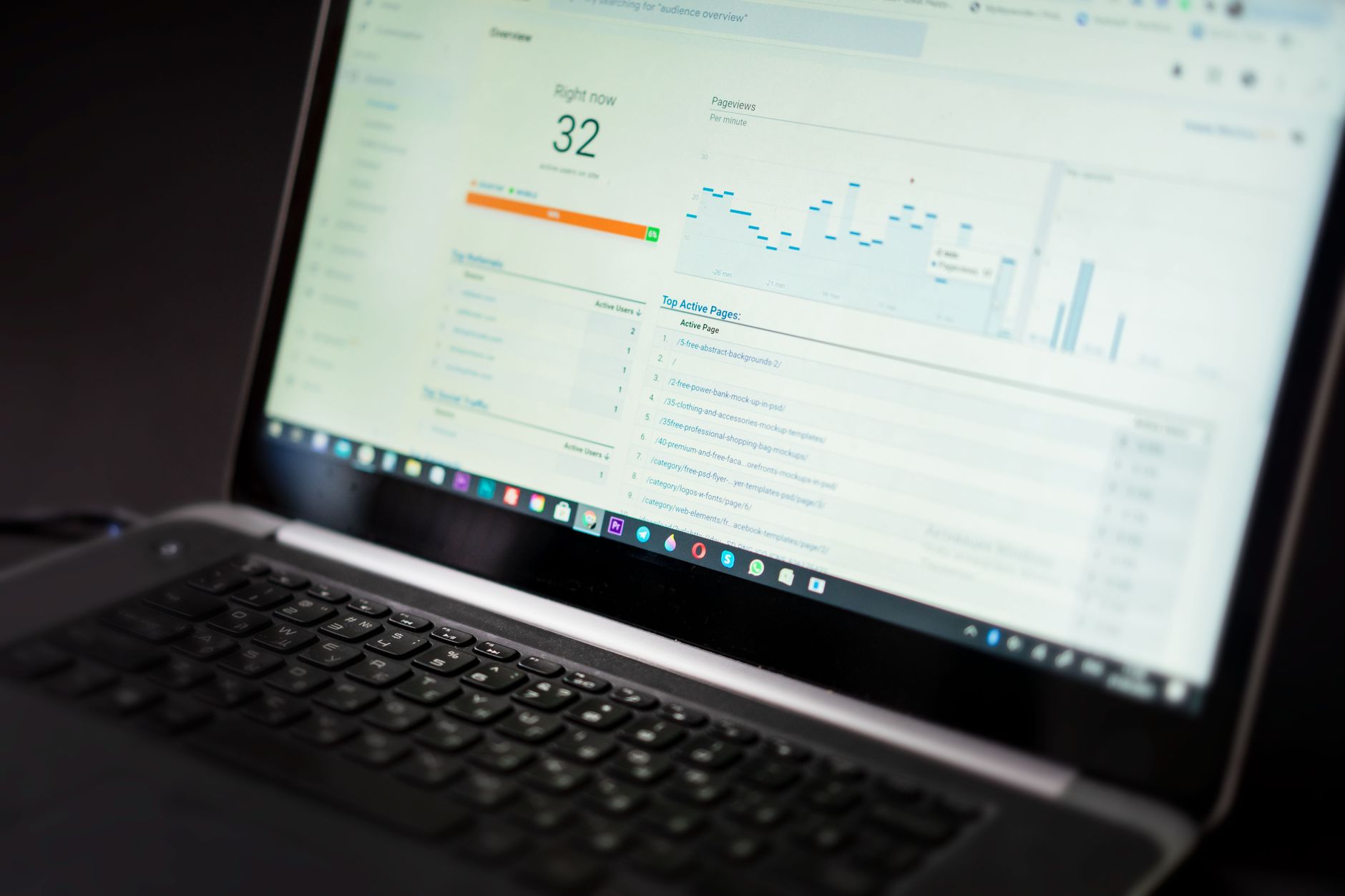
Speed problems rarely come from one setting. They usually come from oversized images, unnecessary scripts, slow hosting, and plugin bloat working together. Fixing those basics often improves both user experience and SEO performance faster than publishing more content.
Start with image compression, page caching, fewer overlapping plugins, and a lighter theme or page builder setup. If your mobile experience is clunky, simplify layouts and remove anything that delays loading without helping the page convert. You do not need a perfect score. You need a site that loads cleanly and is easy to use.
For a deeper breakdown, review our guide to improving WordPress site speed for SEO. It is especially useful if rankings dropped after a redesign or if Core Web Vitals reports are starting to look worse over time.
Check content quality before publishing more
Publishing more pages will not fix weak targeting or thin content. Before adding new posts, improve the pages already closest to ranking or converting. Updating existing assets usually moves the needle faster than creating ten new low-priority pages.
Look for overlapping posts targeting the same phrase, thin service pages, low-value tag archives, and outdated articles that no longer match search intent. Prune what is not helping, expand what already has traction, and make sure every important page has a clear job.
A practical WordPress SEO priority table
The simplest improvement plan is to fix foundational issues first, then move to page-level upgrades. This order keeps you from wasting time on advanced tweaks while basic crawl and structure problems are still unresolved.
| Area | What to check first | Why it matters |
|---|---|---|
| Indexing | Search Engine Visibility setting, robots rules, important pages indexable | Blocked pages cannot rank |
| Permalinks | Readable URL structure and no unnecessary duplicates | Cleaner URLs improve crawl clarity |
| SEO plugin | One plugin controlling titles, sitemaps, and index settings | Avoids conflicting signals |
| On-page SEO | One main topic per page, clear H1, unique title and description | Improves relevance and click-through potential |
| Internal links | Contextual links to priority pages | Supports discovery and topical authority |
| Performance | Compressed images, caching, lighter scripts | Improves user experience and reduces friction |
Common WordPress SEO mistakes
The most common mistakes are usually avoidable: too many plugins, duplicate pages, weak title tags, orphan pages, thin archives, and publishing content without a clear target. These problems look small on their own, but together they drag performance down.
Another frequent issue is treating plugin checklists as the finish line. A green light does not mean a page deserves to rank. The better test is whether the page clearly answers a real query, loads well, and fits logically within the rest of the site.
When to get outside help
If you have solid content but rankings are flat, or traffic dropped after a redesign, the problem is usually diagnostic. You need to know whether the issue is technical, structural, content-related, or competitive before making more changes.
WordPress SEO Expert can review the site, simplify the plugin stack, and build a short priority roadmap based on what is actually limiting performance. Book a free SEO consultation if you want us to look at the site before you spend more time chasing generic fixes.
Final takeaway
To optimize SEO for WordPress, fix the basics in order: indexing, URL structure, titles, internal links, and speed. Clean foundations usually beat complicated plugin setups and rushed publishing schedules.
If you want a practical second opinion, contact WordPress SEO Expert today to schedule a consultation. We will help you figure out what is actually holding rankings back and what to fix first.

















