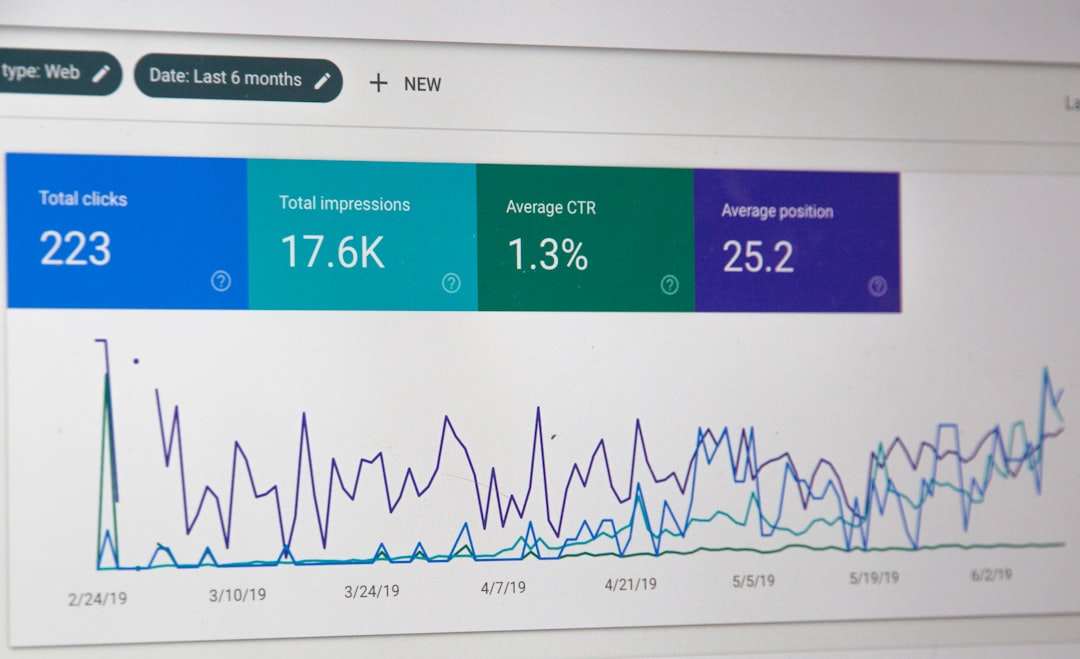
Low rankings usually come from a scattered plan, not one missing plugin. WordPress SEO is simply the work of helping Google understand your site, trust your pages, and match them to the right searches. If your site is well built but traffic is stuck, the problem is usually a stack of smaller issues rather than one catastrophic mistake.
WordPress SEO Expert helps business owners and developers sort those issues into the right order. Instead of chasing plugin scores, focus on the parts that actually move performance: technical setup, page targeting, content quality, internal linking, and user experience. If you want a deeper look at the technical side first, review our WordPress SEO checklist for new websites and our guide on how to improve WordPress site speed for SEO.
What WordPress SEO Actually Means

WordPress SEO means improving how your WordPress website is crawled, understood, and chosen in search results. It is not a secret formula. It is a practical combination of clean site structure, relevant content, useful page titles, fast loading pages, and clear signals about what each page is for.
Think of it this way: WordPress gives you the framework to publish pages, but it does not automatically make those pages competitive. Search engines still need help understanding which pages matter, what topics they cover, and whether visitors will have a good experience once they arrive.
Why WordPress SEO Feels Confusing
Most of the confusion comes from too many moving parts being presented at once. A plugin tells you to add keywords. Another tool warns about speed. A blog post says you need backlinks. All of that can be true, but not all of it matters equally on day one.
Most site owners do not have one giant SEO failure. They have a homepage with a weak title, service pages targeting the same phrase, images that slow down load times, and blog posts with no internal links. Each issue looks small by itself. Together, they keep rankings flat.
The 5 Parts of WordPress SEO
WordPress SEO becomes much easier when you break it into five parts. Fix these in order and the work stops feeling abstract. This is the framework we use when diagnosing why a WordPress site is not gaining traction.
| Area | What it means | Why it matters |
|---|---|---|
| Technical SEO | Indexing, crawlability, sitemaps, canonicals, site structure | If Google cannot access or interpret pages correctly, content will struggle |
| On-page SEO | Titles, headings, URLs, internal links, image alt text | Helps search engines understand what each page should rank for |
| Content | Useful, specific pages that match search intent | Gives searchers a reason to choose and stay on your site |
| User experience | Speed, mobile usability, layout clarity | Supports both visitors and overall page quality signals |
| Authority | Backlinks, brand mentions, reputation | Helps Google trust your site compared with competitors |
1. Technical SEO
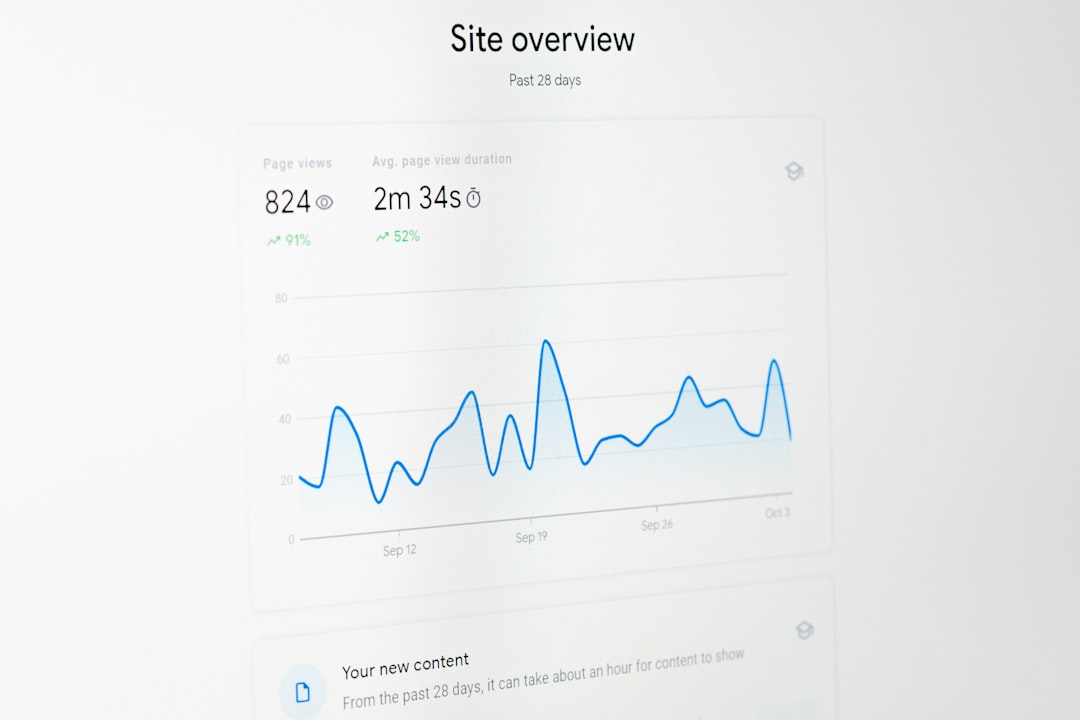
Technical SEO makes sure your site can be crawled and indexed properly. This includes your sitemap, robots settings, canonical tags, redirects, and whether important pages are accidentally blocked from search engines.
A common WordPress problem is assuming the site is visible because it looks fine in a browser. In reality, a noindex setting, duplicate versions of the same URL, or a poor permalink setup can limit visibility before content quality even enters the conversation.
2. On-page SEO
On-page SEO is the layer you control directly on each page. It includes the title tag, headline, subheadings, body copy, images, and internal links. The goal is not to repeat a keyword endlessly. The goal is to make the page topic unmistakably clear.
Weak title: SEO Services | SEO Company | SEO Expert. Stronger title: WordPress SEO Services for Small Businesses. The second version is clearer, more specific, and easier for both Google and the searcher to interpret.
3. Content
Content is where many WordPress sites underperform because they publish broadly instead of purposefully. SEO content should answer a clear search need. A page should target one main topic, solve a real problem, and avoid competing with another page on your own site.
Publishing more posts is not automatically better. Ten focused pages that each match a real search intent will outperform fifty vague articles written just to fill a blog archive.
4. User Experience
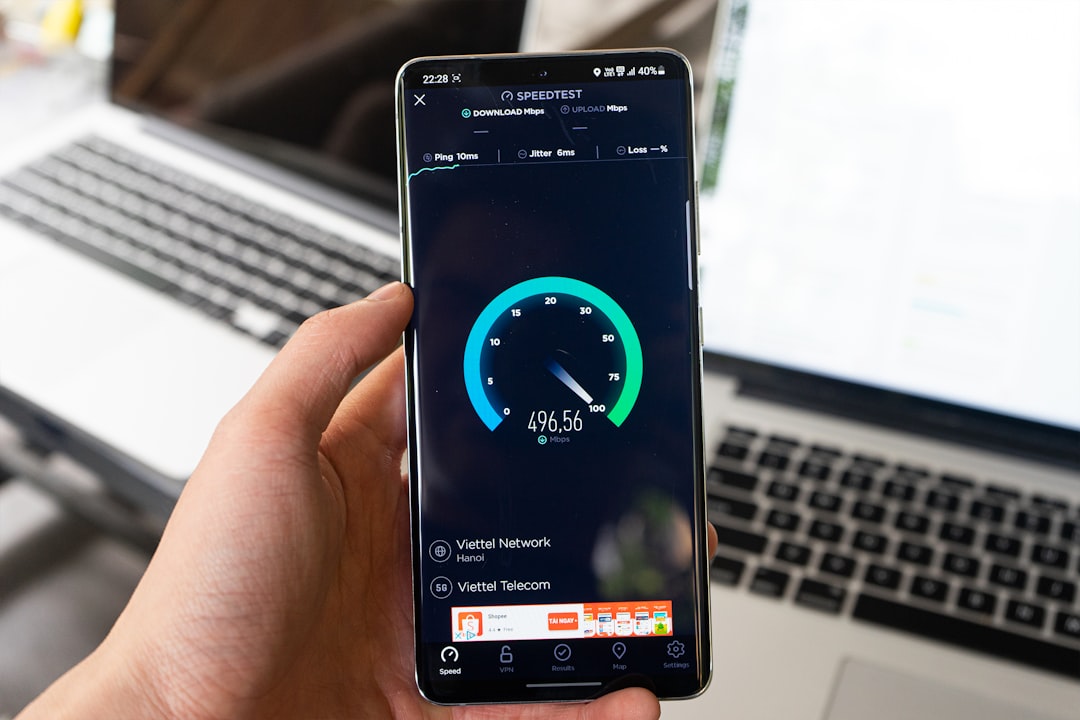
User experience affects whether visitors can actually use the page you worked so hard to rank. If pages load slowly, shift while loading, or feel cluttered on mobile, rankings and conversions both become harder.
This is where WordPress setup matters. Heavy themes, oversized images, too many plugins, and script-loaded page builders can create friction even when the content itself is solid. That is why speed and usability belong in the SEO conversation, not outside it.
5. Authority
Authority is Google’s confidence that your site deserves visibility compared with similar sites. Backlinks are part of that, but so are brand signals, topical consistency, and the overall quality of your site.
If two businesses publish equally strong service pages, the one with a stronger reputation and better link profile usually has the advantage. This is why SEO is rarely solved by on-page edits alone once a market becomes competitive.
What To Fix First on a WordPress Site
The fastest way to simplify WordPress SEO is to stop trying to fix everything at once. Start with the few issues that prevent search visibility or create confusion about your pages. That is almost always more effective than spending hours polishing plugin checkmarks.
| Priority | Fix this first | Why it comes first |
|---|---|---|
| 1 | Check indexing settings and sitemap | If pages are blocked or missing, nothing else matters yet |
| 2 | Improve page titles and page focus | Helps Google understand what each page should rank for |
| 3 | Remove overlap between similar pages | Prevents your own pages from competing against each other |
| 4 | Add internal links between related pages | Strengthens site structure and helps search engines discover context |
| 5 | Improve speed and mobile usability | Supports a better visitor experience and cleaner performance |
If you are experiencing these symptoms, our team at WordPress SEO Expert can help. A focused audit usually shows what is actually blocking growth much faster than another round of plugin tweaking.
Do You Need an SEO Plugin?
Yes, most WordPress sites benefit from one SEO plugin, but the plugin is not the strategy. It helps you control titles, meta descriptions, schema settings, sitemaps, and indexing rules. It does not replace content quality, site structure, or competitive research.
There is no single best plugin for every site. What matters more is choosing one clean setup and using it correctly. Running overlapping SEO plugins or treating green scores as the goal usually creates more confusion than progress.
Simple Example of WordPress SEO in Action
Imagine a local accountant has a page called Services and a blog post called Tax Help Tips. Neither page clearly targets what potential clients are searching for. Search engines have to guess, and searchers do too.
A simpler SEO approach would turn that vague setup into clearer pages: a service page targeting small business tax preparation, a separate page for bookkeeping services, and a blog post answering one specific question. Add descriptive titles, clean headings, and internal links between them, and the site becomes much easier to understand.
What WordPress SEO Is Not
WordPress SEO is not keyword stuffing, chasing a perfect plugin score, or publishing endless low-value posts. Those tactics make the process feel busy without making the site more competitive.
It is also not a one-time task. Sites change. Competitors improve. New pages get added. Themes and plugins affect performance over time. Good SEO is ongoing maintenance with clear priorities, not one settings session followed by hope.
The Simple Version to Remember
If you remember nothing else, remember this: WordPress SEO is the process of making your site easy to crawl, easy to understand, and genuinely useful for the person searching. That is the simple version. Everything else is a tactic that supports one of those goals.
When rankings stall, do not assume you need a total rebuild. Most sites need a better order of operations. Fix technical barriers first, clarify page targeting next, strengthen internal linking, then improve speed and authority where needed.
If you want a second set of eyes before changing settings, WordPress SEO Expert can help you sort out what matters first. Contact WordPress SEO Expert today to schedule a consultation.