

Low rankings usually come from a scattered plan, not one missing plugin. A useful WordPress SEO guide should help you fix the settings, page signals, and internal links that hold rankings back first, before you spend time chasing plugin scores or publishing more content.
Most site owners do not have one catastrophic problem. They have a stack of smaller issues that compound over time: weak title tags, messy URLs, thin internal linking, slow templates, and pages that are hard for search engines to understand. That is why a page can be well written and still underperform.
This guide walks through the practical order we recommend at WordPress SEO Expert. If you want a broader diagnostic process before changing settings, review our WordPress SEO audit process and our guide to fixing WordPress SEO problems.
Start with the WordPress settings that block growth
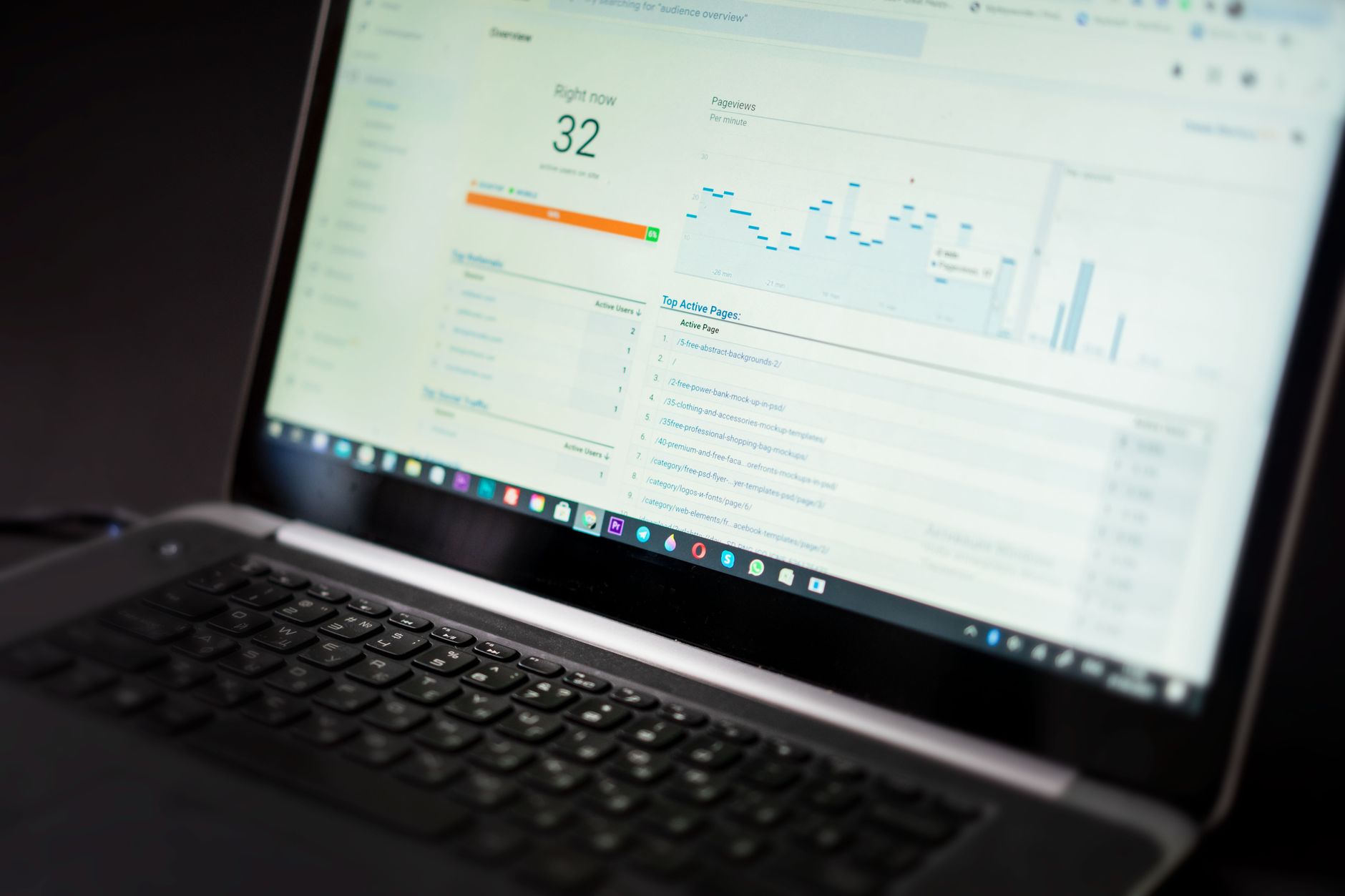
The first SEO wins in WordPress usually come from basic settings, not advanced tactics. Make sure search engines can crawl the site, your permalink structure is clean, and you are not running overlapping SEO plugins that create conflicting titles, schema, or index rules.
In WordPress, check Settings and confirm the site is not discouraging search engines from indexing it. Then review permalink settings so URLs are readable and stable. WordPress includes SEO-friendly permalink support, and Google recommends clear, descriptive titles and crawlable links built with standard anchor tags rather than JavaScript-only navigation.
| Area | What to check first | Why it matters |
|---|---|---|
| Reading settings | Confirm search engine visibility is not blocking indexing | A blocked site will struggle to appear in search at all |
| Permalinks | Use a clean post name structure when possible | Readable URLs are easier for users and search engines to interpret |
| SEO plugin setup | Keep one primary SEO plugin active | Multiple plugins often create duplicate or conflicting settings |
| Site structure | Make sure important pages are linked from navigation or relevant content | Strong internal linking helps crawling and clarifies page importance |
Fix titles and headings before writing more content
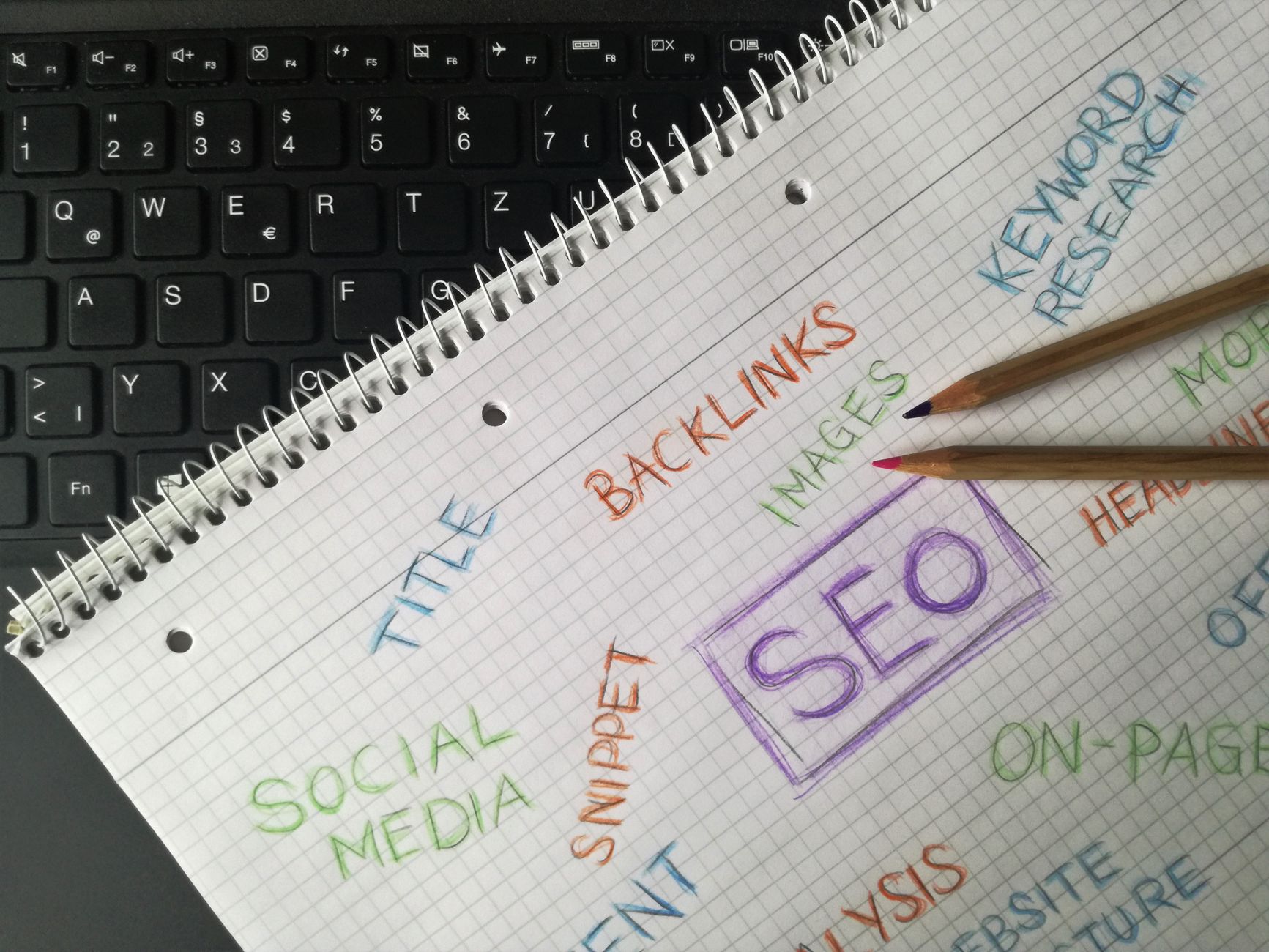
Weak titles are one of the most common reasons a page underperforms. Before you publish more articles, rewrite the title tag, H1, and intro on the pages that already target your main services or keywords.
Google recommends descriptive, concise title text and advises against repetitive boilerplate and keyword stuffing. In practice, that means every important page should have a distinct title that matches search intent and clearly describes the page instead of repeating the same generic phrase across the site.
Weak title: SEO Services | SEO Company | SEO Expert
Stronger title: WordPress SEO Services for Small Businesses
Your H1 should support the page topic, not compete with it. Keep one clear main heading, avoid repeating multiple large headings with the same weight, and make sure the first paragraph answers the searcher’s question quickly.
Build internal links with intent
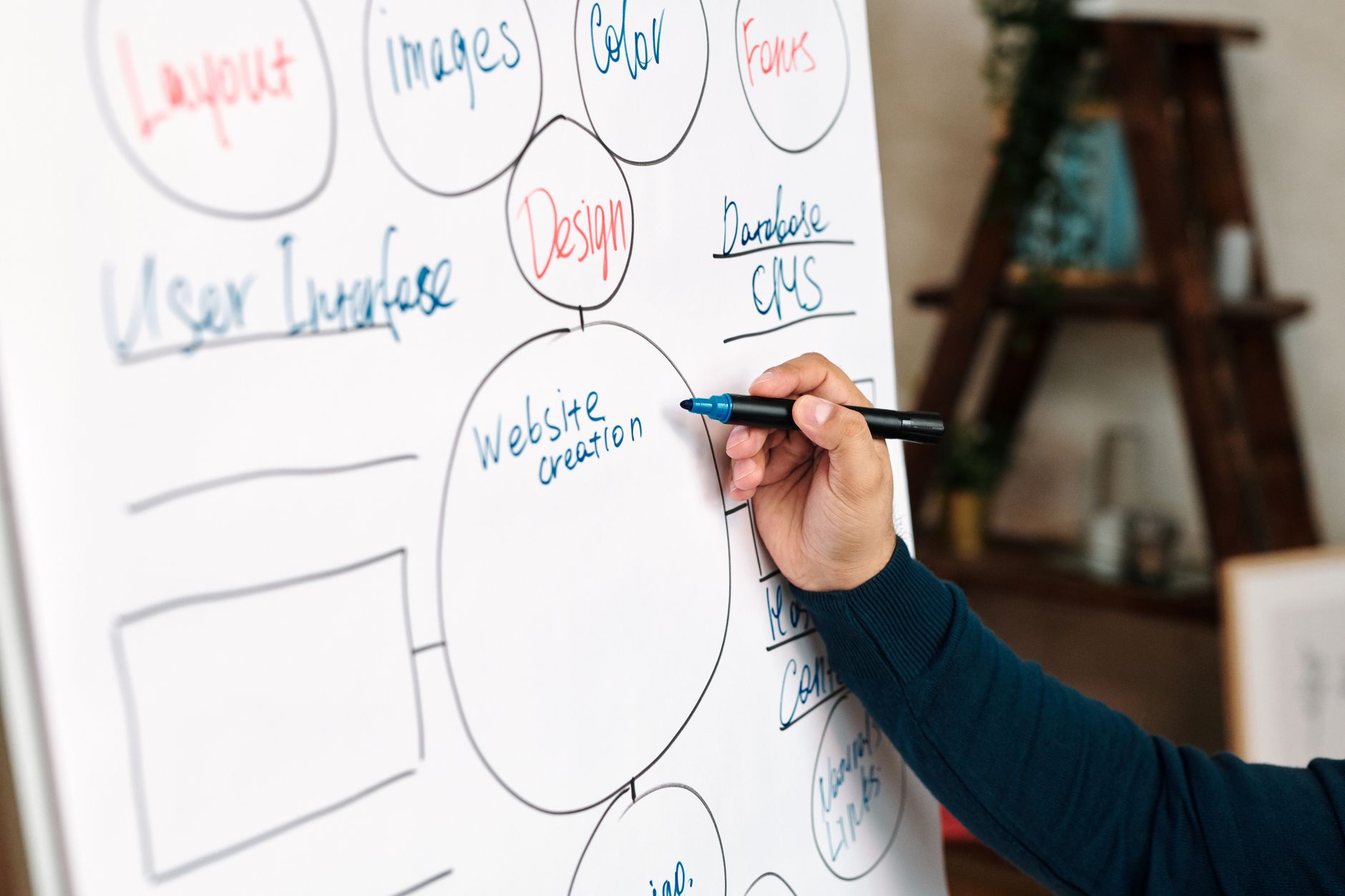
Internal linking is one of the fastest ways to strengthen a WordPress site without redesigning it. The goal is not to add random links everywhere. The goal is to connect related pages with descriptive anchor text so users and search engines can understand which pages matter most.
Google’s documentation explains that descriptive anchor text helps people and Google make sense of pages more easily. That is why service pages, category pages, and supporting blog posts should link to each other naturally instead of sitting in isolation.
A simple example: if you publish a tutorial about settings, link naturally to a broader step-by-step WordPress SEO guide or a focused WordPress SEO checklist for better rankings. This gives the page context and helps distribute authority across related content.
Improve page quality before expanding your site
Publishing more posts does not fix weak pages. In most cases, you will get better results by improving the pages already closest to page one: tighten the keyword focus, expand the sections that are thin, add examples, and remove vague filler that does not help the reader.
Start with pages that already target a clear topic. Make sure the primary keyword appears naturally in the title, H1, opening paragraph, and a few relevant subheadings. Then check whether the content actually answers the search intent. A service page should explain scope, process, and next steps. A guide should solve a problem clearly and in the right order.
Google’s people-first content guidance is a good filter here: write to help the reader complete a task or understand a decision, not to hit a formula. If the page feels padded, it usually is.
Use one practical SEO workflow
A good WordPress SEO workflow is simple: fix crawl and indexing issues first, improve titles and headings second, strengthen internal links third, and expand content only after the page structure is clear. That order prevents wasted effort.
If you skip straight to content production, you often end up publishing into a weak structure. We see this constantly on small business sites: dozens of blog posts, but unclear service pages, inconsistent title tags, and almost no internal linking. The result is activity without momentum.
If you want a second set of eyes before changing settings, WordPress SEO Expert can help identify which pages to fix first and which issues are just noise.
What to fix first on most WordPress sites
If you only have time for a few actions this week, start with the pages most likely to drive leads or revenue. Do not begin with low-value archive cleanup or endless plugin tweaks if your main service pages still have weak titles and thin linking.
| Priority | Fix | Expected payoff |
|---|---|---|
| 1 | Check indexing, plugin conflicts, and permalink structure | Removes technical blockers that suppress visibility |
| 2 | Rewrite title tags, H1s, and opening paragraphs on key pages | Improves relevance and click potential |
| 3 | Add descriptive internal links from related posts and pages | Improves crawl paths and topical clarity |
| 4 | Upgrade thin pages with better examples and clearer intent match | Improves usefulness and competitiveness |
| 5 | Review performance issues after on-page basics are fixed | Supports user experience without distracting from bigger SEO gaps |
Final takeaway
The best WordPress SEO guide is not the one with the longest checklist. It is the one that helps you diagnose what is actually holding rankings back and fix the highest-impact issues first. For most sites, that means structure, titles, internal linking, and page quality before anything more advanced.
If rankings are stuck and you are not sure whether the problem is technical, on-page, or structural, contact WordPress SEO Expert for a free consultation. We can help you sort the real bottlenecks from the distractions and build a practical roadmap.

















