

Low rankings usually come from a scattered plan, not one missing plugin setting. If your WordPress SEO guide pages are stuck, start by checking whether Google can index the right URLs, whether each page has a distinct target, and whether internal links and technical basics support the content instead of quietly holding it back.
Most site owners do not have one catastrophic problem. They have a stack of smaller issues that compound over time. This is why a guide can be well written and still underperform. The fix is to work in order: indexability first, page targeting second, technical cleanup third, and internal linking after that.
Start with indexing before rewriting anything
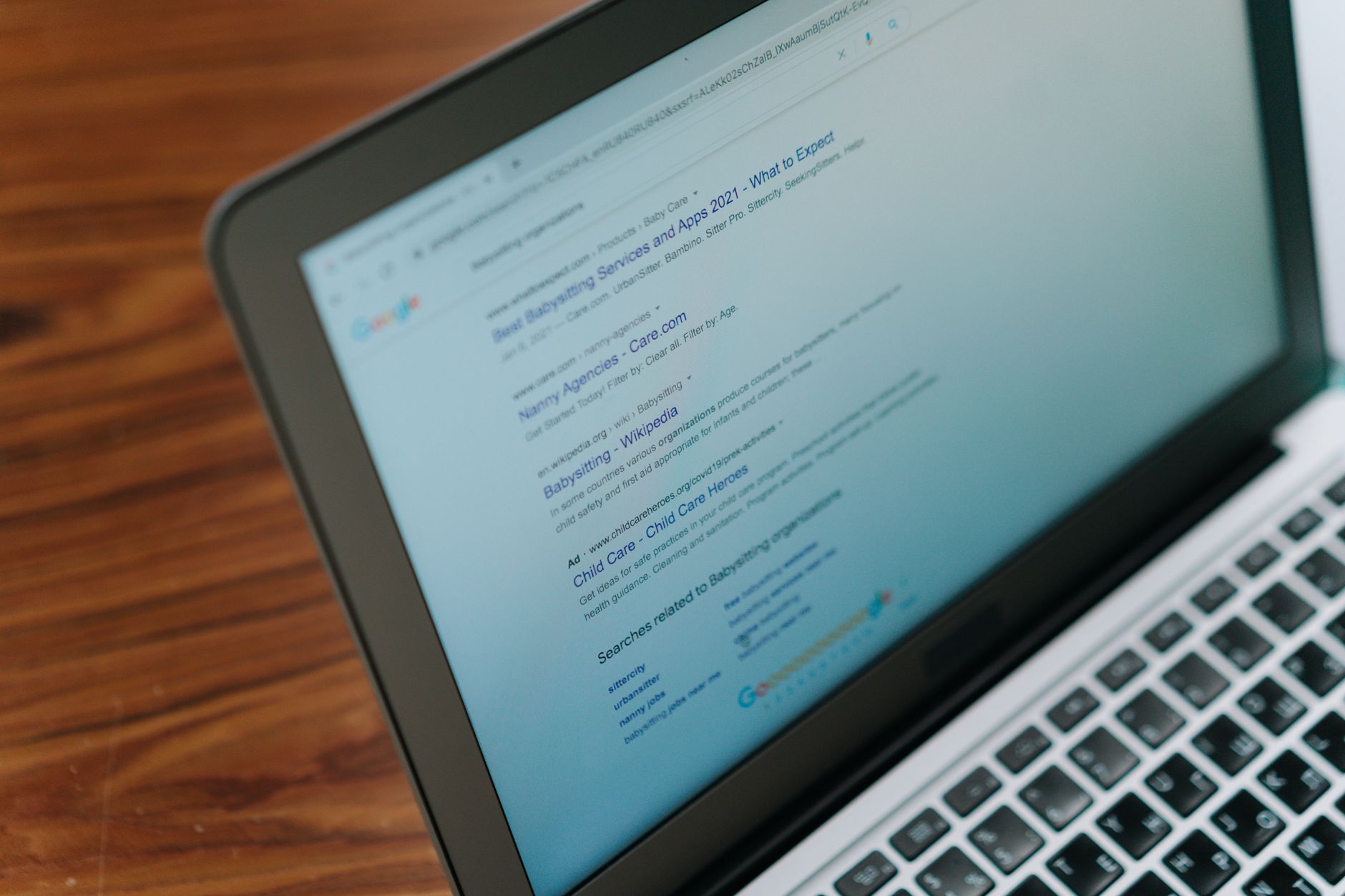
If Google cannot index your important pages, better copy and better keywords will not solve the problem. Google’s own documentation explains that the Page indexing report shows which pages can be indexed and the URL Inspection tool shows what Google knows about a specific page.
Open WordPress Settings, then Reading, and confirm the search engine visibility box is not blocking discovery. Then review your Search Console Page indexing report and inspect the exact URLs you want to rank. If a page is excluded, fix that before adjusting headings, plugins, or content length.
This is also where many redesign and migration problems show up. A page may exist for users but still be blocked by a noindex tag, the wrong canonical, or a crawl path issue. If you want a deeper diagnostic workflow, review our guide to fixing WordPress SEO problems for the broader checklist.
Fix page targeting and weak titles next

Once indexing is confirmed, the next priority is making each guide page clearly about one topic. Google recommends descriptive, concise title elements and specifically warns against keyword stuffing and repetitive boilerplate titles.
A common problem on WordPress sites is publishing several posts that all target nearly the same phrase. That creates cannibalization. Instead of helping, those pages compete with each other. If two guides answer the same search intent, merge them, redirect the weaker URL, or reposition one to target a more specific variation.
Weak title: SEO Guide | WordPress SEO | SEO Tips
Stronger title: How to Fix WordPress SEO Problems on Stuck Pages
Your H1 should reinforce the topic, not wander into a broader version of it. Then use subheadings to answer the real questions a searcher has: what is broken, how to check it, what to fix first, and when to stop changing settings.
Clean up the technical issues that quietly suppress rankings
Technical SEO problems often look small on the front end, but they create real drag in search. The usual offenders are duplicate URLs, broken internal links, thin archive pages, redirect chains, and slow load times from oversized images or heavy themes.
| Area | What to check | Why it matters |
|---|---|---|
| Indexing | Noindex tags, robots rules, sitemap inclusion, URL Inspection status | If pages cannot be indexed, nothing else moves rankings |
| On-page targeting | Duplicate titles, vague H1s, overlapping keyword targets | Mixed signals make it harder for Google to understand the best page |
| Site architecture | Orphan pages, buried service pages, weak anchor text | Important pages need clear internal paths and context |
| Performance | Heavy images, too many plugins, slow templates | Slow pages reduce usability and can compound technical friction |
| Duplicate URL control | Canonicals, archives, tag pages, parameter URLs | Too many near-duplicates dilute crawl attention and relevance |
There is no single best SEO plugin for WordPress, but there is a best setup for your specific site. In most cases, that means one primary SEO plugin configured properly, not several overlapping tools fighting each other. Keep the stack clean and make sure sitemap behavior, title templates, archive indexing, and schema defaults are intentional.
Performance matters too, but do not turn it into performance theater. If your pages are slow because images are oversized or scripts are bloated, fix those specific issues instead of installing three caching plugins. Our WordPress site speed guide for SEO walks through the real fixes that usually make the biggest difference first.
If you are experiencing these symptoms, our team at WordPress SEO Expert can help. We can review whether the issue is indexing, content overlap, plugin conflict, or a deeper technical bottleneck before you spend more time rewriting pages that are not the real problem.
Use internal linking to turn scattered guides into a system

Internal linking is one of the simplest WordPress SEO fixes, and it is often the most neglected. Google’s guidance on crawlable links also emphasizes descriptive anchor text, which helps search engines and users understand what the linked page is about.
Every important guide should link to a relevant service, supporting article, or category page with clear anchor text. Do not rely on generic phrases. A link that says technical SEO checklist tells both users and search engines more than a link that says read more.
A practical structure is to link high-traffic informational posts to conversion-focused service pages, and then link those service pages back to supporting educational content. That keeps authority and context moving through the site instead of letting older posts sit in isolation.
A simple order of operations that prevents wasted work
The best way to fix WordPress SEO guide problems is to stop changing everything at once. Work through the site in a sequence so you can tell which fix actually changed performance and which one was just busywork.
First, confirm the right pages are indexable. Second, improve titles, headings, and topic targeting on your highest-value pages. Third, remove technical friction such as duplicate URLs, broken links, and unnecessary archives. Fourth, strengthen internal linking between related pages. Fifth, monitor Search Console so your next move is based on evidence, not guesswork.
That is the difference between a real SEO process and plugin score chasing. A green light inside WordPress does not mean a page deserves to rank. Clear targeting, crawlable pages, strong internal structure, and a technically stable site matter more.
When to get a second set of eyes
If you have already updated plugins, rewritten titles, and published more content but rankings still feel stuck, the problem is usually diagnostic, not motivational. Something in the setup is sending mixed signals, and an audit is often faster than another month of random edits.
WordPress SEO Expert can review your indexing, page targeting, internal links, and technical SEO to show exactly what is holding the site back. Contact WordPress SEO Expert today to schedule a consultation or request a free WordPress SEO audit.

















