

Better organic traffic usually comes from a clearer plan, not more SEO tools. Most WordPress sites do not fail because the owner ignored SEO. They stall because the setup, content, and internal linking work in isolation instead of reinforcing each other.
That is the core of WordPress SEO fundamentals. You do not need a perfect plugin score or a complicated stack. You need crawlable pages, clear page targeting, useful content, and internal links that help search engines understand which pages matter most.
If your traffic is flat, this guide will help you focus on the fundamentals in the right order. For a broader baseline, review our practical WordPress SEO guide for DIY site owners and our guide to fixing WordPress SEO setup problems as you work through each step.
What are WordPress SEO fundamentals?
WordPress SEO fundamentals are the core settings and content decisions that help search engines crawl, understand, and rank your site. The essentials are indexing, site structure, page titles, headings, internal links, page speed, and content that matches search intent.
Many site owners start with plugin settings because they are visible and easy to change. That is understandable, but it often leads to busy work. A green light in an SEO plugin does not mean the page deserves to rank. Google recommends clear, concise titles, unique page descriptions, and descriptive anchor text because those signals help users and search engines understand the page more easily.
Think of SEO as a sequence. Fix the issues that block visibility before the issues that polish visibility. If search engines cannot crawl the right pages, a better meta description will not solve the bigger problem.
Start with crawlability and indexing
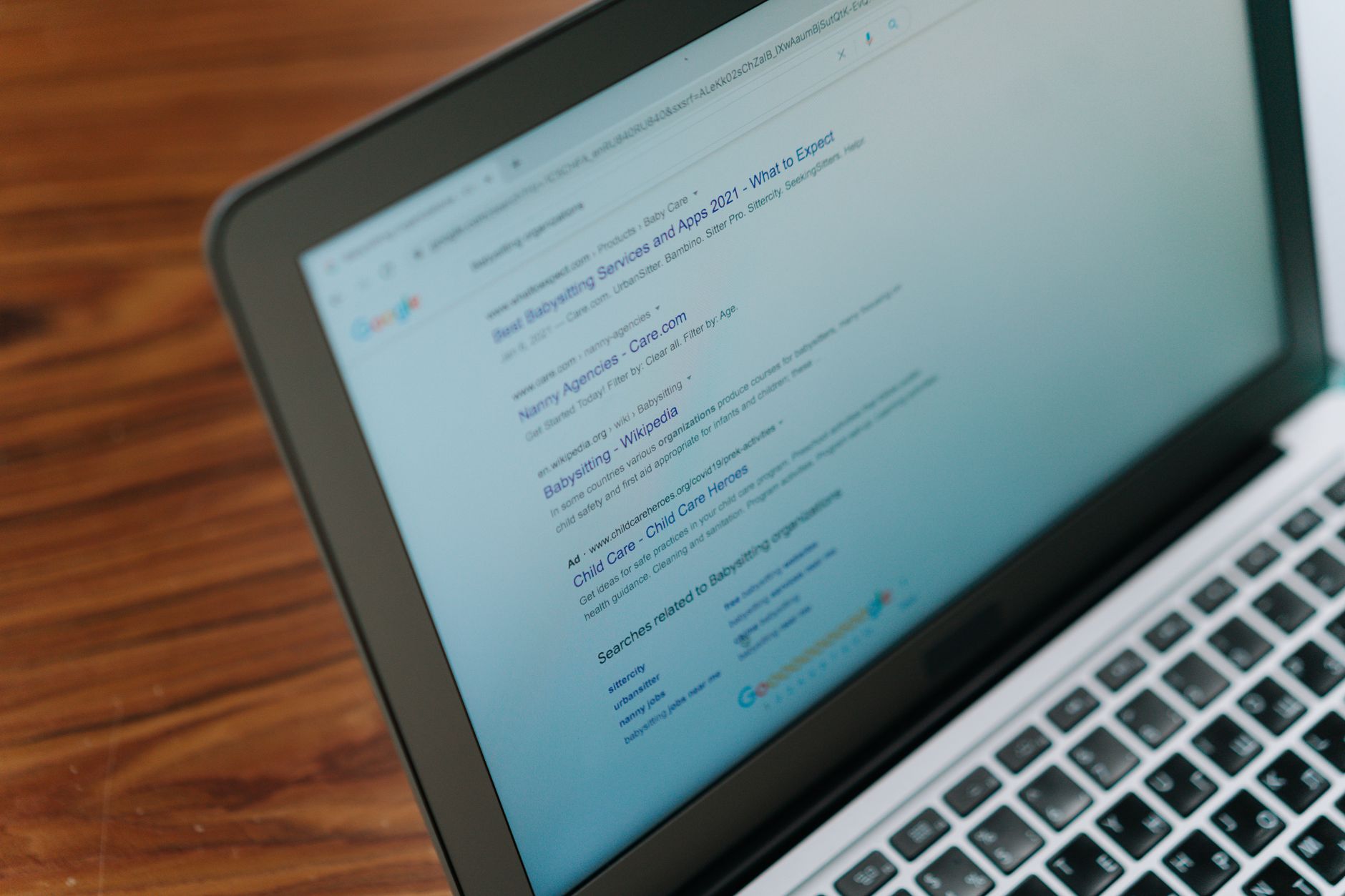
The first job is making sure search engines can access and index the pages you actually want to rank. If important pages are blocked, noindexed, orphaned, or buried too deeply, the rest of your SEO work will underperform.
Check your WordPress visibility settings, sitemap status, and robots directives. Make sure your most important pages are linked from navigation or from other crawlable pages. Keep thin archives, search result pages, and low-value duplicates from competing with your real content.
Most site owners do not have one catastrophic issue. They have a stack of smaller issues that compound over time. A page that is technically indexable but weakly linked, poorly titled, and surrounded by duplicate archives is much harder to rank than it should be.
Use one SEO plugin and configure it well
One well-configured SEO plugin is enough. Running overlapping plugins often creates duplicate metadata, conflicting canonicals, and competing sitemap outputs that make troubleshooting harder than it needs to be.
This is one of the most common WordPress SEO problems on sites that have changed owners, gone through redesigns, or accumulated plugins over time. Simpler setups are easier to audit, easier to maintain, and less likely to send mixed signals to search engines.
If your current setup feels cluttered, WordPress SEO Expert can help you sort out what is necessary and what is just noise. That kind of cleanup often improves clarity faster than adding new features.
Write better titles and headings
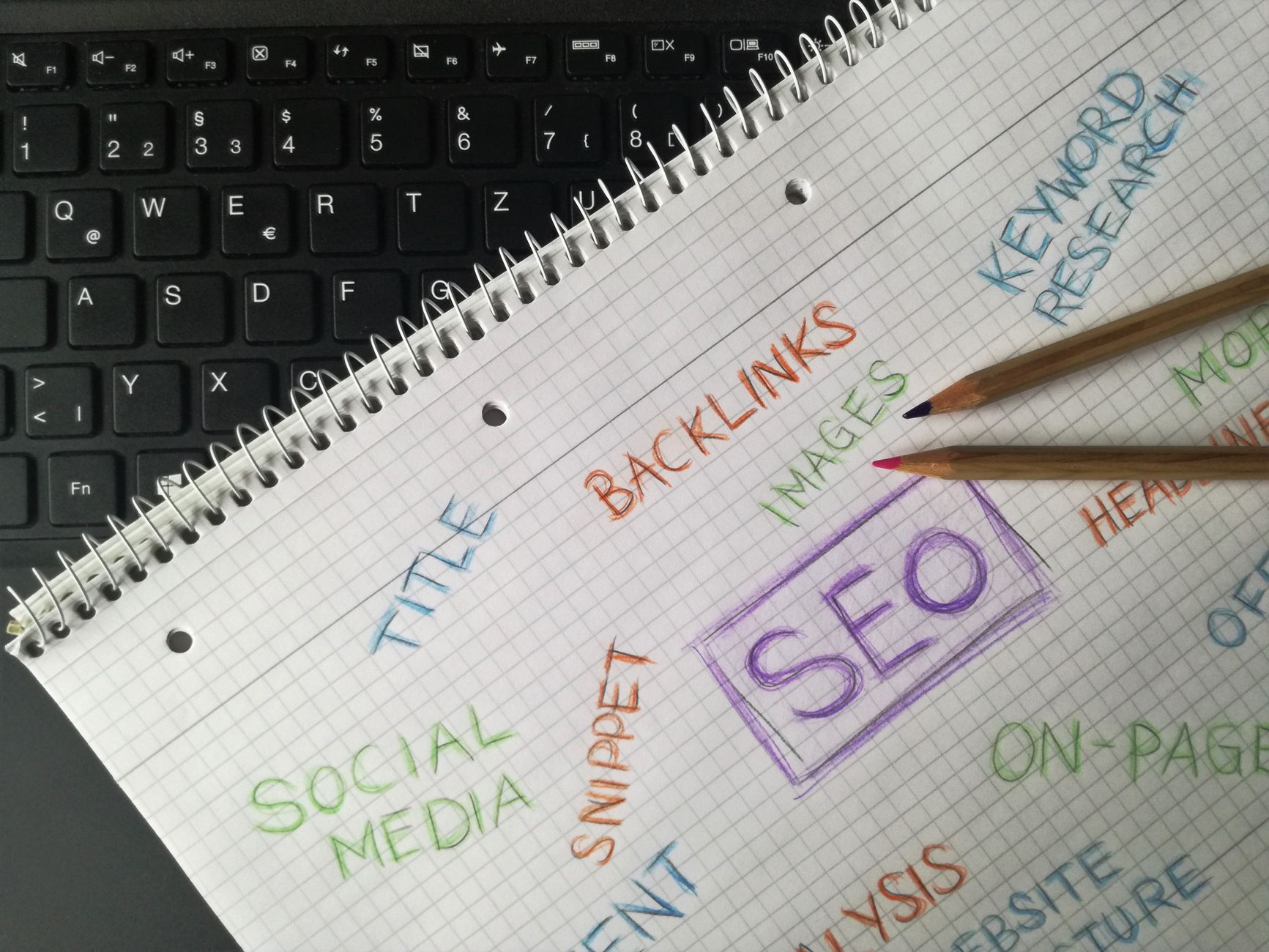
Titles and headings do more than fill a field in your plugin. They tell users what the page is about and help search engines interpret the page accurately. Clearer titles usually improve relevance first, and clicks second.
Google advises site owners to write descriptive, concise title text and avoid keyword stuffing or repetitive boilerplate. It also recommends creating unique meta descriptions when possible and using descriptive anchor text for links. Those basics are still some of the highest-value improvements you can make on a WordPress site.
| Weak title | Stronger title |
|---|---|
| SEO Services | SEO Company | SEO Expert | WordPress SEO Services for Small Businesses |
| Home | Family Law Attorney in Dallas |
| Blog | WordPress SEO Tips for Service Businesses |
Use one clear H1 per page, then organize the rest of the page with logical H2 and H3 headings. Do not use headings just to make text bigger. Strong structure helps readers scan the page and helps search engines understand the hierarchy of your content.
Build internal links that support your key pages
Internal links are one of the most underused WordPress SEO fundamentals. They help search engines discover pages, understand relationships between topics, and recognize which pages carry the most weight on your site.
Link related blog posts to service pages. Link supporting articles to broader pillar content. Make sure important pages are not only linked from the main menu. Google’s own guidance says links should be crawlable and should use descriptive anchor text, which is why vague anchors and broken link paths weaken your structure.
A good rule is simple: every important page should receive links from relevant pages inside the site. If you need a structured cleanup process, our WordPress SEO setup problems guide pairs well with your internal linking review.
Match content to search intent

Better organic traffic depends on publishing the right page for the right query. If a page targets the wrong intent, stronger technical SEO will not turn it into the result users wanted in the first place.
Start by deciding what each page is supposed to do. Service pages usually target commercial or transactional intent. Blog posts usually target informational intent. Category pages can work when they organize real value, not when they exist only because WordPress generated them automatically.
Do not split one topic into several thin posts just to chase slight keyword variations. Consolidation is often stronger than expansion. One useful page with a clear purpose usually outperforms several overlapping pages that compete with each other.
If your content plan feels scattered, our DIY WordPress SEO pillar guide will help you connect content, structure, and technical cleanup into one plan.
Keep page speed practical
Page speed matters when it affects usability, crawling, and visitor trust. The goal is not a perfect test score. The goal is a site that loads cleanly, feels stable, and does not frustrate people on key pages.
Start with the basics that usually matter most on WordPress: compress large images, enable caching, remove unused plugins, and simplify heavy templates when possible. Test your homepage, a main service page, and a blog post separately because they often behave differently.
You do not need a perfect score. You need a site that is easy to use and sends consistent signals about which pages matter most. That standard is far more useful than chasing screenshots from performance tools.
A simple order of operations
If your traffic is flat, work through the fundamentals in a practical sequence. This helps you avoid rewriting pages that are still blocked by technical issues or buried in a weak site structure.
| Priority | What to fix first | Why it matters |
|---|---|---|
| 1 | Indexing and crawl access | Pages cannot rank if search engines cannot reach them. |
| 2 | Plugin conflicts and duplicate signals | Conflicting metadata creates sitewide confusion. |
| 3 | Titles and heading structure | Improves page clarity and relevance. |
| 4 | Internal links | Supports discovery, hierarchy, and authority flow. |
| 5 | Content targeting | Aligns each page with a real search intent. |
| 6 | Speed and template cleanup | Improves usability and reduces friction. |
If you are experiencing these issues, our team at WordPress SEO Expert can help. A focused review can usually tell whether your real bottleneck is indexing, duplication, weak page targeting, or plugin clutter.
What to stop doing
Stop treating SEO as a checklist of disconnected plugin tasks. More tools, more fields, and more green indicators do not automatically create better rankings. In many cases, they create more clutter.
Stop publishing thin pages just to cover every variation of a phrase. Stop leaving archive behavior on autopilot. Stop assuming the homepage and the menu are enough to support your key pages. Most stalled sites improve when they simplify the setup, strengthen structure, and publish fewer but better-targeted pages.
When to get professional help
If you have already put in the effort and traffic is still flat, the issue is usually prioritization, not laziness. A second set of eyes can help you separate the pages worth improving from the settings that are wasting your time.
WordPress SEO Expert can help you diagnose what to fix first and what can safely wait. Book a free SEO consultation. No pitch, no pressure. Just an honest look at what your site actually needs and whether your current setup is part of the solution or part of the problem.
Contact WordPress SEO Expert today to schedule a consultation if you want a practical path to better organic traffic without overcomplicating your WordPress SEO.

















