
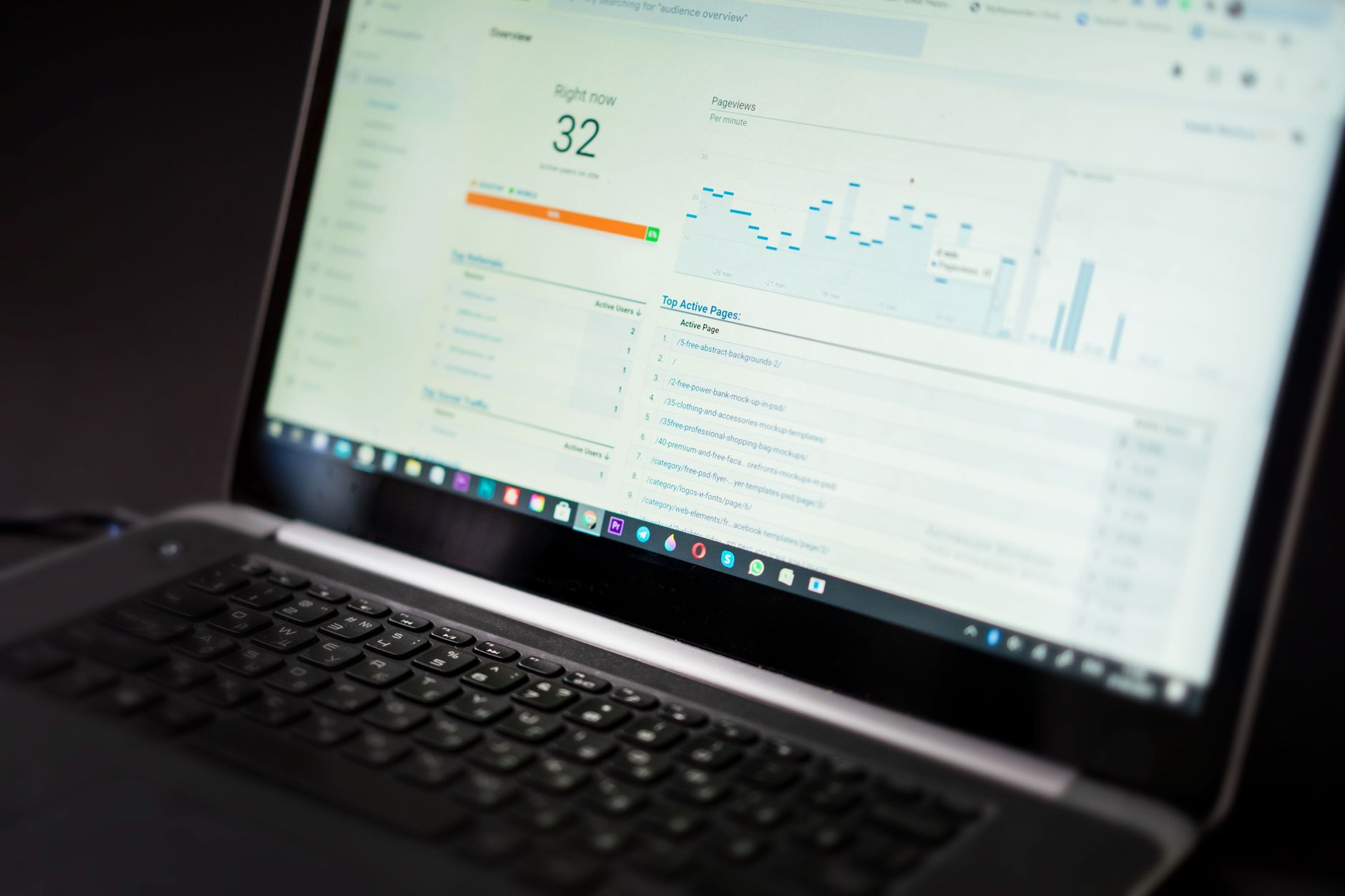
WordPress SEO fundamentals are less about finding one magic setting and more about putting the right basics in the right order. Flat rankings usually come from weak prioritization, not a lack of effort. A green light in an SEO plugin does not mean the page deserves to rank, and a new plugin rarely fixes a site with muddled structure, weak targeting, or indexing problems.
The fastest way to improve results is to fix the issues that block visibility before the issues that polish visibility. That means checking whether search engines can crawl your pages, tightening page titles and headings, improving internal links, and simplifying your plugin setup before you worry about perfection. If you need a broader baseline first, review our practical guide for DIY WordPress site owners.
What are WordPress SEO fundamentals?
WordPress SEO fundamentals are the core settings and page signals that help search engines crawl, understand, and prioritize your site. The essentials are simple: clean indexing, clear page targeting, logical internal links, strong titles, and a site structure that does not create duplicate noise.
WordPress gives you flexibility, but that flexibility can create avoidable problems. Thin archives, attachment pages, duplicate URLs, and overlapping plugin output are common on sites that have grown without a plan. One well-configured SEO plugin is enough. Running overlapping plugins often creates duplicate metadata, conflicting canonicals, and competing sitemap outputs.
Start with crawlability and indexing
If search engines cannot reach the right pages, the rest of your SEO work underperforms. The first fundamentals to review are whether your important pages are indexable, whether your links are crawlable, and whether your sitemap reflects the pages that actually matter.
Google explains that links should be crawlable HTML anchor elements and that anchor text should be descriptive and relevant. Google also recommends giving each page a descriptive title and meta description so search engines can better understand page relevance. Those principles matter on WordPress because key pages are often buried in menus, archives, or plugin-generated clutter. If your setup feels messy, our post on how to fix WordPress SEO setup problems can help you sort the technical basics first.
Check these areas before you edit copy on every page:
Make sure search engine visibility is enabled in WordPress settings.
Confirm your XML sitemap is active in your SEO plugin and submitted in Google Search Console.
Review archive pages, attachment pages, and thin tag pages so they do not compete with important pages.
Make sure your key service, category, or product pages are linked from crawlable HTML links inside navigation or body copy.
Use better titles, not more keywords
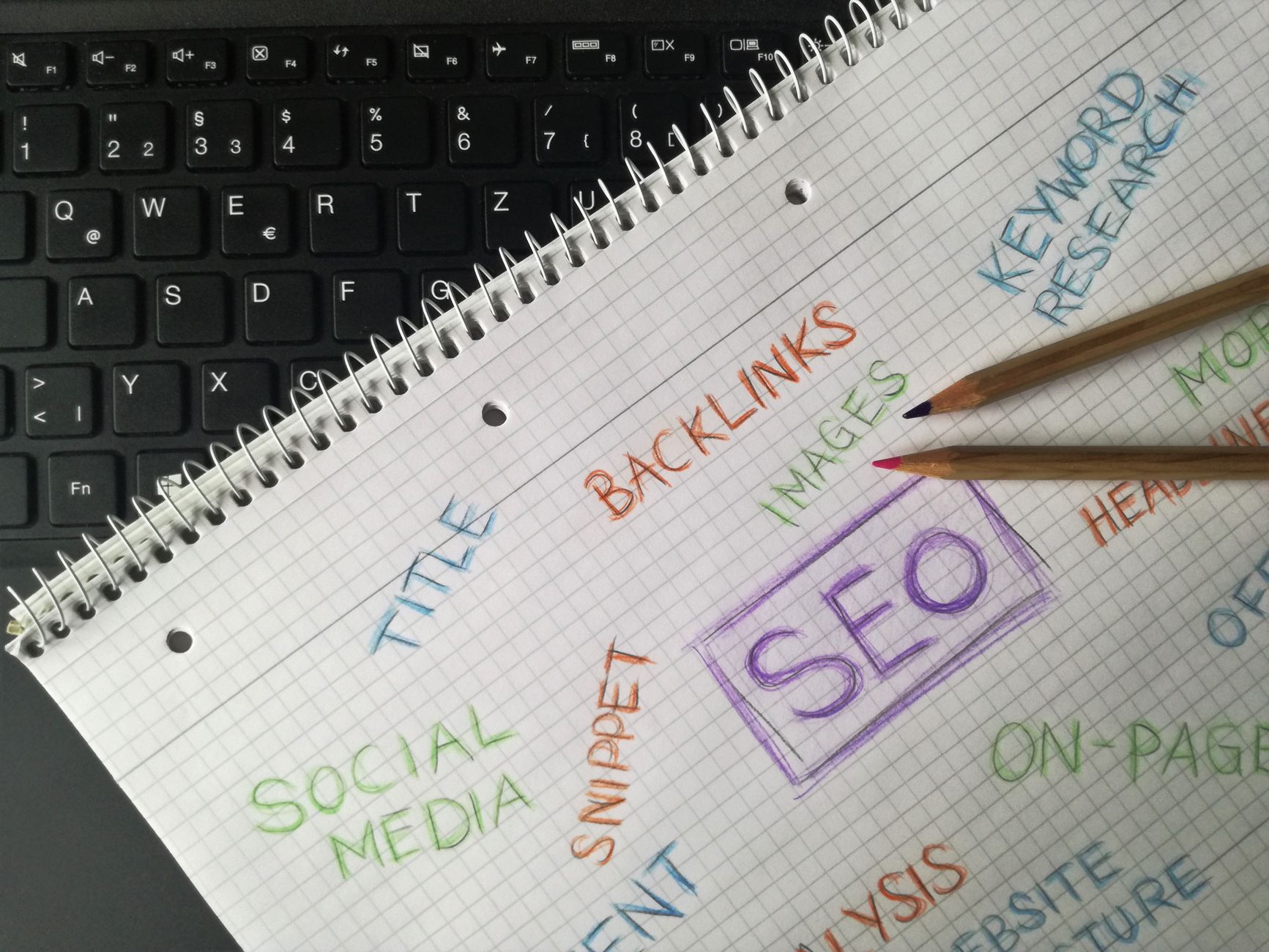
Page titles are one of the strongest on-page signals you control, so they deserve attention early. Google recommends descriptive, concise title text and specifically warns against keyword stuffing and repetitive boilerplate. That means clarity beats repetition.
| Weak title | Stronger title |
|---|---|
| SEO Services | SEO Company | SEO Expert | WordPress SEO Services for Small Businesses |
| Blog | WordPress SEO Tips for Service Businesses |
| Home | WordPress SEO Consultant for Growing Sites |
Your title should tell both users and search engines what the page is actually about. Titles that repeat variations without adding meaning waste space and make pages look interchangeable. Keep the primary topic close to the front, then write the rest for humans, not plugin scores.
Keep headings and content focused
Headings help define the structure of a page, but they work best when the page itself has one clear job. Each important page should target one main intent, use one clear H1, and organize the rest of the content under logical H2 and H3 sections.
Most WordPress pages underperform because they try to cover too many adjacent ideas at once. A service page starts acting like a blog post. A blog post tries to rank for a transaction-heavy query. A category page duplicates a service page. The better approach is to assign one primary role to each page, then build supporting content around it.
Google’s people-first guidance emphasizes creating helpful content for users, not pages built mainly to manipulate rankings. In practice, that means answering the searcher’s real question clearly, keeping the page on topic, and avoiding filler added just to satisfy a checklist.
Internal links are a core fundamental

Internal linking is one of the most overlooked WordPress SEO fundamentals because it feels too simple. In reality, internal links help search engines discover pages, understand hierarchy, and see which topics connect to your most important business pages.
Start by linking related posts to each other with descriptive anchor text. Then link broad informational posts to service pages or category pages that solve the next-step problem. This is one reason our WordPress SEO guide for DIY site owners works well as a hub page: it can support narrower posts without creating overlap. If you are cleaning up settings and structure at the same time, revisit these setup problems so your linking points to pages that are actually worth indexing.
If you are experiencing these symptoms, our team at WordPress SEO Expert can help.
Choose one SEO plugin and configure it well
The right plugin can support your SEO, but it does not create rankings by itself. One well-configured SEO plugin is enough for most WordPress sites. More tools usually mean more output, more conflicts, and less clarity.
Use your plugin to manage titles, meta descriptions, sitemaps, canonicals, and archive indexing rules. Then stop there unless you have a specific need. Many sites end up with an SEO plugin, a schema plugin, a redirect plugin, and a social metadata plugin all trying to control the same signals. The result is usually inconsistency, not improvement.
Do not chase perfect plugin scores
Plugin recommendations can be useful reminders, but they are not the goal. A green score does not tell you whether the page matches search intent, earns trust, or deserves to rank above stronger competitors.
You do not need a perfect score. The goal is a site that loads cleanly, is easy to use, and sends consistent signals about which pages matter most. When rankings are stuck, the issue is often that the site has five medium-priority tasks being polished while the real blocker is still unresolved.
A practical order for WordPress SEO basics
If you feel overwhelmed, work in sequence. Fix the foundation first, then improve the pages that already matter, then expand content once the site is easier for search engines to understand.
| Priority | What to fix first | Why it matters |
|---|---|---|
| 1 | Indexing and crawl access | Pages cannot rank if search engines cannot reach them |
| 2 | Plugin conflicts and duplicate output | Conflicting signals create sitewide confusion |
| 3 | Titles, headings, and page targeting | Clearer relevance improves understanding and click potential |
| 4 | Internal links | Supports discovery, hierarchy, and topic relationships |
| 5 | Content expansion | Works better after the structure is stable |
When fundamentals are not enough
If you have covered the basics and rankings are still flat, the problem is usually not effort. It is often weak prioritization, overlapping pages, technical friction, or a site structure that hides your best content behind clutter.
That is where WordPress SEO Expert can help. We look at what is blocking visibility first, then build a practical plan around the pages and settings that matter most. Book a free SEO consultation. No pitch, no pressure. Just an honest look at what your site actually needs and whether your current setup is part of the solution or part of the problem.
Contact WordPress SEO Expert today to schedule a consultation.

















