

Beginner ecommerce SEO usually breaks down in the same place: too much setup, too many plugins, and no clear order of operations. If your store runs on WordPress, the goal is not to optimize everything at once. The goal is to make your most important product and category pages easy to crawl, easy to understand, and worth clicking.
That is why a beginner strategy should stay simple. One well-configured SEO plugin is enough. A green light in an SEO plugin does not mean the page deserves to rank. What matters more is whether your store architecture, internal links, titles, and indexation rules help search engines understand which pages actually matter.
For a broader foundation before you touch store-specific settings, review our WordPress SEO setup for beginners guide and our practical guide for DIY site owners. Those pieces explain the baseline. This post narrows the focus to ecommerce sites that need a cleaner starting strategy.
What should beginners focus on first?
Beginners should focus first on crawlability, page targeting, and store structure before worrying about advanced schema or plugin scores. Google’s ecommerce documentation emphasizes site structure, crawlable navigation, and clear product data because these basics help Google find and understand store pages more reliably.
In practice, that means starting with your category pages, product pages, and primary navigation. If those are messy, everything else gets harder. Ecommerce stores often generate extra URLs through filters, sorting, tags, and variations. That is where many beginners lose control of their SEO without realizing it.
Step 1: Use one SEO plugin only
Your first win is reducing conflicting outputs. Running overlapping SEO plugins often creates duplicate metadata, conflicting canonicals, and competing sitemap outputs. One well-configured SEO plugin is enough, especially for a beginner store that needs clarity more than features.
If you are still deciding what to keep, simplify first and remove overlap. The biggest beginner mistake is assuming another plugin will fix weak rankings. Usually it just adds more settings, more crawl noise, and more chances for inconsistent output across product and category templates.
Step 2: Fix store structure before page polish




A clean store structure helps both shoppers and search engines. Google recommends that ecommerce pages be reachable through links in your site navigation, which means important category and product pages should not depend on internal search or filter combinations to be discovered.
Keep your hierarchy simple. Start with a small number of meaningful categories, then place products inside the most relevant category path. Avoid creating near-duplicate category pages that target tiny keyword variations. One strong category page is usually better than several thin versions competing with each other.
Step 3: Control filter and faceted URLs
For ecommerce sites, uncontrolled filter URLs create some of the biggest SEO problems. Google’s guidance on ecommerce URL structure and faceted navigation warns that parameter-heavy URLs can create indexing and crawling issues when too many versions of similar pages are exposed.
If your WooCommerce store creates URLs for color, size, sort order, price range, or layered navigation, decide which versions deserve visibility and which should stay out of the index. Most stores do not need every filtered combination indexed. Fix the issues that block visibility before the issues that polish visibility.
If you are not sure whether your filter setup is helping or hurting, WordPress SEO Expert can help. Stores with flat rankings often do not have one catastrophic problem. They have a stack of smaller issues that compound over time.
Step 4: Write better titles for categories and products
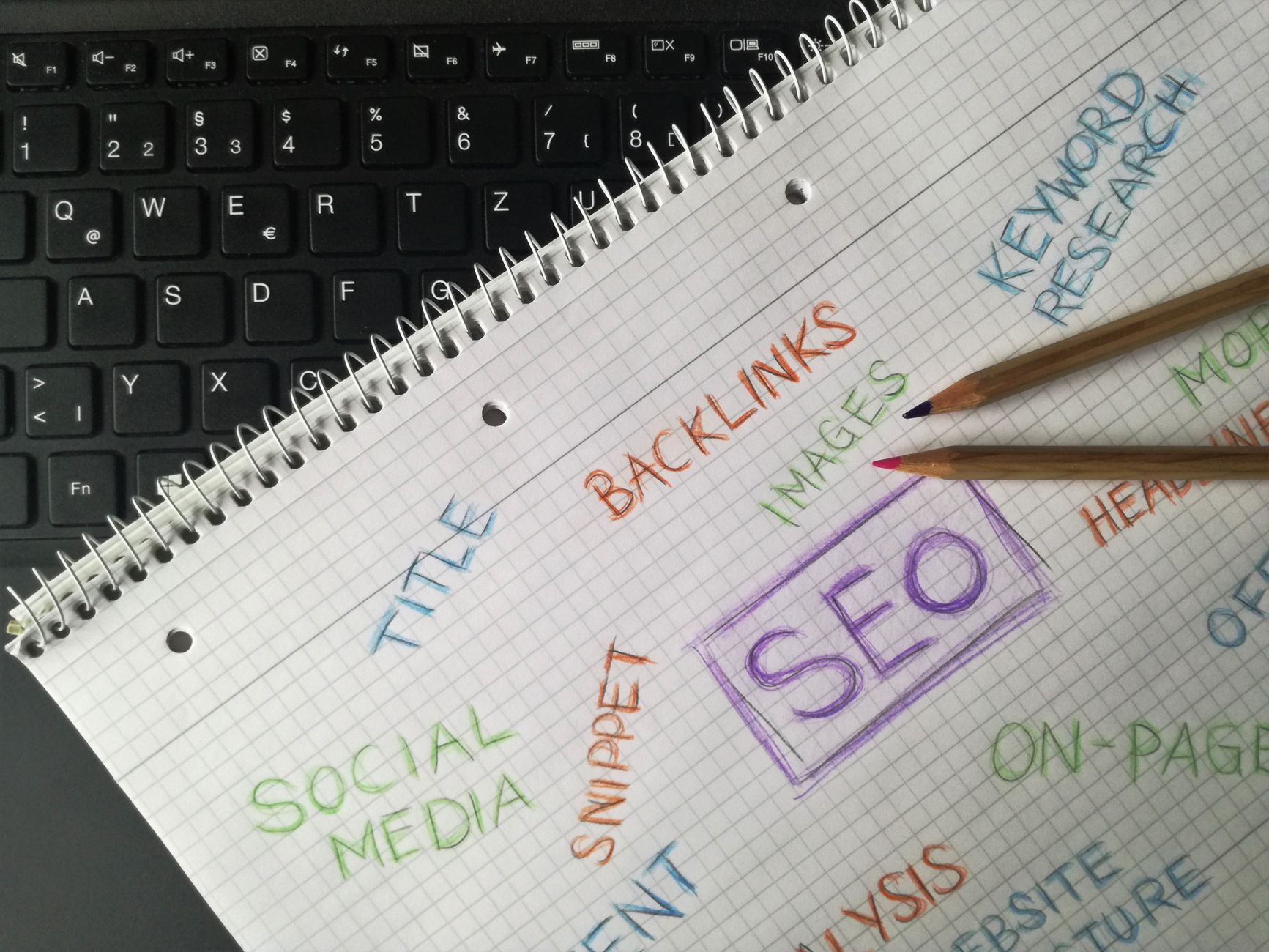
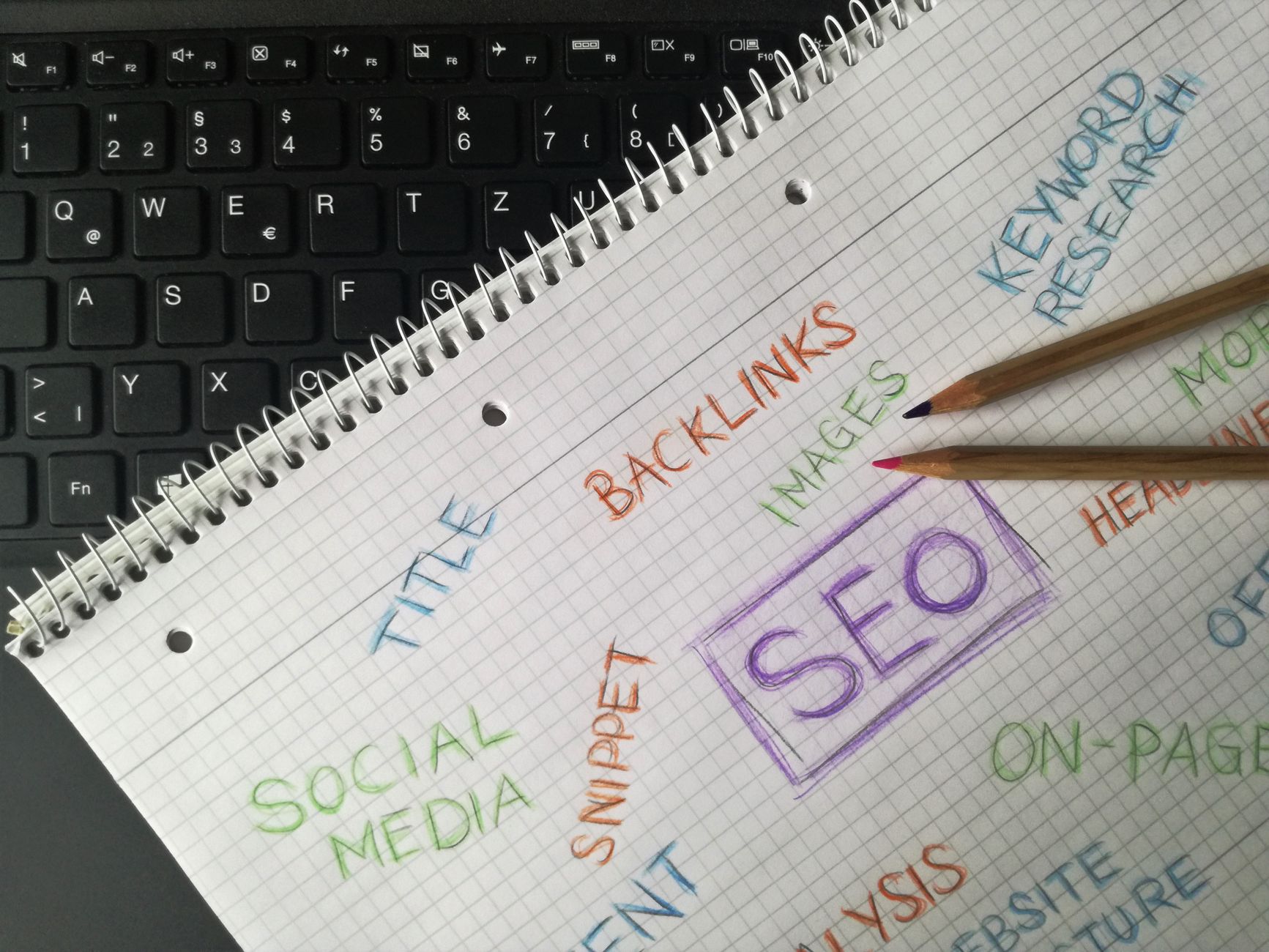
Titles are one of the clearest beginner-level controls you have. Google recommends descriptive, concise title text and specifically advises against keyword stuffing and repetitive boilerplate in title elements. That matters even more on ecommerce sites, where templates can make many pages sound the same.
Your category and product titles should describe the page plainly, not repeat every variation of a keyword. A category page should target the broader intent. A product page should describe the specific item. If every page starts to look identical in search results, your templates need work.
| Page Type | Weak Title | Stronger Title |
|---|---|---|
| Category page | Running Shoes | Shoes | Best Shoes | Women’s Running Shoes for Road and Gym Use |
| Product page | Blue Sneakers | Buy Blue Sneakers Online | Blue Mesh Running Sneakers with Cushioned Sole |
| Brand page | Nike Products | Nike Store | Shop Nike | Nike Running Shoes and Training Gear |
Step 5: Use meta descriptions to improve clicks
Meta descriptions are best treated as click support, not a ranking shortcut. Google may use the meta description when it gives a more accurate summary of the page than the visible text alone, so your description should preview the specific page rather than repeat generic sales language.
For beginners, the smartest move is writing custom descriptions for your homepage, top categories, and best product pages first. Do not waste hours filling out low-value archives. Focus on the pages already tied to revenue, search impressions, or strong internal link value.
Step 6: Strengthen internal links across the store
Internal links help Google discover pages and understand how they relate to each other. Google’s link guidance recommends descriptive, concise anchor text, which is especially useful on ecommerce sites where related products, categories, buying guides, and support content should reinforce each other naturally.
Link blog posts to category pages. Link category pages to relevant buying guides. Link related products when it helps users continue shopping. Think in pathways, not random widgets. Stores with clear internal paths usually perform better than stores that isolate product pages and hope sitemaps do the work.
Step 7: Keep indexation rules tight
Not every WordPress or WooCommerce URL should be indexed. Beginners often let tag archives, search results, filtered pages, attachment pages, and low-value duplicates stay open to indexing. That spreads attention across pages that do not deserve it.
Your best beginner strategy is to protect the index for pages that can genuinely rank and convert: main categories, useful subcategories, core product pages, and high-quality supporting content. Everything else should be reviewed carefully instead of being indexed by default just because the plugin allows it.
Step 8: Build content that supports products
Ecommerce SEO works better when product and category pages are supported by useful informational content. Google’s people-first content guidance favors content created to help users, not just pages built to manipulate rankings. That makes buying guides, comparison pages, and FAQs useful support layers for store SEO.
This is where many stores can gain traction without creating dozens of thin posts. Write content that answers real pre-purchase questions, then link that content to the right category or product pages. If your store is small, fewer stronger pieces usually outperform a scattered publishing plan.
If you are experiencing these issues, our team at WordPress SEO Expert can help. We can review whether the real problem is indexing, duplication, weak category targeting, or plugin clutter before you spend more time changing settings.
A simple beginner priority list
The easiest way to stay focused is to follow a short order of operations. This keeps you from spending hours on cosmetic tweaks while bigger ecommerce SEO problems stay unresolved. Priority sequencing matters more than trying to score perfectly in a plugin dashboard.
| Priority | What to Review |
|---|---|
| 1 | Indexation and crawlability of category and product pages |
| 2 | Single SEO plugin configuration |
| 3 | Category and product title quality |
| 4 | Filter URL and faceted navigation control |
| 5 | Internal links between products, categories, and guides |
| 6 | Duplicate archive and low-value page cleanup |
| 7 | Speed improvements on key store templates |
What beginners should stop doing
Beginners should stop chasing plugin scores, stacking overlapping tools, and publishing near-duplicate pages for every slight keyword variation. Those habits create clutter faster than they create results. A simpler system usually gives you better control and clearer signals.
You do not need a perfect score. The goal is a store that loads cleanly, is easy to use, and sends consistent signals about which pages matter most. Contact WordPress SEO Expert today to schedule a consultation. No pitch, no pressure. Just an honest look at what your site actually needs and whether your current setup is part of the solution or part of the problem.

















