

Low rankings usually come from a scattered plan, not one missing plugin. If you want better WordPress SEO without touching code, focus on the settings and page elements you control first: indexing, titles, internal links, content structure, images, and plugin cleanup. That sequence usually produces more progress than chasing every green light in an SEO plugin.
Most site owners do not have one catastrophic problem. They have a stack of smaller issues that compound over time. The good news is that many of the most important fixes live inside WordPress, your SEO plugin, and your content editor. If you want a broader foundation before working through this checklist, review our WordPress SEO best practices and our guide on how to improve WordPress SEO.
Start with indexing and visibility settings

The first thing to check is whether your important pages can actually be indexed. If search engines cannot access or index the right pages, everything else on this checklist becomes secondary.
Inside WordPress, make sure the site is not discouraging search engines under Settings and Reading. Then review your SEO plugin settings for noindex rules on posts, pages, categories, or tags you actually want visible. Google’s documentation explains that pages need to be crawlable and that important words should appear in prominent places such as titles, main headings, alt text, and link text. It also recommends using descriptive, concise title text and avoiding keyword stuffing or repetitive boilerplate across pages.
If a page matters for leads or sales, confirm it is published, linked from other pages, included in your sitemap, and not buried behind weak navigation.
Use one SEO plugin and configure the basics well
One well-configured SEO plugin is enough for most sites. Running overlapping plugins often creates duplicate metadata, conflicting canonicals, and competing sitemap outputs.
Choose one primary SEO plugin and set up the essentials: title templates, meta descriptions, XML sitemaps, social defaults, and archive indexing rules. Do not enable every feature just because it exists. A green light in a plugin does not mean the page deserves to rank, and extra settings often create noise instead of clarity.
Rewrite titles for clarity, not plugin scores
Your title tag is one of the strongest non-code SEO improvements you can make. Clear, descriptive titles help both users and search engines understand what a page is actually about.
Google recommends descriptive, concise titles and warns against stuffing repeated keywords into the title element. It also advises against repeating the same boilerplate title pattern across many pages. In practical terms, that means every important page should have its own distinct title that matches the page topic closely.
| Weak title | Stronger title |
|---|---|
| SEO Services | SEO Company | SEO Expert | WordPress SEO Services for Small Businesses |
| Blog | WordPress SEO Checklist Without Coding |
| Blue Widgets, Best Blue Widgets, Buy Blue Widgets | Blue Widgets for Commercial Kitchens |
Fix the issues that block visibility before the issues that polish visibility. If your titles are vague, repetitive, or stuffed with variations of the same phrase, clean those up before spending hours on minor plugin suggestions.
Write better meta descriptions for clicks
Meta descriptions are not a direct ranking shortcut, but they can improve how your page is summarized in search and help the right visitors choose your result. They work best when they are specific, readable, and closely aligned with the page.
Google says it may use the meta description when it better summarizes the page than on-page text, and it recommends unique descriptions instead of repeating the same copy sitewide. Write each description like a short pitch: what the page covers, who it helps, and why the user should care.
Strengthen headings and on-page structure

You do not need code to make content easier to understand. One clear H1, useful H2s, and short paragraphs often improve page clarity faster than adding more words.
Make sure each page has one main topic. Use a descriptive H1 that matches the page intent, then organize the rest of the content into sections that answer the reader’s next questions. Google’s people-first content guidance asks whether the main heading and page title provide a descriptive, helpful summary of the content. That is a better benchmark than chasing a perfect optimization score.
Add internal links with purpose
Internal linking is one of the easiest WordPress SEO wins because you control it completely. It helps search engines discover pages, understand topic relationships, and judge which pages matter most.
Link related blog posts to service pages, connect beginner posts to deeper tutorials, and make sure your highest-value pages are not isolated. Google recommends anchor text that is descriptive, concise, and natural. That means linking phrases like WordPress SEO best practices instead of generic prompts, and using related support content such as how to improve WordPress SEO where it fits naturally.
If you are experiencing flat rankings even after basic plugin setup, our team at WordPress SEO Expert can help.
Clean up duplicate and low-value pages
Many WordPress SEO problems come from too many similar URLs, not too little content. Tag archives, attachment pages, thin category pages, and near-duplicate posts can dilute relevance and create confusion.
Review whether tag pages add real value. If they do not, noindex them in your SEO plugin or stop using them. Check attachment pages, pagination, and category archives for thin or repetitive content. If you have several posts targeting almost the same phrase, consider merging them into one stronger page instead of maintaining a cluster of weak versions.
Improve images and speed from the dashboard
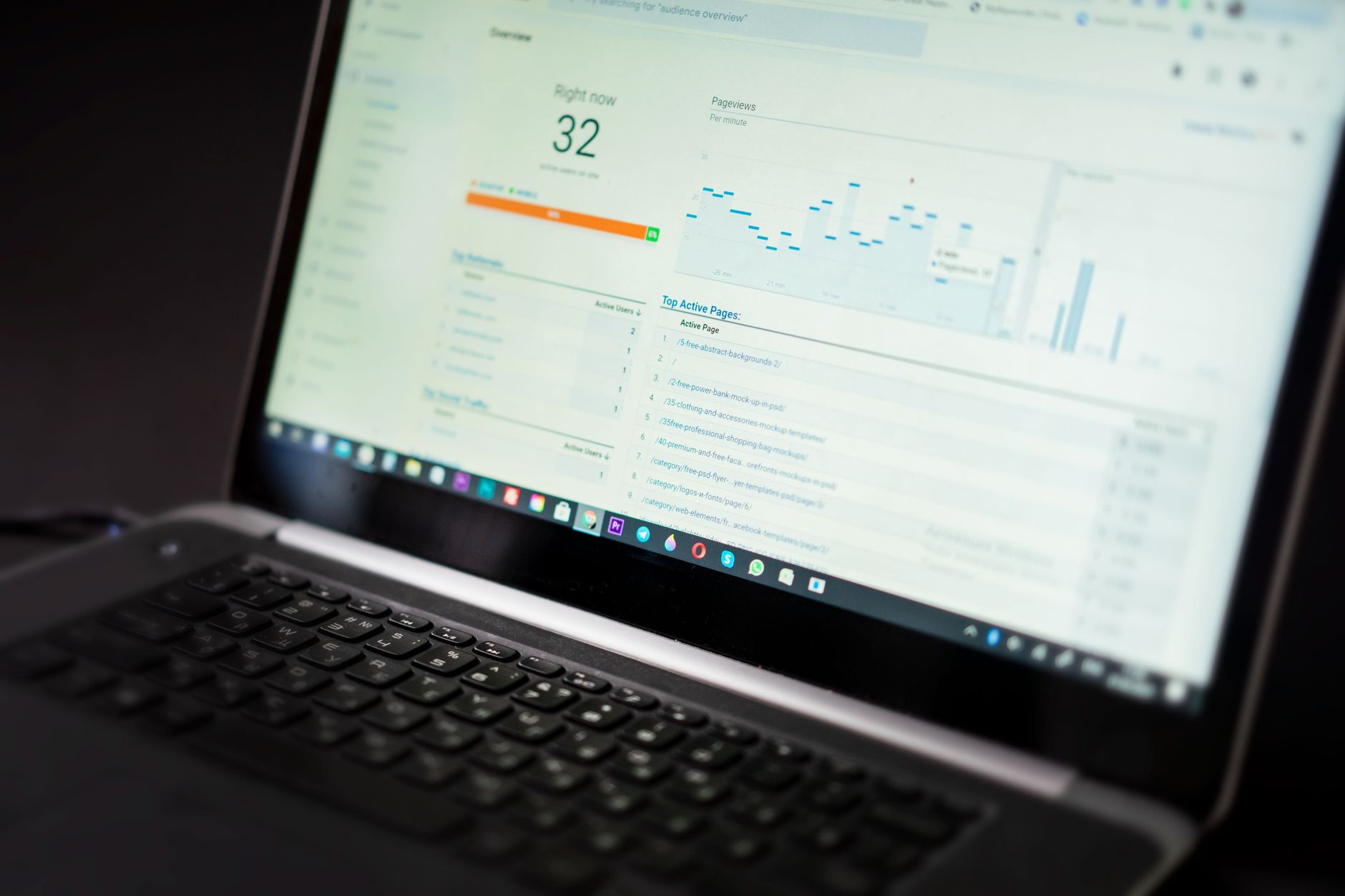
You can improve speed without coding by focusing on the biggest bottlenecks first. The goal is a site that loads cleanly and is easy to use, not a perfect score screenshot.
Start by compressing oversized images before upload, removing plugins you no longer need, and testing whether heavy sliders, popups, or page builder elements are slowing key pages. Prioritize your homepage, core service pages, product pages, and top blog posts. Those templates usually matter more than low-traffic pages.
Check your checklist in the right order
The best checklist is not the longest one. It is the one that helps you fix the foundation first, then move to improvements that sharpen relevance and usability.
| Priority | What to check | Why it matters |
|---|---|---|
| 1 | Indexing settings and crawl access | Pages cannot rank if search engines cannot reach or index them |
| 2 | Primary SEO plugin setup | Prevents conflicting metadata, canonicals, and sitemaps |
| 3 | Title tags and H1s | Improves topical clarity and click potential |
| 4 | Internal linking | Strengthens discovery and supports important pages |
| 5 | Duplicate and thin pages | Reduces crawl waste and relevance dilution |
| 6 | Images and page speed | Improves usability and overall page experience |
| 7 | Content depth and formatting | Helps pages satisfy search intent more clearly |
What to stop doing
Stop treating plugin indicators as the goal. Green lights do not guarantee rankings, and trying to satisfy every suggestion often leads to awkward copy, bloated settings, and pages written for tools instead of people.
Also stop publishing thin variations of the same topic, stacking multiple SEO plugins, and adding settings you do not understand just because a tutorial mentioned them. A cleaner setup usually outperforms a busier one.
When to get help
If you work through this checklist and rankings are still stuck, the problem is usually diagnostic rather than tactical. You may be dealing with weak page targeting, poor site structure, duplicate signals, or a migration issue that simple plugin edits will not solve.
WordPress SEO Expert can help you sort out what your site actually needs and whether your current setup is part of the solution or part of the problem. Book a free SEO consultation. No pitch, no pressure. Just an honest look at what your site actually needs and whether your current setup is part of the solution or part of the problem.
Contact WordPress SEO Expert today to schedule a consultation.

















