
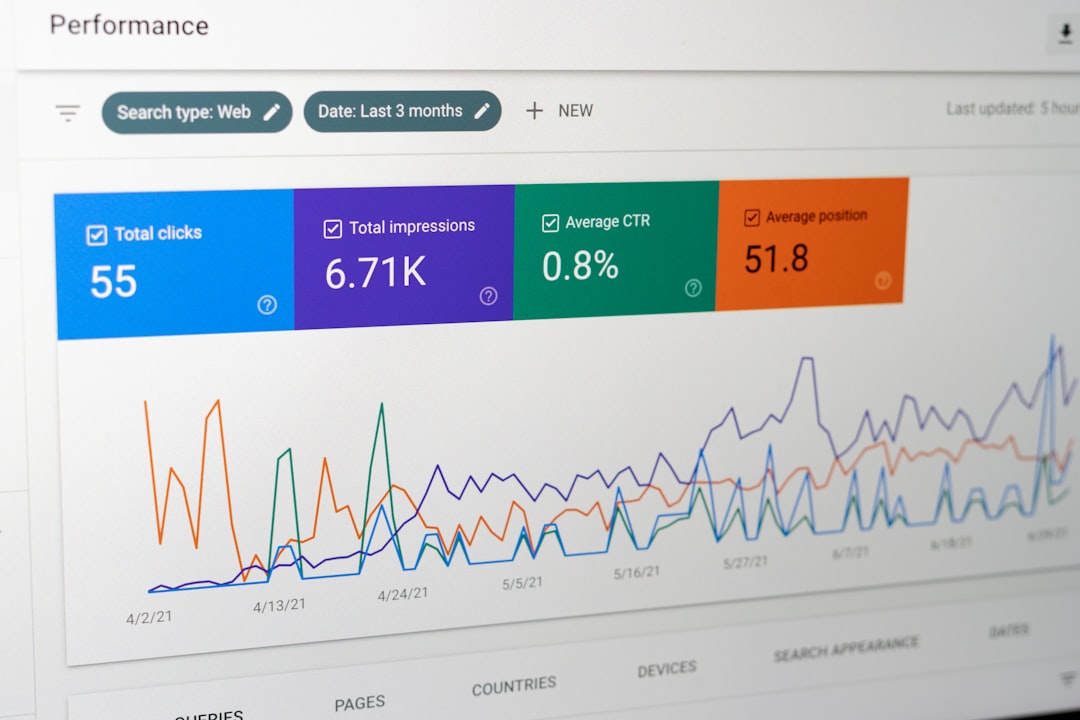
Low rankings usually come from a scattered plan, not one missing plugin. WordPress SEO best practices affect SEO because they shape whether Google can crawl your pages, understand their purpose, and trust that each URL deserves to rank. When those basics are weak, even strong content can stall.
Most site owners do not have one catastrophic problem. They have a stack of smaller issues that compound over time: conflicting plugins, vague titles, thin archive pages, weak internal linking, and duplicate URLs. If you want a practical baseline before you change settings, review our WordPress SEO best practices and
How WordPress SEO best practices affect rankings
WordPress SEO best practices affect rankings by improving crawlability, relevance, click-through potential, and site structure. They do not guarantee rankings by themselves, but they remove technical friction and make it easier for your best pages to compete.
Google recommends helpful, people-first content and makes clear that strong SEO is not about gaming one signal. It is about helping search engines discover and interpret pages correctly while giving users a better experience. In practical terms, that means your WordPress setup needs to support clean titles, sensible linking, clear page purpose, and indexable URLs instead of getting in the way.
What affects SEO first on a WordPress site
The highest-impact issues usually come first: indexing controls, crawl access, duplicate URLs, and internal links. Fix the issues that block visibility before the issues that polish visibility.
Many WordPress sites spend too much time editing plugin fields while missing the real bottlenecks. A green light in an SEO plugin does not mean the page deserves to rank. If important pages are noindexed, buried deep in the site, cannibalized by similar URLs, or surrounded by thin content, better wording in a meta description will not solve the deeper problem.
1. Crawlability and indexability

If search engines cannot reach the right pages or are told not to index them, SEO performance drops fast. This is the foundation every other tactic depends on.
On WordPress, common problems include search visibility settings being disabled, category or tag archives adding noise, orphaned pages, and plugins generating extra URLs that dilute attention. Google also notes that meeting technical requirements does not guarantee indexing, which is another reason to reduce unnecessary clutter and make important pages easy to find.
2. Title tags and topical clarity
Title tags affect SEO by helping Google understand what a page is about and by influencing whether users click. Weak titles create confusion for both search engines and real visitors.
Google recommends descriptive, concise titles and warns against keyword stuffing and repetitive boilerplate. On WordPress sites, this matters because title templates can quietly create generic titles across dozens of pages if they are not configured carefully.
| Weak title | Stronger title |
|---|---|
| SEO Services | SEO Company | SEO Expert | WordPress SEO Services for Small Businesses |
| Blog | WordPress SEO Tips for Service Businesses |
| Local SEO | Local SEO for WordPress Service Websites |
3. Meta descriptions and click quality
Meta descriptions do not work like a direct ranking shortcut, but they still affect SEO performance by supporting stronger clicks from qualified searchers. Better clicks can improve the value you get from the rankings you already have.
Google says it often creates snippets from on-page content, but it may use the meta description when that text summarizes the page well. That means your description should support the page, not repeat keywords awkwardly or promise something the content does not deliver.
4. Internal linking and site hierarchy
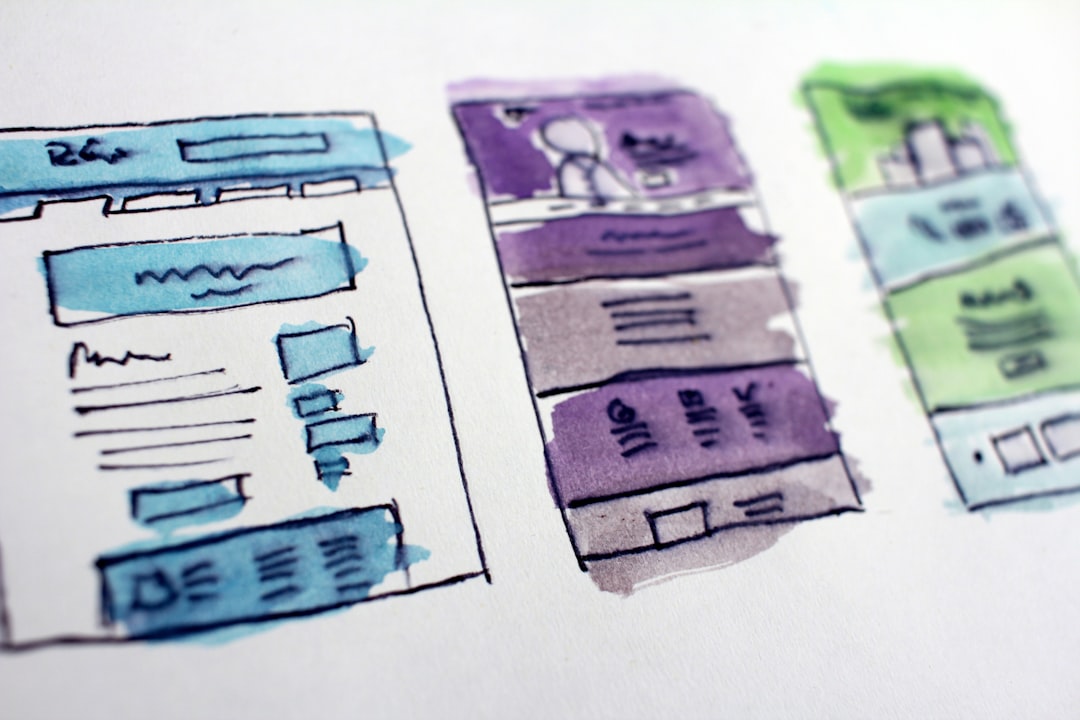
Internal links affect SEO by helping search engines discover pages, understand relationships between topics, and identify which pages matter most. They also help visitors take the next step instead of bouncing.
Google recommends descriptive, natural anchor text. On WordPress, that means linking related posts, connecting blog content to service pages, and making sure priority pages are not isolated. If your best service page only appears in a sitemap and nowhere else, that is a structural problem, not a content problem.
If you are not sure whether your current structure is helping or quietly hurting you, WordPress SEO Expert can help. A focused review often finds faster gains in architecture and linking than in publishing another thin article.
5. Duplicate URLs and canonical confusion
Duplicate URLs affect SEO by splitting signals across multiple versions of similar content. When WordPress creates too many near-identical paths, Google has to decide which one matters, and that uncertainty can hold all of them back.
Typical causes include tag archives, attachment pages, parameter URLs, trailing slash inconsistencies, and WooCommerce filters. This is why one clean setup matters more than stacking tools. One well-configured SEO plugin is enough. Running overlapping plugins often creates duplicate metadata, conflicting canonicals, and competing sitemap outputs.
6. Content structure and search intent

Well-structured content affects SEO because it is easier for users to scan and easier for search engines to map to intent. Clear headings, focused sections, and distinct page purpose usually outperform bloated pages chasing plugin scores.
Google’s people-first guidance is useful here. Pages should help someone accomplish a goal, not just exist to target a phrase. On WordPress sites, that often means consolidating overlap, improving one strong page, and resisting the urge to publish several near-duplicate posts for slight keyword variations.
What WordPress SEO best practices do not do
Best practices improve your odds, but they do not force rankings. SEO still depends on competition, content quality, topical fit, and whether your page is actually the best answer for the search.
This distinction matters because many site owners expect a plugin, a checklist, or a single technical fix to create movement overnight. Usually the real win comes from sequencing the work correctly: get the site crawlable, clarify page intent, strengthen internal links, clean up duplicates, then improve the content that already has ranking potential.
A simple priority order
If your WordPress SEO feels messy, start with the changes that remove blockers. Do not start with cosmetic tuning if the foundation is unstable.
| Priority | Focus | Why it matters |
|---|---|---|
| 1 | Indexing and crawl access | Pages cannot rank if they are blocked, hidden, or hard to reach |
| 2 | Canonicals and duplicate URLs | Prevents diluted signals and ranking confusion |
| 3 | Title tags and page intent | Improves relevance and click potential |
| 4 | Internal linking | Strengthens discovery and page importance |
| 5 | Content depth and formatting | Helps pages satisfy user intent more clearly |
The practical takeaway
WordPress SEO best practices affect SEO by making your site easier to crawl, easier to understand, and easier to trust. That does not sound flashy, but that is usually where ranking gains start.
You do not need a perfect score. The goal is a site that loads cleanly, uses one solid plugin setup, avoids duplicate messes, and gives each important page a clear job. If you are working through flat rankings, a traffic drop, or a messy plugin stack, WordPress SEO Expert can help you identify what to fix first and what to ignore.
Contact WordPress SEO Expert today to schedule a consultation. No pitch, no pressure. Just an honest look at what your site actually needs and whether your current setup is part of the solution or part of the problem.

















