

Low rankings usually come from a scattered plan, not one missing plugin. WordPress search engine optimization in 2026 still comes down to a simple sequence: make sure search engines can crawl the right pages, remove duplicate signals, write clearer titles, and strengthen the pages that already matter most. A green light in a plugin does not mean the page deserves to rank.
Most site owners do not have one catastrophic problem. They have a stack of smaller issues that compound over time. If you fix the issues that block visibility before the issues that polish visibility, your SEO work gets a lot more predictable. For a related baseline, review our WordPress SEO best practices and our comparison of Yoast SEO vs Rank Math if your plugin setup is part of the confusion.
What actually matters most in 2026
The short answer is this: crawlability, indexing, duplication control, titles, internal links, and page usefulness still matter more than chasing every new feature in your SEO plugin. Google continues to recommend helpful, people-first content and clear page signals over manipulative or repetitive optimization habits.
If your site is not moving, start by checking whether important pages are indexable, internally linked, and clearly differentiated from weaker archive or parameter-based URLs. Google recommends descriptive, concise titles, warns against keyword stuffing and repetitive boilerplate, and encourages content created to help users rather than to game rankings.
Start with crawlability and indexability
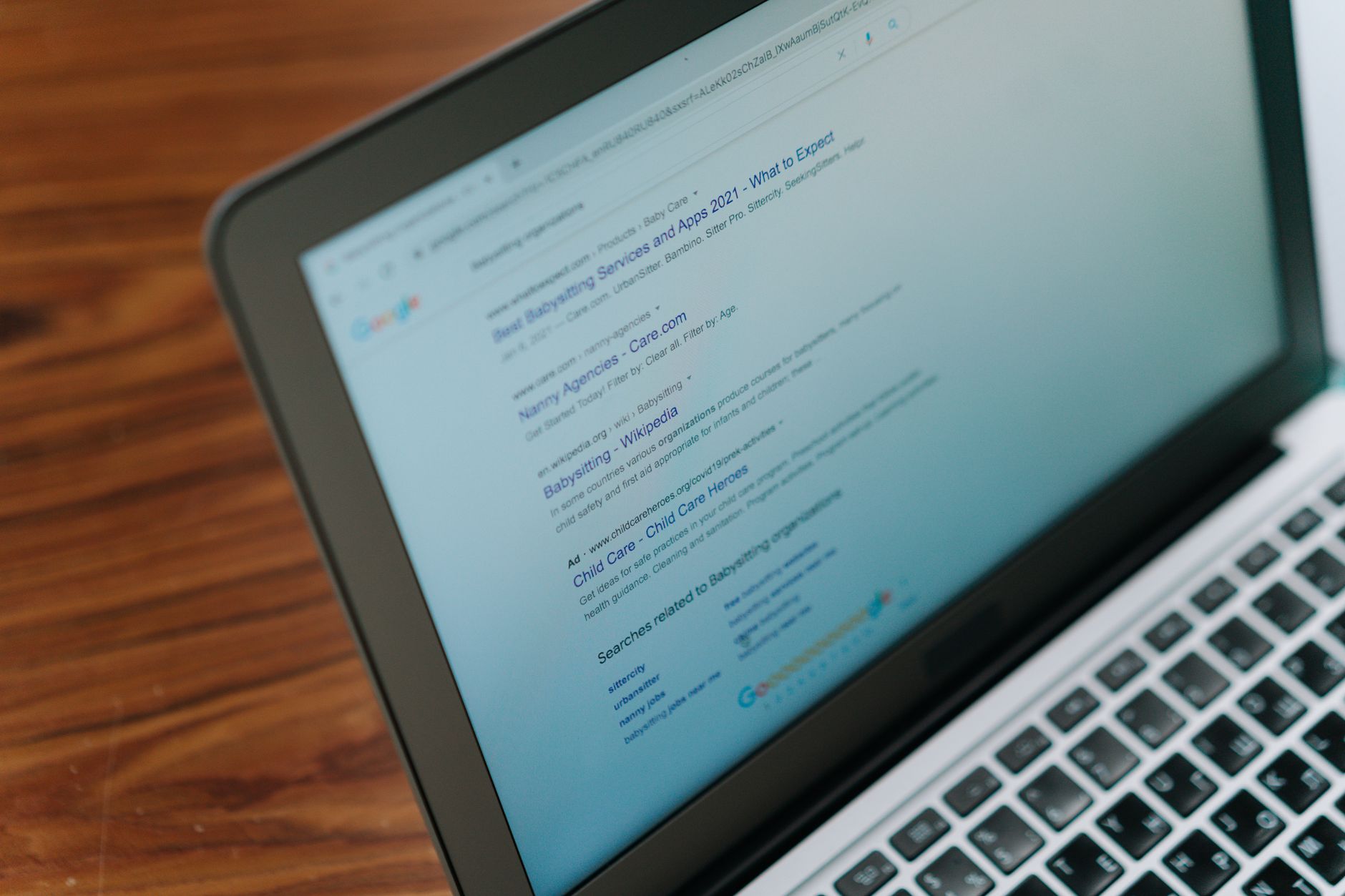
If Google cannot reliably crawl and index the right pages, everything else underperforms. Before editing titles, schema, or meta descriptions, confirm that your money pages are reachable through normal HTML links, are not blocked by settings, and are included only when they should be indexed.
On WordPress sites, common problems include accidental noindex settings, thin tag archives, orphaned service pages, staging restrictions left in place after launch, and duplicate URLs generated by plugins or filters. One clean setup usually beats a complicated one. If a page matters for leads or sales, make sure it is easy to reach from your navigation or contextual links and not buried behind weak architecture.
Use one SEO plugin, not a stack
One well-configured SEO plugin is enough. Running overlapping plugins often creates duplicate metadata, conflicting canonicals, and competing sitemap outputs that make troubleshooting harder than it needs to be.
The goal is not to collect features. The goal is to keep control of your title templates, meta descriptions, sitemap behavior, schema defaults, and indexing rules in one place. If you are still deciding between tools, our Yoast SEO vs Rank Math comparison can help you choose without turning plugin selection into a months-long project.
Write better titles before you write more content
Your title tag is still one of the strongest on-page signals you control. In 2026, the best titles are specific, concise, distinct from other pages, and written for humans first. Keyword stuffing still weakens usability and can make search snippets look spammy.
Many WordPress sites underperform because their titles are vague or repetitive rather than because the pages need more words. Tightening title language often improves relevance faster than publishing another thin supporting post. Focus on what the page is actually for, who it helps, and what makes it different.
| Weak title | Stronger title |
|---|---|
| SEO Services | SEO Company | SEO Expert | WordPress SEO Services for Small Businesses |
| Blog | WordPress SEO Tips for Service Businesses |
| Technical SEO | Technical SEO Fixes for WordPress Sites |
Meta descriptions still support clicks
Meta descriptions do not guarantee rankings, but they can improve how your result is summarized and clicked. Treat them as click support, not as a place to cram every keyword variation your plugin suggests.
Google may generate snippets from the page itself, but it can also use your meta description when that text better summarizes the content. That means each important page should have a clear, specific description that matches the page intent instead of a reused sitewide template with only one word changed.
Fix duplicate URL problems before publishing more pages
Duplicate and near-duplicate URLs often waste more SEO effort than people realize. If multiple versions of the same content compete, search engines have to guess which one is primary, and your internal signals get diluted.
On WordPress, duplication often comes from tag archives, attachment pages, filter URLs, parameter variations, inconsistent trailing slashes, and overlapping content that should have been consolidated into one stronger page. Fix the canonical version, redirect outdated variants when appropriate, and stop producing thin keyword variations that add crawl noise without adding value.
If you are experiencing these symptoms, our team at WordPress SEO Expert can help. We can sort out whether the problem is indexing, duplication, internal linking, or a plugin configuration issue before you waste time rewriting pages that were never the main problem.
Internal links should guide both users and crawlers

Internal links help search engines discover pages, understand hierarchy, and interpret which pages on your site deserve the most attention. They also help visitors move naturally from a question to a service, product, or next step.
Use descriptive anchor text, link related pages together, and make sure your high-value URLs are not isolated. Broad guides should support service pages. Category pages should support their strongest child pages. Blog posts should connect to the next useful page, not end in a dead stop. If you are cleaning up weak structure, our main WordPress SEO best practices article pairs well with this checklist.
Keep site structure simple
A simple site structure is usually better than a clever one. Important pages should be easy to find, close to the main navigation when appropriate, and grouped in ways that make sense to real visitors instead of only to your keyword spreadsheet.
For service businesses, keep core pages near the top level. For blogs, limit category sprawl. For WooCommerce stores, pay close attention to filter combinations and archive pages that create endless crawl paths with little standalone value. You do not need a perfect score. The goal is a site that loads cleanly and is easy to use.
Page speed matters, but not the way most plugins imply

Speed matters most when slow templates frustrate users or make key pages hard to use. You do not need to chase perfect lab scores across every template. You need a site that feels fast on the pages that drive revenue and conversions.
Start with the obvious drag points: oversized images, unnecessary plugins, bloated page builders, weak caching, and third-party scripts that add little business value. Test your homepage, service pages, product pages, and blog posts separately because performance problems are often template-specific rather than sitewide.
Schema should clarify, not compensate
Structured data can help search engines understand a page more clearly, but it is not a substitute for strong content, internal links, or clean indexing signals. Add the schema that matches what users can actually see on the page and skip the temptation to enable every available type.
Most small business WordPress sites need a careful, limited schema setup more than a maximal one. Clean implementation beats quantity. If your plugin is outputting overlapping or irrelevant schema types, simplify first and validate later.
A practical 2026 SEO priority order
Fix the issues that block visibility before the issues that polish visibility. This order keeps you from spending hours tweaking copy on pages that have crawl, canonical, or structural problems underneath them.
| Priority | What to fix first | Why it comes first |
|---|---|---|
| 1 | Indexing and crawl access | Pages cannot rank if search engines cannot reach or index them properly. |
| 2 | Canonicals and redirects | This reduces duplicate signals and URL confusion. |
| 3 | Title tags and page intent | This improves relevance and click potential. |
| 4 | Internal linking | This strengthens discovery, hierarchy, and topical support. |
| 5 | Template speed and usability | This improves user experience on the pages that matter most. |
| 6 | Content depth and consolidation | This helps pages satisfy intent without cannibalizing each other. |
| 7 | Schema and metadata cleanup | This supports clearer technical signals after the fundamentals are in place. |
What to stop doing in 2026
Stop treating plugin scores as proof of quality. Stop publishing near-duplicate posts for slight keyword variations. Stop stacking overlapping SEO tools because more settings feels safer. Most of the time, that stack creates clutter, not leverage.
Also stop letting weak archive pages, old redirects, and conflicting canonicals accumulate quietly in the background. SEO problems on WordPress are often maintenance problems before they are strategy problems. A cleaner setup usually outperforms a busier one.
The best next step for most WordPress sites
The best next move is usually not a full rewrite. It is a focused review of the pages already tied to leads, sales, or existing impressions. Start where momentum already exists and remove the friction holding those pages back.
If you are not sure whether your current setup is helping or quietly hurting you, WordPress SEO Expert can help. Book a free SEO consultation. No pitch, no pressure. Just an honest look at what your site actually needs and whether your current setup is part of the solution or part of the problem.
Contact WordPress SEO Expert today to schedule a consultation. We will help you identify what to fix first, what to ignore, and how to build a cleaner WordPress SEO plan for 2026.

















