

Low rankings usually come from a scattered plan, not one missing plugin. A small business WordPress site can publish regularly, install the right tools, and still stay flat because indexing issues, weak page targets, thin internal linking, and messy templates compound over time.
A practical WordPress SEO strategy for small businesses starts with the pages that should drive leads, then fixes the technical and content issues that stop those pages from competing. You do not need a perfect plugin score. You need a site that is crawlable, clearly structured, and easier for customers and Google to understand.
What should a small business focus on first?
Start with visibility blockers before you polish anything else. If your most important pages are hard to crawl, weakly linked, duplicated, or poorly matched to search intent, changing plugin settings alone will not move rankings in a meaningful way.
The fastest way to prioritize is to review your service pages, location pages, top blog posts, and contact paths in this order: indexability, titles, internal links, page structure, and then secondary enhancements like schema or snippet tuning. That sequence prevents you from spending hours polishing pages that search engines are not processing correctly in the first place.
If you need a broader technical baseline, review our WordPress SEO best practices before changing templates or plugin settings sitewide.
Build the strategy around business pages, not blog volume
Most small businesses need stronger core pages before they need more content. A strategy built around service pages, problem pages, and a small number of supporting articles usually works better than publishing a large stack of low-depth posts.
Map one main search intent to each important page. Your homepage should target your broadest commercial theme. Each service page should answer one distinct need. Supporting blog posts should help users compare options, understand costs, solve related problems, or move closer to a decision. When several pages chase the same phrase with slight wording changes, they tend to weaken each other.
This is where many DIY site owners get stuck. They write more posts because it feels productive, but the pages that should convert visitors are still vague, thin, or buried. Fix the pages tied to revenue before expanding the content calendar.
Make sure search engines can crawl the right pages

Crawlability comes before optimization. Google recommends using crawlable links and making sure pages can be reached through normal HTML links, because that helps Google discover and understand site structure more reliably.
On small business WordPress sites, the most common problems are accidental noindex settings, orphaned service pages, attachment pages, duplicate archives, and navigation patterns that bury key pages several clicks deep. Your goal is simple: every page you want to rank should be reachable through clean internal links, included in the right sitemap, and free from avoidable duplication.
Google also recommends descriptive anchor text and clear linking structures rather than vague or script-dependent links. That matters for navigation menus, service grids, footer links, and related post modules just as much as it does for blog copy.
If your site recently changed themes, URLs, or plugin stacks, read our guide on choosing a clean plugin setup as a reminder that one clean setup is better than overlapping tools that create duplicate metadata and conflicting outputs.
Use one focused SEO plugin setup
One well-configured SEO plugin is enough for most small business sites. Running overlapping plugins often creates duplicate title tags, competing canonicals, multiple sitemap outputs, and settings conflicts that are harder to diagnose than the original problem.
Keep the setup narrow. Configure title templates, meta description rules, XML sitemaps, archive indexing, social defaults, and canonicals. Then stop. A green light in a plugin does not mean the page deserves to rank, and chasing every recommendation often produces awkward copy and over-optimization.
The goal is not maximum feature use. The goal is stable technical output with as few moving parts as possible.
Write better titles for service pages
Your page titles should tell both users and search engines what the page actually offers. Google recommends descriptive, concise title text and warns against keyword stuffing and repetitive boilerplate across pages.
That means each important page needs a distinct title built around the real service or topic, not a pile of variations. Small businesses often weaken titles by trying to sound broad or by repeating the same phrase across every page with only a city name swapped in.
| Weak title | Stronger title |
|---|---|
| SEO Services | SEO Company | SEO Expert | WordPress SEO Services for Small Businesses |
| Plumbing Services | Emergency Plumbing Services in Denver |
| Blog | WordPress SEO Tips for Service Businesses |
Good titles are specific enough to set expectations and short enough to stay readable. They should reflect the page itself, not just a keyword list you want to force into the field.
Treat meta descriptions as click support
Meta descriptions help support clicks, not rankings by themselves. Google says it may use the meta description when it summarizes the page better than the visible content, so the job is to write a short, accurate preview that matches search intent.
For small business pages, the strongest descriptions usually state the service, the audience, and the immediate benefit. Avoid boilerplate repeated across dozens of URLs. Each page should explain why that specific result is worth the click.
Use internal links to support the pages that matter

Internal linking is one of the simplest ways to strengthen weak site architecture. It helps users move to the next relevant step, and it helps Google understand which pages are important, related, and worth revisiting.
Link supporting blog content to service pages, connect overlapping service pages carefully, and make sure your highest-value pages appear in navigation or contextual links from pages that already get traffic. Descriptive anchor text works better than vague prompts because it gives users and search engines clearer context.
A good rule is this: if a page matters for leads, it should not rely on the sitemap alone. It should be linked naturally from relevant pages people already visit.
If you are not sure where your links are thin or whether your current structure is quietly weakening your service pages, WordPress SEO Expert can help.
Keep the content map small and intentional
Small businesses usually win with fewer, stronger pages. Google recommends people-first content, which means content created to help your audience rather than pages published mainly to attract search traffic without adding real value.
Instead of creating thin near-duplicate posts for every slight keyword variation, consolidate related topics into stronger pages with clearer structure. One detailed article that answers a real buying question is often more useful than five short posts repeating the same advice in different wording.
This matters even more for local and service businesses. If your blog exists, it should support the customer journey: comparisons, timelines, costs, common mistakes, and decision-stage questions. If it does not help a real prospect take the next step, it probably does not belong in the plan.
A simple 90-day WordPress SEO plan
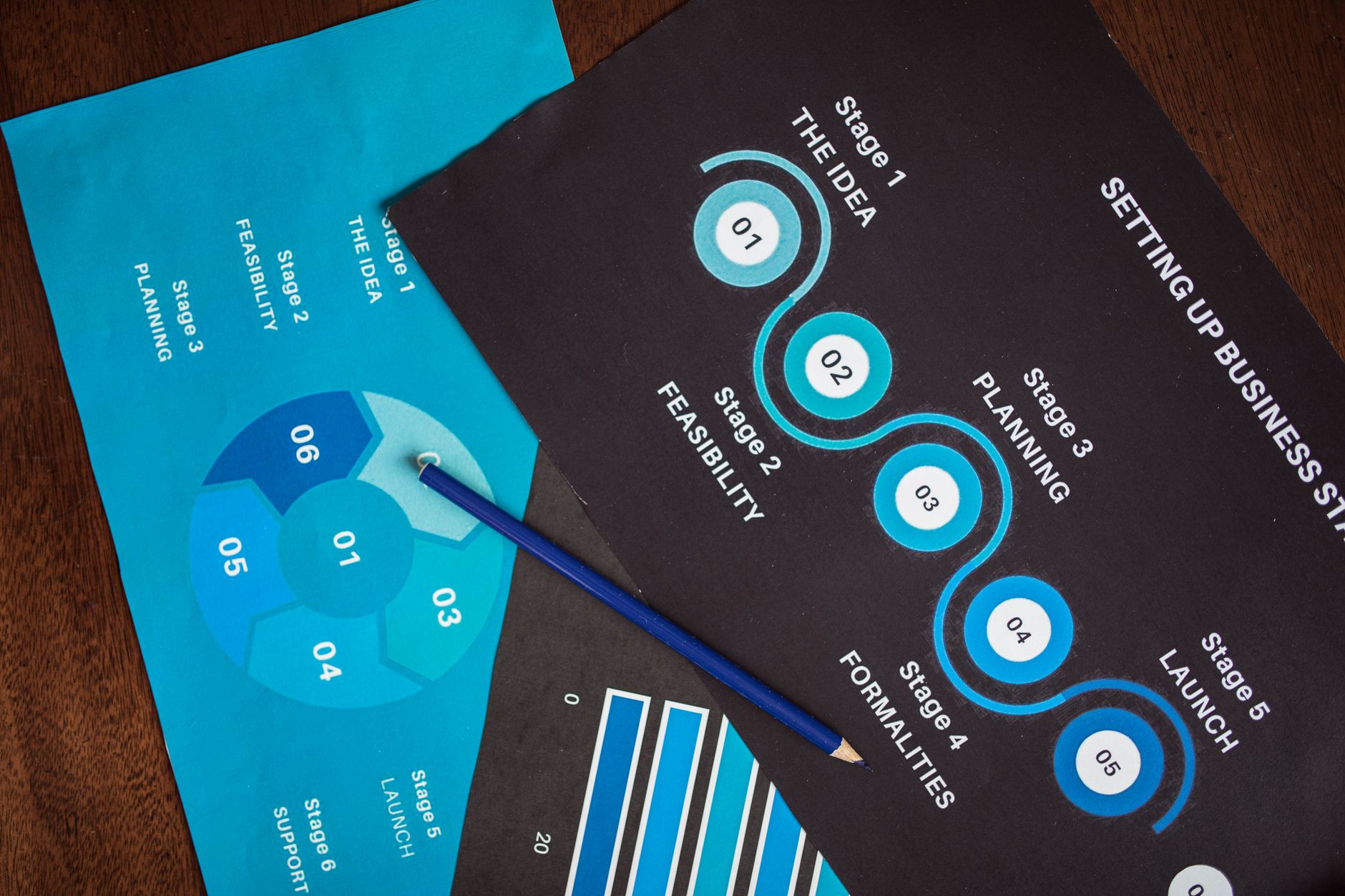
A small business does not need a giant strategy deck. It needs a short execution plan with clear priorities. Focus the first 90 days on cleanup, page targeting, and internal structure before expanding into more publishing.
| Timeframe | Priority | Main actions |
|---|---|---|
| Days 1 to 30 | Technical cleanup | Check indexability, sitemap coverage, redirects, canonicals, page status codes, and plugin overlap. |
| Days 31 to 60 | Core page improvement | Rewrite service page titles, tighten headings, improve copy depth, and align each page to one main intent. |
| Days 61 to 90 | Support and expansion | Add internal links, publish a small set of supporting posts, and improve weak templates that affect usability. |
This sequence works because it fixes the issues that block visibility before the issues that polish visibility. Most site owners do not have one catastrophic problem. They have a stack of smaller issues that compound over time.
What to stop doing
Stop treating plugin feedback as your SEO strategy. Plugin scores can be useful reminders, but they are not proof that a page is competitive, useful, or well-positioned to convert.
Also stop publishing overlapping pages just to target close variations, stacking SEO plugins for the same job, and creating titles that read like keyword lists. Those habits usually create more clutter than value.
When to bring in help
If your rankings are flat after consistent publishing, the issue is usually diagnosis, not effort. You may have the right topics but the wrong page targets, the right service pages but weak internal support, or solid content trapped behind technical friction.
Book a free SEO consultation. No pitch, no pressure. Just an honest look at what your site actually needs and whether your current setup is part of the solution or part of the problem.
Contact WordPress SEO Expert today to schedule a consultation. We will help you sort out what to fix first, what to ignore, and what kind of WordPress SEO strategy makes sense for your business size and goals.

















