
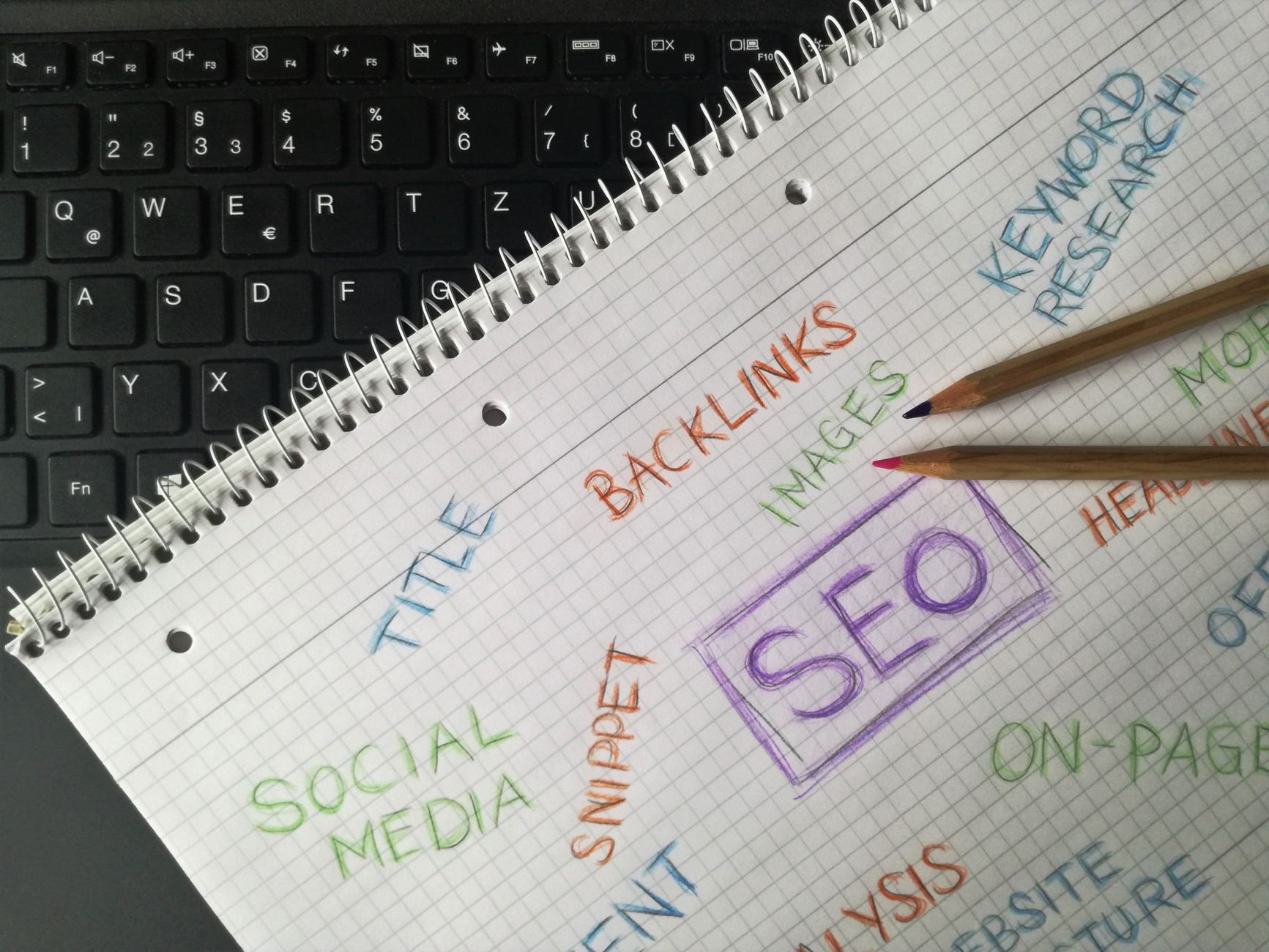
Getting started with WordPress SEO is usually less about finding a secret tactic and more about removing confusion. Most beginners are not missing one magic setting. They are trying to fix everything at once without knowing which issues affect visibility first.
WordPress SEO Expert sees this pattern constantly: too many plugins, unclear priorities, and pages written to satisfy plugin scores instead of real search intent. A green light in an SEO plugin does not mean the page deserves to rank. What helps is a simple setup, a crawlable site, and content that clearly matches what the page promises.
What should beginners focus on first?
Beginners should focus on visibility basics before anything advanced. Make sure search engines can crawl the right pages, use one SEO plugin, write clear titles, and build internal links to important pages. Fix the issues that block visibility before the issues that polish visibility.
If you start with schema tweaks, plugin score chasing, or small wording changes before checking indexing and structure, you can spend hours improving pages that search engines are not interpreting correctly in the first place. That is why a clean setup matters more than a complicated one.
A good first companion resource is this WordPress SEO setup for beginners guide, which walks through the baseline configuration before you start fine-tuning individual pages.
Do I need more than one SEO plugin?
No. One well-configured SEO plugin is enough for most WordPress sites. Running multiple SEO plugins often creates duplicate metadata, conflicting canonicals, and competing sitemap outputs that make the site harder to troubleshoot.
This is one of the most common beginner mistakes because it feels productive to add features. In practice, overlapping plugins usually create mixed signals. Pick one plugin, configure it properly, and spend the rest of your energy on titles, internal links, indexing rules, and better page targeting.
Do plugin green lights mean my SEO is good?
No. Plugin indicators can help you catch missing basics, but they do not measure whether the page actually deserves to rank. They do not understand nuance, search intent, originality, or whether the page is more useful than competing results.
That is why beginners often get stuck. They rewrite sentences to satisfy a score while ignoring bigger problems like weak targeting, thin content, or poor internal linking. If you use a checklist, use it as a prompt, not a definition of success. This WordPress SEO checklist article is useful if you want help sorting high-impact tasks from low-impact ones.
What pages should I optimize first?
Start with the pages that already matter to your business or already show search potential. That usually means your homepage, core service pages, main category pages, and any posts already getting impressions. These pages give you the clearest return on your effort.
Many beginners make the mistake of trying to optimize every archive, tag, and low-value page before tightening the pages tied to leads or traffic. A stronger approach is to review your highest-value pages first, improve their titles and headings, strengthen their internal links, and make sure they are indexable.
How should I write page titles?
Write titles that clearly describe the page and match what the visitor expects to find. Short, descriptive titles usually perform better than repetitive keyword strings. The goal is clarity, not stuffing every variation into one line.
A weak title tries to chase several phrases at once. A stronger title reflects one clear topic and reads naturally. Beginners do better when they think, “What would make this result obviously relevant?” rather than, “How many times can I fit the keyword in?”
| Weak title | Stronger title |
|---|---|
| SEO Services | SEO Company | SEO Expert | WordPress SEO Services for Small Businesses |
| Blog | WordPress SEO Beginner Questions Answered |
| Best SEO Plugin, SEO Plugin, WordPress SEO Plugin | How to Choose a WordPress SEO Plugin |
Are meta descriptions important?
Yes, but not in the way many beginners think. Meta descriptions are better treated as click support than as a ranking shortcut. A clear description can improve how your page is summarized in search and help the right visitor choose your result.
You do not need to write them for every low-value page on day one. Focus first on important pages that are tied to leads, sales, or existing impressions. Keep them specific, useful, and aligned with the actual content of the page.
How important are headings and internal links?
They matter because they help search engines and visitors understand the page structure and the relationship between pages. Use one clear H1, logical H2s and H3s, and internal links that guide users to the next relevant page.
Internal links are especially underused on beginner sites. Blog posts often sit in isolation, and key pages rely only on the navigation menu. Linking related posts and service pages with descriptive anchor text helps reinforce topic relationships and improves discovery across the site.
If your site feels messy and you are not sure where the weak spots are, our team at WordPress SEO Expert can help. A focused review often finds the compounding issues that keep rankings flat even when the basics seem covered.
Do I need to worry about technical SEO right away?
Yes, but only the fundamentals at first. Beginners do not need an advanced technical stack. They do need to make sure important pages can be crawled, the sitemap is working, thin archives are handled properly, and the site is not sending duplicate signals.
Most site owners do not have one catastrophic problem. They have a stack of smaller issues that compound over time. That is why even a basic review of indexing rules, plugin overlap, archive settings, and internal links can do more than another round of score-chasing edits.
For a more diagnostic approach, this guide to auditing WordPress SEO setup can help you review the site in a more logical order.
Does site speed matter for beginners?
Yes, but beginners should aim for a usable, stable site rather than a perfect lab score. Slow pages create a poor experience, but speed work should follow the visibility basics. You do not need a perfect score. You need a site that loads cleanly and is easy to use.
Start with simple improvements: compress large images, use caching, remove unused plugins, and avoid unnecessary complexity in page builders. Those changes usually help more than chasing tiny score gains that visitors will never notice.
What beginner SEO tasks can wait?
Advanced schema decisions, exhaustive plugin settings, and constant title rewrites can usually wait until the foundation is clean. Beginners get better results by solving structure, indexing, and content clarity first, then refining supporting details later.
This matters because SEO progress often comes from better prioritization, not more activity. If your site is crawlable, your important pages are well targeted, and your internal links are helping users move through the site, you are already working on the right layer.
The best next step for beginners
The best next step is a short, honest review of what is actually blocking progress. Look at your main pages, your plugin setup, and your internal linking before you add more content or more tools. SEO usually improves faster when you simplify the setup and tighten the pages that matter most.
If you are experiencing these setup problems, our team at WordPress SEO Expert can help. Book a free SEO consultation. No pitch, no pressure. Just an honest look at what your site actually needs and whether your current setup is part of the solution or part of the problem.
Contact WordPress SEO Expert today to schedule a consultation and get a clearer plan for what to fix first on your WordPress site.

















