
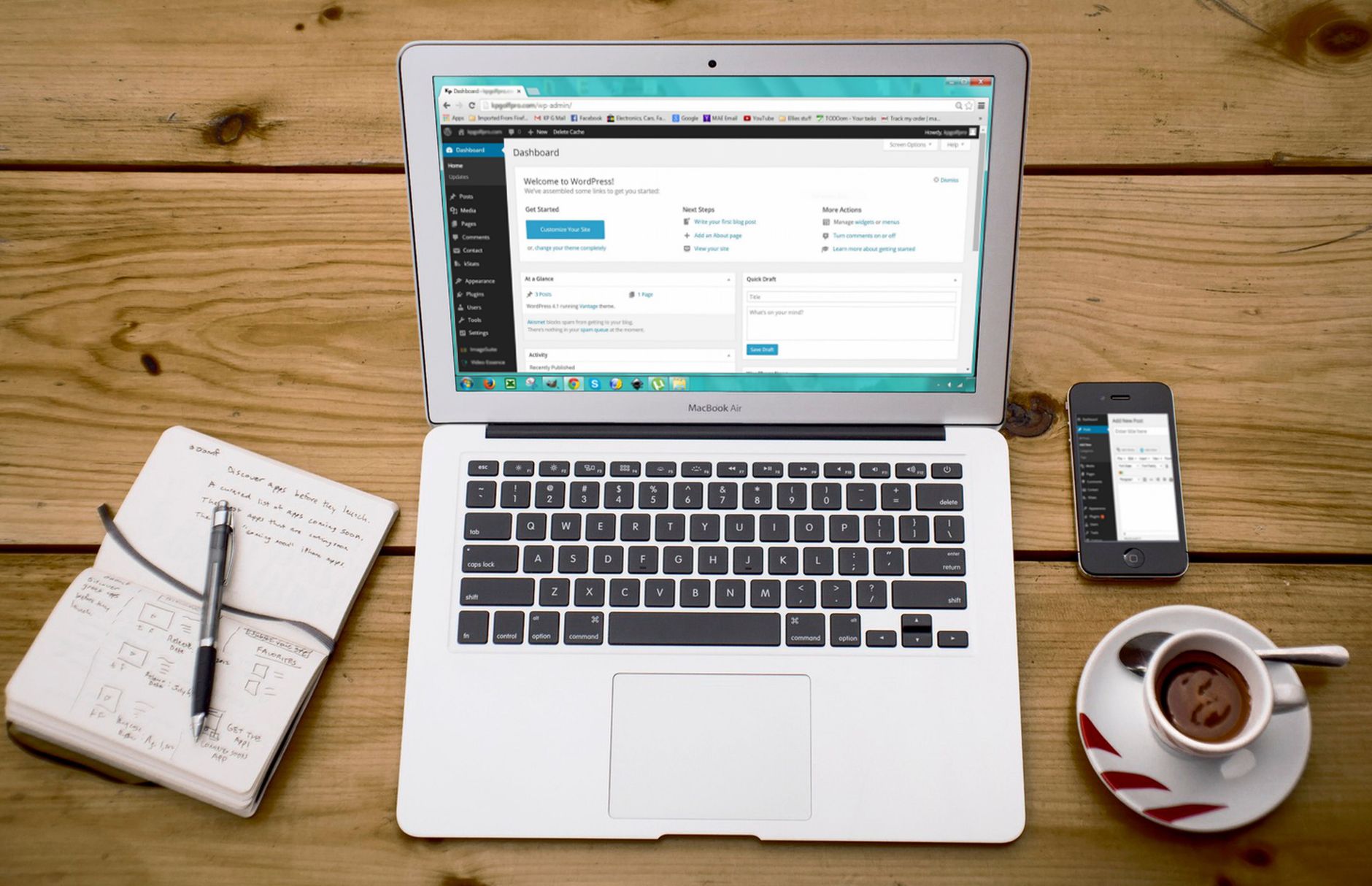
Low rankings usually come from a scattered plan, not one missing plugin. A WordPress SEO checklist helps only when you use it in the right order: fix indexing, titles, internal links, and page speed before you chase plugin scores or publish more content.
Most site owners do not have one catastrophic problem. They have a stack of smaller issues that compound over time. That is why a checklist can help, but only if it pushes you toward the issues that block visibility first. A green light in an SEO plugin does not mean the page deserves to rank.
What gets better results from a WordPress SEO checklist?
Better results come from using your checklist as a priority tool, not a completion game. The goal is not to tick every box. The goal is to improve crawlability, clarity, and usefulness in the order that gives search engines and visitors fewer reasons to struggle with your site.
Many WordPress site owners follow long generic checklists and end up spending time on low-impact edits. We recommend a shorter process. Fix the issues that block visibility before the issues that polish visibility. If you need a stronger baseline first, review how to optimize SEO for WordPress alongside this checklist.
Start with the items that can suppress rankings
The first pass through your checklist should focus on anything that can keep pages from being crawled, indexed, or understood. These are the fixes that matter more than cosmetic plugin suggestions and usually explain why traffic stalls even when content publishing continues.
Check whether important pages are indexable, whether the right version of each page is canonical, and whether your titles clearly describe the page. Google recommends descriptive, concise title text and warns against keyword stuffing and repeated boilerplate. It also advises using concise, relevant anchor text for internal links and says descriptive meta descriptions can help create useful snippets when they better summarize the page than the visible content.
If your checklist does not force you to review these fundamentals first, it is probably leading you toward busywork. For a simpler baseline, WordPress SEO for beginners is a useful companion if your setup still feels scattered.
What to review first
| Checklist item | Why it matters |
|---|---|
| Indexing settings | A blocked page cannot rank no matter how well it is written. |
| Title tags | Titles help search engines and users understand what the page is about. |
| Internal links | Clear internal links help Google discover related pages and understand site structure. |
| Canonical setup | Canonical signals reduce confusion around duplicate or overlapping URLs. |
| Page speed and stability | Slow or unstable pages weaken user experience and can hold back performance. |
Use one plugin well instead of stacking tools
One well-configured SEO plugin is enough for most WordPress sites. Running overlapping plugins often creates duplicate metadata, conflicting canonicals, and competing sitemap outputs. The gap between plugin setups is usually not whether one works and one does not. It is whether the settings are clean and aligned.
This is where many checklists quietly fail. They encourage more tools, more fields, and more warnings without helping you decide what actually matters. If your current setup includes overlapping schema settings, multiple sitemap generators, or title templates you do not fully understand, simplify before you optimize.
If you are not sure whether your current plugin configuration is helping or quietly hurting you, WordPress SEO Expert can help.
Treat titles and descriptions as click tools

Your checklist should improve what searchers see before they land on the page. Titles should be specific and readable. Meta descriptions should support the page with a clear summary. These fields are not places to repeat the same keyword variation until the plugin turns green.
Google recommends descriptive, concise titles and warns against repetitive boilerplate and keyword stuffing. It also explains that search snippets are generated primarily from page content, but meta descriptions may be used when they provide a more accurate summary for the query. That means your checklist should push you toward clarity, not repetition.
A weak title might read like a category dump. A stronger title tells the reader exactly what problem the page solves. The same principle applies to descriptions. Write for clicks from the right visitor, not for plugin scoring systems.
Use the checklist to improve site structure
Most ranking problems are not isolated to one page. They spread through weak architecture, orphaned content, and unclear topic relationships. A useful checklist should force you to review whether your pages support each other through internal linking and whether your categories make sense.
Internal links are one of the easiest checklist items to rush, but they matter because they help visitors move deeper into your site and help search engines understand which pages connect. Use descriptive anchor text, link related service or education pages together, and make sure important pages are not buried behind too many clicks.
Do not let page speed become vague advice
Page speed belongs on your checklist, but only if you treat it as a technical issue with specific causes. Generic reminders to compress images or install a cache plugin are not enough. You need to know whether the real slowdown comes from render-blocking assets, oversized media, heavy plugins, or weak hosting.
Google’s performance guidance treats a Largest Contentful Paint of 2.5 seconds or less as good. That does not mean every page needs to be perfect before it can rank, but it does mean your checklist should catch pages that load slowly enough to frustrate users. You do not need a perfect score. The goal is a site that loads cleanly and is easy to use.
Turn the checklist into a 90-day workflow

The best way to get better results is to stop treating your checklist like a one-time cleanup. Use it as a recurring workflow. Review technical blockers first, update weak titles and internal links next, then improve the pages that already have the best chance to win.
A simple 90-day rhythm works well for most small business sites. In the first phase, fix indexing, canonicals, and sitewide settings. In the second, rewrite weak page titles and improve internal links. In the third, refresh existing pages that are close to ranking better before you create more content.
What to stop doing
Some checklist habits create more noise than progress. If your current process feels busy but rankings stay flat, remove the steps that encourage over-optimization and distraction. Better SEO usually comes from fewer, clearer actions done consistently.
| Stop doing this | Do this instead |
|---|---|
| Chasing plugin scores on every page | Prioritize pages that drive leads, sales, or core search intent. |
| Stuffing titles with variations of the same keyword | Write one clear, specific title that matches the page topic. |
| Adding overlapping SEO plugins | Use one plugin and configure it cleanly. |
| Publishing more thin content to compensate | Strengthen the pages you already have first. |
| Using generic internal link anchors | Use descriptive phrases that reflect the destination page. |
When to get outside help
If your checklist keeps growing but results do not, the issue is probably not effort. It is prioritization. Most site owners need help identifying which technical, on-page, and structural issues are holding the site back so they can stop wasting time on low-impact fixes.
WordPress SEO Expert works with business owners, WooCommerce teams, and site managers who need clear next steps instead of more vague advice. Book a free SEO consultation. No pitch, no pressure. Just an honest look at what your site actually needs and whether your current setup is part of the solution or part of the problem.
Contact WordPress SEO Expert today to schedule a consultation.

















