
Low rankings in Google usually come from a scattered setup, not one missing plugin. If you want better WordPress Google SEO, fix the issues that block visibility before the issues that polish visibility. That means starting with indexability, page titles, internal links, and duplicate URL cleanup before you worry about plugin scores.
Most site owners do not have one catastrophic problem. They have a stack of smaller issues that compound over time. A green light in an SEO plugin does not mean the page deserves to rank. What matters is whether Google can crawl the right pages, understand what each page is about, and see a site structure that makes sense.
If you are trying to improve WordPress visibility in Google without wasting time, the best move is to simplify your setup and work in sequence. For a broader foundation, review our WordPress SEO best practices and our breakdown of what to fix first for WordPress SEO in Google.
What does WordPress Google SEO actually mean?

WordPress Google SEO means making your WordPress site easier for Google to crawl, understand, and trust for the searches that matter to your business. It is not a separate kind of SEO. It is regular SEO applied to WordPress settings, themes, plugins, content structure, and internal linking.
That matters because WordPress can help or hurt visibility depending on how it is configured. The platform gives you control over titles, meta descriptions, sitemaps, canonicals, archive pages, and schema through themes and plugins. Used well, that control creates a clean technical foundation. Used badly, it creates duplicate metadata, thin archives, and confusing signals.
One well-configured SEO plugin is enough. Running overlapping plugins often creates duplicate metadata, conflicting canonicals, and competing sitemap outputs. If your current setup feels busy, the fix is usually to remove overlap, not add more tools.
What should you fix first?
Fix the issues that block visibility before the issues that polish visibility. If Google cannot crawl the right pages or if multiple URLs compete with each other, better copy alone will not move much. Start with crawlability, indexing rules, titles, internal links, and duplication.
| Priority | What to check first | Why it matters |
|---|---|---|
| 1 | Search engine visibility and noindex settings | Pages cannot rank if Google is blocked from indexing them. |
| 2 | One primary SEO plugin | Prevents conflicting titles, canonicals, schema, and sitemaps. |
| 3 | Title tags on core pages | Helps Google understand page purpose and improves click appeal. |
| 4 | Internal links to important pages | Strengthens discovery, context, and site hierarchy. |
| 5 | Canonical and redirect setup | Reduces duplicate URL confusion and diluted signals. |
| 6 | Archive and filter URL control | Keeps low-value pages from creating crawl clutter. |
| 7 | Schema and sitemap hygiene | Supports clearer technical signals without overcomplication. |
You do not need a perfect score. The goal is a site that loads cleanly, is easy to use, and gives Google a clear version of what should rank. If you are not sure where your setup is leaking visibility, WordPress SEO Expert can help identify the bottlenecks quickly.
How important are titles and meta descriptions?

Titles matter a lot because they help define page relevance and shape how your result appears in search. Meta descriptions matter less for rankings, but they still support clicks by giving searchers a clearer reason to choose your page. Write both for humans first, not for plugin scores.
Google recommends descriptive, concise title text and warns against repetitive boilerplate and keyword stuffing. It also says internal anchor text should be descriptive and useful, which is one reason generic navigation and weak blog links often hold sites back. That is why a plain title like SEO Services or Blog usually underperforms a title that clearly names the service, audience, or problem.
| Weak title | Stronger title |
|---|---|
| SEO Services | SEO Company | SEO Expert | WordPress SEO Services for Small Businesses |
| Blog | WordPress Google SEO Tips for Service Businesses |
| SEO Plugin | Best WordPress SEO Plugin for Simple Sites |
Meta descriptions should support the click, not repeat the title awkwardly. Keep them specific, relevant, and aligned with what the page actually delivers. If your pages all pull the same default description, fix that before you publish more content.
Do you need a special plugin for Google SEO?
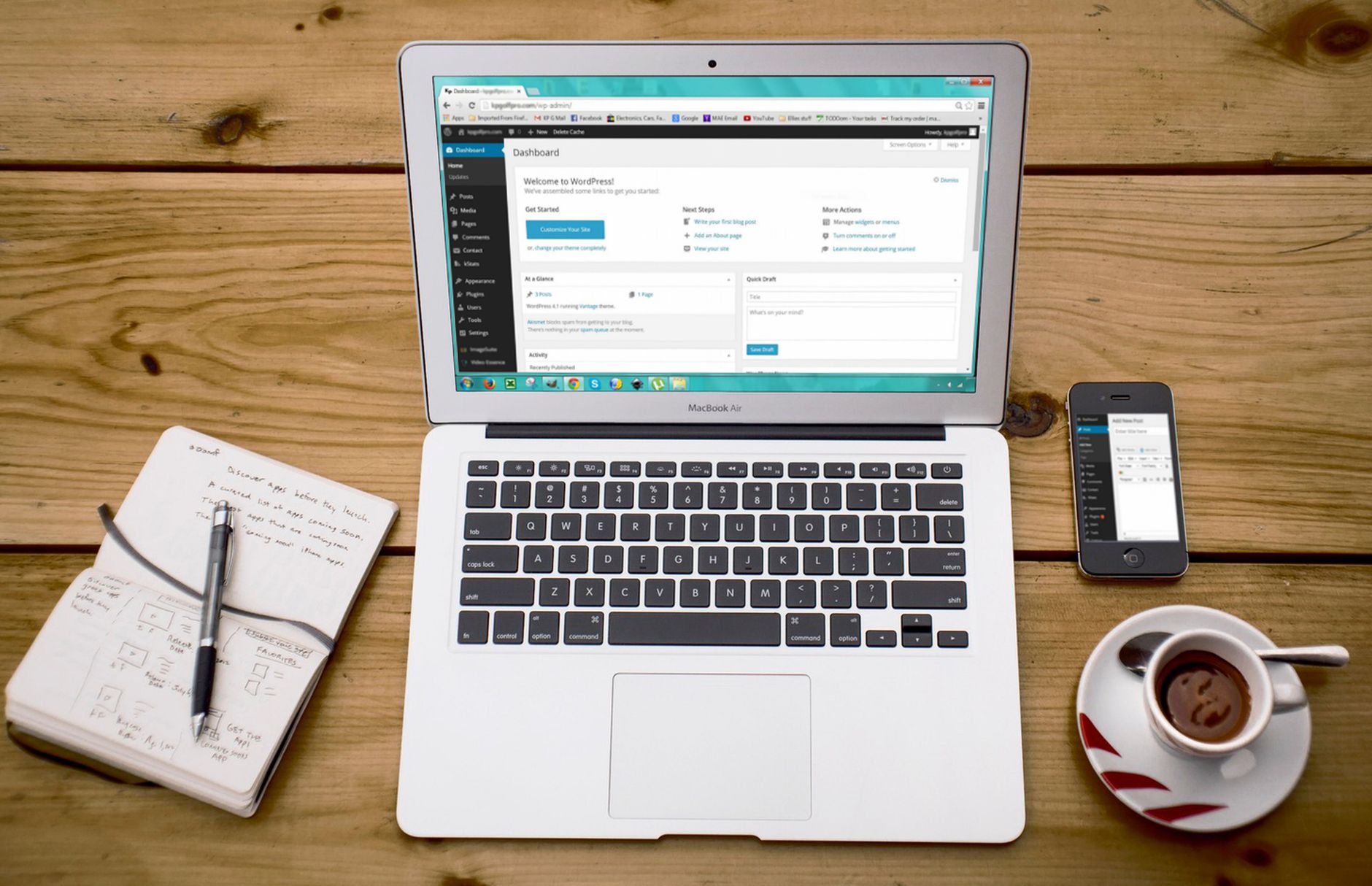
No special Google SEO plugin is required. You need one reliable SEO plugin that lets you manage titles, meta descriptions, sitemaps, canonicals, and index settings cleanly. The plugin is a control panel, not the strategy.
DIY site owners often get stuck comparing features instead of fixing visibility problems. The gap between most major plugins is not that one works and one does not. The gap is in interface, workflow, and which features are free versus paid. If you are comparing options, our Yoast SEO vs Rank Math comparison explains the trade-offs without the hype.
The bigger rule is simple: do not stack SEO plugins. One clean setup is easier to trust, easier to audit, and less likely to create hidden conflicts.
What does Google care about on a WordPress site?
Google cares less about which plugin you installed and more about whether your pages are crawlable, useful, and clearly structured. If your important pages are easy to reach, have distinct titles, and are supported by strong internal links, you are usually on the right track.
On WordPress sites, the most common problems are accidental noindex settings, thin archive pages, duplicate URLs from filters or tags, weak internal linking, and titles that say almost nothing. Google also expects structured data to match visible page content, so schema should reflect what users can actually see instead of being turned on everywhere without a plan.
This is why technical cleanup often beats publishing another thin article. If several versions of a page compete, if your blog categories are bloated, or if product filters create endless low-value URLs, the site can look much larger and messier to Google than it does to you.
If you are experiencing these symptoms, our team at WordPress SEO Expert can help. We can review whether your current plugin configuration, index rules, or URL structure is part of the problem.
What should you stop doing?
Stop treating plugin indicators as proof a page is optimized. Stop publishing thin near-duplicates to target slight keyword variations. Stop letting archive pages, attachment pages, and filter URLs pile up without checking whether they deserve to be indexed.
Most WordPress Google SEO problems come from accumulation. One weak title will not sink a site. One redundant plugin will not always destroy visibility. But a stack of weak titles, duplicate URLs, thin archives, poor internal links, and conflicting plugin output can keep rankings flat for a long time.
The practical next step
The practical next step is a focused review of your highest-value pages. Check whether they are indexable, whether the titles are distinct, whether they receive internal links from relevant pages, and whether there is a cleaner canonical version if duplicates exist.
You do not need a massive sitewide rewrite to make progress. You need a short sequence, a cleaner plugin setup, and better decisions about which pages should rank. Contact WordPress SEO Expert today to schedule a consultation. We will give you an honest look at what your site actually needs and whether your current setup is helping or quietly hurting you.

















