
Low rankings in WordPress usually come from a stack of smaller issues, not one missing plugin. If you want better visibility in Google, start with crawlability, page targeting, internal links, and speed before you chase plugin scores or publish more content.
That matters because Google still relies on clear titles, accessible links, mobile usability, and strong canonical signals to understand your pages. WordPress SEO Expert sees the same pattern repeatedly: site owners keep adding tools when the real problem is that the site structure and page signals were never tightened up.
What does SEO for WordPress optimization for Google actually mean?
SEO for WordPress optimization means making it easier for Google to crawl your site, understand each page, and trust which URLs should rank. The goal is not to make a plugin light turn green. The goal is to remove the friction that keeps good pages from performing.
In practice, that usually means using one SEO plugin, cleaning up title tags, fixing duplicate URLs, improving internal links, and making sure the mobile version is fast and stable. Google recommends descriptive, concise titles, discourages keyword stuffing, and treats page experience as part of a broader quality picture rather than a one-metric game. Google’s title link documentation and page experience guidance both support that approach.
What to fix first on a WordPress site

Fix the technical blockers first because they invalidate everything else. If Google is seeing duplicate versions, weak canonicals, confusing titles, or slow mobile pages, new content alone will not solve the problem.
| Priority | Area | What to check | Why it matters |
|---|---|---|---|
| 1 | Indexing | Make sure important pages are crawlable and not accidentally noindexed | Google cannot rank pages it cannot access properly |
| 2 | Titles and intent | Give each page a unique title tied to one clear topic | Helps Google understand what the page should rank for |
| 3 | Canonical setup | Use one preferred URL version and self-referencing canonicals | Reduces duplication and signal splitting |
| 4 | Internal links | Link related pages with descriptive anchor text | Helps Google discover pages and understand relationships |
| 5 | Mobile speed | Compress images, reduce script bloat, and improve layout stability | Supports usability and overall page experience |
If you need a broader diagnostic sequence, review our WordPress SEO checklist for better rankings. If the site is new or about to launch, the WordPress SEO checklist for new websites covers the settings that cause indexing problems before they become traffic problems.
Use one SEO plugin, not a stack
Most WordPress sites do better with one clean SEO setup than with multiple overlapping plugins. Running two SEO plugins often creates duplicate title tags, competing schema output, conflicting canonicals, and confusing sitemap behavior.
A practical setup is one SEO plugin for metadata and schema, one caching or performance layer, and one image optimization workflow. If your site already has Yoast, Rank Math, and another snippet plugin all touching the head output, simplify before you optimize further. More tools rarely fix a weak structure.
Write titles for Google and humans
Your title tag is still one of the clearest page-level signals you control. The strongest titles are specific, concise, and clearly tied to the page topic instead of repeating broad SEO phrases.
Google advises site owners to write descriptive, concise titles and avoid repetitive boilerplate across pages. That means weak patterns like SEO Services | SEO Company | SEO Expert usually underperform compared with a title that names the actual service and audience. Google’s documentation on title links is explicit about avoiding keyword stuffing and repeated boilerplate.
| Weak title | Stronger title |
|---|---|
| WordPress SEO | SEO Services | Google SEO | WordPress SEO Services for Small Businesses |
| Home | WordPress SEO Expert | Technical and On-Page SEO |
| Blog Post About SEO | How to Optimize WordPress SEO for Google |
Clean up canonical and duplicate URL issues
Canonical problems are common on WordPress, especially on WooCommerce stores, filtered archives, tag pages, and mixed www versus non-www versions. If multiple URLs show the same or similar content, Google may choose its own preferred version unless you send stronger signals.
Google says redirects are a strong canonical signal, rel=canonical is a strong signal, and sitemap inclusion is a weaker signal. Google also recommends placing a self-referential canonical on the canonical page itself. Google’s canonicalization documentation is the best reference here. On WordPress, that usually means forcing one preferred domain version, checking product and category canonicals, and noindexing low-value archive pages when needed.
If your rankings dropped after a redesign, migration, or URL cleanup, duplication and canonical confusion are common causes. Our guide on how to optimize WordPress SEO walks through the page-level fixes that usually matter most after the technical foundation is stable.
Internal links are usually weaker than site owners think
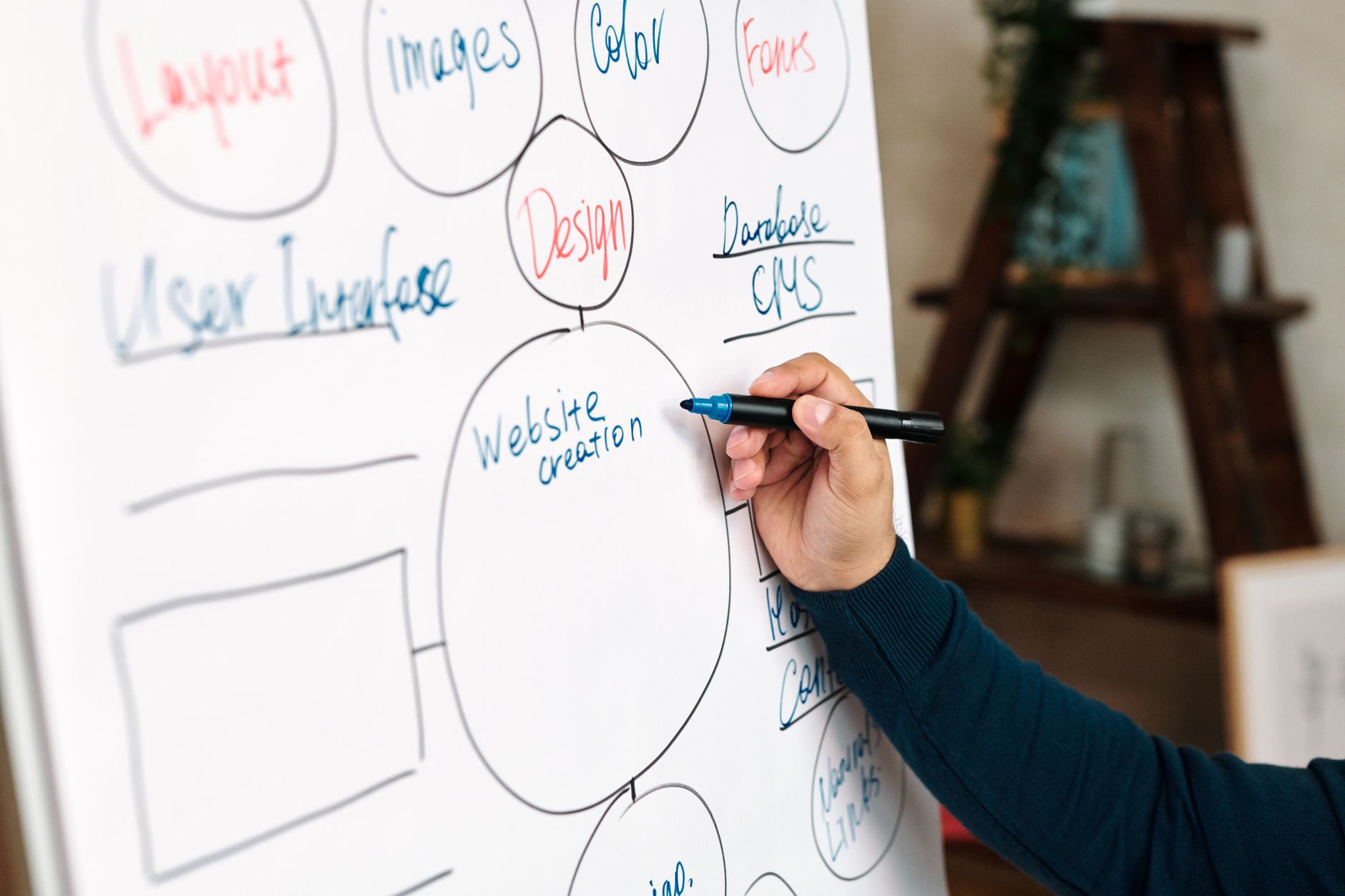
Good internal linking helps Google discover important pages and understand which topics connect. It also helps users move through your site without hitting dead ends, which is why weak internal linking often shows up alongside weak rankings.
Google recommends descriptive, concise anchor text that is relevant to both the source page and the destination page. Instead of generic anchors, link naturally from service pages, blog posts, and category pages using the terms readers expect. Google’s link best practices explain why descriptive anchors work better than vague phrases.
A common fix is linking supporting posts back to money pages, then linking money pages to the most useful supporting resources. That structure is often more effective than publishing five more disconnected articles. If you are also evaluating authority growth, our post on what you are actually paying for in link building services explains how external links fit into the bigger picture.
If you’re not sure which pages deserve the most internal links, WordPress SEO Expert can help identify the pages that should carry the most authority before you start editing menus, sidebars, or blog content.
Improve mobile speed without obsessing over perfect scores
Mobile performance matters, but perfection is not the target. A usable, fast, stable page usually beats a technically pristine page that still misses search intent or has weak content targeting.
Google’s page experience guidance makes that tradeoff clear: strong Core Web Vitals are useful, but good tool scores alone do not guarantee high rankings. Focus on image compression, caching, limiting unnecessary plugins, and reducing layout shifts before you spend hours chasing tiny score gains. Google says page experience should be viewed as part of an overall system, not a shortcut to the top.
For many WordPress sites, the biggest wins come from replacing oversized hero images, delaying nonessential scripts, and removing plugins that load front-end assets on every page. That is usually a better use of time than trying to force a lab score from the low 90s to 100.
Make sure Google sees the mobile version you want ranked
Google primarily evaluates the mobile version of your site, so hidden content, broken layouts, or stripped-down mobile templates can create ranking problems even when desktop looks fine. Test your important pages on actual phones, not just a resized desktop browser.
This is especially important on WordPress builds that rely on page builders, popup plugins, heavy sliders, or custom templates. If the mobile layout shifts, buttons overlap, or critical copy is buried behind accordions that never load properly, Google and users both get a weaker page. Google’s developer guidance for SEO and page experience reinforces the importance of mobile usability and accessible page content.
A practical WordPress SEO workflow for Google
The best workflow is short and repeatable: fix crawl issues, improve page targeting, strengthen internal links, and then measure. Most site owners do not need a huge strategy document. They need a prioritized order of operations they will actually execute.
| Step | Action | Outcome |
|---|---|---|
| 1 | Audit indexability, titles, canonicals, and redirects | Removes hidden technical blockers |
| 2 | Map one primary intent to each important page | Reduces keyword overlap and confusion |
| 3 | Add descriptive internal links between related pages | Improves discovery and topical structure |
| 4 | Compress images and reduce script bloat | Improves speed and mobile usability |
| 5 | Review results before making more changes | Prevents random, overlapping edits |
When to get help
If you have already published content, installed plugins, and made basic edits but rankings are still flat, the problem is usually diagnosis. You need to know whether the bottleneck is technical, structural, competitive, or content-related before making another round of changes.
WordPress SEO Expert can review your setup, identify what is actually holding the site back, and help you prioritize the fixes with the highest likely impact. If you want a second set of eyes before changing settings or rewriting pages, request a free WordPress SEO audit.
Most WordPress sites do not need more noise. They need a cleaner SEO foundation, stronger page targeting, and a plan that fixes the right problems in the right order. Contact WordPress SEO Expert today to schedule a consultation.

















