
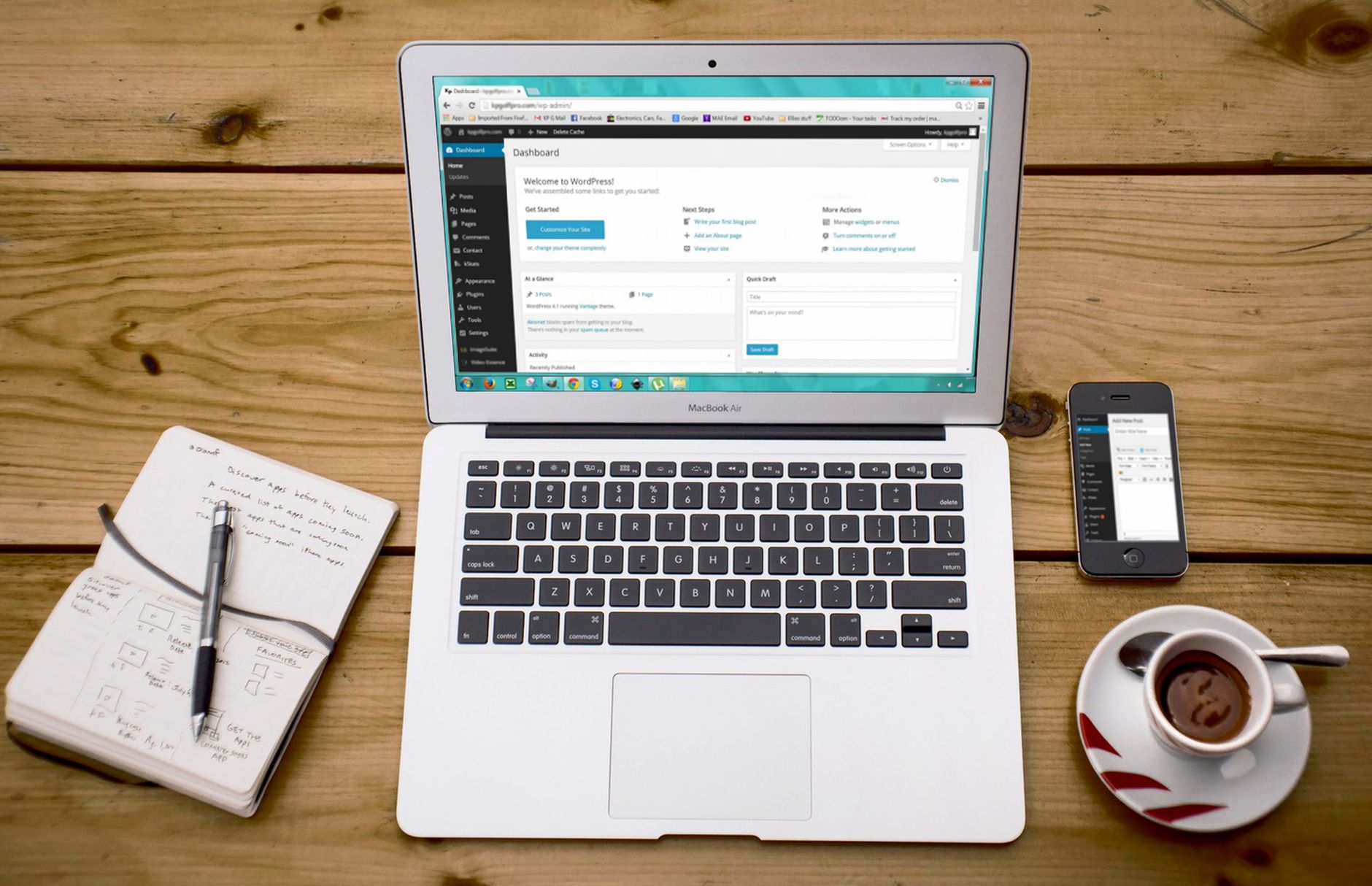
Flat rankings usually mean your SEO work is spread across too many tasks, not that you missed one magic setting. WordPress SEO works best when you handle the fundamentals in order: indexing first, page targeting second, site structure third, and technical cleanup after that.
A green light in an SEO plugin does not mean the page deserves to rank. Most site owners do not have one catastrophic problem. They have a stack of smaller issues that compound over time, which is why a step-by-step process usually works better than another checklist full of disconnected tips.
This guide walks through the core WordPress SEO fundamentals in a practical order. If your site feels messy, slow, or stuck, WordPress SEO Expert can help you sort out what to fix first instead of guessing through settings.
Step 1: Make Sure Search Engines Can Reach the Right Pages
The first SEO fundamental is simple: if search engines cannot crawl or index your important pages, nothing else matters yet. Fix visibility blockers before you spend time rewriting copy, adjusting schema, or chasing plugin scores.
Start by checking whether your key pages are indexable, linked internally, and included in your sitemap. Google says every page should have a descriptive title and meta description, and pages should be reachable from another findable page through crawlable links. Review your homepage, service pages, main category pages, and top blog posts before worrying about smaller pages. Google’s SEO guide for developers and our WordPress SEO audit walkthrough are good starting points if you need a structured review.
In WordPress, common problems include accidental noindex settings, weak internal linking, thin archives, and pages that technically exist but are too buried to matter. If you are not sure where the breakdown is, this guide on fixing WordPress SEO setup problems can help you narrow it down.
Step 2: Use One SEO Plugin and Configure It Well

One well-configured SEO plugin is enough for most WordPress sites. Running overlapping SEO tools often creates duplicate metadata, conflicting canonicals, and competing sitemap outputs that make troubleshooting much harder.
This is where many sites get off track. They install one plugin for titles, another for schema, another for redirects, and then assume more features means better SEO. Usually it means more clutter. Pick one primary plugin, configure the basics, and remove overlapping features where possible. A simpler setup sends clearer signals than a stacked one.
If you are deciding between tools, focus less on features you may never use and more on whether the plugin helps you manage titles, descriptions, indexing rules, and sitemaps cleanly. Our beginner WordPress SEO setup guide explains what a lean setup should look like.
Step 3: Fix Titles Before You Touch Smaller Details
Titles are one of the clearest signals you control. Google recommends descriptive, concise title text and warns against keyword stuffing and repetitive boilerplate, which makes title cleanup one of the highest-value fundamentals to fix early. Google’s title link documentation is explicit on this point.
Your important pages should each have a distinct title that matches the page’s actual purpose. A homepage, a service page, and a blog post should not all follow the same vague pattern. Weak titles often sound generic, while stronger titles tell both the user and the search engine what the page is really about.
| Weak title | Stronger title |
|---|---|
| SEO Services | SEO Company | SEO Expert | WordPress SEO Services for Small Businesses |
| Blog | WordPress SEO Tips for Service Businesses |
| Home | WordPress SEO Consultant for Growing Sites |
Fix the pages that already matter first. That usually means your homepage, top service pages, key categories, and any post that is already getting impressions. If you need a wider framework for prioritizing those updates, our practical WordPress SEO guide expands on the same process.
Step 4: Write Meta Descriptions That Support the Click
Meta descriptions do not replace weak content, but they can improve how your page is summarized in search results. Google says it may use the meta description when it gives users a more accurate summary of the page, so each important page should have a unique, relevant description. Google’s meta description guidance explains this directly.
The goal is not to stuff keywords into one sentence. The goal is to describe the page clearly enough that the right visitor wants to click. Keep descriptions specific, useful, and aligned with what the page actually delivers. If every page on your site uses the same template language, the descriptions are probably too generic.
Step 5: Build Clean Heading Structure and Clear Page Focus
Every page should make its main topic obvious within seconds. That means one clear H1, logical H2 sections underneath it, and content that stays focused on one primary intent instead of trying to rank for everything at once.
Many WordPress pages fail here because they blend multiple ideas into one page without a clear hierarchy. A service page turns into a blog post, a blog post turns into a sales page, and the headings stop reflecting what the page is actually for. Clean structure helps both readers and search engines understand the page faster.
When you review a page, ask a simple question: if someone landed here from search, would they immediately understand what problem this page solves? If not, the issue is usually page focus, not keyword density.
Step 6: Strengthen Internal Links

Internal links help search engines discover pages, understand hierarchy, and connect related topics across your site. Google recommends crawlable HTML links with descriptive anchor text, so strong internal linking is one of the simplest fundamentals you can improve without adding new tools. Google’s link best practices reinforces this.
Most WordPress sites underuse internal links. Important pages sit in the menu but are rarely referenced inside content. Blog posts cover related topics but never point to one another. Supporting pages exist, but they do not help strengthen the pages that drive leads or sales.
A good working rule is to connect informational posts to relevant service pages, connect related posts where the next step is obvious, and make sure no important page depends only on your sitemap for discovery. If your site structure still feels scattered, our WordPress SEO setup checklist can help you review the basics in order.
If you are experiencing these symptoms, our team at WordPress SEO Expert can help.
Step 7: Clean Up URLs, Archives, and Duplicate Signals
WordPress often creates more URLs than site owners realize. Tag archives, author archives, attachment pages, and parameter-based URLs can dilute signals if they are thin, duplicated, or not clearly managed.
Google recommends simple, descriptive URL structures that can be crawled efficiently. Google’s URL structure documentation is clear that messy URL systems can affect crawl efficiency. On a practical level, this means you should keep URLs readable, avoid unnecessary variations, and noindex archive types that do not add unique value.
Most site owners do not need to obsess over every archive page. They need to identify which pages deserve to rank and stop low-value duplicates from competing with them. Fix the issues that block visibility before the issues that polish visibility.
Step 8: Improve Speed Enough to Support the Experience
Speed matters when it affects usability, not because a plugin score turns green. The real goal is a site that loads cleanly, feels stable, and does not frustrate visitors on the pages that matter most.
Start with the basics that usually create the biggest gains: compress oversized images, use caching, remove unused plugins, and review what your theme or builder is loading on each template. Most sites improve more from reducing clutter than from chasing tiny performance tweaks. You do not need a perfect score. You need a site that is easy to use and sends consistent signals about which pages matter most.
A Simple Order of Operations
If WordPress SEO feels overwhelming, use a fixed order. Prioritization solves more ranking problems than another tool ever will because it keeps you from polishing pages that are still blocked by bigger technical or structural issues.
| Priority | What to fix | Why it matters |
|---|---|---|
| 1 | Indexing and crawl access | Pages cannot rank if search engines cannot reach them |
| 2 | SEO plugin setup | Conflicting outputs create sitewide confusion |
| 3 | Titles and page focus | Clarifies relevance and intent |
| 4 | Meta descriptions | Supports clearer search snippets |
| 5 | Internal links | Strengthens discovery and hierarchy |
| 6 | Duplicate URL cleanup | Prevents signal dilution |
| 7 | Speed improvements | Supports usability and stability |
What to Stop Doing
Stop treating plugin indicators as the goal. A green light in an SEO plugin does not mean the page deserves to rank, and adding more plugins rarely fixes a scattered setup.
Stop publishing thin pages just to cover more keywords. Stop leaving important pages isolated without internal links. Stop rewriting metadata on low-value pages while your main pages still have weak targeting. WordPress SEO fundamentals are less about doing everything and more about doing the right things in the right order.
When to Get Help
If you have already put in the effort and rankings are still flat, the problem is often prioritization, not motivation. An outside review can usually tell you whether the real issue is indexing, duplication, weak targeting, plugin clutter, or a mix of smaller issues working against each other.
WordPress SEO Expert can help you diagnose what to fix first without overcomplicating the process. Book a free SEO consultation. No pitch, no pressure. Just an honest look at what your site actually needs and whether your current setup is part of the solution or part of the problem.
Contact WordPress SEO Expert today to schedule a consultation.

















