

WordPress SEO fundamentals are less about finding one magic setting and more about putting the basics in the right order. If your rankings are flat, the problem is usually not effort. It is usually a scattered setup: weak page targeting, messy indexing rules, thin internal links, or plugin clutter working against each other.
That is why the strongest starting point is simple. Make sure search engines can reach the right pages, make those pages clearly about one topic, and support them with clean internal links. A green light in an SEO plugin does not mean the page deserves to rank.
For a broader baseline, start with our practical WordPress SEO guide for DIY site owners and our walkthrough on how to fix WordPress SEO setup problems. Those guides pair well with the fundamentals below.
What WordPress SEO fundamentals actually include
WordPress SEO fundamentals include crawlability, indexing, title tags, headings, content targeting, internal linking, and site performance. These are the basics that help search engines understand which pages matter and why they should appear for a relevant search.
WordPress makes publishing easy, but it also makes misconfiguration easy. Archive pages, attachment pages, duplicate metadata, and overlapping plugins can quietly dilute your signals. Most site owners do not have one catastrophic problem. They have a stack of smaller issues that compound over time.
The practical model is to fix the issues that block visibility before the issues that polish visibility. Indexing problems come before copy tweaks. Conflicting plugins come before advanced schema. Page clarity comes before chasing scores.
Start with crawlability and indexing

If Google cannot crawl or index the right pages, the rest of your SEO work will underperform. The first job is making sure your important pages are reachable, indexable, and linked from other crawlable pages.
Google recommends using crawlable HTML links and making sure pages can be reached through links from other findable pages. It also emphasizes that every page should have a descriptive title and meta description. That makes crawl access and page clarity the real starting line, not plugin checkmarks.
On a WordPress site, review whether key pages are accidentally noindexed, buried too deep, or isolated from the rest of the site. If a page only exists in your sitemap and nowhere in your internal links, it is under-supported from the start.
Use one SEO plugin and configure it well
One well-configured SEO plugin is enough. Running overlapping plugins often creates duplicate metadata, conflicting canonicals, and competing sitemap outputs that make troubleshooting harder than it needs to be.
This is one of the most common problems on inherited or redesigned WordPress sites. A plugin stack does not create a strategy. It creates more moving parts. Keep one primary SEO plugin, configure the basics inside it, and remove overlapping tools unless they serve a clear technical purpose.
You do not need a perfect score. The goal is a site that loads cleanly, is easy to use, and sends consistent signals about which pages matter most.
Titles and headings matter more than most settings
Your title tag and page heading do a large share of the work in explaining the page. Google recommends descriptive, concise titles and warns against keyword stuffing and repetitive boilerplate. That guidance is more useful than most plugin scoring systems.
Each important page should target one clear idea. The title tag can be tighter for search results, while the on-page H1 can read more naturally for visitors. What matters is that both clearly match the page topic and the searcher’s intent.
| Weak title | Stronger title |
|---|---|
| SEO Services | SEO Company | SEO Expert | WordPress SEO Services for Small Businesses |
| Blog | WordPress SEO Tips for Service Businesses |
| Home | WordPress SEO Consultant for Growing Sites |
Meta descriptions matter too, but as support for better snippets and clicks, not as a shortcut to rankings. Google says unique descriptions can help it show a more accurate snippet for each page. Write them for real humans deciding whether to click.
Internal links are a core fundamental

Internal links help search engines discover pages, understand site hierarchy, and connect related topics. They also help users move from an informational page to the next logical page without friction.
Google’s guidance on links emphasizes crawlable elements with href attributes and descriptive anchor text. In practice, that means linking your related posts and service pages with plain, specific phrasing instead of vague text.
Most WordPress sites underuse this. Blog posts often sit alone, service pages only live in the menu, and important pages receive almost no contextual support. A stronger structure comes from linking supporting posts to core pages and connecting related articles where the relationship is genuinely useful.
If your structure feels messy, WordPress SEO Expert can help. We can review whether your weak performance comes from poor internal linking, duplication, indexation problems, or a mix of smaller issues compounding over time.
Content targeting should stay simple
Every important page should have one main purpose. A homepage targets the broad business offering. Service pages target commercial or transactional searches. Blog posts usually target informational searches and support your more conversion-focused pages.
This is where many WordPress sites go off track. Instead of building a few strong pages, they publish multiple overlapping posts that chase slight keyword variations. That creates cannibalization, weakens page uniqueness, and makes internal linking harder to organize.
Google’s people-first content guidance reinforces the same principle: create content to help people, not to manipulate rankings. In practical terms, that usually means consolidating thin overlap into stronger pages and making sure each page answers a distinct need.
Technical polish comes after the foundation
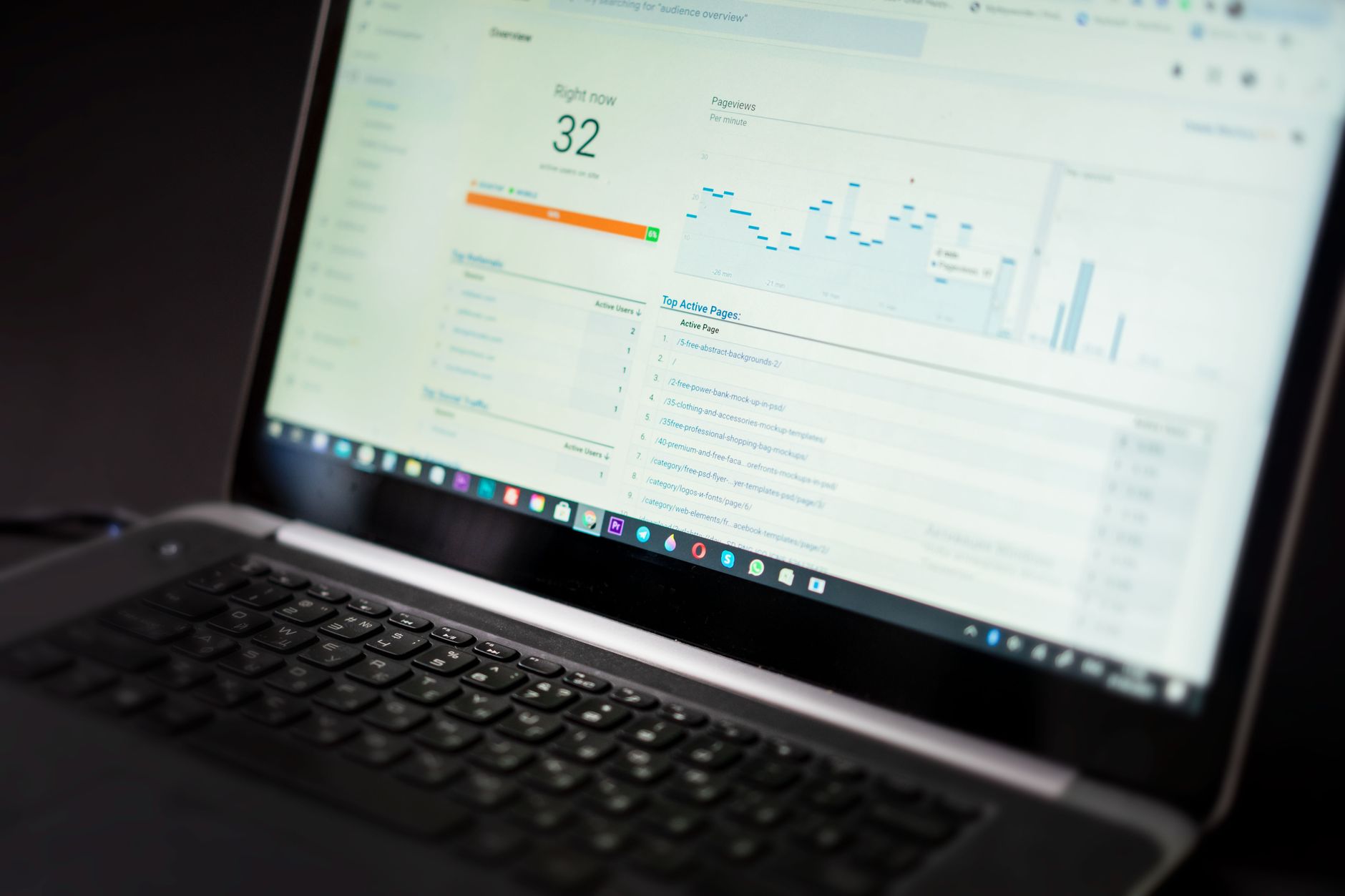
Technical SEO matters, but the fundamentals are usually smaller and simpler than people expect. Once crawlability, page targeting, and internal links are stable, then it makes sense to review canonicals, archive indexing, redirects, structured data, and speed improvements.
Google’s structured data policies say not to mark up content that is not visible to readers. That is a useful reminder that schema is a support layer, not a ranking shortcut. Keep it accurate, relevant, and limited to what the page actually contains.
Site speed follows the same rule. Faster is better when it improves usability, but speed tuning does not replace weak content or unclear structure. Focus first on the issues that block visibility, then on the issues that refine the experience.
A practical order for WordPress SEO basics
The best order is to handle indexing, plugin conflicts, page clarity, and internal linking before advanced features. That sequence prevents you from polishing pages that still have deeper structural problems.
| Priority | What to review first |
|---|---|
| 1 | Indexing, crawl access, and page reachability |
| 2 | SEO plugin overlap and metadata conflicts |
| 3 | Title tags, H1s, and page targeting |
| 4 | Internal linking between related pages |
| 5 | Canonicals, redirects, and archive cleanup |
| 6 | Schema and speed improvements |
What you really need to know
WordPress SEO fundamentals are not complicated, but they do require discipline. Keep the setup simple. Make your important pages easy to crawl, clearly targeted, and well connected. Then improve the supporting layers without letting tools and scores distract you from the real work.
If your rankings are flat and you are not sure whether the real problem is indexing, duplication, weak targeting, or plugin clutter, WordPress SEO Expert can help. Book a free SEO consultation. No pitch, no pressure. Just an honest look at what your site actually needs and whether your current setup is part of the solution or part of the problem.
Contact WordPress SEO Expert today to schedule a consultation if you want a practical plan instead of another generic checklist.

















