
Flat SEO results usually reflect unclear measurement, not wasted effort. If you have improved titles, cleaned up plugins, or published new pages but still cannot tell what changed, the problem is usually that you are watching too many disconnected metrics instead of a few useful ones over time.
Tracking WordPress SEO fundamentals results means measuring visibility, clicks, rankings, indexation, and page-level engagement in the right order. A green light in an SEO plugin does not mean the page deserves to rank. What matters is whether your important pages are being indexed, earning impressions, attracting clicks, and leading visitors to the next step.
This is where WordPress SEO Expert can help. If your reports feel noisy or contradictory, we can help you separate vanity metrics from the signals that actually show whether your SEO work is moving in the right direction.
Start With the Metrics That Show Real Movement
The best SEO tracking setup starts simple. Focus first on impressions, clicks, click-through rate, average position, indexed pages, and conversions from organic traffic. Google explains that Search Console’s Performance report shows clicks, impressions, average CTR, and average position for your site and pages, which makes it the most practical place to measure search visibility directly.
Those numbers answer different questions. Impressions show whether Google is surfacing your pages. Clicks show whether searchers are choosing them. CTR helps you judge how well your titles and descriptions earn attention. Average position gives directional context, but Google notes that it is an average of your topmost result across impressions, so it is more useful for trends than for obsessing over one exact ranking.
If your setup still needs cleanup before tracking means anything, review how to fix WordPress SEO setup problems. Measurement gets much easier once plugin conflicts, duplicate signals, and indexing mistakes are under control.
Use Google Search Console as Your Primary SEO Scoreboard

Google Search Console should be your main source for SEO results because it shows how your site actually performs in Google Search. Google’s documentation says the Performance report can show how search traffic changes over time, which queries bring traffic, and which pages have the highest and lowest CTR.
Open the Performance report and track results in monthly comparisons instead of day by day. Weekly swings can create false alarms. A 28-day or 3-month view gives you a clearer trend, especially for smaller sites where traffic volume is uneven.
Inside Search Console, watch these patterns first.
| Metric | What it tells you | What to do if it changes |
|---|---|---|
| Impressions | Your pages are appearing more or less often in search | If impressions rise but clicks do not, improve titles and intent match |
| Clicks | Search traffic is growing or shrinking | If clicks fall, check position, indexing, and title quality |
| CTR | Your snippet is earning or losing attention | Rewrite weak titles and meta descriptions on important pages |
| Average position | Your visibility trend is improving or slipping | Use it as context, not as a daily scoreboard |
Google also explains that impressions, clicks, and position are counted using specific rules, and property-level data can differ from page-level data. That is why one page may appear weaker or stronger than the site average. The goal is not perfect reporting symmetry. The goal is finding useful trends you can act on.
Track Page Groups, Not Just Sitewide Totals
Sitewide SEO totals can hide what is actually happening. Break your tracking into page groups such as service pages, product pages, blog posts, and location pages so you can see where gains or losses are coming from.
This matters because one strong post can make the whole site look healthier than it is. A broader view helps, but page groups show whether your revenue-driving pages are improving. If your blog impressions grow while your core service pages stay flat, your SEO work may be attracting attention without supporting the pages that matter most.
For a broader foundation, read our WordPress SEO practical guide for DIY site owners. It pairs well with tracking because it shows which fundamentals should be fixed before you start judging results.
Measure Indexing Before You Judge Rankings

If a page is not indexed properly, ranking analysis is premature. Before you worry about position changes, confirm that your key pages are eligible for search and are actually being included in Google’s index.
Use the Pages report in Search Console to look for excluded URLs, accidental noindex directives, canonical conflicts, soft 404s, and duplicate pages. This is especially important on WordPress sites with archive pages, attachment pages, filter URLs, or overlapping plugin settings. Most site owners do not have one catastrophic problem. They have a stack of smaller issues that compound over time.
If impressions are flat, first ask whether the page is indexed. If it is indexed but not earning impressions, the issue is more likely targeting, internal links, or weak demand. Fix the issues that block visibility before the issues that polish visibility.
Connect SEO Metrics to Organic Traffic Behavior
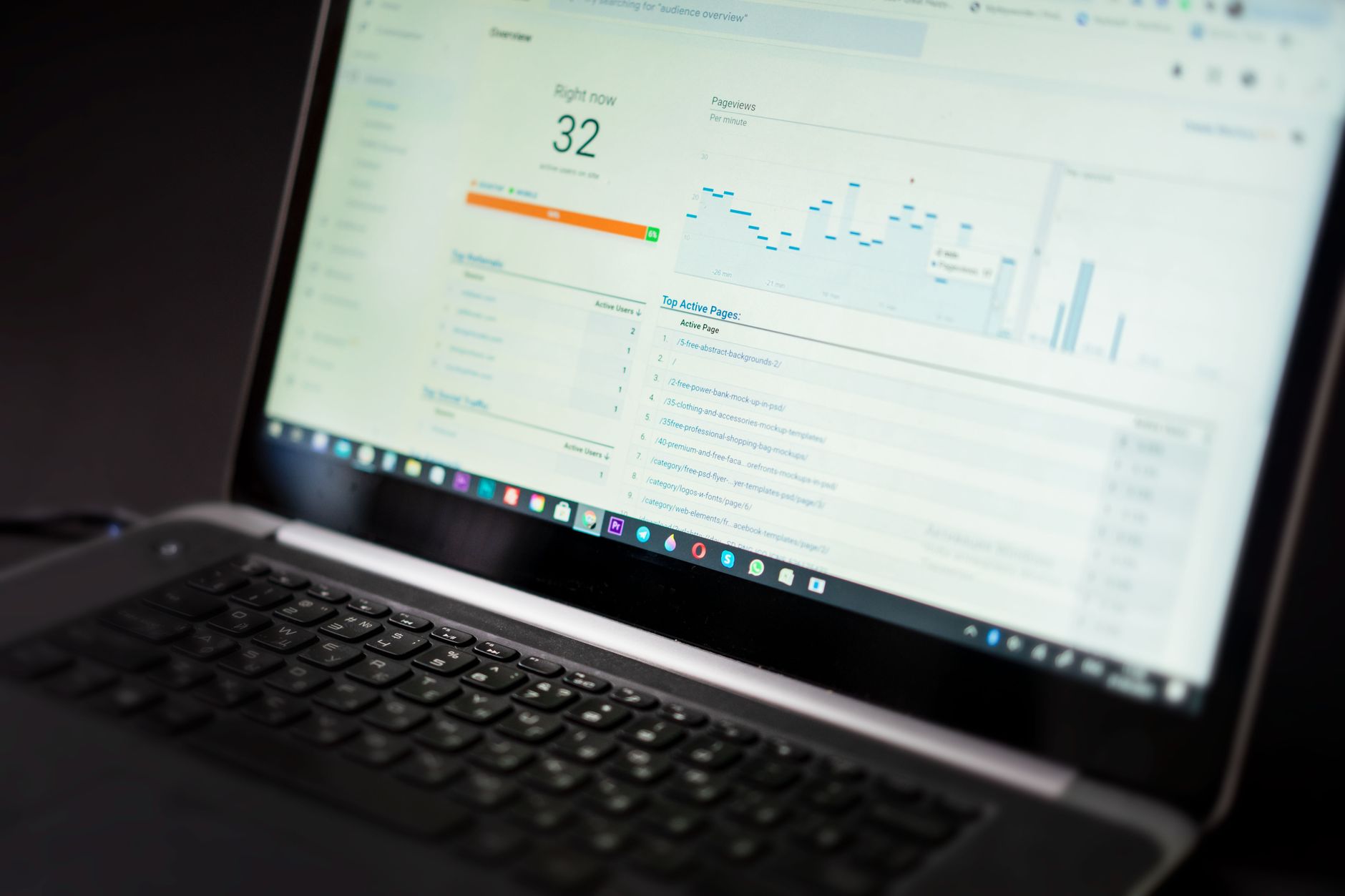
Search Console tells you how people reach your site from Google. Analytics tells you what they do after they arrive. Use both together so you can tell the difference between more visibility and better business results.
Inside your analytics platform, track organic sessions, engaged sessions, key landing pages, contact form submissions, phone clicks, purchases, or other meaningful conversions. A page that gains impressions but produces no qualified action may still need stronger intent alignment, better copy, or a clearer next step.
If you are experiencing these symptoms, our team at WordPress SEO Expert can help. We can review whether the issue is weak indexing, low CTR, poor targeting, or a mismatch between traffic growth and conversion quality.
Use a Simple Monthly SEO Tracking Routine

The most reliable SEO tracking habit is a short monthly review. You do not need a complex dashboard to tell whether fundamentals are improving. You need the same checkpoints reviewed consistently.
A practical monthly routine looks like this.
| Check each month | What to look for |
|---|---|
| Top pages by organic clicks | Which pages gained or lost the most visibility |
| Top queries by impressions | Terms Google is testing your pages for |
| CTR on high-impression pages | Pages that need better titles or descriptions |
| Indexing issues | New exclusions, duplicates, or crawl problems |
| Conversions from organic traffic | Whether SEO gains are supporting business goals |
This routine keeps your attention on cause and effect. More impressions usually mean better visibility. More clicks usually mean better relevance or stronger snippets. Better conversions usually mean the traffic is reaching the right page and finding a clear next step.
What Not to Treat as Proof of SEO Success
Not every green metric deserves your attention. Some numbers are too shallow, too noisy, or too disconnected from real outcomes to guide decisions on their own.
Do not rely on plugin scores, raw keyword counts, or isolated rank checks as your primary definition of progress. A green light in an SEO plugin does not mean the page deserves to rank. One well-configured SEO plugin is enough, and its job is to support clean implementation, not to act as your scoreboard.
Also be careful with average position as a vanity metric. Google recommends focusing more on trends in impressions and clicks than on position alone. Rankings move constantly based on location, device, query variations, and SERP features. Use rankings as context, not as the whole story.
When SEO Tracking Shows a Problem
When the numbers shift, match the pattern to the likely cause instead of changing everything at once. Good tracking should narrow the diagnosis, not create more panic.
| What you see | Likely cause | First response |
|---|---|---|
| Impressions down across many pages | Indexing issue, migration problem, or broad relevance loss | Check Search Console Pages and recent site changes |
| Impressions up, clicks flat | Weak title tags or poor intent match | Improve titles, descriptions, and page targeting |
| Clicks up, conversions flat | Traffic quality or page experience issue | Review landing page messaging and next-step clarity |
| One page drops sharply | Competitor gains, content mismatch, or internal link loss | Compare query mix, content depth, and supporting links |
That is the value of SEO fundamentals tracking. It helps you respond with the next logical fix instead of rewriting pages blindly or adding more tools to an already cluttered setup.
Keep the Process Simple Enough to Repeat
The best tracking system is one you will actually maintain. Keep it simple, review it monthly, and focus on the pages that matter most to your business. You do not need a perfect score. The goal is a site that loads cleanly, is easy to use, and sends consistent signals about which pages matter most.
Book a free SEO consultation with WordPress SEO Expert. No pitch, no pressure. Just an honest look at what your site actually needs and whether your current setup is part of the solution or part of the problem.
Contact WordPress SEO Expert today to schedule a consultation if you want a clearer way to measure whether your WordPress SEO work is improving visibility, traffic, and business results.

















