
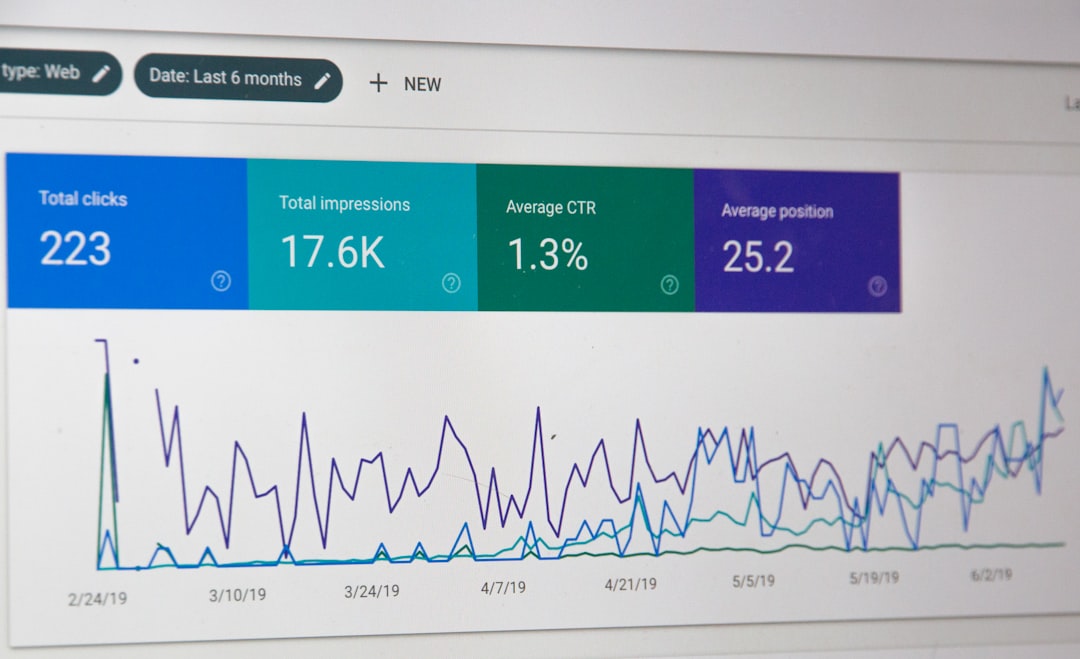
Low rankings usually come from a scattered plan, not one missing plugin. Most WordPress Google SEO problems trace back to a stack of smaller issues: indexing mistakes, conflicting plugins, weak titles, duplicate URLs, and thin internal linking. Fix the issues that block visibility before the issues that polish visibility.
This is the practical order we use at WordPress SEO Expert when a site is stuck. If you want a broader foundation first, review our WordPress SEO best practices. If plugin overlap is part of the problem, our Yoast vs Rank Math comparison will help you simplify the setup before you change anything else.
Start with indexing and crawl problems

If Google cannot crawl the right pages or index them correctly, every other SEO task underperforms. Check visibility settings, robots instructions, sitemap coverage, and whether your most important pages are actually reachable through normal internal links.
In WordPress, common blockers include accidental noindex settings, a theme or plugin discouraging indexing, orphaned pages, and service pages that only exist in the sitemap but not in the site structure. Google’s own documentation explains that good title text, crawlable links, and visible page content help search engines understand a page and decide how to show it in search. Before rewriting copy, make sure the page can be found, crawled, and indexed cleanly.
Use one SEO plugin, not several
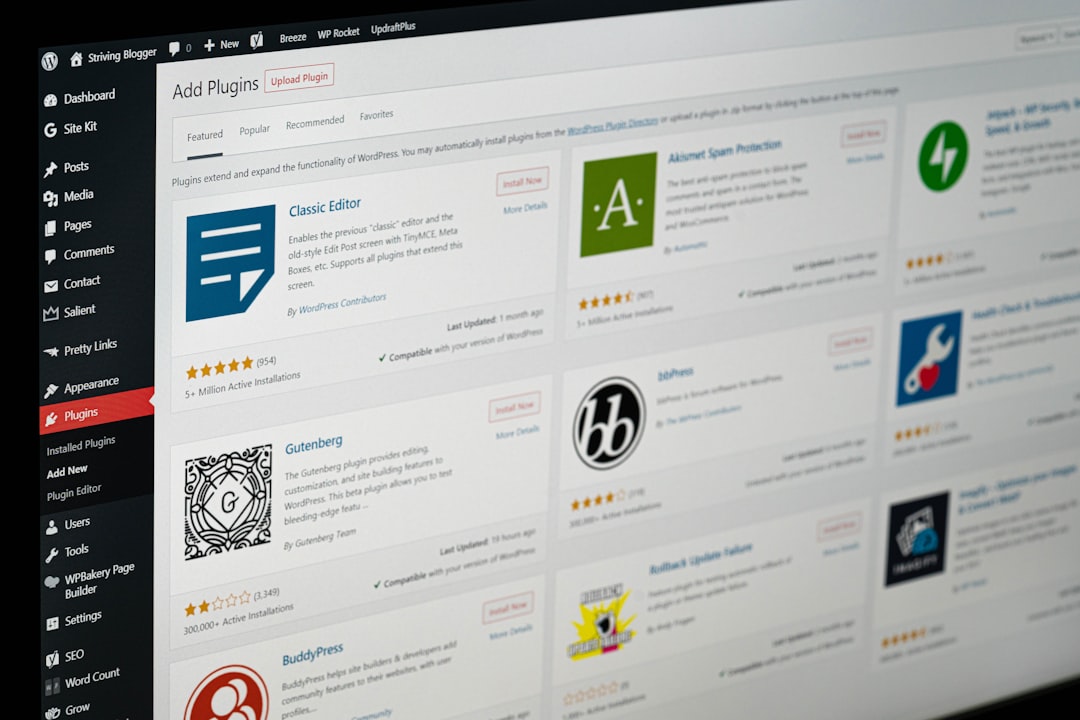
One well-configured SEO plugin is enough. Running overlapping plugins often creates duplicate metadata, conflicting canonicals, and competing sitemap outputs that quietly confuse both Google and your own troubleshooting process.
If your site has Yoast, Rank Math, AIOSEO, schema add-ons, and redirect tools all touching the same fields, simplify first. Keep one primary SEO plugin, then confirm its title templates, schema settings, XML sitemap, archive rules, and canonical behavior. A green light in a plugin does not mean the page deserves to rank. It only means the plugin liked a checklist.
Fix title tags before chasing content scores
Weak titles are one of the fastest problems to correct because they directly affect relevance and click quality. Google recommends descriptive, concise titles and warns against keyword stuffing and repetitive boilerplate across pages.
This matters on WordPress sites where page builders, default templates, or copied settings create titles that all sound the same. Make each important page distinct and aligned with what the page actually offers. That usually helps more than forcing extra keywords into body copy.
| Weak title | Stronger title |
|---|---|
| SEO Services | SEO Company | SEO Expert | WordPress SEO Services for Small Businesses |
| Blog | How to Fix WordPress Google SEO Problems |
| Best SEO Plugin, SEO Plugin Best, SEO Tools | Best SEO Plugin for a Small WordPress Site |
Treat meta descriptions as click support
Meta descriptions do not guarantee rankings, but they can improve how clearly your result is presented. Google may use the meta description when it better summarizes the page than on-page text alone, so unique descriptions are usually worth writing for your highest-value pages.
Do not repeat the same generic description across service pages, product categories, or blog posts. Use the description to promise a clear answer, a specific benefit, or the next step the visitor can expect. If every page says roughly the same thing, your search snippets will blur together.
Clean up duplicate URLs and canonicals
Duplicate URL problems often keep good pages from performing as well as they should. When WordPress creates multiple paths to similar content, Google has to guess which version is primary, and that guess is not always the one you want.
Look closely at tag archives, attachment pages, filtered WooCommerce URLs, trailing slash variations, search pages, and outdated URLs left behind after redesigns. Set canonicals deliberately, redirect obsolete versions where appropriate, and make sure your internal links point to the preferred version every time. If your rankings dropped after a plugin change or site migration, this is one of the first areas to inspect.
If you are seeing those symptoms, WordPress SEO Expert can help. We can tell you whether the issue is duplicate URL noise, conflicting plugin output, or a larger technical SEO problem before you waste time rewriting pages that are not the root cause.
Strengthen internal links with intent

Internal links help Google discover pages, understand topic relationships, and identify which pages matter most. Google recommends anchor text that is descriptive, concise, and relevant, which is why vague links and buried service pages often limit performance.
Start by linking related blog posts to service pages, connecting overlapping articles, and making sure your main money pages are not isolated. If an important page gets no contextual links from supporting content, it is harder for search engines and users to treat that page as central. A stronger internal structure usually beats publishing three more thin posts on adjacent keywords.
Simplify your content structure
Most sites do not need more pages. They need clearer page purpose. Consolidating overlapping posts, tightening headings, and matching each page to one main intent usually works better than building a maze of near-duplicates.
Use one clear H1, logical H2 sections, short paragraphs, and direct answers near the top of each section. Keep categories meaningful. Be cautious with tags if they create thin archive pages. For WooCommerce, review category structure and filter behavior so faceted URLs do not generate crawl waste without adding search value.
Use schema carefully, not aggressively
Schema helps search engines understand a page more clearly, but only when it matches the visible content. Google’s structured data guidelines say not to mark up content that users cannot see and not to use misleading or irrelevant markup.
That means you should avoid turning on every schema type your plugin offers just because it is available. Match the schema to the page type, confirm the output is clean, and keep the setup simple. More markup is not automatically better markup.
A practical fix order for WordPress Google SEO problems
The right order is simple: fix what blocks visibility first, then improve what strengthens relevance, then polish what improves presentation. This sequence keeps you from spending hours on plugin scores while bigger technical problems stay unresolved.
| Priority | What to check first | Why it matters |
|---|---|---|
| 1 | Indexing settings and crawl access | Pages cannot rank if Google cannot reach or index them properly |
| 2 | Canonical tags and redirects | Prevents duplicate URL confusion and diluted signals |
| 3 | Title tags and page intent | Improves relevance and click potential |
| 4 | Internal linking | Strengthens discovery, hierarchy, and topical support |
| 5 | Content consolidation and formatting | Helps pages satisfy search intent more clearly |
| 6 | Schema and sitemap hygiene | Supports cleaner technical signals without clutter |
What to stop doing
Stop chasing plugin scores, stacking overlapping tools, and publishing thin variations of the same topic. Those habits create busier dashboards, not better rankings. You do not need a perfect score. The goal is a site that loads cleanly, is easy to understand, and gives Google one clear version of each important page.
The best next step
The fastest wins usually come from reviewing the pages already closest to ranking well or already tied to leads and sales. Audit those pages for indexability, titles, duplicate URL signals, and internal links before you launch a bigger content plan.
If you are not sure whether your current setup is helping or quietly hurting your site, WordPress SEO Expert can help. Book a free SEO consultation. No pitch, no pressure. Just an honest look at what your site actually needs and whether your current setup is part of the solution or part of the problem.
Contact WordPress SEO Expert today to schedule a consultation and get a clearer plan for what to fix first on your WordPress site.

















