

Low rankings usually come from a scattered plan, not one missing plugin. If you are new to WordPress Google SEO, start with the basics that help Google crawl, understand, and trust your pages before you worry about advanced features or plugin scores.
Most beginners do not have one catastrophic problem. They have a stack of smaller issues that compound over time: weak page titles, thin service pages, confusing site structure, and plugin settings that were never checked. This beginner guide shows you what to fix first, what can wait, and how to keep your setup simple.
If you want a broader foundation after this, review our WordPress SEO best practices and our comparison of Yoast SEO vs Rank Math to choose a cleaner plugin setup.
What WordPress Google SEO Means
WordPress Google SEO means making your site easier for Google to crawl, index, and match to relevant searches. It is not a trick, and it is not a plugin by itself. It is the combination of clean site structure, useful content, descriptive titles, and correct technical settings.
Google’s own SEO Starter Guide focuses on helping site owners make content easier to find and understand in search. That is the right mindset for beginners. Your job is not to outsmart the algorithm. Your job is to make each important page clear, crawlable, and genuinely useful.
What To Fix First
Fix the issues that block visibility before the issues that polish visibility. Beginners often waste time adjusting schema settings or chasing green lights while basic indexing or page-quality problems remain unresolved.
Start with this order: make sure your pages can be indexed, make sure each page has a clear purpose, write stronger titles and descriptions, improve internal linking, then tune speed and secondary settings. That sequence prevents you from polishing pages Google cannot properly understand or prioritize.
| Priority | What to check | Why it matters |
|---|---|---|
| 1 | Indexing and crawl settings | Pages cannot rank if Google cannot access or index them. |
| 2 | Page purpose | Each page should answer one clear search need. |
| 3 | Title tags and meta descriptions | These help Google and users understand the page. |
| 4 | Internal links | Links help Google discover pages and understand site structure. |
| 5 | Speed and usability | Slow, frustrating pages reduce engagement and trust. |
Use One SEO Plugin Only
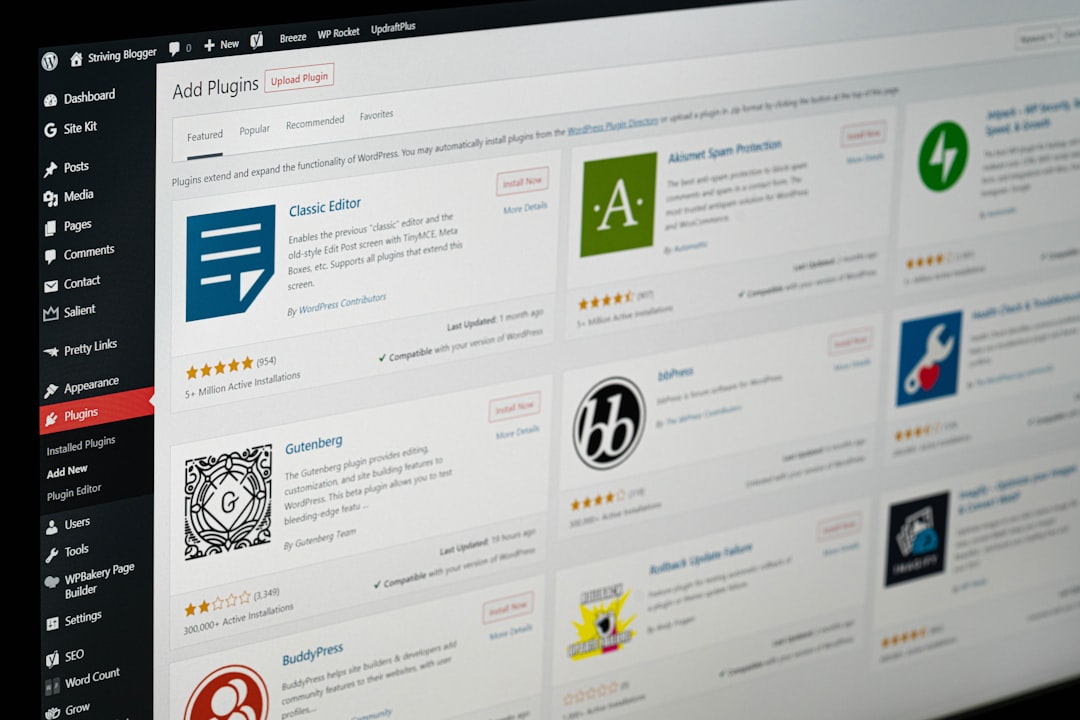
One well-configured SEO plugin is enough. Running overlapping plugins often creates duplicate metadata, conflicting canonicals, and competing sitemap outputs that make troubleshooting harder than it needs to be.
For most beginners, the important step is not finding a magical plugin. It is choosing one plugin, setting titles, descriptions, sitemap options, and indexing rules correctly, then leaving the rest alone until you understand what each feature does. If you are comparing tools, our Yoast SEO vs Rank Math guide can help you choose without overcomplicating your setup.
Check Whether Google Can Index Your Site
Before writing more content, confirm that your important pages are indexable. A surprising number of WordPress sites quietly block search visibility through noindex settings, weak internal links, or pages that are technically published but hard to discover.
Look for the basics first. Make sure your main pages are published, linked from other crawlable pages, and included in your XML sitemap if they should appear in search. Google also recommends using crawlable links with descriptive anchor text so it can better understand site structure and linked pages through normal HTML links, as explained in its link best practices.
Write Better Page Titles
Your page title is one of the strongest beginner-level SEO improvements you control. A clear title helps Google interpret the page and helps searchers decide whether your result matches what they want.
Google recommends descriptive, concise title text and warns against keyword stuffing and repetitive boilerplate in titles on different pages, according to its guidance on title links. That means you should avoid titles that repeat the same phrase unnaturally or use vague labels like Home, Services, or Blog without context.
| Weak title | Stronger title |
|---|---|
| SEO Services | SEO Company | SEO Expert | WordPress SEO Services for Small Businesses |
| Blog | WordPress Google SEO Tips for Beginners |
| Contact | Contact Our WordPress SEO Team |
Write Meta Descriptions for Clicks
Meta descriptions do not need to be perfect, but they should be specific. Their main job is to support clicks by summarizing the page clearly, not to jam in every keyword variation you can think of.
Google explains that snippets are often generated from page content, but it may use the meta description when that description better summarizes the page for the searcher, as described in its documentation on search snippets and meta descriptions. For beginners, the safest approach is one short, accurate description per important page.
Build Simple Internal Links
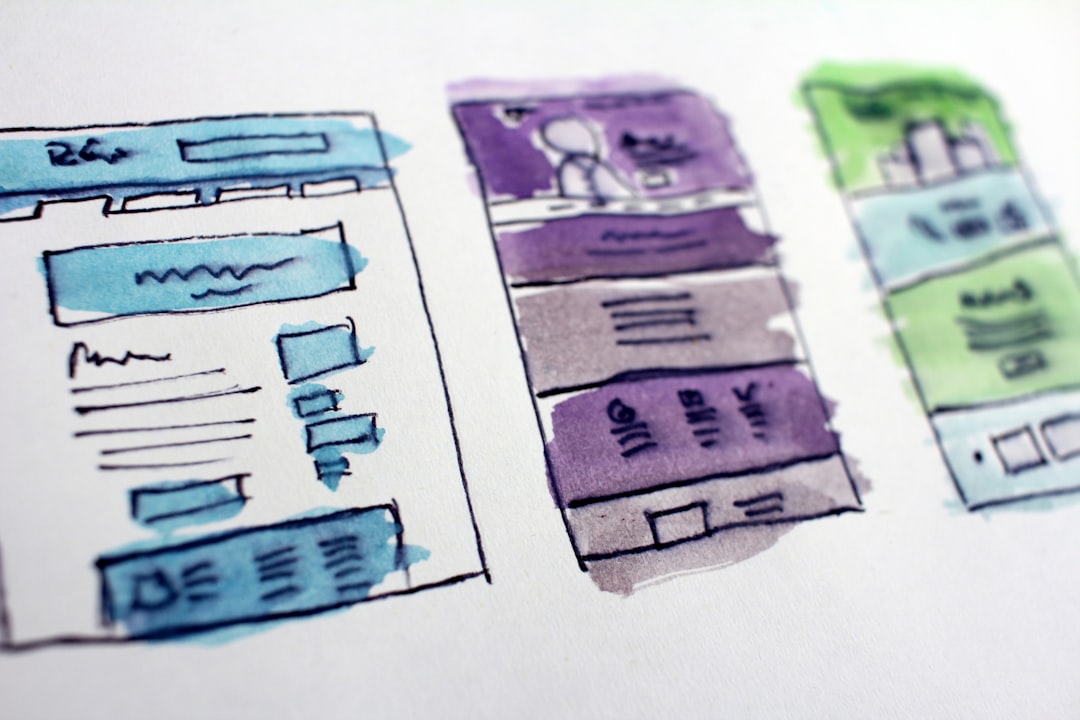
Internal links help Google find your pages and understand which topics connect to each other. They also help visitors move from a general question to a service page, product category, or deeper guide without getting stuck.
Link related pages naturally inside the body of your content. If you mention setup choices, link to your plugin comparison. If you mention technical cleanup, link to your broader WordPress SEO best practices. Descriptive anchor text is better than generic phrases because it gives both users and Google more context.
If you are already publishing content but rankings are flat, our team at WordPress SEO Expert can help identify whether the problem is weak structure, thin content, or a setup issue that is limiting visibility.
Keep Content Focused on One Search Intent
Beginners often try to make one page rank for everything. A better approach is to give each page one main job, then support it with related subtopics and internal links.
If a page is about beginner WordPress Google SEO, keep it focused on foundational setup, titles, indexing, internal links, and simple next steps. Do not turn it into a giant grab bag of advanced tactics, plugin features, local SEO, link building, and conversion optimization all at once. Clarity usually beats comprehensiveness when the reader is just getting started.
Do Not Chase Plugin Scores
A green light in an SEO plugin does not mean the page deserves to rank. Plugin checks can be useful reminders, but they are not a substitute for clear writing, strong page structure, and content that actually solves the searcher’s problem.
You do not need a perfect score. The goal is a site that loads cleanly, is easy to use, and gives Google clear signals about what each page is for. When beginners stop obsessing over scores and start fixing real issues, SEO usually becomes simpler and more effective.
A Beginner WordPress Google SEO Checklist
If you want a practical starting point, use this checklist on your homepage, main service pages, and top blog posts first. Those pages usually give you the best return for your time.
Check that each page has one clear topic, a descriptive title, a useful meta description, visible internal links, and no obvious duplication with another page. Then review whether your plugin settings support that structure instead of working against it. That is enough to create a solid beginner baseline.
When To Get Help
If your site still is not moving after the basics are in place, the issue is usually not effort. It is prioritization. Many WordPress sites need a technical review to uncover redirect problems, duplicate URLs, thin archive pages, or misconfigured canonicals that are hard to spot from the dashboard alone.
If you are not sure whether your current plugin configuration is helping or quietly hurting you, WordPress SEO Expert can help. Book a free SEO consultation. No pitch, no pressure. Just an honest look at what your site actually needs and whether your current setup is part of the solution or part of the problem.
Contact WordPress SEO Expert today to schedule a consultation and get a clearer plan for what to fix first on your WordPress site.

















