
A WordPress website can look professional and still struggle to appear in search results. Publishing pages alone does not guarantee organic traffic. Search engines need to understand your content, while visitors need a website that is fast, useful, and easy to navigate.
That is where WordPress website SEO comes in. It combines content optimization, technical improvements, keyword research, user experience, and ongoing monitoring to help a website perform better in organic search.
What Is WordPress Website SEO?
WordPress website SEO is the process of improving a WordPress site so search engines can crawl, understand, and index its content effectively.
It includes several areas:
- Keyword research
- On-page optimization
- Technical SEO
- Internal linking
- Content improvement
- Image optimization
- Mobile usability
- Website speed
- Local SEO when relevant
- Performance monitoring
These areas work together rather than functioning as separate tasks.
Why Does WordPress SEO Matter?
Google needs signals that help determine which pages are useful for a particular search. A well-structured website makes those signals clearer.
For example, imagine two websites selling the same service. One has clear service pages, descriptive headings, useful content, fast loading times, logical navigation, and strong internal links. The other has duplicate pages, unclear titles, slow images, and broken links.
The first website gives search engines and visitors a much clearer understanding of what it offers.
SEO cannot guarantee a particular ranking, but strong optimization can improve a website’s ability to compete for relevant searches.
Keyword Research Comes First

Before writing or optimizing content, identify the terms your potential customers actually use.
Consider:
- Search intent
- Relevance
- Competition
- Business value
- Long-tail opportunities
A local plumbing company, for example, may target topics around “emergency plumber,” “plumbing repair,” and location-specific services rather than relying on one broad keyword.
The best keyword is not always the one with the highest search volume. It should match what the page genuinely offers.
On-Page SEO
On-page SEO focuses on the content and HTML elements of individual pages.
Important elements include:
Page Titles
Titles should clearly describe the page and naturally include the primary topic where appropriate.
Headings
Use headings to organize information logically. The main heading should describe the page, while H2 and H3 headings can divide major sections.
Content
Write for the person visiting the page. Answer important questions, explain concepts clearly, and provide useful examples.
URLs
Keep URLs descriptive and reasonably short. Avoid unnecessary numbers, random characters, or excessive words.
Internal Links
Connect related pages using natural, descriptive anchor text.
Technical SEO Matters Too
A technically strong website gives search engines fewer obstacles to deal with.
Regularly check:
- Indexing
- XML sitemap
- Robots.txt
- Canonical tags
- Redirects
- Broken links
- Duplicate URLs
- Mobile usability
- Core Web Vitals and page performance
Not every technical issue has the same importance. Focus first on problems that prevent important pages from being crawled, indexed, or used effectively.
Content Quality Is Essential
Adding hundreds of shallow pages is not a sustainable SEO strategy.
Instead, create content that genuinely helps your audience. A strong content plan can include:
- Educational blog posts
- Service pages
- Product pages
- Location pages
- Tutorials
- Comparison content
- Case studies
Update older content when information becomes outdated or when a page can be made more useful.
WordPress Plugins Can Help
SEO plugins can simplify many technical and on-page tasks. They can help manage elements such as titles, meta descriptions, XML sitemaps, canonical settings, and schema-related features.
However, an SEO plugin is a tool, not a complete SEO strategy.
Installing a plugin does not automatically optimize a website. The settings still need to be configured properly, and the actual website content and technical structure must be reviewed.
Speed and Mobile Experience
Website performance affects usability. Visitors are more likely to leave when pages take too long to become usable.
Common improvements include:
- Compressing images
- Removing unnecessary plugins
- Using efficient hosting
- Reducing excessive scripts
- Using caching where appropriate
- Keeping themes and plugins updated
The website should also work smoothly across phones, tablets, and desktops.
Measuring Results
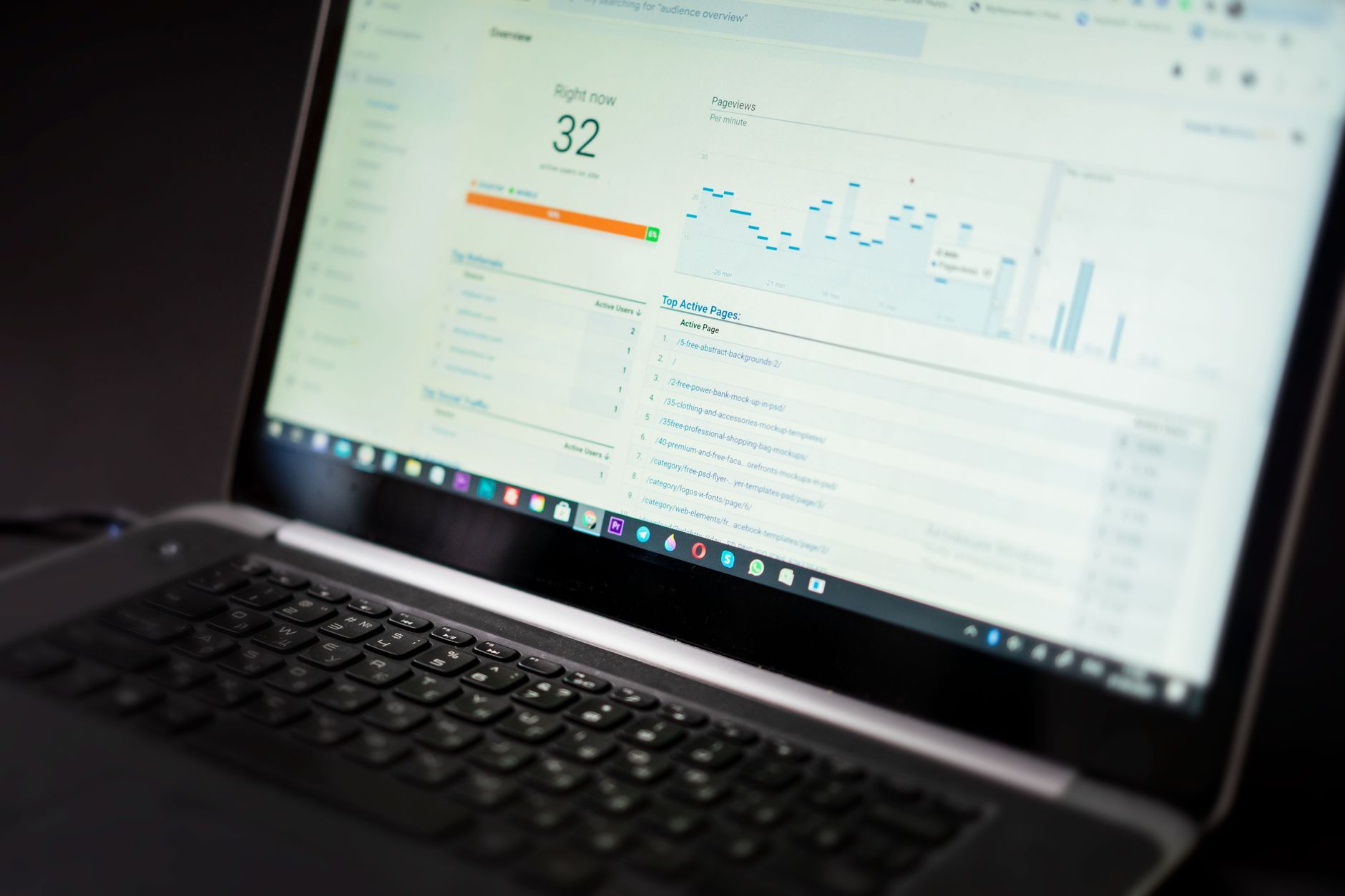
Use tools such as Google Search Console and Google Analytics to monitor performance.
Look beyond rankings alone. Track:
- Organic clicks
- Impressions
- Search queries
- Organic sessions
- Conversions
- Engagement
- Indexed pages
This helps you understand whether SEO activity is producing meaningful business results.
When Professional Help Makes Sense
Basic WordPress SEO can be handled internally, but larger sites or competitive industries may require more advanced work.
A WordPress SEO consultant or agency can help with technical audits, content strategies, keyword research, internal linking, local SEO, and ongoing performance analysis.
The important thing is to choose an approach based on the website’s actual needs rather than applying the same checklist to every site.
WordPress provides a strong platform for SEO, but the results depend on how the website is structured, optimized, maintained, and improved over time.

















