

Low rankings usually come from a scattered plan, not one missing plugin. A practical WordPress search engine optimization workflow helps you fix the issues that block visibility before the issues that only polish it, so you stop chasing plugin scores and start improving pages that can actually rank.
This workflow is built for WordPress websites that need a cleaner process, not more noise. If you want a wider baseline before changing settings, review our WordPress SEO best practices and our guide on how to improve WordPress SEO.
Start with crawlability and indexability

The first step is simple: make sure search engines can crawl the right pages and index the right version of each page. If this layer is broken, better titles, better content, and better schema will not do enough to matter.
Check whether important service pages, category pages, product pages, and core blog posts are live, linked internally, and included in your XML sitemap when they should be indexed. Most site owners do not have one catastrophic problem. They have a stack of smaller issues that compound over time, such as noindex settings, weak internal links, thin archives, and duplicate URL versions.
Your workflow should begin with a short audit list: confirm the preferred domain version, test key URLs, review robots settings, inspect sitemap output, and identify pages that should rank but are hard to reach from the rest of the site.
Use one SEO plugin and configure the essentials
One well-configured SEO plugin is enough. Running overlapping plugins often creates duplicate metadata, conflicting canonicals, and competing sitemap outputs, which makes your workflow harder to trust and your site harder to troubleshoot.
Set up one primary plugin and configure title templates, meta descriptions, canonical behavior, social defaults, archive indexing rules, breadcrumbs, and XML sitemaps. A green light in an SEO plugin does not mean the page deserves to rank. The plugin gives you controls. Your workflow decides how those controls are used.
If you are still deciding between tools, see our Yoast SEO vs Rank Math comparison. The gap between plugins is usually not whether one works and one does not. The gap is how the features fit your site type, your budget, and your day-to-day process.
Map keywords to pages before writing

A strong workflow assigns one primary intent to one primary page before anyone starts drafting. This prevents cannibalization, duplicate topics, and thin variations that compete with each other instead of building one stronger result.
Create a simple page map with your homepage, core service pages, category pages, product collections, and major blog topics. Then assign a main query theme to each one. If two pages target the same need, consolidate them or clarify the difference before publishing more content.
This is where many WordPress websites go off track. They publish another post because it feels productive, while the real issue is that older pages overlap, under-answer the query, or are buried too deep in the site structure.
Write titles and descriptions after the page intent is clear
Titles and meta descriptions work best when they reflect a page that already has a clear purpose. Google recommends descriptive, concise titles and warns against keyword stuffing and repetitive boilerplate, so your workflow should treat titles as relevance signals for humans first, not as a place to cram variations.
Google also explains that it may use the meta description when it better summarizes the page, which is why unique descriptions are worth writing for important URLs instead of copying one template everywhere. Keep them specific, useful, and aligned with the actual content on the page.
| Weak title | Stronger title |
|---|---|
| SEO Services | SEO Company | SEO Expert | WordPress SEO Services for Small Businesses |
| Blog | WordPress SEO Workflow for Business Websites |
| Best SEO Tips for WordPress Websites | How to Build a WordPress SEO Workflow That Fits Your Site |
Do this after the outline is set and the page angle is locked. That sequence produces better titles than trying to satisfy a plugin score before the page says anything useful.
Build the page around search intent and structure
Every page in your workflow should answer the main question early, then expand with useful detail. One clear H1, logical H2s, short paragraphs, and a clean next step usually outperform bloated pages that try to cover every possible variation.
For service pages, prioritize clarity, proof, and conversion. For blog content, prioritize intent match, internal links, and section-level usefulness. For WooCommerce pages, prioritize category structure, product uniqueness, and crawl control around filters and variations.
Fix the issues that block visibility before the issues that polish visibility. That means cleaning page purpose, indexability, and internal linking before spending hours tweaking sentence length for a plugin badge.
Use internal links as part of the workflow, not as an afterthought
Internal linking should be built into your publishing process every time a page is updated or added. Search engines use links to discover pages and understand which URLs matter most, and descriptive anchor text helps reinforce topic relationships across the site.
Each new page should link to related pages, and older relevant pages should link back when appropriate. Broad informational posts should support service pages. Supporting posts should connect to category hubs. High-value pages should never sit isolated with no meaningful links pointing to them.
If you are not sure where to start, begin with pages already getting impressions and pages tied directly to leads or sales. That is usually where workflow improvements produce the fastest return.
If you are working through this and still cannot tell whether the main problem is structure, indexing, or content overlap, our team at WordPress SEO Expert can help.
Review duplicate URLs and canonical signals
Canonical confusion is one of the most common workflow failures on WordPress websites. If multiple URLs show the same or near-identical content, search engines get mixed signals about which version should rank and which signals to consolidate.
Review tag archives, attachment pages, filtered WooCommerce URLs, pagination behavior, and inconsistent trailing slash versions. Your workflow should define the preferred version, link to that version internally, and redirect outdated variants when needed.
This step is not glamorous, but it often matters more than publishing one more article. A cleaner URL structure usually beats a larger messy content library.
Improve speed at the template level
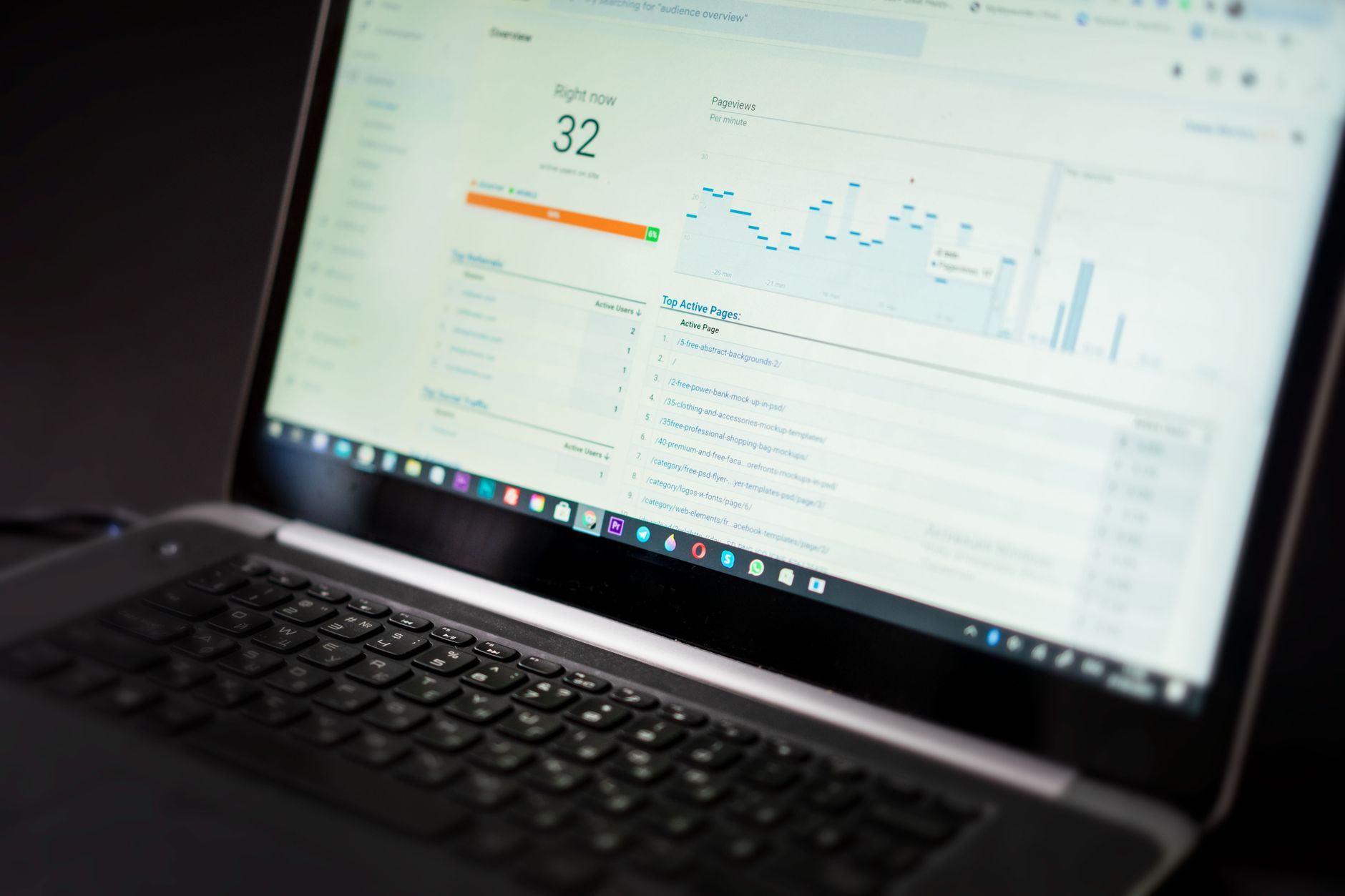
Site speed belongs in the workflow, but it should be handled with priorities instead of panic. You do not need a perfect score. The goal is a site that loads cleanly and is easy to use on the templates that matter most.
Test your homepage, top service pages, blog post template, product page template, and category pages separately. Large images, bloated builders, unnecessary scripts, weak caching, and too many plugins usually create more measurable drag than small SEO plugin differences.
Make speed checks part of launch workflows, redesign reviews, and monthly maintenance, not just something you do after rankings drop.
Add schema carefully and keep it aligned with visible content
Schema should support understanding, not decorate weak pages. Google’s structured data guidance says markup should represent the page’s main content and visible information, so your workflow should only add schema types that truly fit the page.
That means service pages should not be overloaded with irrelevant markup, and blog posts should not pretend to qualify for features they do not support. Keep schema simple, accurate, and consistent with what a real visitor can see on the page.
For most WordPress websites, that means reviewing the default plugin schema output, removing anything misleading, and making sure the page type and business information are set correctly.
Turn the workflow into a repeatable checklist
The best SEO workflow is the one your team can repeat without guessing. A short sequence beats a massive strategy document nobody follows, especially for small business sites and lean marketing teams.
| Step | What to check | Why it matters |
|---|---|---|
| 1 | Indexing and crawl access | Pages cannot perform if search engines cannot reach or index them properly. |
| 2 | Plugin configuration | Prevents duplicate metadata, sitemap conflicts, and weak defaults. |
| 3 | Keyword-to-page mapping | Reduces cannibalization and gives each page a clear job. |
| 4 | Titles and descriptions | Improves relevance and click support in search results. |
| 5 | Internal linking | Strengthens discovery, hierarchy, and topical relationships. |
| 6 | Canonicals and redirects | Consolidates signals and reduces duplicate URL confusion. |
| 7 | Template speed and UX | Supports usability and cleaner performance across key pages. |
| 8 | Schema and final QA | Keeps technical signals aligned with visible page content. |
Use this on new pages, refreshed pages, and post-migration reviews. The same basic sequence works whether you run a local service site, a growing content site, or a WooCommerce store.
What to stop doing
Stop measuring progress by plugin scores, publishing thin near-duplicate posts, and stacking multiple SEO tools because it feels thorough. Those habits usually add noise faster than they add rankings.
Also stop treating every page as equally important. A better workflow starts with the URLs closest to revenue, the URLs already earning impressions, and the URLs most likely to benefit from technical cleanup.
The best next step for most WordPress sites
The best next move is usually not a full rebuild. It is a focused review of your highest-value pages using a workflow that prioritizes crawlability, page intent, internal linking, and clean technical signals in the right order.
If your WordPress website has flat rankings, plugin clutter, or traffic loss after a redesign, WordPress SEO Expert can help you figure out what to fix first. Book a free SEO consultation. No pitch, no pressure. Just an honest look at what your site actually needs and whether your current setup is part of the solution or part of the problem.
Contact WordPress SEO Expert today to schedule a consultation and get a clearer WordPress SEO workflow for your site.

















