
Low rankings usually come from a scattered plan, not one missing plugin. If your traffic is flat, the fix is usually a clean WordPress SEO setup that removes indexing mistakes, duplicate signals, and weak defaults before you spend more time chasing plugin scores.
This guide walks you through a practical setup in the order that matters most. You will see what to configure first, what to ignore until later, and where site owners create problems by stacking tools that do the same job. For a related foundation, see our WordPress SEO configuration guide and our comparison of Yoast SEO vs Rank Math.
Start With the Settings That Can Block Rankings
The first job is making sure search engines can crawl and index the right version of your site. Before you edit titles or install add-ons, confirm that WordPress is not blocking visibility and that only one preferred version of each URL exists.
Check Settings and Reading to make sure the search engine visibility box is not discouraging indexing on a live site. Then confirm your site resolves to one preferred version, either www or non-www, and that HTTP redirects to HTTPS. Clean permalink structure matters too. In most cases, Post name is the simplest and easiest format to maintain over time.
| Area | What to Check | Why It Matters |
|---|---|---|
| Search visibility | Make sure indexing is not discouraged on the live site | A blocked site will not rank |
| Preferred domain | Choose one version and redirect the other | Prevents duplicate URL versions |
| HTTPS | Force the secure version sitewide | Keeps canonical signals consistent |
| Permalinks | Use a clean structure, usually Post name | Makes URLs easier to crawl and manage |
| Robots and noindex | Check rendered source, not just plugin screens | Confirms nothing else is overriding your settings |
Use One SEO Plugin, Not Three

One well-configured SEO plugin is enough. Running overlapping plugins often creates duplicate metadata, conflicting canonicals, and competing sitemap outputs, which turns a simple setup into a troubleshooting project.
The goal is not to find a magical plugin. The goal is to choose one solid tool, configure it fully, and then verify how it renders on live pages. A green light in an SEO plugin does not mean the page deserves to rank. It only means the plugin thinks you checked a few inputs.
If you are deciding between the two most common options, our Yoast SEO vs Rank Math comparison breaks down where the real differences matter and where they do not.
Set Titles and Meta Descriptions for Humans First
Good title and meta settings should improve click-through rate, not just make your dashboard look tidy. Google recommends descriptive, concise title elements and warns against keyword stuffing and repetitive boilerplate, so your setup should favor clarity over forced variations.
That means writing a manual homepage title, setting sensible templates for posts and pages, and avoiding title patterns that repeat the same phrase across the entire site. Google also advises creating unique descriptions that summarize the page accurately rather than copying the same text everywhere. You can review Google’s guidance on title links and the SEO Starter Guide if you want the official standard behind these recommendations.
| Weak | Stronger |
|---|---|
| SEO Services | SEO Company | SEO Expert | WordPress SEO Services for Small Businesses |
| Home | Brand Name | WordPress SEO Help for Small Business Websites |
| Blog Post | SEO Tips | SEO Guide | How to Set Up WordPress SEO Without Plugin Overlap |
Configure Sitemaps Without Creating Duplicate Signals
Your sitemap setup should make discovery easier, not noisier. The cleanest setup is usually one authoritative XML sitemap that includes indexable pages and excludes the sections you do not want competing in search.
WordPress introduced core XML sitemaps in version 5.5, so many sites already have sitemap output even before an SEO plugin adds its own. WordPress 5.5 also introduced native lazy loading for images by default, which helps baseline performance but does not replace broader speed work. You can confirm both features in the official WordPress notes on version 5.5, the core post on XML sitemaps, and the core note on lazy-loading images.
If your SEO plugin is handling sitemaps, verify whether core sitemap output is still accessible and decide which version you want search engines to use. The point is not to expose every possible URL. The point is to submit the URLs that deserve indexing.
Fix Archive Pages Before They Dilute the Site
Most site owners do not have one catastrophic problem. They have a stack of smaller issues that compound over time, and low-value archive pages are often part of that stack. If tag, date, author, or internal search pages add no real search value, they should not compete with core pages.
A practical default for many small business WordPress sites is to keep service pages, important category pages, and strong articles indexable while noindexing thin tag archives, date archives, and internal search results. That keeps crawl focus tighter and makes your internal linking structure easier to understand.
Do Performance Basics, Then Stop Over-Tweaking

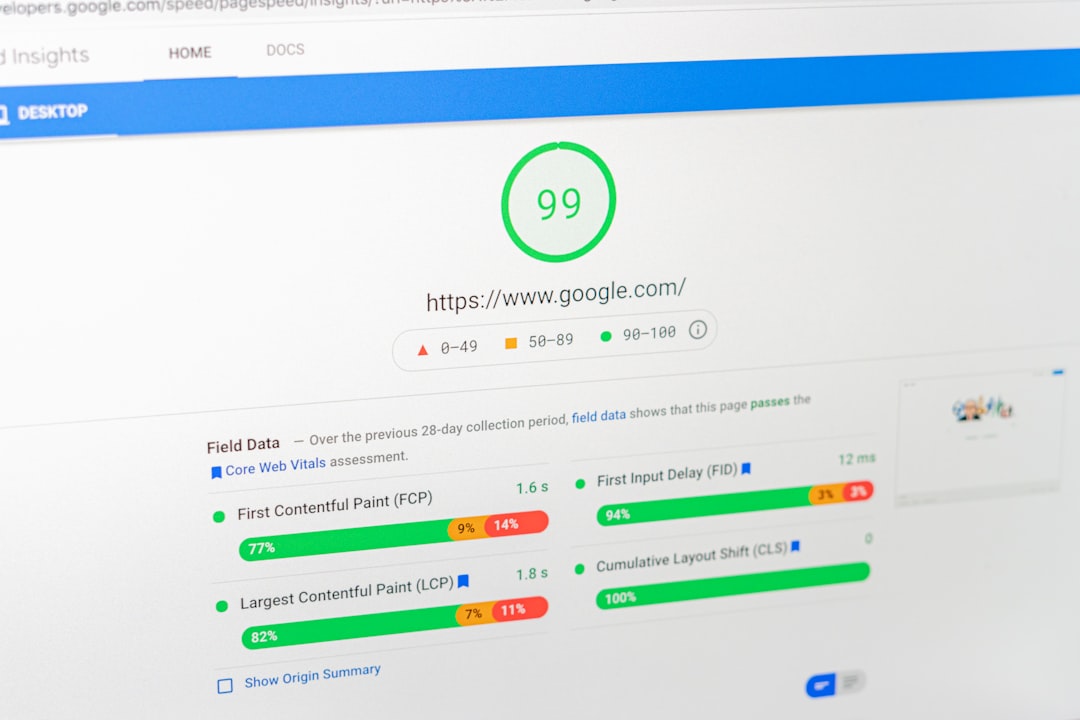
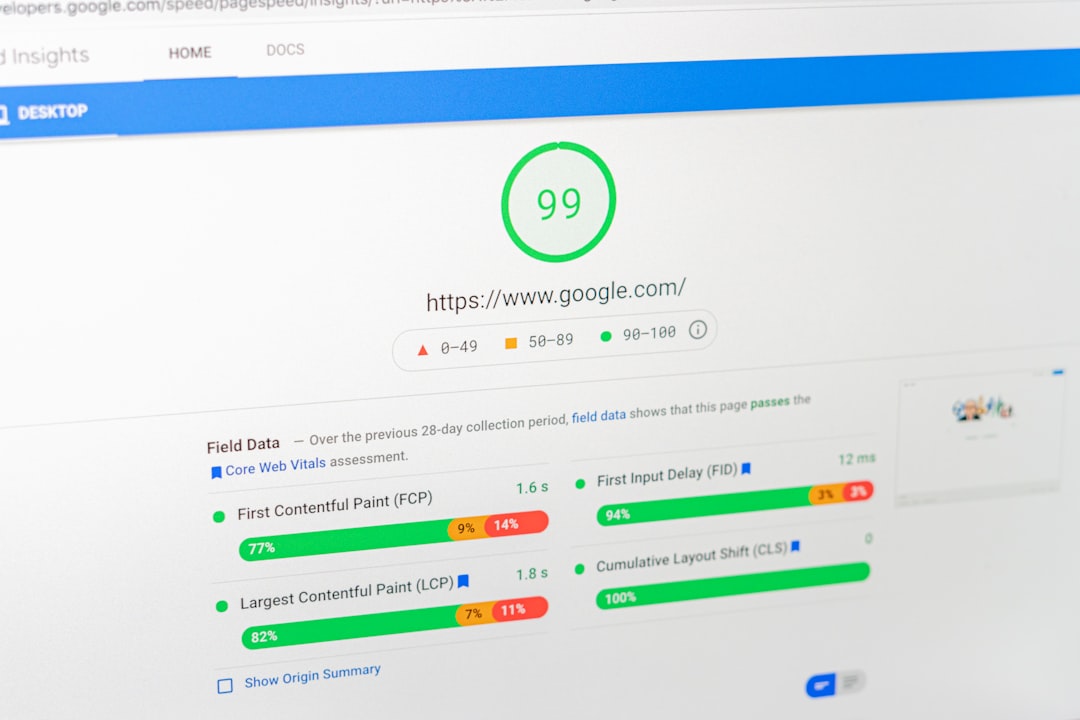
SEO setup is not only metadata. Slow pages can drag down user experience, but you do not need a perfect score to compete. You need a site that loads cleanly, avoids obvious bloat, and does not sabotage itself with oversized images and unnecessary scripts.
Start with image compression, caching, and theme or plugin cleanup before you start piling on optimization tools. Native lazy loading in WordPress helps, but it does not fix heavy page builders, poor hosting, or giant hero images by itself. Fix the issues that block visibility before the issues that polish visibility.
If you are not sure whether your current plugin configuration is helping or quietly hurting you, WordPress SEO Expert can help.
A Practical WordPress SEO Setup Checklist
If you only want the short version, follow this order. The sequence matters because it keeps you from polishing low-impact settings before the technical foundation is stable.
| Priority | Action | What Success Looks Like |
|---|---|---|
| 1 | Confirm the site is indexable | Important pages can be crawled and do not output unwanted noindex tags |
| 2 | Choose one preferred domain and force HTTPS | Only one version of each URL resolves |
| 3 | Use one SEO plugin and disable overlapping features elsewhere | One source controls titles, canonicals, schema, and sitemaps |
| 4 | Write homepage and key service page titles manually | Search snippets are clearer and less templated |
| 5 | Review archive indexing rules | Low-value pages stop competing with core pages |
| 6 | Verify sitemap inclusion and exclusions | Only index-worthy URLs appear in your sitemap |
| 7 | Handle image, caching, and script bloat | The site loads reasonably well without over-optimization |
When Setup Is Enough and When It Is Not
A clean setup removes technical friction, but it does not replace content quality, internal linking, or page targeting. Once the foundation is solid, stop tweaking plugin settings and move to the pages, categories, and internal links that actually drive leads.
This is where many DIY site owners stall out. The setup feels productive because it is visible inside the dashboard, but the bigger gains usually come from stronger service pages, better keyword mapping, and clearer search intent alignment. Keep the setup clean, then shift your energy to the pages that deserve to rank.
Need Help Checking Your Setup?
If you have worked through these steps and rankings are still stuck, WordPress SEO Expert can help you identify what is actually holding the site back. We look at crawlability, indexing, templates, internal linking, and technical conflicts so you know what to fix first instead of guessing.
Book a free SEO consultation. No pitch, no pressure. Just an honest look at what your site actually needs and whether your current setup is part of the solution or part of the problem. Contact WordPress SEO Expert today to schedule a consultation.