
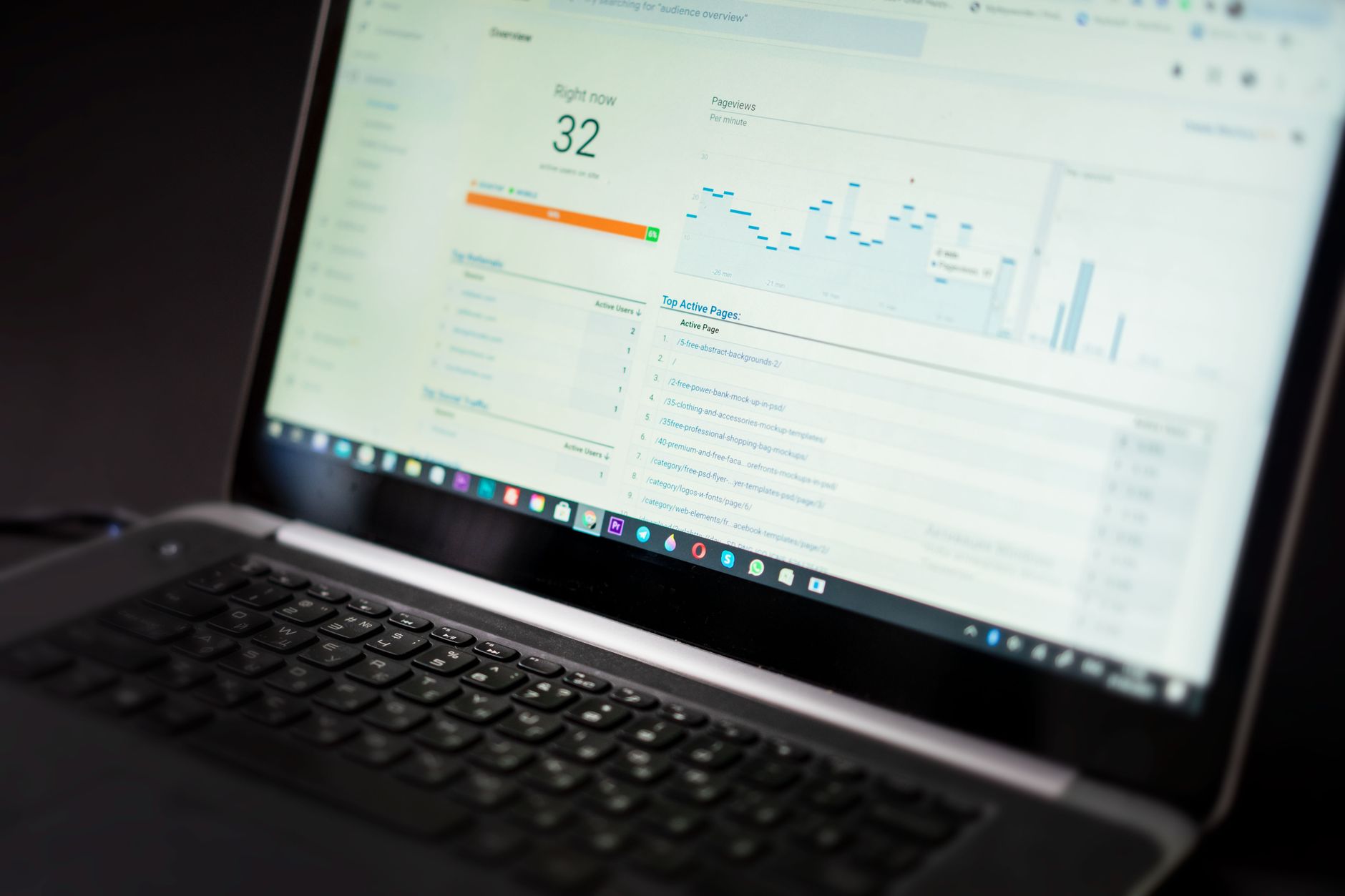
Flat rankings usually point to a scattered plan, not one missing plugin setting. A WordPress SEO tutorial should help you decide what to fix first, not drown you in features, scores, and conflicting advice.
This walkthrough explains the parts of WordPress SEO that actually affect visibility: indexing, page targeting, internal links, site structure, and technical cleanup. A green light in an SEO plugin does not mean the page deserves to rank. The goal is a site that is clear to users and consistent to search engines.
Start with crawlability and indexing
The first job is making sure search engines can reach, crawl, and index the pages that matter. If indexing is weak, title rewrites and content edits will have limited impact because the foundation is still unstable.
Check your WordPress reading settings, XML sitemap, robots directives, and archive rules before changing anything else. Google recommends clear title text, crawlable links, and page signals that accurately reflect the page itself, which is why basic setup matters more than cosmetic plugin tweaks. If you need a broader baseline first, review your WordPress SEO setup problems before you start changing templates or metadata.
Use one SEO plugin and configure it well
One well-configured SEO plugin is enough for most WordPress sites. Running overlapping plugins often creates duplicate metadata, conflicting canonicals, and competing sitemap outputs that make troubleshooting harder than it should be.
This is where many site owners lose momentum. They install another plugin because rankings are flat, but the real issue is usually unclear priorities or conflicting outputs. Keep one SEO plugin, set your title templates, review archive indexing, and remove anything that duplicates the same job. If you want a practical framework for the bigger picture, consider a practical guide covering the bigger picture.
Fix titles before chasing scores

Titles are one of the clearest on-page signals you control, so they deserve early attention. Google recommends descriptive, concise title text and warns against keyword stuffing and repetitive boilerplate, which makes many plugin-generated defaults weaker than they look.
Focus first on your homepage, primary service pages, top category pages, and posts already earning impressions. Write titles that describe the page clearly instead of cramming variations into every field.
| Weak title | Stronger title |
|---|---|
| SEO Services | SEO Company | SEO Expert | WordPress SEO Services for Small Businesses |
| Blog | WordPress SEO Tips for Service Businesses |
| Home | WordPress SEO Consultant for Growing Sites |
Those stronger versions are easier to understand, more useful in search results, and more aligned with what Google documents in its title link guidance.
Write meta descriptions for clicks, not rankings
Meta descriptions support clicks by summarizing the page clearly, but they are not a shortcut around weak targeting. They work best when each important page has a concise description that matches the content a visitor will actually see.
Google says it may use the meta description when it better summarizes the page, and it recommends unique descriptions that accurately describe individual pages. That means your most important pages should not all share the same generic pattern. Treat the description like a short pitch for one specific page.
Build a clean heading structure

Your heading structure should clarify the page, not decorate it. Use one H1 for the main topic, H2s for major sections, and H3s only when you need a sub-point under a section.
WordPress themes often handle the H1 automatically through the page or post title, so your job is usually to keep the rest of the hierarchy logical. This sounds basic, but messy headings often signal a page that was built visually instead of structurally. Search engines and users both benefit when the page outline makes sense.
Strengthen internal links on purpose
Internal links help search engines discover pages and understand which topics connect to each other. They also help readers move from an informational post to the next useful page instead of leaving after one answer.
Google recommends crawlable HTML links with descriptive anchor text. In practice, that means linking related posts and service pages with clear wording instead of vague prompts. Make sure important pages are linked from the body content of other relevant pages, not only from the navigation menu. If your rankings are flat and you are not sure whether the real problem is indexing, duplication, weak targeting, or plugin clutter, WordPress SEO Expert can help.
Clean up duplicate and low-value pages
Many WordPress SEO problems come from extra URLs that should never compete in search. Thin tag archives, duplicate author archives, attachment pages, and unnecessary filtered URLs can dilute signals and waste attention.
Most site owners do not have one catastrophic problem. They have a stack of smaller issues that compound over time. Review which archives deserve to be indexed, noindex the thin ones, and make sure canonical tags point to the preferred version of each page. This is especially important after redesigns, plugin changes, and migrations.
Use schema carefully
Schema should clarify visible content, not act like a ranking trick. Google’s structured data guidance warns against markup that is misleading or not representative of the main content on the page.
For most WordPress sites, simple and accurate markup is enough. That usually means organization details, articles on posts, and breadcrumbs where appropriate. Do not enable every schema type your plugin offers just because it is available. More markup is not the same as better markup.
A practical order of operations
Good WordPress SEO is mostly about sequence. Fix the issues that block visibility before the issues that polish visibility, and you will waste less time chasing surface-level improvements.
| Priority | What to fix first | Why it matters |
|---|---|---|
| 1 | Indexing and crawl access | Pages cannot rank if search engines cannot reach them. |
| 2 | Plugin conflicts and sitewide templates | Conflicting outputs create mixed signals across the site. |
| 3 | Titles and page targeting | Clearer relevance improves both matching and clicks. |
| 4 | Internal linking | Helps discovery, hierarchy, and topic support. |
| 5 | Schema and secondary refinements | Useful support layer after the foundation is stable. |
What this tutorial should change
A useful WordPress SEO tutorial does not give you fifty disconnected tasks. It helps you identify the few issues that are suppressing results right now and puts them in the right order.
You do not need a perfect score. You need a site that loads cleanly, is easy to use, and sends consistent signals about which pages matter most. WordPress SEO Expert can help you diagnose what to fix first without piling on more plugins or generic advice. Book a free SEO consultation. No pitch, no pressure. Just an honest look at what your site actually needs and whether your current setup is part of the solution or part of the problem.
Contact WordPress SEO Expert today to schedule a consultation if you want a practical plan for improving rankings without overcomplicating your WordPress setup.

















