

Most WordPress SEO problems are not caused by one missing setting. They usually come from a scattered setup, weak page targeting, and a checklist that treats every task as equally urgent. A green light in an SEO plugin does not mean the page deserves to rank.
This WordPress SEO tutorial gives you a practical checklist in the order that matters most. If your traffic is flat, the goal is not to do more SEO tasks. It is to fix the issues that block visibility before the ones that simply polish it.
Start with crawlability and indexing

Before you edit titles or add more content, make sure search engines can actually crawl and index your important pages. If they cannot, the rest of your work will underperform no matter how polished it looks.
Check that your site is visible to search engines in WordPress settings, that your XML sitemap is enabled, and that your core pages are not blocked by noindex tags or robots rules. Google’s own guidance emphasizes crawlable site structure and crawlable links, which is why internal navigation matters more than many site owners think. If you need a broader foundation first, review this practical WordPress SEO guide for DIY site owners.
Checklist
Confirm search engine visibility is enabled in WordPress. Confirm your sitemap is live through your SEO plugin. Make sure service pages, product pages, and key blog posts are indexable. Review thin archives, attachment pages, and site search results to decide whether they should be noindexed.
Use one SEO plugin, not several
One well-configured SEO plugin is enough for most WordPress sites. Running overlapping plugins often creates duplicate metadata, conflicting canonicals, and competing sitemap output that make troubleshooting harder than it needs to be.
This is especially common on sites that changed hands, went through a redesign, or had multiple people adding tools over time. Keep one primary SEO plugin and remove the overlapping extras unless they serve a clearly separate function. If your setup already feels messy, a guide to fixing WordPress SEO setup problems can help you clean up the stack.
Fix titles before you rewrite entire pages
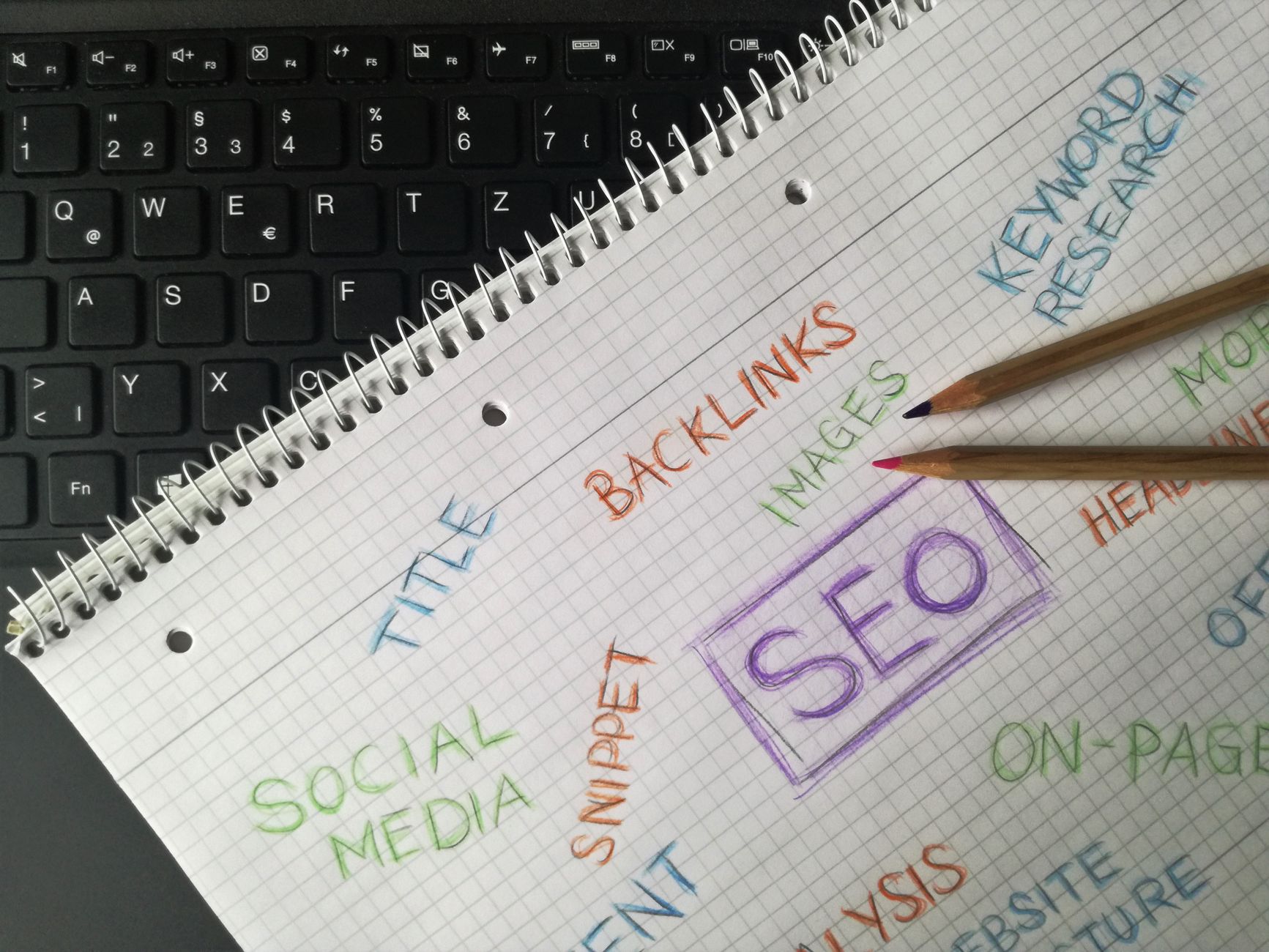
Title tags are one of the clearest signals you control, so fix them early. Google recommends descriptive, concise title text and warns against repetitive boilerplate and keyword stuffing, which means vague or padded titles are usually the wrong place to start.
Focus first on your homepage, primary service pages, top categories, and pages already getting impressions. Your goal is one clear topic and one clear intent per title.
| Weak title | Stronger title |
|---|---|
| SEO Services | SEO Company | SEO Expert | WordPress SEO Services for Small Businesses |
| Blog | WordPress SEO Tips for Service Businesses |
| SEO Tutorial | WordPress SEO Tutorial Checklist |
Write meta descriptions for clicks, not scores
Meta descriptions support click-through rate, not rankings by themselves. Google may use your meta description in search results when it better summarizes the page, so the best descriptions are specific, useful, and written for humans rather than plugin indicators.
Do not reuse the same pattern across dozens of pages. Write a short description for the pages that matter most, especially your homepage, service pages, category pages, and posts already appearing in search.
Clean up heading structure

Every important page should have one clear H1, followed by H2s and H3s in a logical order. A neat heading structure helps readers scan the page and helps search engines understand how the topic is organized.
Do not use headings just to make text look larger. If your theme already outputs the page title as the H1, keep it that way and use subheadings to organize the rest of the page. This sounds basic, but messy heading structure is still common on plugin-heavy or builder-heavy WordPress sites.
Strengthen internal links
Internal linking is one of the most underused parts of WordPress SEO. Google recommends descriptive anchor text and crawlable links, and strong internal links help search engines discover pages, understand hierarchy, and see which pages matter most.
Link informational blog posts to relevant service pages. Link related posts to one another with descriptive phrases instead of generic anchors. Make sure important pages are linked from more than just the main menu. If you are trying to build a stronger content structure, the existing WordPress SEO pillar guide is a good example of how supporting posts and broader pages should reinforce each other.
If you’re experiencing these symptoms, our team at WordPress SEO Expert can help.
Check duplicate content sources
Most duplicate content issues on WordPress come from archives, attachment pages, URL variations, and plugin conflicts rather than copied text. If those pages are indexable when they should not be, they dilute signals across your site.
Review author archives, date archives, tag pages, media attachment pages, and filtered URLs. Decide which page version should rank, link to that version consistently, and noindex or redirect the rest where appropriate. This is often where flat rankings start to make more sense.
Improve speed without chasing perfection
Speed matters when pages feel slow, unstable, or frustrating to use. You do not need a perfect score. The goal is a site that loads cleanly, is easy to use, and sends consistent signals about quality.
Compress large images, enable caching, remove unused plugins, and test key page templates separately. A homepage, a service page, and a blog post often perform very differently. Keep the work practical and focused on the pages that drive leads or sales.
Use schema as a support layer
Schema can help search engines understand a page more clearly, but it is not a shortcut around weak content or weak technical setup. Use only the structured data that matches what users can actually see on the page.
For many WordPress sites, the basics are enough. Organization or business details, article markup on blog posts, and breadcrumbs usually cover the main needs. Avoid turning on every schema type just because your plugin offers it.
WordPress SEO checklist in priority order
If you want a practical order of operations, use this sequence. It keeps you from spending hours polishing copy on pages that still have indexing, duplication, or structure problems underneath.
| Priority | Task | Why it comes first |
|---|---|---|
| 1 | Crawlability and indexing | Pages cannot rank if search engines cannot access them correctly. |
| 2 | Plugin cleanup | Conflicting SEO output creates sitewide confusion. |
| 3 | Canonicals and duplicate URLs | Prevents authority from being split across versions. |
| 4 | Title tags and templates | Improves relevance and click potential quickly. |
| 5 | Meta descriptions | Supports better snippets on key pages. |
| 6 | Internal links | Strengthens hierarchy and page discovery. |
| 7 | Speed improvements | Improves usability after bigger visibility blockers are handled. |
| 8 | Schema cleanup | Refines supporting signals after the foundation is stable. |
What to stop doing
Stop chasing plugin scores as if they measure ranking potential. Most site owners do not have one catastrophic problem. They have a stack of smaller issues that compound over time, and those issues usually need prioritization more than more features.
Stop publishing thin posts just to cover slight keyword variations. Stop adding plugins every time a ranking stalls. Stop treating every checklist item as urgent. Fix the issues that block visibility before the issues that polish visibility.
When to get expert help
If you have already installed the tools, published content, and handled the basics but rankings are still flat, the problem is usually prioritization or hidden technical conflict. A second set of eyes can often tell you faster what is actually holding the site back.
Contact WordPress SEO Expert today to schedule a consultation. Book a free SEO consultation. No pitch, no pressure. Just an honest look at what your site actually needs and whether your current setup is part of the solution or part of the problem.

















