

Low rankings usually come from a scattered plan, not one missing plugin. A workable WordPress SEO workflow gives you an order of operations: fix crawl and index issues first, tighten on-page signals second, and improve internal linking and performance after the foundation is stable.
This is where most WordPress sites get stuck. They publish blog posts, install an SEO plugin, and chase green lights, but the real blockers are usually spread across titles, thin internal linking, bloated templates, and pages that are technically indexable but hard for Google to understand. If you want a second set of eyes before changing settings, review our WordPress SEO best practices for 2026 and our WordPress SEO checklist for new websites.
The workflow in one sentence
Start by making sure important pages can be crawled and indexed, then improve titles and headings, then strengthen internal links, then clean up speed and UX issues. This order matters because better copy alone will not fix pages that send mixed technical signals.
Think of WordPress SEO as a stack. If indexability is broken, everything above it underperforms. If indexability is fine but page targeting is weak, rankings stall. If targeting is solid but internal links are thin, your best pages still struggle to build momentum.
Step 1: Check crawl and index basics first

Your first job is confirming that the pages you care about are actually available to search engines. In WordPress, that means checking noindex settings, robots directives, canonical tags, redirects, and whether the right URLs appear in your sitemap.
Begin with the pages that matter most: your homepage, core service pages, main location pages, major category pages, and top blog posts. Open each one and confirm it returns a normal page, uses the preferred URL version, and is not being blocked by a theme setting, plugin rule, or leftover staging configuration.
If this step sounds familiar, it should. A large share of WordPress SEO problems are not advanced strategy problems. They are configuration problems. The pre-launch issues covered in our WordPress SEO checklist for new websites are the same issues that quietly suppress rankings on older sites too.
What to verify on each important page
Look for a clean, self-referencing canonical when appropriate, a useful title tag, one main heading, and a URL that is included in the XML sitemap if the page should be indexed. If you see duplicate versions of the same page, decide which URL should rank and redirect or canonicalize the rest.
Step 2: Use one SEO plugin well
Most sites need one primary SEO plugin, not several overlapping tools trying to control the same output. Running multiple SEO plugins can create conflicting titles, duplicate schema, mixed canonicals, and sitemap confusion that is hard to diagnose later.
Once you pick your plugin, configure the core settings before touching advanced options. Set title templates, meta description fields, social defaults, archive indexing rules, and sitemap behavior. Keep the setup clean enough that you can still explain what each setting does a month from now.
Step 3: Fix titles and headings before publishing more
Titles and headings still carry a lot of weight because they help users and search engines understand what a page is about. Google recommends descriptive, concise title text and specifically advises against keyword stuffing and repetitive boilerplate across pages.
That means weak titles usually need less cleverness and more clarity. A service page title should say what the service is and who it is for. A blog post title should match the actual query the page is trying to answer, not a broad category label that could mean anything.
| Weak version | Stronger version |
|---|---|
| SEO Services | SEO Company | SEO Expert | WordPress SEO Services for Small Businesses |
| Blog | WordPress SEO Tips Workflow for Service Sites |
| WordPress Help | WordPress Technical SEO Help for Slow Sites |
Google also notes that it may use the page title, heading text, and other prominent on-page text when generating title links in search results. That is one more reason to keep your H1 aligned with the page topic instead of treating it as decorative copy.
Step 4: Write better meta descriptions, but keep the goal realistic
Meta descriptions do not guarantee rankings, but they can improve how your page is presented in search when Google chooses to use them. The real job is to write a short, accurate summary that matches the searcher’s intent and makes the next click feel obvious.
Google explains that snippets are often generated from page content, but it may use the meta description when it gives a more accurate summary. So the workflow here is simple: write custom descriptions for high-value pages first, especially the homepage, services, and pages already getting impressions.
Step 5: Build internal links with intent

Internal linking is one of the easiest places to create momentum without publishing net-new pages. Good internal links help Google discover related URLs, understand page relationships, and interpret which pages on your site carry the most weight.
Do not add links randomly at the end of a paragraph just to hit a quota. Link broad pages to more specific pages, connect supporting blog posts to commercial pages, and use anchor text that describes the destination naturally. Google recommends descriptive, concise, relevant anchor text rather than stuffed keyword strings.
A simple weekly habit works well here. Each time you publish a post, add 2 to 5 internal links from older relevant pages and 2 to 5 links out from the new post to stronger supporting pages. This keeps your site structure from turning into a pile of disconnected URLs.
If you are experiencing these issues, our team at WordPress SEO Expert can help. We often find that a few smart internal links and cleaner page targeting do more than another month of unfocused content production.
Step 6: Clean up speed after the critical SEO signals
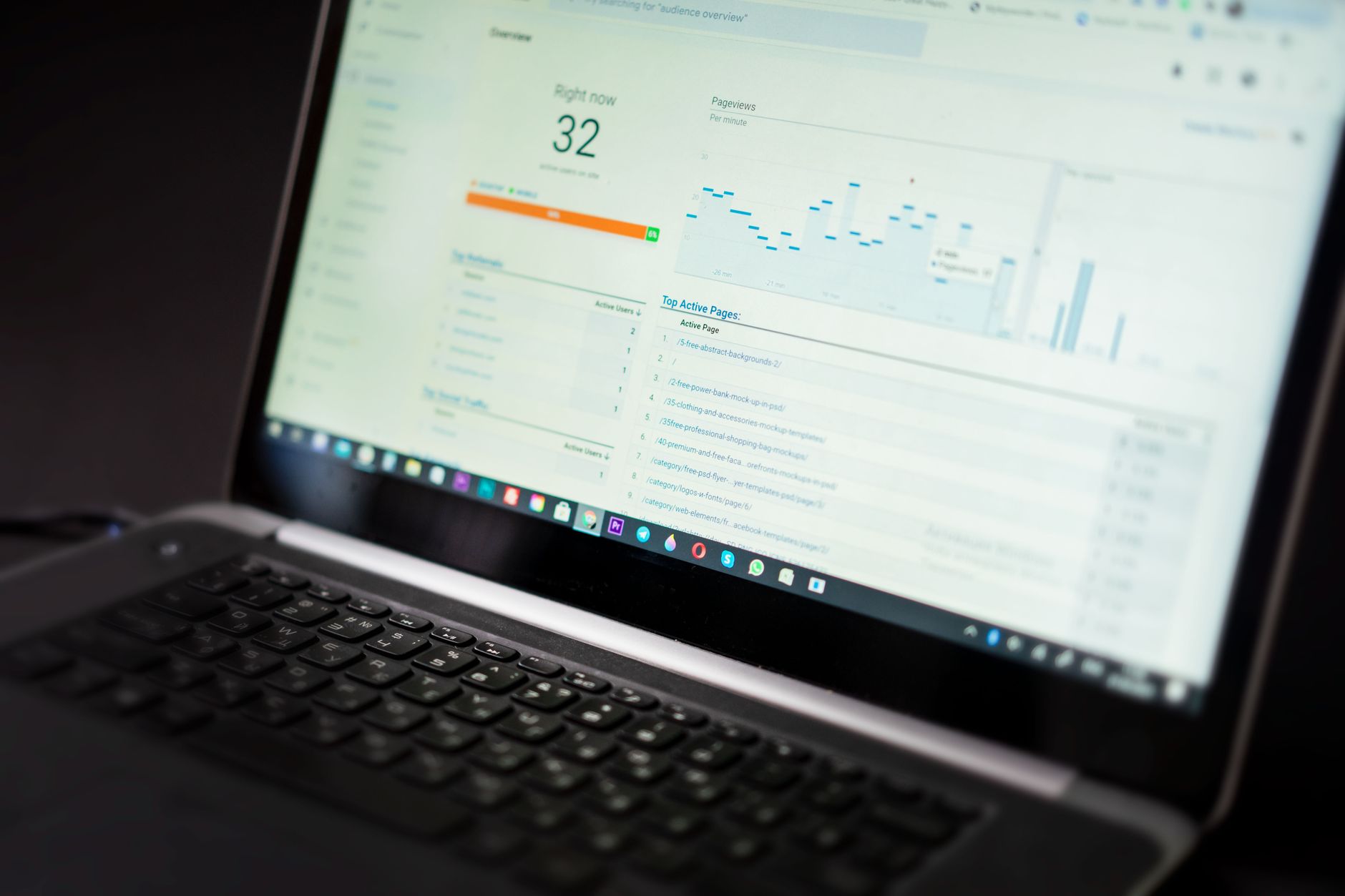
Performance matters, but not as a vanity score contest. The practical workflow is to fix the slow elements that affect real pages: oversized images, excessive plugins, heavy scripts, poor caching, and laggy mobile interactions.
Google replaced First Input Delay with Interaction to Next Paint as a Core Web Vital on March 12, 2024, which makes responsiveness more important than it used to be. On WordPress sites, that usually points to bloated builders, expensive JavaScript, oversized sliders, and too many third-party tools loading on every page.
Do not try to optimize your entire website in one sweep. Test your homepage, a service page, a blog post, a category page, and any high-traffic templates separately. One fast page does not prove the site is fast, and one poor score does not mean every template is broken.
Where to stop
A strong workflow includes a stopping rule. Once your important templates are stable, usable on mobile, and free from obvious bottlenecks, move on. Chasing tiny score improvements while title targeting, internal links, or content structure remain weak is usually the wrong trade-off.
Step 7: Publish with a repeatable page checklist
Every new page should pass the same short checklist before it goes live. That keeps quality consistent and stops small issues from stacking up across dozens of URLs.
| Area | What to check | Why it matters |
|---|---|---|
| Indexing | Page is crawlable, indexable, and in the right sitemap | Pages cannot rank if they are blocked or excluded |
| Title and H1 | Topic is clear and specific without stuffing | Improves relevance and click potential |
| Internal links | Links in and out connect the page to related content | Helps discovery and site structure |
| Content | Answers one clear intent with useful subheadings | Improves clarity and topical coverage |
| UX and speed | Images, scripts, and layout are under control | Supports mobile usability and page experience |
What this workflow prevents
This process prevents the most common WordPress SEO trap: doing many small tasks in the wrong order. When site owners start with plugin scores, schema extras, or endless content ideas before fixing crawl signals and page targeting, effort goes up but results stay flat.
A good workflow also reduces rework. You spend less time rewriting titles twice, undoing duplicate plugin settings, or trying to rescue orphan pages after publishing. The goal is not more activity. It is fewer mistakes and clearer priorities.
A practical weekly SEO rhythm
Most businesses do better with a steady weekly process than with occasional SEO overhauls. Review Search Console data, inspect a few key pages, improve one internal link cluster, refresh weak titles or descriptions, and fix one technical issue that affects multiple pages.
That rhythm is boring, and that is exactly why it works. WordPress SEO usually improves through repeated cleanup and better decisions, not through one dramatic plugin change.
When to get help
If you have worked through these steps and rankings are still stuck, the issue is usually diagnostic, not motivational. You may be dealing with migration damage, index bloat, weak information architecture, or pages that do not match the intent behind the queries you are targeting.
WordPress SEO Expert can help you sort that out before you change a dozen settings blindly. We can review your technical setup, on-page targeting, and internal linking so you know what to fix first and what to ignore.
Contact WordPress SEO Expert today to schedule a consultation. If you want a diagnostic review before you invest more time into plugins or content production, we will help identify what is actually holding the site back.

















