
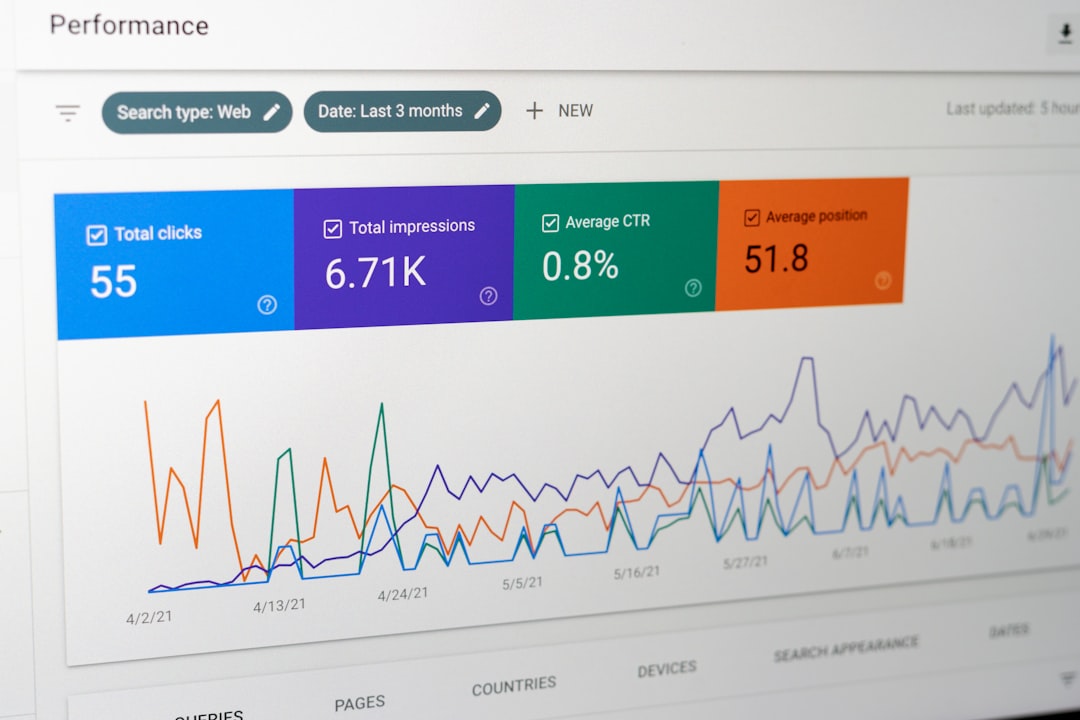
Low rankings usually come from a scattered plan, not one missing plugin. If you want to master WordPress SEO, start by fixing the few issues that block growth most often: weak titles, thin internal linking, slow templates, and indexability mistakes that keep good pages from performing.
Most site owners do not have one catastrophic SEO problem. They have a stack of smaller issues that compound over time. That is why a page can be well written and still underperform. The goal is not to collect more green lights in a plugin. The goal is to make your site easier for Google to crawl, easier for visitors to use, and clearer about what each page should rank for.
If your site is already publishing content but growth is flat, review our WordPress SEO best practices guide alongside this guide. It pairs well with the tips below because it helps you separate durable SEO work from plugin noise.
Start with the problems that block rankings
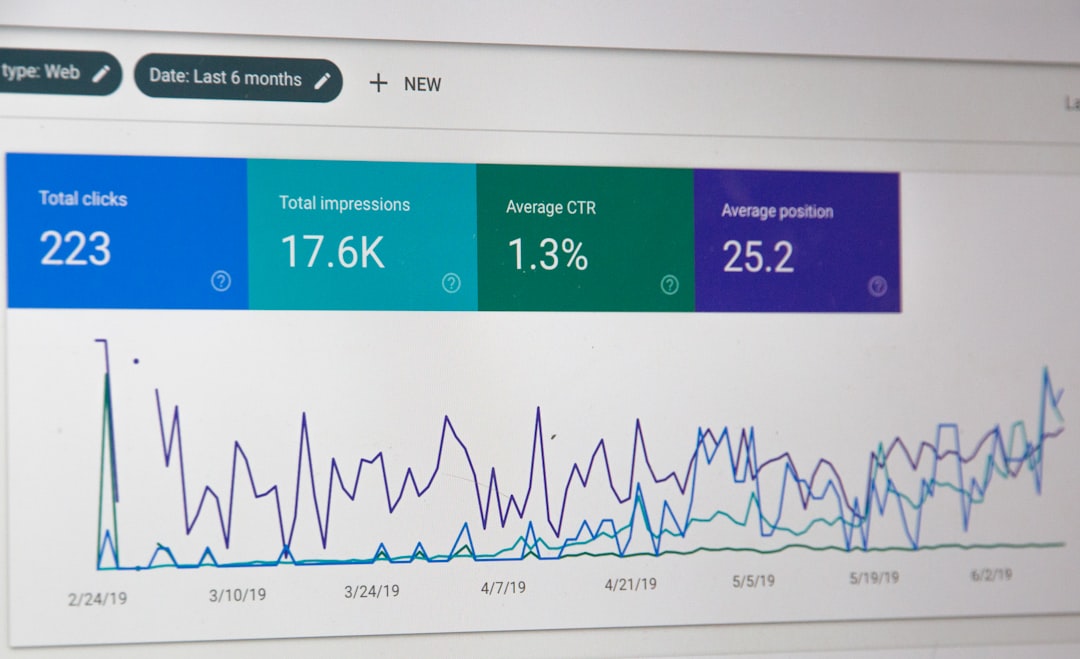
The fastest way to improve SEO is to fix what prevents pages from competing in the first place. Before tweaking copy or chasing backlinks, make sure the right pages are indexable, linked internally, and technically clean enough to be crawled without confusion.
This is where many WordPress sites lose momentum. A service page is published, but it is buried in navigation. A blog post exists, but nothing links to it. A plugin adds archive pages that do not help users but still get indexed. None of that looks dramatic inside WordPress, yet together it can stall rankings for months.
| Priority | What to check first | Why it matters |
|---|---|---|
| 1 | Indexing and crawlability | Pages cannot rank if search engines cannot access them properly |
| 2 | Title tags and search intent | Helps Google and users understand what the page is about |
| 3 | Internal linking | Supports discovery, context, and page importance |
| 4 | Site speed and template bloat | Improves usability and reduces friction on key pages |
| 5 | Content structure | Makes pages easier to scan and more useful to readers |
Use one SEO plugin well
There is no single best SEO plugin for WordPress, but there is usually a best setup for your site: one primary plugin, configured carefully. Running multiple SEO plugins creates conflicts around titles, canonicals, schema, and sitemaps that are harder to diagnose than most people expect.
Choose one plugin and set up the basics first. Focus on title templates, meta descriptions, XML sitemaps, social sharing defaults, and archive indexing rules. Leave advanced features alone unless you understand the trade-off. A simpler stack is easier to maintain and far less likely to break during updates.
Write better title tags before writing more posts
Title tags still carry a lot of weight because they help search engines and users decide what a page is about. Google recommends titles that are descriptive, concise, and unique to the page, while avoiding repetitive boilerplate and keyword stuffing. Google’s title link guidance is still the best baseline.
A common mistake is trying to force every keyword variation into the title. That usually makes the page look weaker, not stronger. Instead, match the core topic and the page intent. If the page is a service page, say what service it is for and who it helps. If it is a tutorial, make the outcome obvious.
| Weak title | Stronger title |
|---|---|
| SEO Services | SEO Company | SEO Expert | WordPress SEO Services for Small Businesses |
| WordPress SEO Tips, Best WordPress SEO Tips | WordPress SEO Tips That Actually Improve Rankings |
| Blog | WordPress SEO Tips for Service Business Websites |
Do not ignore meta descriptions
Meta descriptions are not the lever most people think they are, but they still matter for click-through. Google may use your meta description as the search snippet when it better describes the page, and it recommends useful, page-specific summaries instead of reused boilerplate. Google’s snippet documentation explains the standard clearly.
Think of the meta description as ad copy for an existing ranking, not as a ranking trick. If your page already earns impressions, stronger descriptions can help turn those impressions into visits. Prioritize your homepage, service pages, and the pages already getting visibility in Search Console.
Internal links are one of the easiest wins
Internal linking is one of the simplest ways to improve WordPress SEO because it helps Google discover pages and understand their relationship to the rest of the site. Google also recommends descriptive anchor text that is concise and relevant to the destination page. Its link best practices are worth following closely.
This means linking from broad pages to specific pages, from blog posts to services, and from older relevant articles to newer ones. If you have pages that are only listed in a sitemap and nowhere else, fix that before publishing more content. A good page with no internal support often struggles more than it should.
If you are cleaning up site structure at the same time, review our WordPress SEO checklist for new websites. Even if your site is already live, the same checks help catch hidden issues around indexing, canonicals, and sitemap setup.
Make your page structure easier to scan
Search-friendly content is usually easier to read before it is easier to rank. Use one clear H1, logical H2s and H3s, short paragraphs, and sections that answer the query directly before expanding. Readers should be able to understand the page quickly without digging through filler.
Many WordPress sites bury their best information under long intros, generic headers, or repeated plugin-generated elements. Clean formatting helps both users and search engines find the main point of the page. That does not mean writing for bots. It means removing friction from the reading experience.
Speed matters, but only when you fix the right things
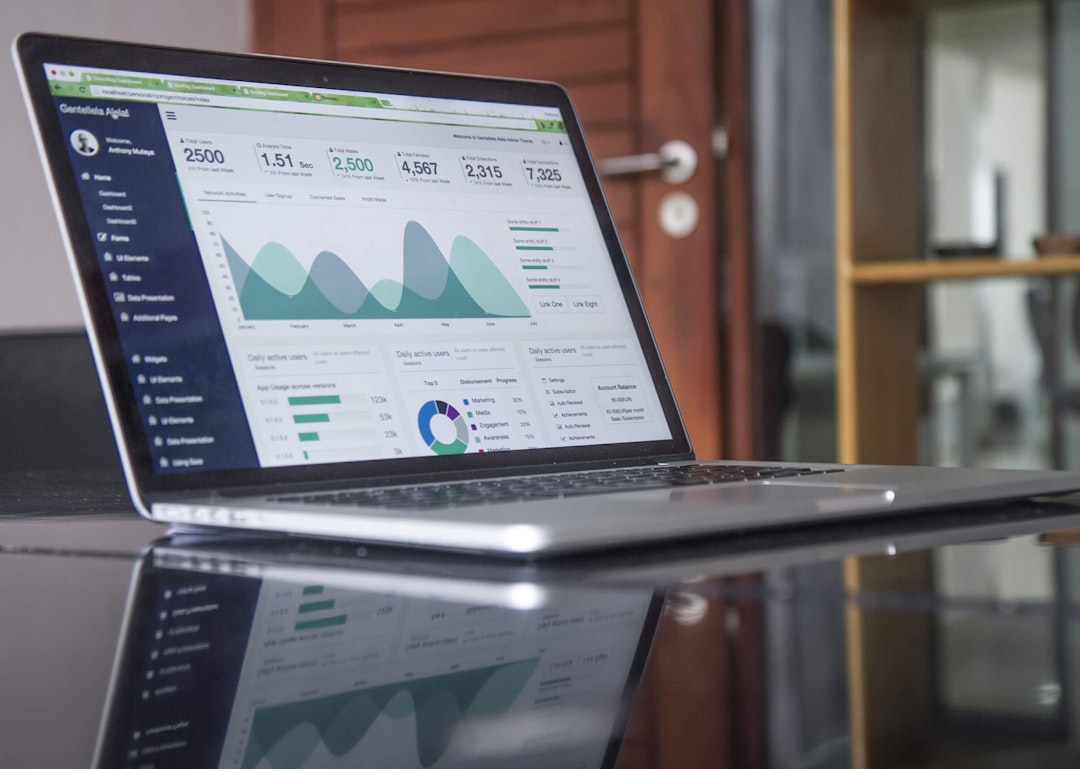
Site speed helps most when you solve practical bottlenecks, not when you chase perfect scores. Heavy themes, oversized images, too many scripts, and bloated builders usually do more damage than one missing performance trick. The goal is a site that feels fast on real pages, especially on mobile.
For most WordPress sites, the first wins are boring: compress images before upload, reduce plugin overlap, cache aggressively, and test important templates one by one. Homepages, service pages, posts, category pages, and product pages often perform very differently. Do not assume one score represents the whole site.
Stop treating plugin scores as the goal
Plugin scores are useful only when they point to a real issue. They become a problem when they push you into awkward wording, repetitive keywords, or unnecessary changes that make the page worse for humans. A high score does not guarantee stronger rankings, and a lower score does not automatically mean the page is weak.
Use plugins as a checklist, not as a judge. If the page is clear, technically accessible, aligned with intent, and connected properly through internal links, you are usually doing the work that matters most. That is the difference between strategic SEO and plugin chasing.
A practical way to master WordPress SEO
Mastering WordPress SEO is less about learning every tactic and more about building a repeatable review process. Check indexing, improve titles, strengthen internal links, clean up templates, and then expand content from a stronger base. That sequence gets better results than publishing first and troubleshooting later.
If you are working through these fixes and still cannot tell what is actually holding the site back, WordPress SEO Expert can help. We look at the technical setup, on-page signals, and site structure together so you can stop guessing and start prioritizing the right changes.
When to get a second set of eyes
Some ranking problems are obvious once you know where to look. Others come from several smaller issues that overlap across content, architecture, and technical SEO. If your site has been stuck despite regular publishing, a focused review is usually faster than another round of random edits.
If you want a clear action plan before changing settings or rewriting pages, WordPress SEO Expert can help. Book a free SEO consultation and we will help identify what to fix first, what can wait, and where your WordPress setup is creating unnecessary drag.

















