

Low rankings on a new site usually come from a scattered setup, not one missing plugin. If your WordPress site is brand new, the fastest SEO wins come from getting the basics right in the right order: indexing, site structure, page titles, internal links, and content quality.
This guide gives you a practical starting plan for a new website owner. It is not about chasing plugin scores. It is about making sure search engines can crawl your site, understand your pages, and trust that each page serves a clear purpose.
Start with the technical basics first

The first priority is simple: make sure your site can actually be crawled and indexed. New WordPress sites often launch with one or two preventable problems that block growth before content has a chance to rank.
Check that search engine visibility is enabled in WordPress under Settings and Reading. Use a clean permalink structure such as Post name. Make sure your preferred version of the domain redirects consistently, whether you use www or non-www. If you want a deeper pre-launch checklist, review our WordPress SEO checklist for new websites.
You should also install one SEO plugin, not several overlapping ones. A clean setup is easier to manage, creates fewer conflicts, and makes it more obvious where titles, meta descriptions, schema, and sitemap settings are being controlled.
Pick one main keyword for each important page
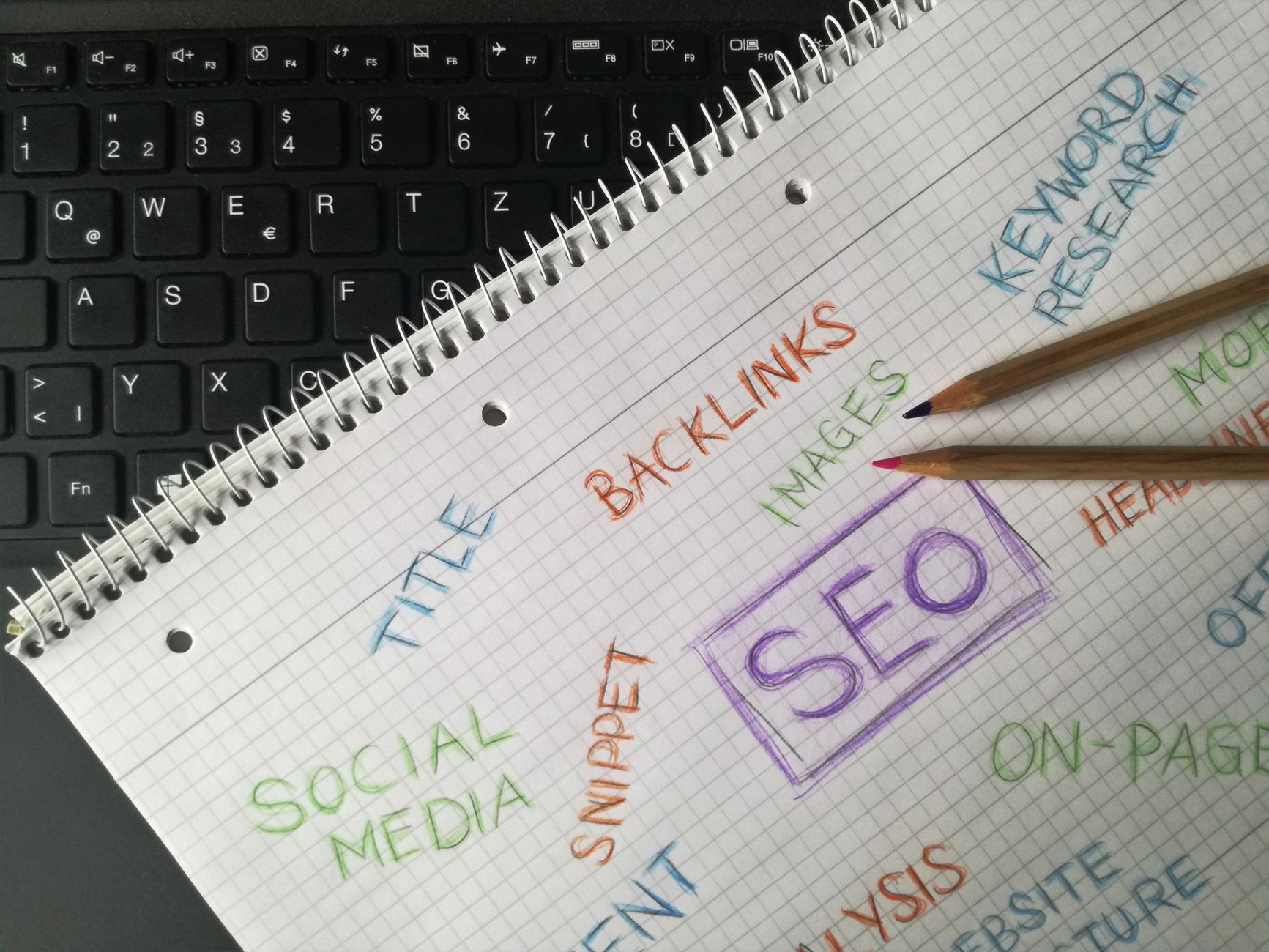
New websites usually struggle because multiple pages target the same vague topic. The better approach is to give each key page one primary search intent, then build the page around that intent without forcing keywords into every sentence.
Your homepage should target your main service or business category. Service pages should target specific services. Blog posts should answer one clear question at a time. That structure helps prevent keyword overlap and makes internal linking much easier later.
If you are publishing content before traffic arrives, do not measure success by plugin green lights alone. A page can score well in a plugin and still fail because the topic is too broad, the search intent is unclear, or the page has no internal support from the rest of the site.
Write titles that are clear, not stuffed
Page titles matter early because they help search engines and users understand what each page is about. Clear, concise titles usually perform better than titles packed with repeated keyword variations.
Google recommends descriptive, concise title text and advises against keyword stuffing and repetitive boilerplate titles. That means a title like WordPress SEO Services for Small Businesses is stronger than something like SEO Services | SEO Company | WordPress SEO Expert | Best SEO Agency. You can review Google’s guidance directly in its title link documentation and SEO Starter Guide.
Keep the main keyword near the front when it fits naturally, but write for clarity first. If every page on the site uses the same title pattern with only one word changed, Google may rewrite those titles anyway.
Build a site structure users can follow
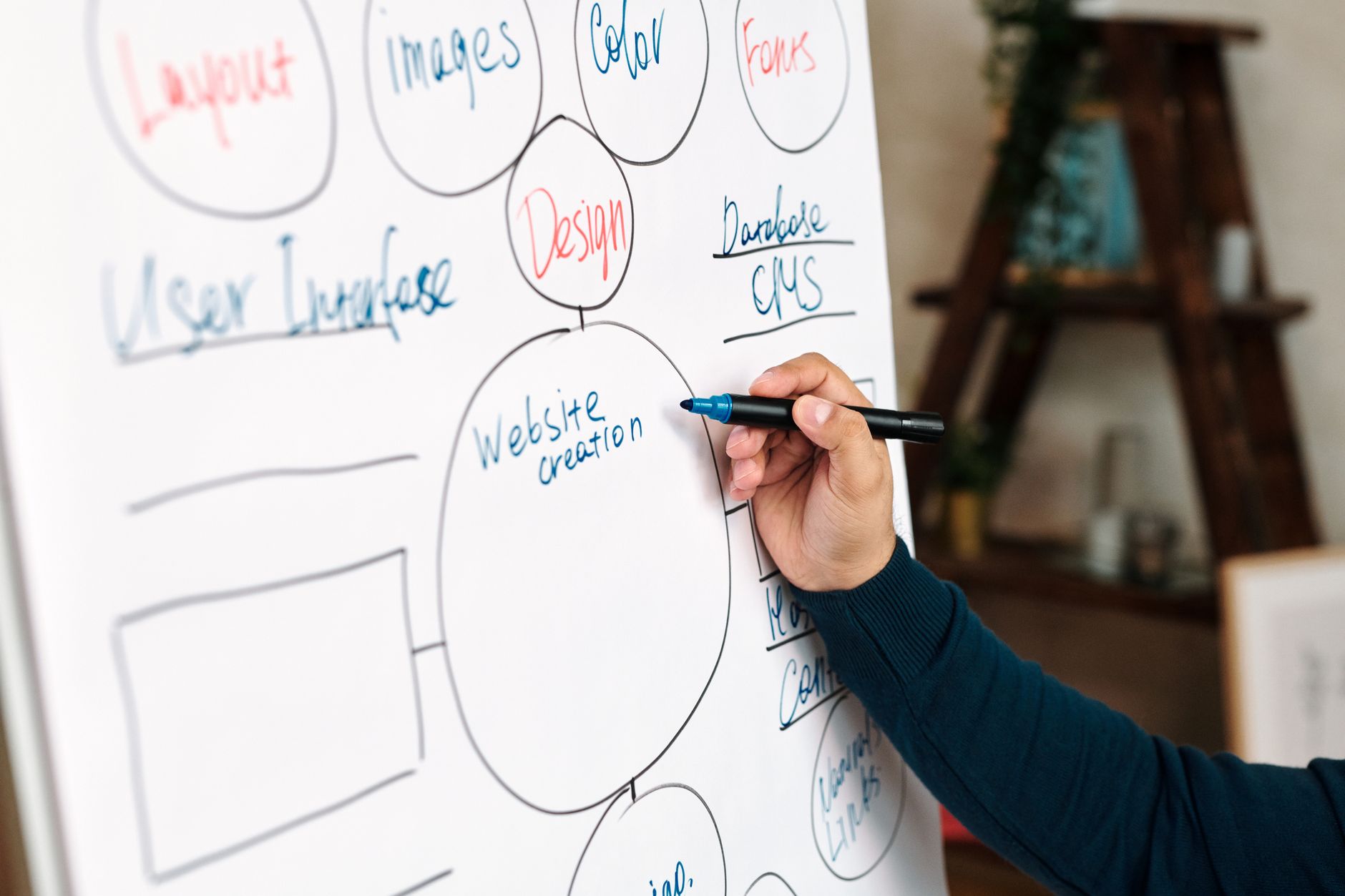
A new website needs a simple hierarchy before it needs a huge content library. Most small business sites do better with a small number of focused pages connected logically than dozens of thin pages with overlapping purposes.
Start with a homepage, core service pages, an about page, a contact page, and a few helpful blog posts tied to real customer questions. Use navigation labels that describe what is actually on the page. Keep URLs short and readable. Add internal links where a reader would naturally want the next step.
For example, if your new site is building out its technical foundation, a post about speed, crawlability, or indexing should link to related service or educational pages. Our guide on improving WordPress site speed for SEO is a good example of how one technical issue supports broader SEO performance.
Create a sitemap, then submit it
Your XML sitemap helps search engines discover important pages faster, especially on a new site with few external links. This is a setup step, not a ranking trick, but it is worth doing early because it removes friction from crawling.
Most major WordPress SEO plugins generate an XML sitemap automatically. Once it is live, add your site to Google Search Console and submit the sitemap there. Then monitor which pages are indexed and which are excluded. On a new site, this is one of the quickest ways to spot technical problems before they turn into a traffic issue.
Make the mobile version just as complete

Google primarily uses the mobile version of a site for crawling and indexing, so a stripped-down mobile experience can hold back a new site even if the desktop version looks fine. Mobile SEO is no longer optional cleanup work.
Check that your mobile pages include the same core content, headings, links, and metadata as desktop pages. Google’s mobile-first indexing guidance makes it clear that content and metadata should remain consistent across versions of the page. Test your important pages on an actual phone, not only in a resized browser window.
Improve speed enough, then stop
New websites do need a reasonably fast experience, but speed work becomes wasteful when it turns into endless score chasing. The goal is a site that loads cleanly, feels responsive, and does not frustrate users on mobile.
Compress oversized images before upload, use caching, avoid bloated themes, and deactivate plugins you are not using. Most site owners do not have one catastrophic issue. They have a stack of smaller issues that slow pages down together. If you are not sure where to start, our speed guide above walks through practical fixes in a clear order.
If you are seeing slow templates or uncertain plugin conflicts, WordPress SEO Expert can help you sort the high-impact fixes from the busywork before you change settings that do not matter.
Publish fewer pages, but make them stronger
New sites often publish too many weak pages too quickly. A smaller set of useful, well-structured pages usually outperforms a large batch of thin content that says almost the same thing in slightly different ways.
Each page should answer a distinct question or solve a distinct problem. Use a clear heading structure, write a direct introduction, and add supporting details that make the page genuinely helpful. Google’s people-first content guidance is still the right benchmark: publish content because it helps users, not because you want to manipulate rankings.
Use internal links earlier than you think
Internal links are one of the easiest SEO wins for a new website because they help search engines understand page relationships and help users move through the site. You do not need hundreds. You need relevant links placed where they make sense.
Link from blog posts to service pages, from broader guides to narrower how-to posts, and from top-level pages to supporting resources. Descriptive anchor text is better than vague prompts. A phrase like WordPress SEO checklist for new websites tells both readers and search engines more than click here ever will.
A simple priority plan for new websites
If your site is new and you feel overwhelmed, use this order. It keeps you focused on the fixes that matter most before you spend time on lower-value tasks.
| Priority | What to do | Why it matters |
|---|---|---|
| 1 | Confirm indexing, permalinks, redirects, and sitemap | Technical access problems block everything else |
| 2 | Assign one main topic to each key page | Prevents keyword overlap and weak targeting |
| 3 | Write clear titles and strong page introductions | Improves relevance and click potential |
| 4 | Add internal links between related pages | Supports crawling, structure, and user flow |
| 5 | Improve mobile usability and page speed | Reduces friction for users and search engines |
| 6 | Publish focused content consistently | Builds topical depth over time |
When to get help
If you have already installed the plugins, published content, and still cannot tell why rankings are flat, the problem is usually prioritization. Most new sites do not need more tools. They need a second set of eyes to identify what is blocking progress first.
WordPress SEO Expert can review your setup, spot the technical and on-page issues that are holding the site back, and help you build a practical roadmap. If you want clarity before making more changes, contact WordPress SEO Expert today to schedule a consultation.

















