

Faster growth from WordPress SEO usually comes from fixing a few high-impact basics in the right order, not from adding more plugins or chasing a perfect optimization score. If rankings feel stuck, the problem is often a mix of weak page targeting, thin internal linking, and technical issues that quietly hold back pages that should perform better.
A practical guide should help you decide what to fix first. That is the goal here: clearer page targets, stronger on-page signals, better internal links, and a cleaner technical setup that supports growth instead of slowing it down. If you want a broader roadmap before you start changing pages, review our WordPress SEO strategy for small business for the planning side of the process.
What matters most for faster WordPress SEO growth
The fastest SEO gains usually come from better prioritization. Most sites do not have one fatal issue. They have a stack of smaller problems such as overlapping pages, weak titles, poor internal links, slow templates, or content that does not match search intent well enough to earn clicks.
Google’s own documentation makes the direction clear: create helpful content, use clear titles, avoid keyword stuffing, and make it easy for search engines and users to understand page relationships through descriptive links. Page experience also matters, but it is one part of a broader ranking picture rather than a shortcut to the top of search results. That is why growth comes from a balanced setup, not one “best” plugin or one isolated tweak.
Tip 1: Give every important page one clear job

If a page tries to rank for too many unrelated phrases, it usually ends up weak for all of them. Faster growth starts when each key page has one main topic, one clear search intent, and one reason to exist in your site structure.
Your homepage should usually target your broadest business offering. Service pages should target buyer-intent searches. Blog posts should support those services by answering related questions, objections, or early-stage research queries. This sounds simple, but it is where many WordPress sites drift off course. Publishing more posts does not help if three older pages are already competing for the same term.
A quick diagnostic test helps here. Look at your top service pages and ask three questions: what exact query should this page rank for, what action should the visitor take next, and which nearby pages support it? If you cannot answer those in one sentence, the page is probably too vague.
Tip 2: Fix titles and headings before writing new content
Title tags and headings are often the fastest low-effort improvements available. A page with a generic title can struggle to earn clicks even if it already has impressions. Better wording will not solve every ranking problem, but it can improve clarity immediately.
Google recommends titles that are clear, concise, unique to the page, and descriptive of the content. It also warns against repetitive keyword stuffing. In practice, that means weak titles usually look broad, repetitive, or interchangeable, while stronger titles explain the real topic and audience.
| Weak title | Stronger title |
|---|---|
| SEO Services | SEO Company | SEO Expert | WordPress SEO Services for Small Businesses |
| Blog | WordPress SEO Tips for Local Business Growth |
| On Page SEO | On-Page SEO Fixes for Underperforming WordPress Pages |
Use one clear H1 per page, then let your H2s handle the subtopics. The goal is not to force keywords into every heading. The goal is to make the page instantly understandable to both users and search engines.
Tip 3: Build internal links with purpose

Internal linking is one of the most overlooked growth levers on WordPress sites. Strong internal links help users discover related pages, and Google specifically recommends descriptive anchor text that explains what the destination page is about.
Most site owners either under-link or use vague anchors. Instead of linking random phrases, connect supporting blog posts to service pages, and connect core service pages to deeper educational resources. If a page matters for leads, it should receive internal links from related content across the site.
For example, a post about speed issues should naturally point to a deeper resource on how to improve WordPress site speed for SEO. A strategy article can support your broader planning pages. That kind of linking is more useful than scattering exact-match anchor text everywhere.
A simple rule works well: every new post should support at least one revenue-driving page, and every important service page should be supported by several relevant internal links. If you are experiencing these issues, our team at WordPress SEO Expert can help.
Tip 4: Stop treating your SEO plugin as the strategy
Plugin scores are useful reminders, not business outcomes. A green light in Yoast or Rank Math does not mean a page deserves to rank, and a yellow light does not automatically mean the page is weak.
Use your plugin for the essentials: titles, meta descriptions, canonicals, XML sitemaps, and index controls. Then step back and judge the page like a searcher. Does it answer the question quickly? Does it show proof? Does it explain who the service is for? Does it make the next step obvious? Those questions matter more than hitting every plugin suggestion.
This is also where many sites create unnecessary clutter. One clean SEO setup is usually better than stacking multiple SEO, schema, redirect, and sitemap plugins that overlap and conflict.
Tip 5: Improve site speed where it actually affects growth
Site speed matters, but it is not a magic ranking lever on its own. Google says Core Web Vitals are used in ranking systems, while also making clear that strong scores do not guarantee top rankings. That makes speed important, but usually as part of a better total experience rather than a replacement for relevance and authority.
The practical approach is to fix the bottlenecks that hurt users first: oversized images, render-blocking scripts, slow hosting, and heavy templates. This is usually enough to improve usability and support conversion without turning optimization into a full-time project.
If your site is slow, start with image compression, page caching, and unnecessary plugin cleanup before you worry about tiny performance gains. For a full walkthrough, our resource on real WordPress speed fixes for SEO breaks down what to test and what to ignore.
Tip 6: Refresh pages with impressions before publishing more posts
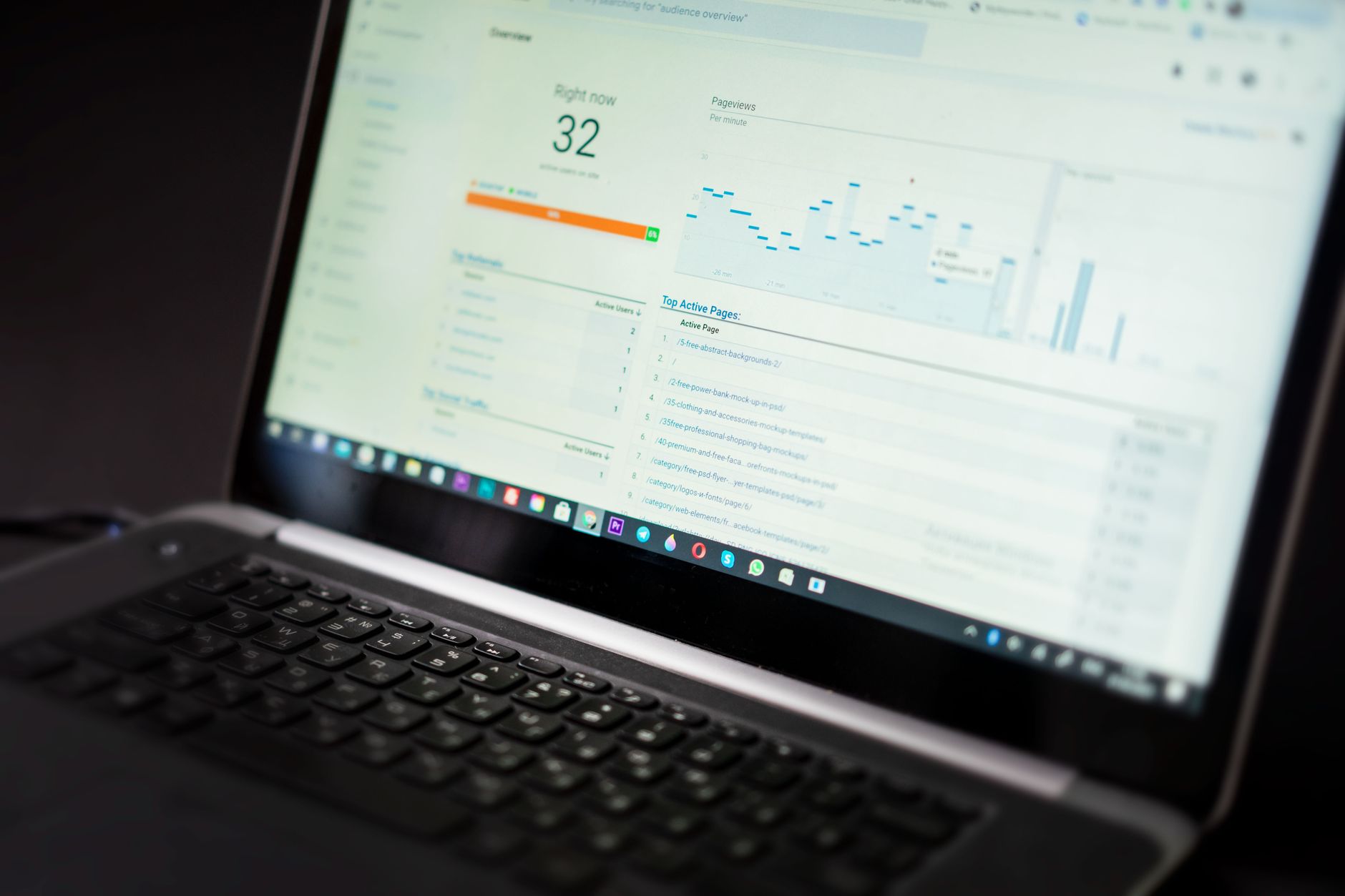
If you already have pages getting impressions, those are often your fastest growth opportunities. It is usually easier to improve a page that Google already understands than to start from zero with a brand-new URL.
Open Google Search Console and look for pages with rising impressions but flat clicks, or pages sitting just outside stronger visibility. Those often need sharper titles, clearer intros, better internal links, stronger proof, or tighter alignment with the actual query language people use.
This is where many WordPress sites waste time. They keep adding new articles while older pages with real potential sit untouched. In most cases, a focused refresh plan beats random publishing volume.
Tip 7: Use a simple priority order
SEO gets overwhelming when everything feels important at once. A simple fix-first order gives you momentum and prevents the usual pattern of tweaking twenty minor settings while bigger problems stay in place.
| Priority | What to fix first | Why it matters |
|---|---|---|
| 1 | Page targeting and search intent | Without a clear topic match, other improvements have limited impact. |
| 2 | Titles, H1s, and key page copy | These shape relevance, click appeal, and clarity. |
| 3 | Internal links to core pages | They help distribute attention and context across the site. |
| 4 | Technical cleanup and speed issues | These remove friction that can hold back good pages. |
| 5 | New supporting content | Publish after the foundation is strong enough to benefit from it. |
This order works because it fixes the reason pages underperform before adding more content to a weak system. Low rankings usually come from a scattered plan, not one missing plugin.
Common mistakes that slow SEO growth
Most stalled WordPress SEO campaigns share the same patterns: too many overlapping pages, vague titles, weak service copy, no internal link plan, and technical clutter from years of plugin changes. These are not glamorous problems, but they are the ones that most often cap growth.
Avoid trying to fix everything in one weekend. Instead, choose three to five important pages, improve their targeting, rewrite their titles and introductions, add supporting internal links, and measure the effect. That kind of controlled cleanup usually teaches you more than a giant site-wide rewrite.
Final takeaway
WordPress SEO tips only drive faster growth when they turn into a tighter system. Clear page purpose, stronger titles, better internal links, and a cleaner technical setup usually outperform scattered tactics and plugin chasing. The aim is not to do everything. It is to fix the few things that make the biggest difference first.
If you want a second set of eyes before changing settings or rewriting key pages, contact WordPress SEO Expert today to schedule a consultation. We can help you identify what is actually holding your site back and where to focus first.

















