

WordPress SEO for beginners works best when you keep the setup simple and fix the basics in the right order. Most flat rankings come from scattered signals, weak page targeting, and technical clutter, not from missing some secret plugin feature.
A green light in an SEO plugin does not mean the page deserves to rank. The goal is not a perfect score. The goal is a site that is easy to crawl, easy to understand, and clear about which pages matter most.
Start with one SEO plugin, not several
The fastest way to create confusion is to run overlapping SEO plugins. One well-configured plugin is enough for most beginner WordPress sites, while multiple plugins can create duplicate metadata, conflicting canonicals, and competing sitemap outputs.
If you are still sorting out your setup, read our WordPress SEO Setup for Beginners guide and compare it against your current plugin stack. If your site has been patched together over time, our guide on fixing WordPress SEO setup problems can help you spot conflicts before you spend more time tweaking settings.
Make sure search engines can crawl the right pages
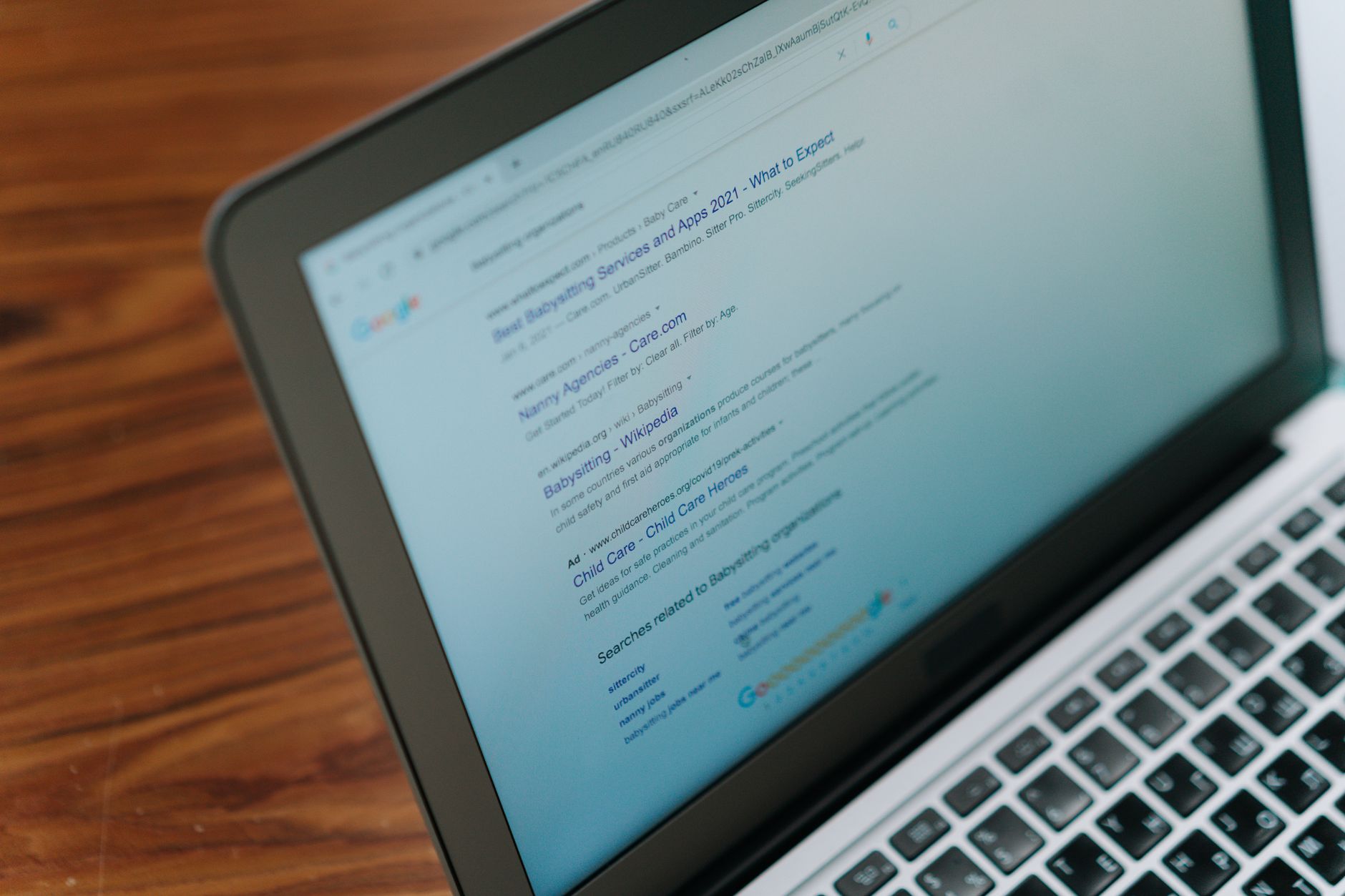
Beginner SEO should focus on crawlability before anything else. Google says links need to be crawlable so it can find other pages on your site, and it recommends using words people would search for in prominent places such as titles, headings, alt text, and link text.
That means checking whether important pages are linked in your navigation, whether category and service pages can be reached without dead ends, and whether accidental noindex settings or blocked sections are hiding content you want found. Fix the issues that block visibility before the issues that polish visibility.
If you are not sure where to start, our team at WordPress SEO Expert can help.
Write page titles for people first
Titles matter because they help users decide whether to click and help Google understand the page. Google recommends descriptive, concise title text and specifically warns against keyword stuffing and repetitive boilerplate across pages.
| Weak title | Stronger title |
|---|---|
| SEO Services | SEO Company | SEO Expert | WordPress SEO Services for Small Businesses |
| Blog | WordPress SEO Tips for Beginners |
| Blue Widgets | Best Blue Widgets | Cheap Blue Widgets | Blue Widgets for Home Offices |
Your title does not need to cram in every keyword variation. It needs to clearly describe the page. Google may also rewrite titles when the original title is vague, too long, or repetitive, so clearer titles give you a better starting point.
Match each page to one main topic
Beginners often hurt SEO by making every page try to rank for everything. A cleaner approach is to give each important page one primary intent, then support it with related subtopics that naturally belong on the same page.
Your homepage should not target every service, location, and question at once. Service pages should focus on the service. Blog posts should answer one problem clearly. Category pages should organize content, not compete with the same terms as your core pages without a distinct purpose.
Use internal links to show page importance

Internal links help both users and search engines understand how your content connects. Google notes that descriptive anchor text on internal links helps people and Google make better sense of your site and find other pages more easily.
Link from relevant blog posts to service pages, from broad guides to more specific tutorials, and from high-traffic pages to pages that need more visibility. Descriptive anchors like practical WordPress SEO guide for DIY site owners are more useful than generic phrases.
Keep URLs simple and descriptive
Simple URLs are easier for users to read and easier for search engines to interpret. Google recommends a simple URL structure with descriptive words instead of cluttered strings that add little meaning.
For beginners, that usually means short slugs, lower-case formatting, and fewer unnecessary date or category layers. You do not need to rename every old URL without a plan, but new pages should follow a cleaner structure from the start.
Do not obsess over meta descriptions
Meta descriptions support clicks, but they are not a shortcut to rankings. Google may use your meta description as the search snippet when it better describes the page, so write one that clearly previews the value of the content instead of stuffing in keywords.
A good beginner description is specific, readable, and aligned with the page. Think of it as ad copy for the right visitor, not as a field to game.
Focus on helpful content before advanced features
Most small WordPress sites do not need advanced SEO tactics before they have clear, useful pages. Google’s guidance emphasizes helpful, reliable, people-first content, and most sites already meet the basic technical requirements without realizing it.
That is why beginner SEO should usually prioritize better service pages, clearer headings, stronger internal linking, and cleaner duplication control before spending hours on edge-case schema settings or chasing plugin checkmarks.
A simple beginner SEO checklist
If you want a practical order of operations, keep it simple. Start with visibility blockers, then improve clarity, then refine supporting elements. That sequence prevents busywork and gives you a more reliable path forward.
| Priority | What to check first |
|---|---|
| 1 | One SEO plugin, correct indexing settings, working sitemap |
| 2 | Clear titles, headings, and one main topic per page |
| 3 | Internal links between related pages |
| 4 | Simple URL structure and duplicate cleanup |
| 5 | Meta descriptions, images, and supporting polish |
If your rankings are flat and you are not sure whether the real problem is indexing, duplication, weak targeting, or plugin clutter, WordPress SEO Expert can help.
When beginner SEO stops being simple
Some WordPress sites outgrow beginner fixes quickly. WooCommerce filters, redesign leftovers, tag archive sprawl, and competing templates can create a stack of smaller issues that confuse search engines even when each problem seems minor by itself.
That is usually the point where a structured audit saves time. Contact WordPress SEO Expert today to schedule a consultation. No pitch, no pressure. Just an honest look at what your site actually needs and whether your current setup is part of the solution or part of the problem.

















