

WordPress SEO setup rarely fails because of one missing setting. More often, rankings stay flat because the site is sending mixed signals through plugin clutter, weak titles, thin internal linking, or indexation mistakes. This page answers the most common setup questions in the order that actually helps you fix what matters first.
A green light in an SEO plugin does not mean the page deserves to rank. You do not need a perfect score. You need a clean setup, one clear SEO system, and a site structure that helps search engines understand which pages matter most.
What is the best WordPress SEO setup?
The best WordPress SEO setup is simple: one well-configured SEO plugin, crawlable important pages, clear title tags, sensible indexation rules, and internal links that support your key pages. Most site owners do not have one catastrophic problem. They have a stack of smaller issues that compound over time.
If your setup feels messy, start by reviewing whether you have overlapping SEO features, archives that should not be indexed, and pages that are live but hard to discover. If you need a broader foundation first, our WordPress SEO setup for beginners article is a helpful place to start.
Do I need more than one SEO plugin?
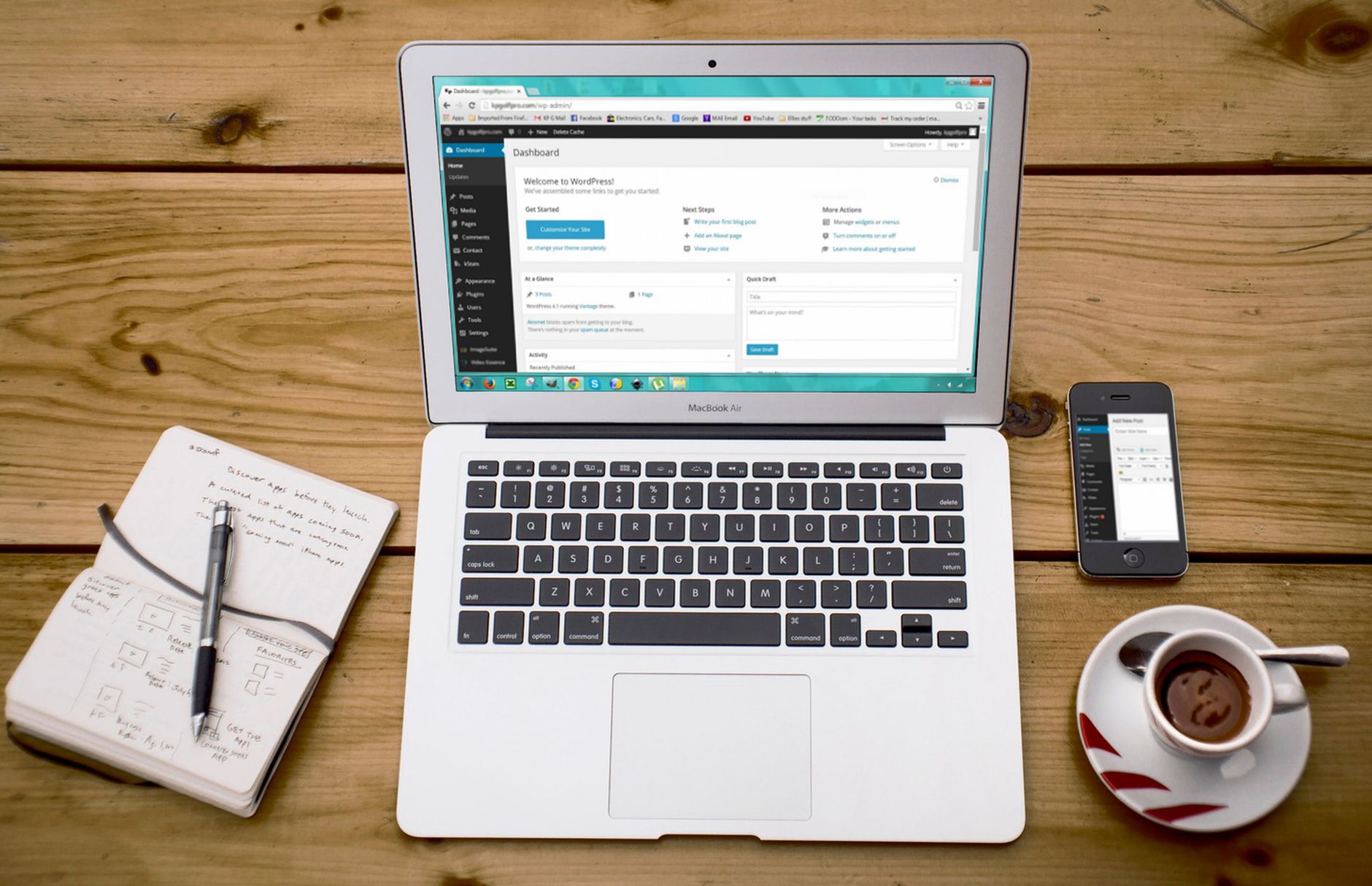
No. One well-configured SEO plugin is enough for most WordPress sites. Running overlapping plugins often creates duplicate metadata, conflicting canonicals, and competing sitemap outputs that make troubleshooting much harder.
This is one of the most common causes of setup confusion on sites that have changed owners, been redesigned, or had multiple freelancers working in the dashboard. Keep one primary SEO plugin and remove the rest unless there is a very specific technical reason not to. If your current setup already feels cluttered, read our guide on how to fix WordPress SEO setup problems next.
What should I check first in WordPress SEO?
Check crawlability and indexing first. If search engines cannot reach the right pages or are being told not to index them, everything else underperforms. Fix the issues that block visibility before the issues that polish visibility.
Start with search engine visibility settings, XML sitemap status, robots directives, and whether your important pages are linked from crawlable navigation or content. Then review category pages, tag archives, author archives, and attachment pages to decide what should stay indexable and what should not.
Are title tags or meta descriptions more important?
Title tags matter more. A title tag helps define the topic and intent of the page, while a meta description mainly supports click-through by summarizing the page. If you only have time to fix one of them first, fix titles.
Weak title: SEO Services | SEO Company | SEO Expert. Stronger title: WordPress SEO Services for Small Businesses. That kind of improvement helps both clarity and relevance. Meta descriptions still matter, but they should come after your key pages have distinct, descriptive titles.
How many pages should I optimize first?
Start with your highest-value pages, not your entire site. That usually means the homepage, core service pages, main category pages, and any posts already getting impressions or bringing in leads. Broad sitewide cleanup can wait until the pages that matter most are sending stronger signals.
This approach reduces overwhelm and usually produces clearer results. When every page gets equal attention, important pages often stay under-optimized while low-value pages absorb time that should have gone elsewhere.
What WordPress SEO mistakes cause flat rankings?
Flat rankings usually come from scattered priorities, not lack of effort. Common problems include overlapping SEO plugins, duplicate URLs, weak title templates, thin archive pages, poor internal links, and publishing too many similar pages that compete with each other.
Another frequent mistake is treating plugin scores as the goal. Chasing every recommendation inside the editor often leads to awkward copy, over-optimized headings, and time spent polishing pages that still have bigger technical issues underneath.
What order should I fix WordPress SEO issues in?
The right order is simple: fix access and duplication issues first, then improve page targeting and internal support. This keeps you from wasting time rewriting copy on pages that still have technical signals working against them.
| Priority | What to fix | Why it matters first |
|---|---|---|
| 1 | Indexing and crawl access | Pages cannot rank if search engines cannot reach or index them |
| 2 | SEO plugin conflicts | Conflicting metadata and sitemaps create mixed signals sitewide |
| 3 | Canonicals and duplicate URLs | Prevents authority from being split across multiple versions |
| 4 | Title tags for key pages | Improves topical clarity and click potential |
| 5 | Meta descriptions | Supports better search snippets on important pages |
| 6 | Internal linking | Helps search engines find and prioritize your main pages |
| 7 | Schema cleanup | Refines signals after the foundation is already stable |
Do categories, tags, and archives help SEO?
They can help if they improve navigation and group useful content, but they can hurt if they create thin, repetitive pages. Categories usually deserve more attention than tags because they tend to reflect broader site structure.
If your archives are thin, duplicative, or not serving a clear user purpose, indexing them may add clutter instead of value. Keep the structure simple. Important pages should be easy to reach, easy to understand, and clearly connected to related content.
How important are internal links in WordPress SEO?

Internal links are one of the clearest next wins once your technical basics are stable. They help search engines discover pages, understand hierarchy, and connect informational content to the pages that actually drive leads or sales.
Think in pathways, not random links. Link related posts together, connect supporting blog content to relevant service pages, and make sure no important page depends only on a sitemap for discovery. If you are experiencing these issues, our team at WordPress SEO Expert can help.
Should I worry about schema right away?
Usually no. Schema should clarify what is already visible on the page, not act as a shortcut around weak targeting or messy structure. For most sites, schema is a support layer, not the first lever to pull.
Keep it relevant and accurate. Problems tend to start when site owners enable every schema option available without checking whether the markup actually matches the visible content on the page.
When should I get professional help?
If you have already done the obvious setup work and rankings are still flat, the problem is usually prioritization, not effort. A focused review can quickly tell you whether the real issue is indexing, duplication, weak page targeting, internal linking, or plugin clutter.
WordPress SEO Expert can help you sort out what to fix first instead of guessing through settings and scattered advice. Book a free SEO consultation. No pitch, no pressure. Just an honest look at what your site actually needs and whether your current setup is part of the solution or part of the problem.
Contact WordPress SEO Expert today to schedule a consultation if you want a practical roadmap instead of another generic checklist.

















