

Business website SEO usually stalls because the setup is scattered, not because one setting is missing. If you have installed a plugin, written a few pages, and still are not seeing traction, the problem is usually prioritization. A green light in an SEO plugin does not mean the page deserves to rank.
Most WordPress sites do not have one catastrophic issue. They have a stack of smaller issues that compound over time: unclear title templates, thin archives, weak internal links, conflicting plugin output, and important pages that are technically live but poorly supported. The fix is to build a clean setup that tells search engines which pages matter most and why.
If you want the broader diagnostic view before changing settings, read our practical guide for DIY site owners and our walkthrough on how to fix WordPress SEO setup problems. Both pair well with the checklist below.
Start With the Pages That Should Rank
Before touching plugin settings, decide which pages actually deserve visibility. For most business websites, that means the homepage, core service pages, location pages that are truly distinct, and a small set of supporting blog posts that answer pre-sales questions.
This matters because WordPress makes it easy to publish more URLs than you need. If your categories, tags, author archives, attachment pages, and old drafts create clutter, search engines get mixed signals about what is primary and what is filler. Fix the issues that block visibility before the issues that polish visibility.
Use One SEO Plugin and Configure It Well
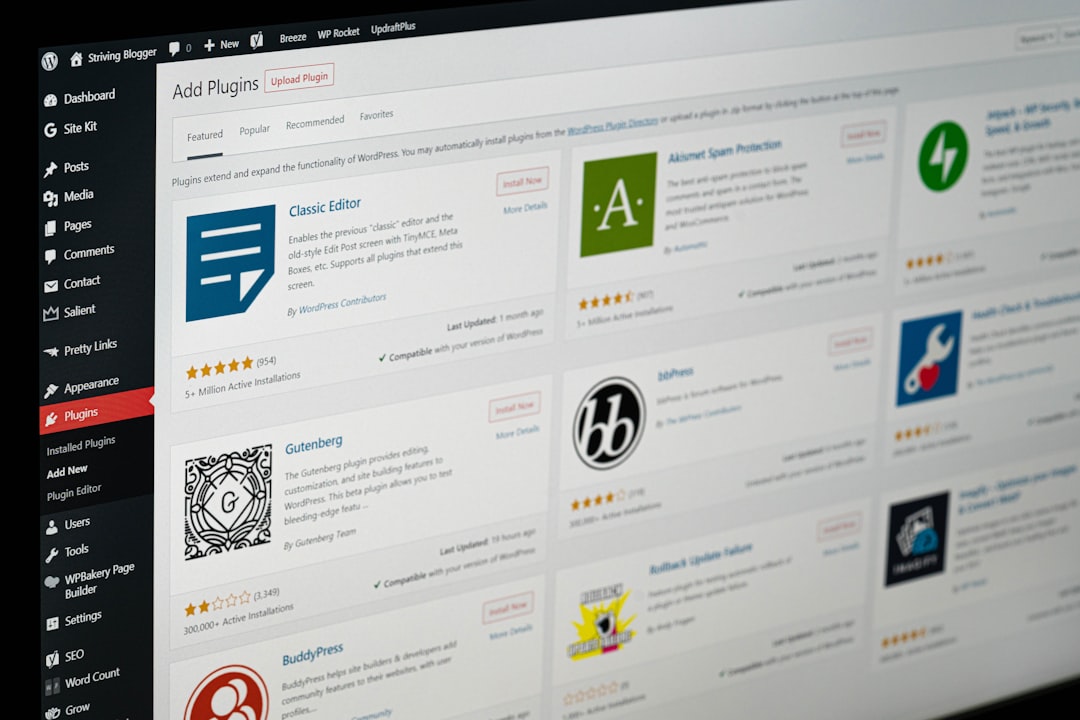
One well-configured SEO plugin is enough for most business websites. Running overlapping plugins often creates duplicate metadata, conflicting canonicals, and competing sitemap outputs that make troubleshooting harder than it needs to be.
Keep one primary SEO plugin, then use it to control titles, meta descriptions, canonical tags, social previews, schema defaults, and sitemap behavior. If your site has changed hands or gone through a redesign, plugin overlap is one of the first things to check.
Set Clean Title Tags and Page Titles
Your title setup carries more weight than most on-page tweaks. Google recommends descriptive, concise title text and warns against keyword stuffing and repetitive boilerplate, so business pages should be specific about the service and audience rather than stuffed with variations.
| Weak title | Stronger title |
|---|---|
| SEO Services | SEO Company | SEO Expert | WordPress SEO Services for Small Businesses |
| Home | Commercial Roofing Company in Dallas |
| Blog | WordPress SEO Tips for Business Websites |
Keep your H1 clear as well. The title tag and the on-page heading do not need to match word for word, but they should support the same topic. Google also notes that page headings can influence how title links are understood, so consistency matters.
Write Meta Descriptions for Important Pages
Meta descriptions do not rescue weak rankings, but they can improve how your page is summarized in search. Google says it may use the meta description when it gives users a more accurate summary, which is why unique descriptions are worth writing for your homepage, service pages, and high-impression posts.
Keep them specific. A generic description reused across dozens of URLs does not help users decide why one page is relevant. Focus on the benefit, the service, and the next step instead of repeating the keyword mechanically.
Control Indexing and Archive Pages
Many business websites lose clarity because too many low-value pages are indexable. If you run a simple company site, your tag archives, date archives, search result pages, and attachment pages often add more crawl noise than ranking value.
Your goal is simple: index the pages that serve a real business purpose and reduce visibility for thin or duplicate page types. If an archive does not help users and does not represent a meaningful landing page, it usually should not compete with your core pages.
Build Internal Links That Reinforce Priority
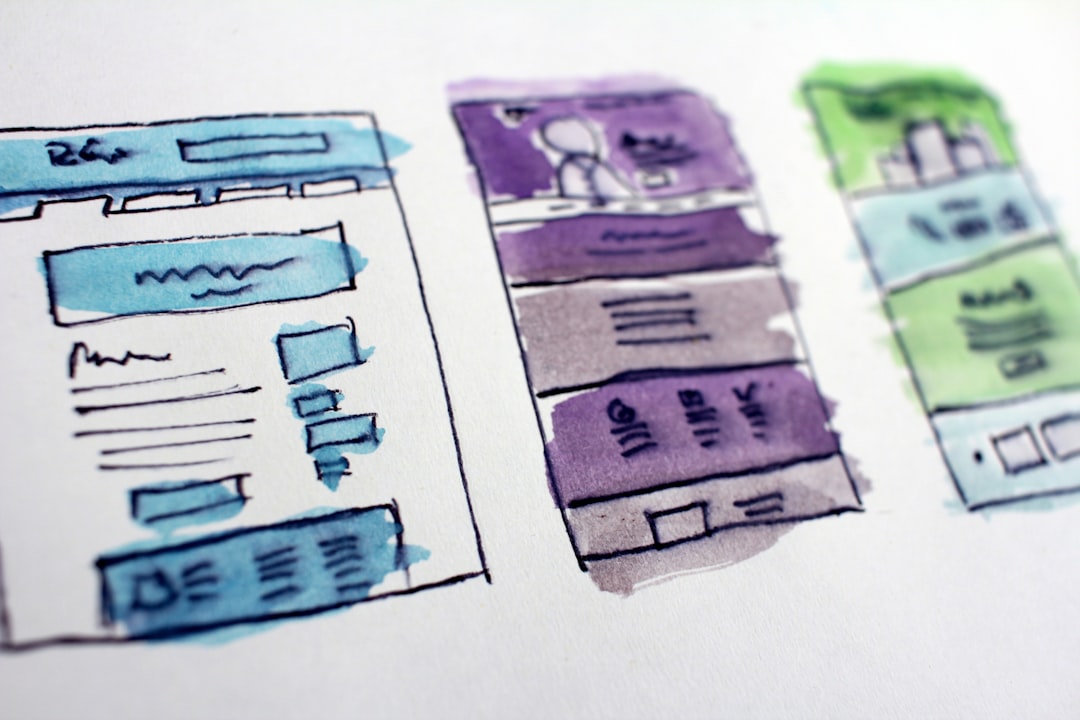
Internal linking is one of the clearest setup wins for a business site. Google recommends crawlable HTML links with descriptive anchor text, and that advice matters because many WordPress sites rely too heavily on menus while leaving service pages underlinked in the body content.
Link from blog posts to service pages, from broad guides to narrower subtopics, and between related pages that support the same buyer journey. Make sure important pages can be reached through normal page links, not just XML sitemaps or footer clutter. If you are experiencing these symptoms, our team at WordPress SEO Expert can help.
Keep Schema Accurate and Visible
Schema should clarify visible content, not decorate thin pages with extra markup. Google’s structured data guidance says marked-up content should not be misleading and should match what readers can actually see on the page.
For most business websites, simple defaults are enough: organization or local business details where appropriate, article markup on posts, and breadcrumb markup if your site structure supports it. More markup is not automatically better. Clean, accurate markup usually beats feature overload.
A Practical WordPress SEO Setup Order
The right order prevents wasted effort. Do not start by polishing snippets or adding more plugins if search engines are still getting mixed signals about page importance, duplication, or crawl paths.
| Priority | What to fix first | Why it matters |
|---|---|---|
| 1 | Indexing and crawl access | Pages cannot rank if they are blocked, excluded, or poorly discoverable |
| 2 | SEO plugin conflicts | Conflicting metadata and sitemaps create sitewide confusion |
| 3 | Titles and templates | Improves topical clarity and click potential |
| 4 | Archive and duplicate page control | Reduces crawl waste and keeps focus on business pages |
| 5 | Internal linking | Reinforces which pages matter most |
| 6 | Schema and polish layers | Supports visibility after the foundation is clean |
What Business Owners Should Stop Doing
Stop chasing plugin scores as if they are rankings. A green light is a checklist signal, not proof of relevance. Stop publishing near-duplicate pages just to cover slight keyword variations. Stop adding overlapping SEO tools every time traffic flattens.
You do not need a perfect score. The goal is a site that loads cleanly, is easy to use, and sends consistent signals about which pages matter most. That usually means fewer moving parts, better prioritization, and clearer internal structure.
When to Get Professional Help
If your business website has flat rankings and you are not sure whether the real problem is indexing, duplication, weak targeting, or plugin clutter, a diagnostic review is usually more valuable than another round of random tweaks. Most sites improve faster when the issues are sequenced correctly.
WordPress SEO Expert can help you identify what to fix first and what to ignore for now. Book a free SEO consultation. No pitch, no pressure. Just an honest look at what your site actually needs and whether your current setup is part of the solution or part of the problem.
Contact WordPress SEO Expert today to schedule a consultation if you want a cleaner WordPress SEO setup built around your business pages, not generic plugin advice.

















