

Low rankings usually come from a scattered plan, not one missing plugin. A practical WordPress SEO guide should help you fix crawl issues, page targeting, and weak internal linking before you spend more time publishing. This walkthrough covers the tools and techniques that matter most if you want a cleaner setup and a site that is easier for Google to understand.
Most site owners do not have one catastrophic SEO problem. They have a stack of smaller issues that compound over time. That is why a page can be well written and still underperform. If you want a second set of eyes before changing settings, WordPress SEO Expert can help you sort out what to fix first and what can wait.
Start with one clean SEO setup
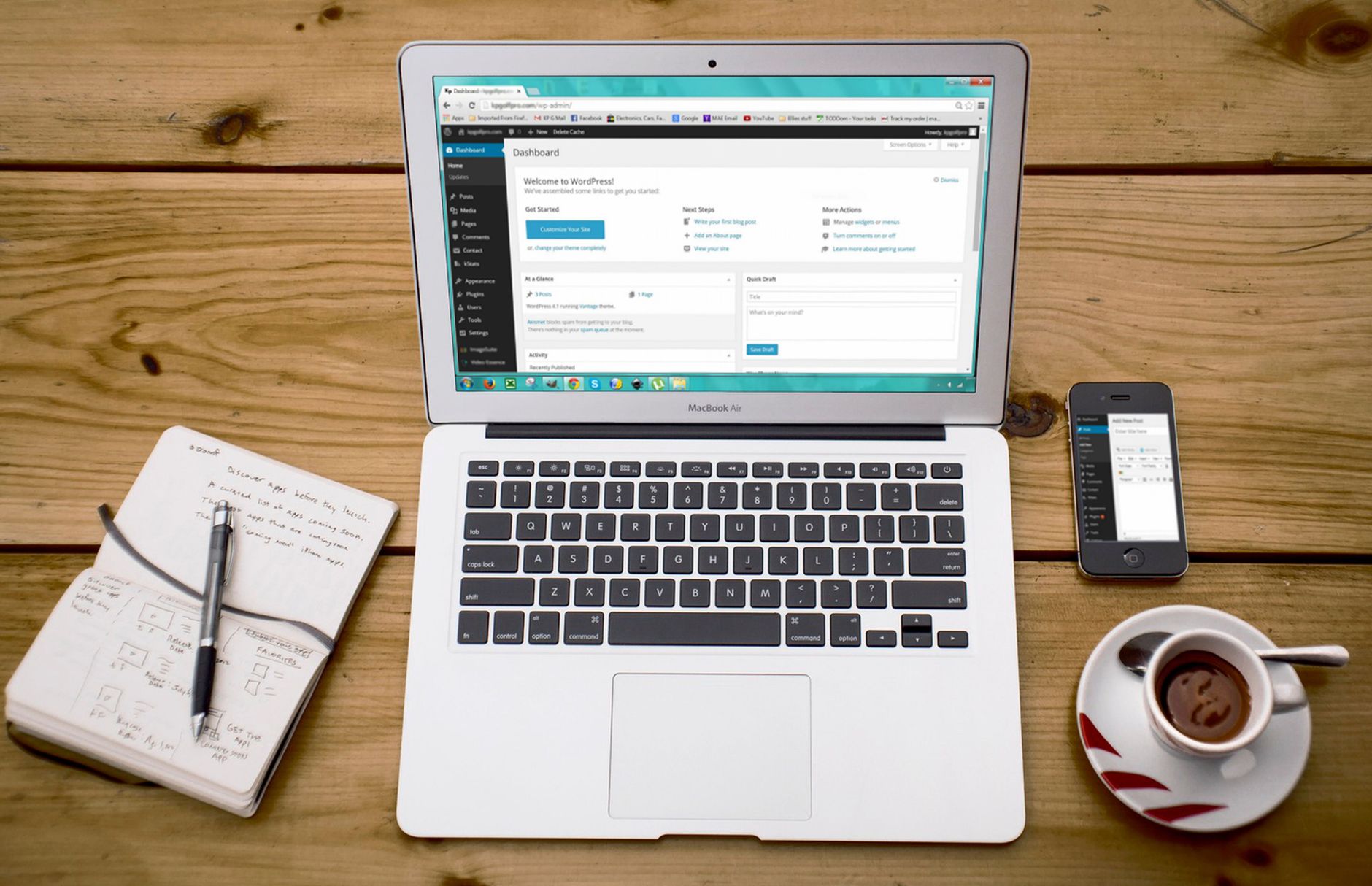
The first goal is not adding more tools. It is removing overlap so your titles, canonicals, schema, and sitemaps come from one source instead of competing plugins.
Use one well-supported SEO plugin and finish the configuration fully. Most WordPress sites do better with a simple stack: one SEO plugin, one caching setup, one image optimization plugin, and Google Search Console. Running multiple SEO plugins at once can create conflicting title tags, duplicate schema, and multiple XML sitemaps. If you need a broader walkthrough first, review our step-by-step WordPress SEO guide for the foundation.
The core WordPress SEO tools worth using
You do not need dozens of subscriptions to improve WordPress SEO. A small set of reliable tools usually gives you enough visibility to diagnose technical issues, improve page signals, and measure progress.
| Area | Recommended tool type | What it helps you do |
|---|---|---|
| Technical SEO | One SEO plugin | Manage title tags, meta descriptions, canonicals, schema basics, and XML sitemaps |
| Performance | Caching and image optimization tools | Improve load times, reduce heavy files, and support better user experience |
| Measurement | Google Search Console | Check indexing, impressions, clicks, and pages with weak CTR |
| Content planning | Keyword research tools | Map pages to realistic queries and avoid overlap |
| Site auditing | Crawl auditing tools | Find broken links, duplicate metadata, redirect chains, and orphan pages |
Technical techniques that fix rankings first

Technical SEO should answer one question fast: can search engines crawl, index, and understand your important pages without mixed signals? If the answer is no, content improvements tend to stall.
Start by checking indexability, HTTPS, redirects, permalink structure, canonicals, and sitemap health. Make sure WordPress is not discouraging search engines, and confirm your preferred domain resolves consistently. If you are launching a new site or redesign, our WordPress SEO checklist for new websites covers the pre-launch items that cause the most post-launch problems.
Technical fixes to prioritize
The best order is to fix blockers before refinements. There is no benefit in rewriting titles if Google is crawling duplicate versions of the same page or being told not to index the site.
| Fix this first | What to check | Why it matters |
|---|---|---|
| Indexing | Important pages are indexable and not blocked by noindex settings | Pages cannot rank if they are excluded from the index |
| Canonical domain | Only one preferred version of the site resolves cleanly | Prevents duplicate versions splitting signals |
| Sitemaps | One authoritative sitemap is active | Reduces confusion and helps search engines discover the right URLs |
| Redirects | Old or changed URLs point to the best final destination | Preserves equity and avoids dead ends |
| Internal links | Important pages are linked from relevant pages | Helps both crawling and page prioritization |
On-page techniques that actually move pages
On-page SEO works when it sharpens page focus. The goal is not chasing plugin scores. The goal is making the page obviously relevant to one search intent and genuinely useful once visitors land.
Give each important page one primary keyword and one clear job. Then align the title, H1, supporting headings, introduction, internal links, and call to action around that intent. Google recommends writing title elements that are descriptive and concise, and it specifically advises against keyword stuffing and repetitive boilerplate titles. It also recommends descriptive, page-specific meta descriptions when you write them yourself, rather than recycling the same summary across the site. For image SEO, Google advises using descriptive alt text that helps users and provides context, rather than stuffing keywords into the attribute.
Weak vs stronger optimization examples
The easiest way to improve on-page SEO is to compare vague wording against intent-matched wording. Better optimization usually sounds clearer, not more clever.
| Element | Weak example | Stronger example |
|---|---|---|
| Title tag | SEO Services | SEO Company | SEO Expert | WordPress SEO Services for Small Businesses |
| H1 | Welcome to Our SEO Page | WordPress SEO Help for Stalled Rankings |
| Anchor text | Learn more | technical SEO setup for WordPress |
| Alt text | seo-image-1 | WordPress plugin settings screen for XML sitemap setup |
Content techniques that prevent wasted effort

Publishing more content does not solve unclear targeting. A better content process maps one page to one search intent, fills the actual information gap, and avoids creating three weak pages where one strong page would do better.
Before writing, look at what already ranks for the query. Are the top pages service pages, tutorials, comparisons, or checklists? Match the dominant format, then improve the execution with clearer examples, stronger structure, and more useful next steps. This is also where internal linking matters. Connect informational pages to service pages and related how-to content so users can move naturally through the topic instead of hitting a dead end.
If you are experiencing these issues, our team at WordPress SEO Expert can help. We can audit the setup, identify the intent gaps, and build a shorter roadmap that your team can actually execute.
Measurement techniques that keep SEO grounded
SEO decisions get better when they come from actual page data, not assumptions. Measurement should tell you whether the problem is indexing, weak click-through rate, poor alignment with intent, or a page that never earned visibility in the first place.
Google Search Console is usually the first place to check. Look for pages with impressions but weak clicks, pages excluded from indexing, and queries where a page appears without matching the right intent strongly enough. Crawl auditing tools can then help you find orphan pages, duplicate titles, redirect chains, and broken internal links. This combination gives you a much better diagnostic picture than plugin traffic lights.
A practical WordPress SEO workflow
The best workflow is boring in a good way. It prioritizes setup, page quality, and review cycles instead of bouncing between tactics every week.
| Step | What to do | What to avoid |
|---|---|---|
| 1 | Set up one SEO plugin completely | Installing overlapping SEO plugins |
| 2 | Fix indexing, canonical, and redirect issues | Publishing on top of technical problems |
| 3 | Assign one primary keyword per page | Targeting several intents on one page |
| 4 | Improve titles, headings, and internal links | Writing for plugin scores instead of clarity |
| 5 | Review Search Console and refresh pages with traction | Ignoring pages that already have impressions |
When tools are not the real issue
Sometimes the tools are fine and the strategy is the bottleneck. If rankings are flat after months of effort, the problem is often weak keyword selection, overlapping pages, thin internal linking, or technical issues that were never fully diagnosed.
That is usually the point where an outside review saves time. WordPress SEO Expert can help you separate foundational fixes from busywork, especially if your site has been through a redesign, migration, or a long stretch of content publishing with little return.
Final takeaway
There is no single best WordPress SEO tool, and there is no shortcut that replaces clean setup and focused execution. The combination that usually works is simple: one solid plugin, a technically clean site, clear page targeting, useful internal links, and regular review in Search Console.
Contact WordPress SEO Expert today to schedule a consultation. If you want a diagnostic review before you make more plugin changes or publish more pages, we can help you identify what is actually holding your rankings back.

















