

Low rankings on a business website usually come from a scattered setup, not one missing plugin. A strong WordPress SEO plan starts with indexability, clear page targeting, clean site structure, and content that matches what customers actually search for. If you want a second set of eyes before changing settings, WordPress SEO Expert can help.
Most business sites do not have one catastrophic problem. They have a stack of smaller issues that compound over time: vague title tags, weak internal links, thin service pages, messy archive settings, and no process for monitoring what is indexed. This guide shows what to fix first and where to stop overthinking.
What matters most in WordPress SEO
WordPress SEO works best when you treat it like a system, not a plugin score. Search performance usually improves when the site is crawlable, every important page targets one main intent, and technical settings support the content instead of working against it.
That means starting with the basics: confirm the site can be indexed, use one SEO plugin, write unique titles, improve internal linking, and make sure service pages actually answer buyer questions. If you need the broader setup sequence, see our step-by-step WordPress SEO guide.
Fix the technical foundation first

Technical SEO should come before content expansion because preventable settings errors can cancel out good writing. If Google cannot crawl, index, or interpret the site correctly, publishing more pages usually adds noise instead of results.
Start by checking HTTPS, preferred domain redirects, permalink structure, XML sitemap output, and search engine visibility in WordPress. Google recommends using descriptive titles, crawlable links, and visible page signals that help it understand page topics, rather than relying on repetitive boilerplate or keyword stuffing. Review your title setup against Google’s guidance on descriptive and concise title links.
If this is a new build or redesign, work through a launch checklist before you touch content. Our WordPress SEO checklist for new websites covers the exact pre-launch items that most business sites miss.
Use one SEO plugin and finish the setup
There is no single best SEO plugin for every business site, but there is almost never a good reason to run multiple SEO plugins at once. One clean setup is easier to manage and far less likely to create conflicting canonicals, schemas, or sitemap rules.
After activation, configure the homepage title, title templates, schema defaults, XML sitemaps, social sharing image, and archive indexing rules. Do not leave defaults half done. Most ranking stalls happen because settings were installed, not actually configured.
Target one search intent per page
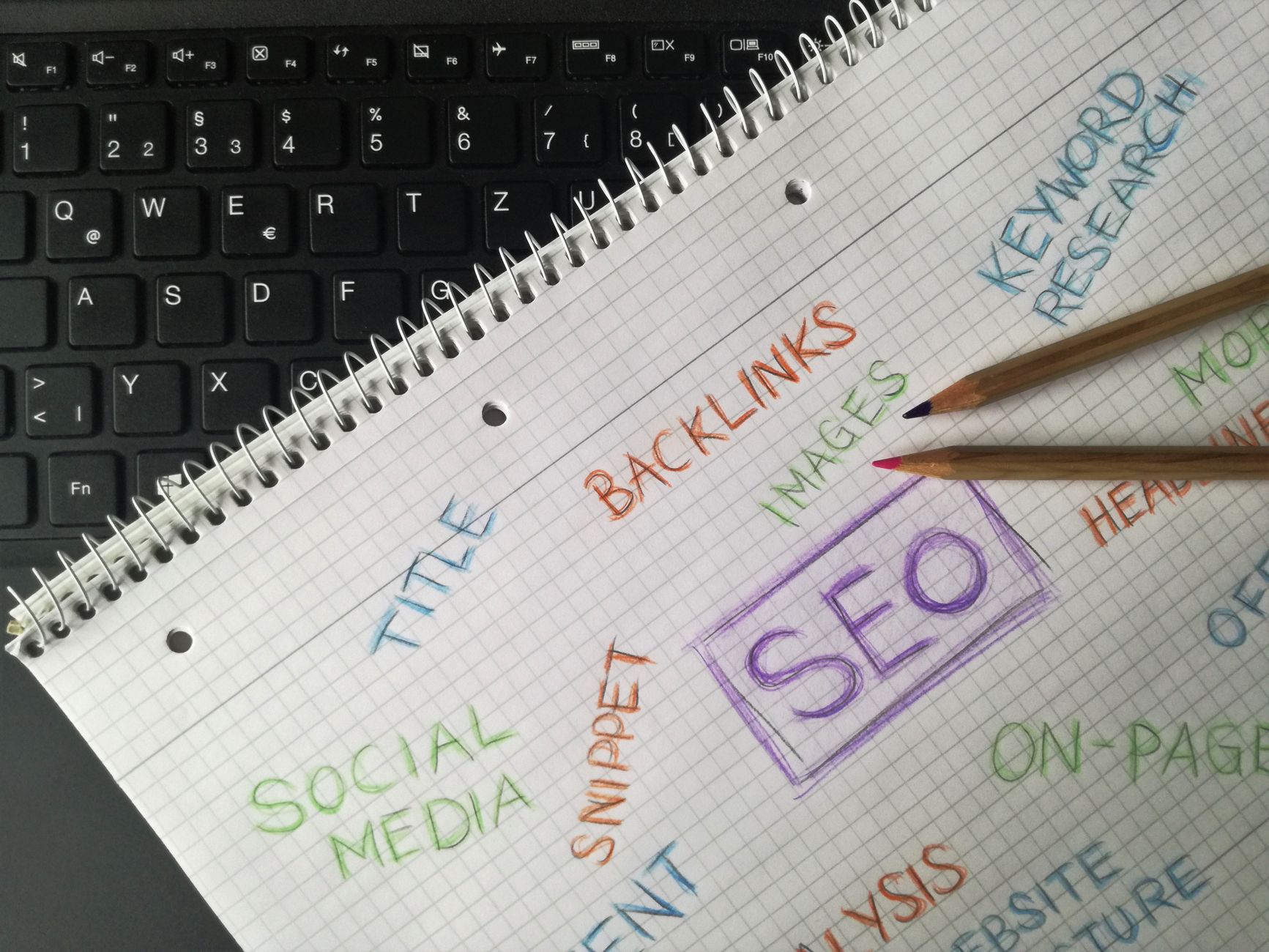
Business websites rank better when each important page is built around one clear purpose. A service page should target a commercial-intent query. A blog post should answer an informational question. Mixing several intents on one page usually weakens relevance.
Choose one primary keyword for each key page, then support it naturally through the H1, section headings, opening copy, and internal links. Google’s Search Essentials say to use words people would use to look for your content in prominent places such as the title, main heading, alt text, and link text. That is a much better framework than chasing keyword density formulas.
Write stronger titles and headings
Title tags and headings do more than satisfy a checklist. They help Google understand the page and help searchers decide whether to click. Weak titles often waste impressions even when rankings are acceptable.
Google recommends unique, clear, and concise titles and specifically advises against keyword stuffing and repetitive boilerplate. A weak example is SEO Services | SEO Company | SEO Expert. A stronger example is WordPress SEO Services for Small Businesses. Keep the page topic obvious, put the most useful wording near the front, and make sure the H1 supports the same topic.
Build internal links that help users move

Internal linking is one of the simplest ways to improve clarity and topical relationships on a business site. It helps search engines discover pages and helps users move from information to action without friction.
Google recommends descriptive anchor text for crawlable links. Instead of generic anchors, link phrases that explain what the reader will get next. For example, connect blog content to service pages, service pages to supporting guides, and high-authority pages to pages that need more visibility. If you are diagnosing flat rankings, our step-by-step WordPress SEO guide is a useful next read.
Improve images without turning SEO into busywork
Images help a page when they support the topic and do not slow the experience down. Most business sites do not need image SEO hacks. They need smaller files, relevant filenames, and alt text that describes the image in context.
Google’s image guidelines recommend descriptive filenames and alt text, and warn against filling alt attributes with keywords. Write alt text for accessibility first, then keep it relevant to the surrounding content. Compress large images before upload and avoid decorative oversized assets on service pages that are meant to convert.
What to fix first on a business website
If your rankings feel stuck, do not try to fix everything at once. Start with the issues that block crawling, confuse page targeting, or waste your best pages. Priority beats volume almost every time.
| Area | What to check first | Why it matters |
|---|---|---|
| Indexing | Search engine visibility, noindex settings, sitemap health | Pages cannot rank if they are not indexable |
| Page targeting | One primary keyword and one clear intent per page | Improves topical relevance and reduces mixed signals |
| Titles and headings | Unique title tags, useful H1s, stronger section structure | Supports relevance and click-through rate |
| Internal links | Descriptive links from related pages to important pages | Helps discovery, context, and user flow |
| Content depth | Service pages that answer real questions and objections | Helps pages compete beyond thin brochure copy |
| Media | Compressed images and descriptive alt text | Supports performance and accessibility |
When to stop optimizing
SEO results often stall because teams keep tweaking minor settings instead of improving the pages that matter. Once the technical basics are stable and the important pages are clearly targeted, more plugin-level adjustments usually have a lower payoff than better content and smarter linking.
That is the point where a diagnostic review is useful. If you have worked through the key fixes and rankings are still flat, WordPress SEO Expert can help identify whether the bottleneck is technical, structural, competitive, or content-related.
Final takeaway
A good WordPress SEO strategy for business websites is not complicated, but it does need order. Fix indexability first, configure one plugin properly, target one intent per page, strengthen titles and internal links, and improve the pages that drive leads instead of chasing every possible tweak.
If you want a practical review before you change templates, plugins, or content strategy, contact WordPress SEO Expert to schedule a consultation. We can help you find what is actually holding the site back and prioritize the fixes that will matter most.

















