
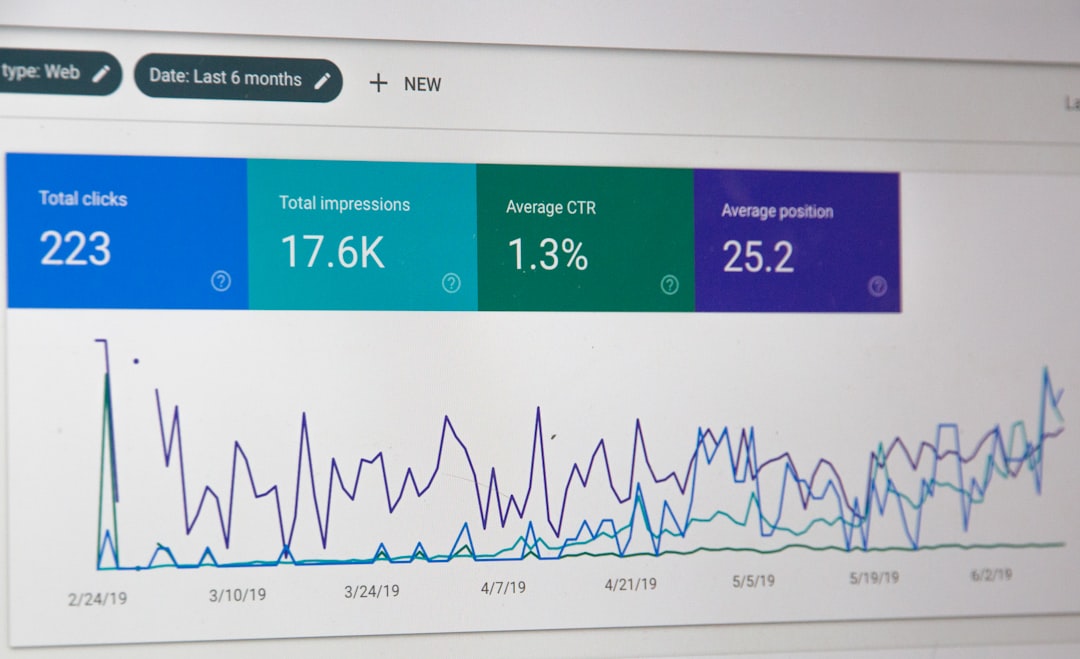
Low rankings usually come from a scattered plan, not one missing plugin. A good WordPress SEO setup is less about chasing green lights and more about making the site crawlable, understandable, fast enough, and internally connected. This guide focuses on the fixes that usually move results first.
There is no single “best” WordPress SEO tactic. Most sites underperform because they have a stack of smaller issues: weak titles, messy archive settings, slow templates, orphan pages, or conflicting plugin output. When those problems compound, even strong content can stall.
If you want a second set of eyes before changing settings, WordPress SEO Expert can help review the bottlenecks and prioritize what to fix first.
What WordPress SEO really means
WordPress SEO means helping search engines crawl the right pages, understand what each page is about, and see clear signals about which URLs matter most. The CMS gives you a solid base, but themes, plugins, archives, and WooCommerce settings can easily create technical drag.
That is why plugin scores are not the goal. Search performance depends more on indexability, titles, internal links, content structure, canonical control, and page experience than on whether a plugin panel says 92 out of 100.
Google recommends descriptive, concise titles and specifically warns against keyword stuffing and repetitive boilerplate titles. It also advises using crawlable HTML links so important pages can be discovered and understood properly. Google’s title guidance and link best practices are still the right baseline.
Fix these first before publishing more content
If your rankings are stuck, start with technical access and page signals before you write another ten blog posts. More content rarely solves blocked pages, duplicate URLs, weak title tags, or missing internal links.
| Priority | What to check | Why it matters |
|---|---|---|
| 1 | Indexing and noindex rules | Pages cannot rank if search engines are blocked or the wrong sections are excluded. |
| 2 | Canonical and redirect setup | This reduces duplicate URL confusion and consolidates signals to the preferred page. |
| 3 | Title tags and search intent | Titles influence relevance and whether people click your result. |
| 4 | Internal linking | Links help search engines discover pages and understand site hierarchy. |
| 5 | Page speed and interaction delays | Slow, unstable pages make the site harder to use and can suppress performance. |
| 6 | Content depth and structure | Strong formatting and clear answers help pages satisfy search intent better. |
This same order shows up in our WordPress SEO checklist for new websites and in our WordPress SEO best practices post. The sequence matters because cosmetic plugin settings do not fix foundational crawl problems. The sequence matters because cosmetic plugin settings do not fix foundational crawl problems.
Choose one SEO plugin and configure it well

The cleanest setup is usually one primary SEO plugin, fully configured. Running overlapping SEO plugins often creates duplicate schema, conflicting canonicals, and mixed sitemap behavior that makes troubleshooting harder.
Start with the basics: homepage title, title templates, meta templates, XML sitemap settings, archive indexing rules, social defaults, and schema defaults. Leave advanced settings alone unless you understand the trade-off and can test the output in the page source.
A practical rule is simple: if a plugin option changes how pages are indexed, titled, canonicals are output, or schema is added, verify the front-end HTML after saving it. Admin screens can look correct while the rendered page still sends the wrong signal.
Titles and meta descriptions still do heavy lifting
Strong titles help both rankings and click-through. They should be specific to the page, concise, and written around the real topic of the URL rather than stuffed with every keyword variation you can fit.
| Weak title | Stronger title |
|---|---|
| SEO Services | SEO Company | SEO Expert | WordPress SEO Services for Small Businesses |
| Blog | WordPress SEO Tips for Service Businesses |
| Blue Widgets, Best Blue Widgets, Buy Blue Widgets | Blue Widgets for Commercial Kitchens |
Google’s documentation recommends unique, descriptive title text and warns against repeating the same terms unnecessarily. Write titles for humans first, then make sure the core phrase fits naturally. Meta descriptions do not act like a direct ranking lever, but they can improve clicks when they clearly match the searcher’s intent. See Google’s title best practices.
Internal links are one of the easiest wins

Internal linking helps Google discover pages, understand relationships between topics, and identify which pages on your site carry the most weight. It also helps visitors move from a broad question to a specific service or solution without hitting a dead end.
Link from high-visibility pages to service pages, from broad educational posts to detailed tutorials, and from related articles to supporting resources. Use descriptive anchor text instead of generic phrases. Google explicitly recommends crawlable HTML anchor links with helpful context around them. Google’s internal linking guidance supports that approach.
If your site has pages that only appear in the sitemap and nowhere else in the content, treat them as under-supported. Every important page should be linked from somewhere that users and crawlers can actually reach.
If you are experiencing these problems, our team at WordPress SEO Expert can help map a cleaner internal linking structure and identify the pages that deserve the strongest support first.
Performance matters, but not as a vanity score
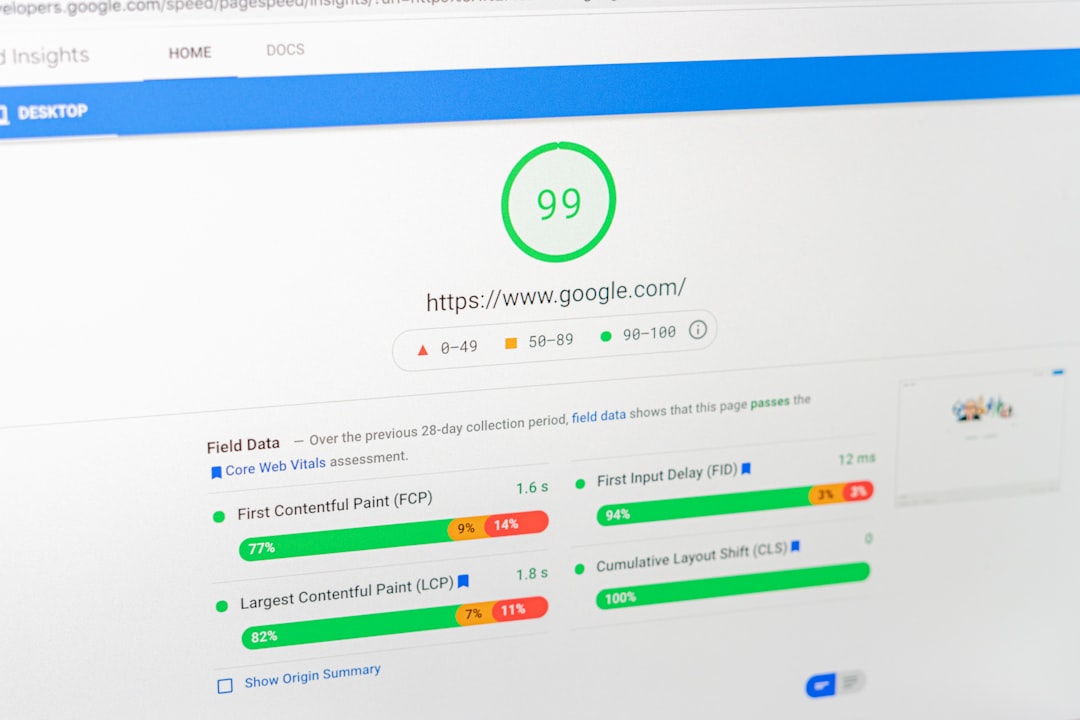
Site speed matters because it affects usability, not because a plugin ad promised a perfect score. In practical terms, you are looking for faster rendering, fewer layout shifts, and less lag when users tap menus, filters, forms, and buttons.
Interaction to Next Paint, usually shortened to INP, is now a stable Core Web Vital and measures how responsive a page feels during user interactions. That means heavy scripts, bloated builders, and slow menus deserve more attention than they used to. web.dev’s INP documentation and the Core Web Vitals update explain why responsiveness now matters beyond initial load.
For most WordPress sites, the usual culprits are oversized images, too many front-end scripts, third-party embeds, autoplay media, and plugins loading assets on pages that do not need them. Fix those before chasing tiny score gains that users will never notice.
Content structure affects SEO more than most owners expect
Well-structured content is easier to crawl, scan, and match to search intent. One clear H1, useful H2 and H3 sections, short paragraphs, and direct answers near the top of each section usually outperform long, padded copy that hides the point.
Avoid splitting one topic into several thin posts just to target slight keyword variations. In many cases, one stronger page with clearer sections, better examples, and better internal support performs better than three weak pages competing with each other.
If you are reviewing old content, improve pages that already have some impressions before creating brand-new ones. That is often where small title, heading, and internal link changes produce the quickest gains.
Common WordPress SEO mistakes
Most WordPress SEO failures are not dramatic. They are small configuration mistakes that pile up over time until rankings flatten or traffic drops after a redesign, migration, or plugin change.
| Mistake | What it causes |
|---|---|
| Leaving important pages on noindex | Key URLs stay out of search even if the content is strong. |
| Indexing thin archives by default | Archive bloat can dilute crawl attention and clutter the index. |
| Using multiple SEO plugins | Conflicting canonicals, schema, sitemaps, and titles become harder to diagnose. |
| Weak or repeated title tags | Pages send vague relevance signals and attract fewer clicks. |
| Publishing orphan pages | Important content stays disconnected from the rest of the site. |
| Ignoring mobile interaction issues | Menus, forms, and buttons feel slow or unstable on real devices. |
What to stop doing
Stop treating plugin badges as the goal. Stop installing overlapping SEO tools. Stop publishing thin articles because a keyword tool suggested a slight variation. And stop rewriting entire sites before you confirm whether the real issue is technical, structural, or competitive.
Most site owners do not have one catastrophic problem. They have a stack of smaller issues that compound. That is why a page can be well written and still underperform.
The best next step
If you want better WordPress SEO results, start with a short audit of your highest-value pages. Check whether they are indexable, properly titled, internally linked, canonically clean, and reasonably fast on mobile. That process usually reveals what deserves attention first.
If you are not sure which issue is holding rankings back, WordPress SEO Expert can help you sort technical SEO problems from on-page issues and build a fix-this-first roadmap. Contact WordPress SEO Expert today to schedule a consultation.

















