

Low rankings usually come from a scattered plan, not one missing plugin. A practical WordPress SEO process starts with clean technical settings, then moves into page targeting, content quality, internal linking, and measurement. This guide walks through the full path from beginner fixes to advanced improvements so you know what to do first and what can wait.
Most site owners do not have one catastrophic SEO problem. They have a stack of smaller issues that compound over time. That is why a site can publish regularly, install a popular plugin, and still struggle to rank. If you want a second set of eyes before changing settings, WordPress SEO Expert can help you separate foundational fixes from nice-to-have tasks.
Start with the basics first

Beginner WordPress SEO is mostly about removing friction. If search engines cannot crawl the site cleanly, or if every page sends weak and mixed signals, advanced tactics will not help much. The fastest gains usually come from fixing visibility settings, URLs, titles, internal links, and site speed before you publish more content.
Start by checking that the site is indexable, that it uses HTTPS consistently, and that only one version of the domain resolves. Then review your plugin setup, metadata, and page structure. If you need a more detailed setup sequence, see our step-by-step WordPress SEO guide for the full foundational workflow.
Beginner WordPress SEO checklist
If you are new to SEO, focus on a short list of high-impact tasks. You do not need to master every technical concept on day one. You need a site that can be crawled, pages that target clear topics, and a content structure that helps both users and search engines understand what each page is about.
| Area | What to do first | Why it matters |
|---|---|---|
| Indexing | Make sure search engines are not discouraged in WordPress settings | A blocked site cannot rank |
| SEO plugin | Install one SEO plugin and complete the setup | Reduces conflicts and centralizes titles, canonicals, and sitemaps |
| Permalinks | Use a clean URL structure | Improves crawl clarity and usability |
| Page targeting | Choose one primary topic per page | Keeps titles, headings, and copy aligned |
| Metadata | Write unique title tags and meta descriptions | Improves relevance and click-through potential |
| Internal links | Link related pages with descriptive anchor text | Helps search engines understand page relationships |
| Speed | Compress images and reduce unnecessary plugin load | Supports better user experience and crawl efficiency |
Choose one SEO plugin and finish the setup
There is no single best SEO plugin for WordPress in every case, but there is a clear best practice: use one plugin, not several overlapping ones. Running multiple SEO plugins at the same time often creates conflicts in title tags, canonicals, schema, and XML sitemaps.
Once your plugin is installed, do not stop at the defaults. Review homepage metadata, title templates, archive indexing rules, XML sitemap settings, and breadcrumb settings. A clean plugin setup gives you a stable base for both on-page work and technical SEO. If your site is about to launch, our WordPress SEO checklist for new websites covers the settings that are easiest to miss.
Match one page to one main search intent
Pages rank better when they solve one clear problem for one clear type of searcher. A common beginner mistake is trying to make one page rank for several unrelated phrases. That usually leads to vague copy, repetitive headings, and weak conversion paths.
Give each important page one primary keyword or topic, then support it with close variations naturally. Service pages should target commercial intent. Blog posts should target informational intent. This sounds simple, but it is one of the biggest reasons rankings stay flat on otherwise decent WordPress sites.
Write titles and headings that help, not just score green
Good on-page SEO makes a page clearer, not more robotic. Plugin scores can be useful prompts, but they are not the goal. Searchers and search engines both respond better to pages with strong titles, one clear H1, logical H2 sections, and copy that answers the query directly.
A weak title usually piles up generic keywords. A stronger title names the service, audience, or problem more directly. The same principle applies to headings. Build sections around the questions readers actually have, then answer those questions early in each section instead of burying the point.
Intermediate SEO: strengthen site structure and internal links
Once the basics are in place, the next gains often come from structure. Intermediate WordPress SEO is less about adding new tools and more about tightening how pages connect. Clear category use, logical URL hierarchies, and purposeful internal links help search engines understand which pages matter most.
Look for pages that should support each other. Informational articles should link naturally to service pages. Stronger pages should pass context and authority to weaker ones through descriptive anchor text. If your content library is growing but rankings are not, structure is often the bottleneck rather than content volume alone.
Technical SEO fixes that matter most

Technical SEO matters when it removes crawl waste, duplication, and rendering problems. You do not need to audit every line of code before making progress. You do need to verify that important pages are indexable, canonicals point where they should, redirects work cleanly, and low-value archive or duplicate pages are not bloating the index.
For many WordPress sites, the highest-value technical checks are simple: confirm only one domain version resolves, make sure changed URLs use permanent redirects, noindex archive pages that add little value, and review sitemap output. Sites that have been redesigned, migrated, or heavily plugin-customized usually benefit from a deeper technical review.
Advanced WordPress SEO focuses on compounding gains
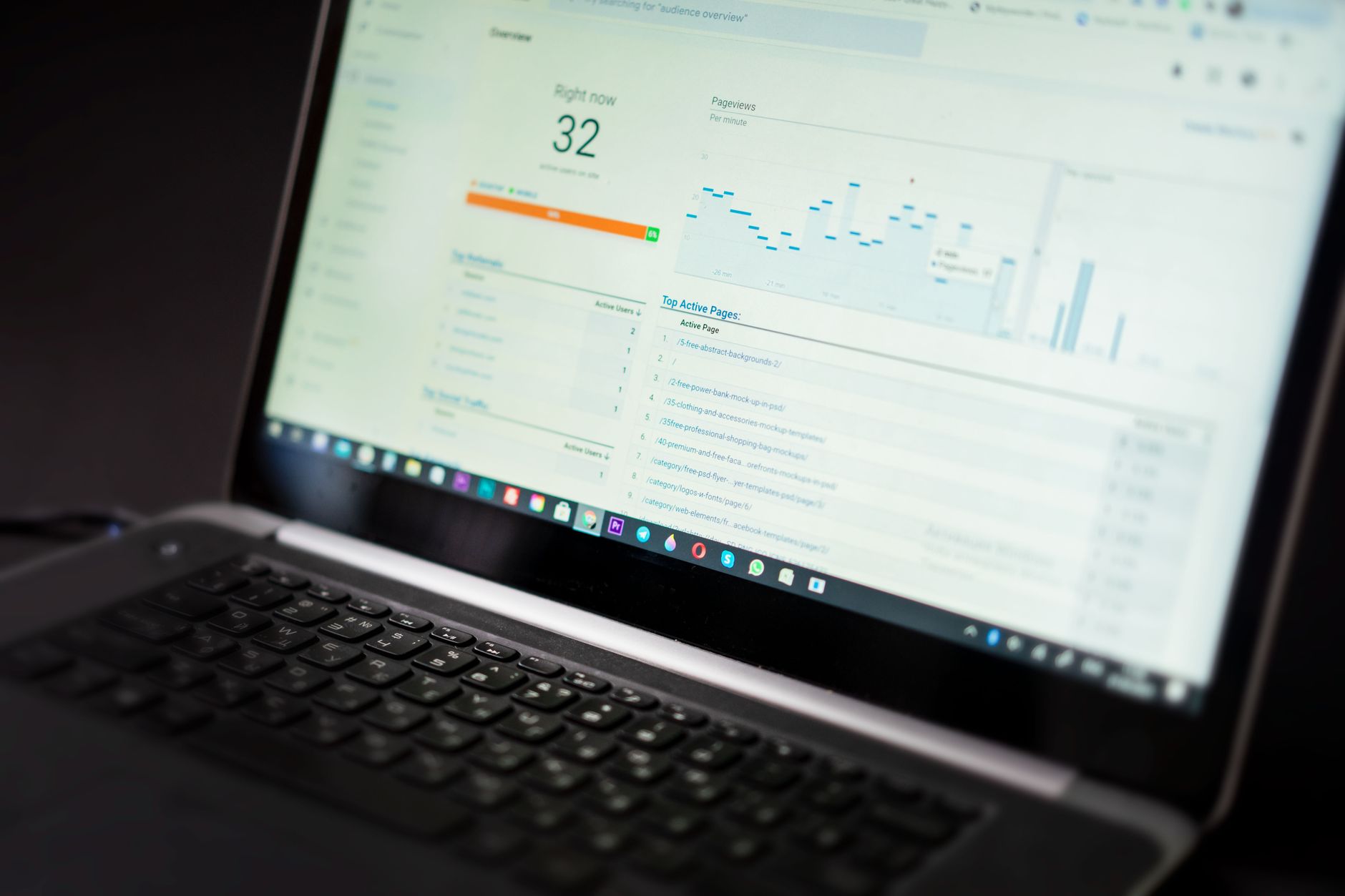
Advanced SEO is usually not one dramatic tactic. It is the compounding effect of many small improvements made consistently. Once your foundations are stable, advanced work includes consolidating overlapping content, improving click-through rate on pages already earning impressions, sharpening topical coverage, and cleaning up thin or duplicate sections of the site.
This is also where measurement becomes more important. Review which pages already get impressions, which queries are close to page one, and which older posts deserve updates before you create more content. Advanced SEO is often about making your existing assets perform better, not publishing endlessly.
Do not ignore speed and user experience
Slow pages weaken SEO because they frustrate visitors and make the site harder to use on mobile. You do not need perfection, but you do need pages that load reasonably fast and remain stable while users interact with them. Large images, bloated plugins, and unnecessary scripts are common WordPress problems.
Image compression, caching, script cleanup, and theme efficiency usually matter more than chasing a perfect lab score. If speed is clearly holding the site back, review our WordPress site speed fixes for SEO for a more focused troubleshooting process. If you are experiencing these issues, our team at WordPress SEO Expert can help.
A simple roadmap from beginner to advanced
The easiest way to make this guide actionable is to work in stages. First, remove technical blockers. Next, improve page targeting and on-page structure. Then strengthen internal linking, content quality, and measurement. This order prevents you from spending time on advanced tactics while the basics are still leaking value.
| Stage | Main focus | What success looks like |
|---|---|---|
| Beginner | Indexing, plugin setup, clean URLs, basic metadata | Search engines can crawl the site and pages send clear signals |
| Intermediate | Internal links, content depth, archive control, redirect cleanup | Important pages are better connected and easier to understand |
| Advanced | Content consolidation, CTR improvements, performance review, topical expansion | Existing assets compound instead of competing with each other |
Final takeaway
A strong WordPress SEO strategy is usually less about hacks and more about sequencing. Fix the technical basics first, align each page to a clear intent, improve internal links and content structure, then refine what is already getting traction. That is how a beginner setup grows into an advanced SEO system that is easier to maintain.
If you have worked through these steps and rankings are still stuck, the issue is usually not effort. It is prioritization. Contact WordPress SEO Expert today to schedule a consultation, or request a free WordPress SEO audit so we can pinpoint what is actually holding the site back.

















