
WordPress SEO usually breaks down because the basics are scattered, not because one setting is missing. If you have installed plugins, edited titles, and published content but rankings still feel flat, the issue is often prioritization. A green light in an SEO plugin does not mean the page deserves to rank.
The fundamentals that actually move performance are simpler than most site owners expect. Start with crawlability and indexation, tighten page targeting, improve internal links, and keep your plugin setup clean. If you need a broader baseline before making changes, review this practical WordPress SEO guide for DIY site owners.
Start With Visibility, Not Plugin Scores

The first job of SEO is making sure search engines can reach and understand your important pages. Before you touch advanced features, confirm that your key service pages, product pages, and blog posts are crawlable, indexable, and linked clearly from other pages on the site.
This is why plugin scores can mislead people. They are helpful for catching basic issues, but they do not tell you whether your pages match search intent, whether your site has duplicate signals, or whether your content hierarchy makes sense. Fix the issues that block visibility before the issues that polish visibility.
Use One SEO Plugin and Configure It Well
One well-configured SEO plugin is enough for most WordPress sites. Running overlapping plugins often creates duplicate metadata, conflicting canonicals, and competing sitemap outputs that are hard to diagnose once rankings start slipping.
If your site has changed hands, gone through a redesign, or had multiple freelancers working on it, this is one of the first things to check. Keep one primary SEO plugin, remove overlapping add-ons where possible, and make sure titles, meta descriptions, archive settings, and sitemap controls live in one place. If your setup already feels messy, this breakdown of common WordPress SEO setup problems can help you sort out what to fix first.
Write Better Titles Before You Publish More
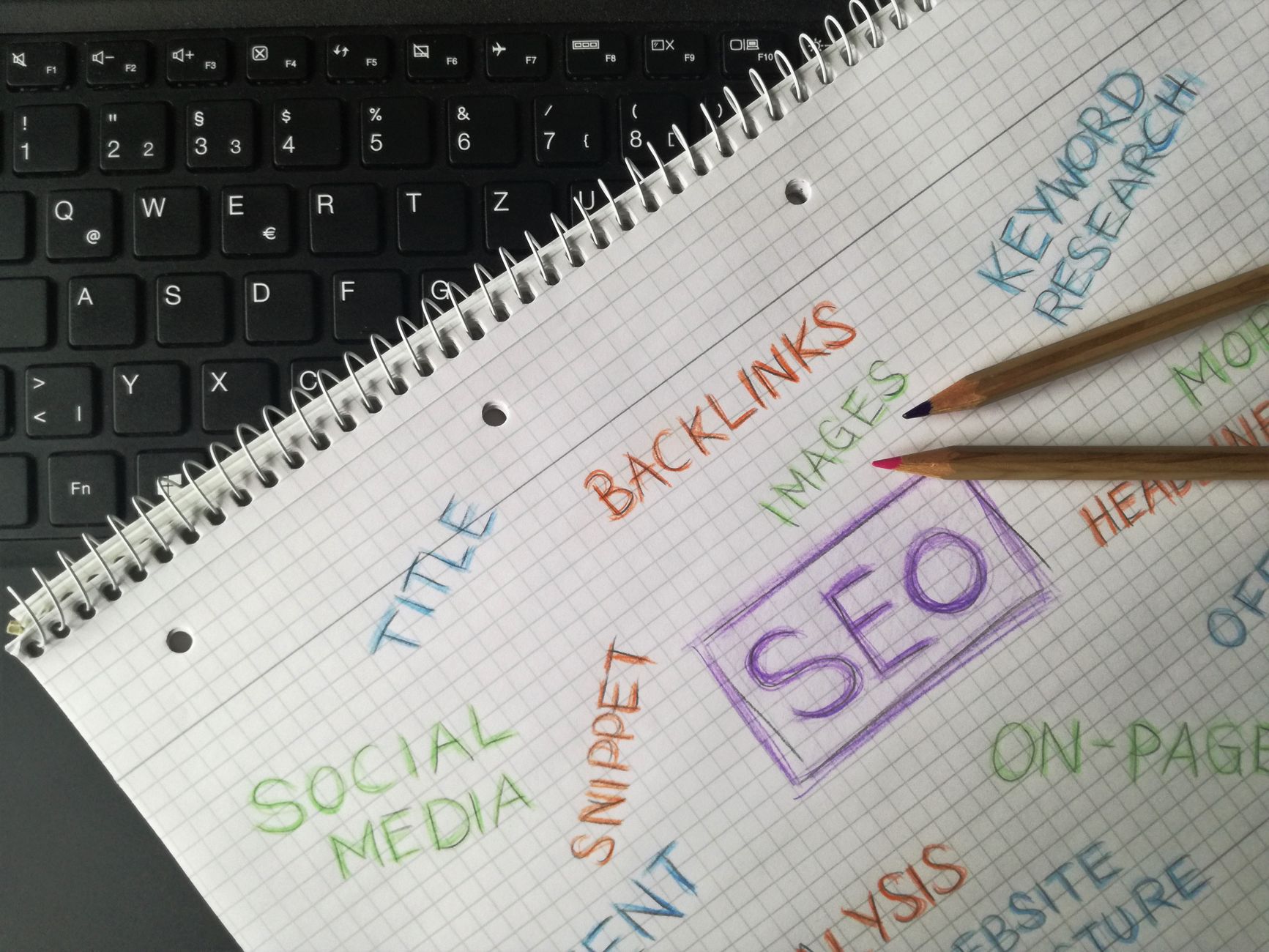
Page titles are one of the clearest relevance signals you control, so improving them often has more impact than publishing another rushed article. Good titles are specific, readable, and tied to one clear intent. Weak titles are repetitive, vague, or stuffed with slight keyword variations.
| Weak title | Stronger title |
|---|---|
| SEO Services | SEO Company | SEO Expert | WordPress SEO Services for Small Businesses |
| Blog | WordPress SEO Tips for Service Businesses |
| Home | WordPress SEO Consultant for Growing Sites |
Focus on your homepage, primary service pages, important category pages, and posts that already earn impressions. Those pages give you the fastest feedback and the clearest return on effort.
Keep Headings and Page Structure Clear
Strong page structure helps both users and search engines understand what matters on the page. Use one clear H1, then organize major sections under H2s and supporting detail under H3s. That sounds basic, but many WordPress pages still bury important topics under vague or decorative headings.
The goal is not perfect formatting for its own sake. The goal is a page that makes its topic obvious within seconds, answers the reader’s main question early, and supports that answer with organized detail instead of filler.
Internal Links Are a Core SEO Fundamental
Internal links are one of the most underused SEO fundamentals on WordPress. They help search engines discover pages, understand relationships between topics, and see which pages carry the most weight on your site. They also help users move naturally from a question to a solution.
Link broad informational posts to service pages, connect related articles, and make sure important pages are not relying only on navigation menus or XML sitemaps to be found. If you are unsure how strong your current structure is, our team at WordPress SEO Expert can help.
Clean Up Indexing and Duplicate Signals
Many WordPress sites lose momentum because search engines spend time on the wrong URLs. Thin tag archives, unnecessary author archives, attachment pages, and duplicate filtered URLs can dilute signals and distract from the pages you actually want to rank.
Review which archives deserve to be indexed and which should stay out of search. Make sure canonicals are consistent, redirects are in place after URL changes, and thin pages are not competing with stronger pages on the same topic. Most site owners do not have one catastrophic problem. They have a stack of smaller issues that compound over time.
Improve Content by Tightening Intent


SEO content works better when each page has one clear job. A page should answer one main question, serve one primary intent, and connect to the next logical page through internal links. When several pages chase the same phrase from slightly different angles, they often weaken each other instead of helping the site grow.
This is where many WordPress sites stall. They keep publishing without deciding which pages are meant to educate, which are meant to convert, and which should support broader pillar topics. If your content feels busy but underperforming, the problem may be overlap, not effort.
A Practical Order of Operations
The fastest way to improve WordPress SEO is to work in sequence. Do not rewrite every page at once or install more tools just because performance is flat. Handle the foundations first, then build on them.
| Priority | What to review | Why it matters |
|---|---|---|
| 1 | Indexing and crawl access | Pages cannot rank if search engines cannot reach them correctly. |
| 2 | SEO plugin setup | Conflicting output creates sitewide confusion. |
| 3 | Titles and page targeting | Improves relevance and click potential. |
| 4 | Internal links | Strengthens discovery, hierarchy, and topical relationships. |
| 5 | Duplicate URLs and archives | Prevents thin or repetitive pages from diluting stronger ones. |
| 6 | Content depth and clarity | Helps pages satisfy intent more completely. |
What to Stop Doing
Stop treating plugin indicators as proof that a page is finished. Stop publishing thin variations of the same topic. Stop adding tools before you know whether the current setup is helping or hurting. You do not need a perfect score. The goal is a site that loads cleanly, is easy to use, and sends consistent signals about which pages matter most.
When to Get Help
If your rankings are flat and you are not sure whether the real problem is indexing, duplication, weak targeting, or plugin clutter, WordPress SEO Expert can help. A focused review often shows that the issue is not lack of effort. It is lack of sequence.
Book a free SEO consultation. No pitch, no pressure. Just an honest look at what your site actually needs and whether your current setup is part of the solution or part of the problem. Contact WordPress SEO Expert today to schedule a consultation.

















