
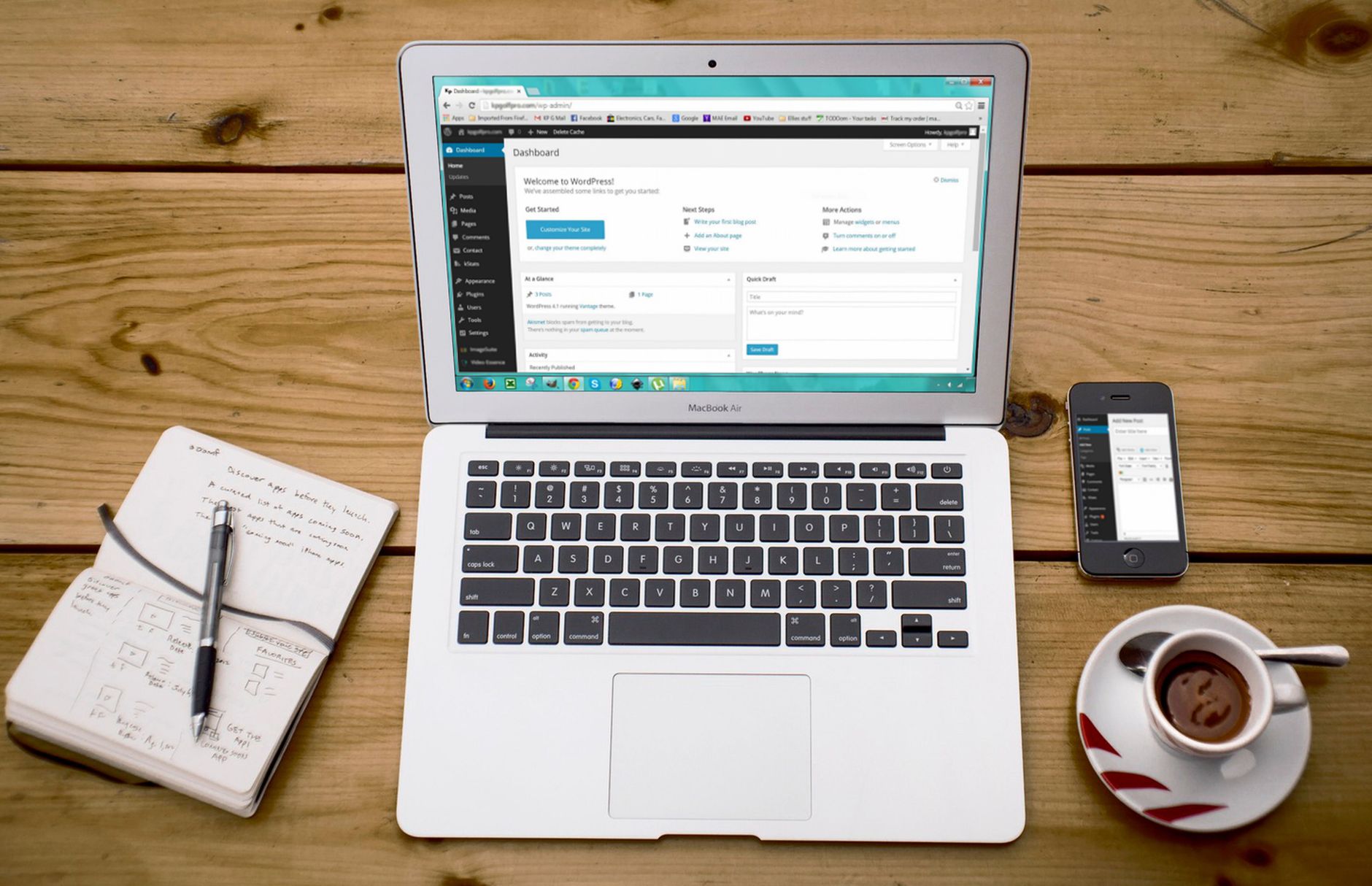
WordPress SEO gets easier when you stop chasing plugin scores and start fixing the basics in the right order. Most sites with flat rankings do not need more features. They need cleaner signals, clearer page targeting, and fewer technical distractions.
That is the core of WordPress SEO fundamentals explained simply: make your important pages crawlable, give each page a clear purpose, write better titles and headings, and connect related pages with useful internal links. A green light in an SEO plugin does not mean the page deserves to rank.
If your setup feels messy already, two helpful next reads are this practical guide for DIY site owners and this walkthrough for fixing WordPress SEO setup problems. Both reinforce the same point: fix what blocks visibility before you polish what is already visible.
What WordPress SEO actually means
WordPress SEO means helping search engines understand which pages on your site matter, what those pages are about, and how they relate to each other. It is not one setting, one plugin, or one score. It is a group of basic signals working together.
On WordPress, the fundamentals usually come down to five areas: indexing, page targeting, titles and headings, internal linking, and site quality. WordPress is flexible, which is useful, but that same flexibility can create duplicate archives, thin pages, and plugin conflicts if no one is managing them carefully.
Start with visibility, not perfection
The first job is making sure search engines can reach and understand your important pages. If a page is blocked, noindexed, orphaned, or buried in clutter, polishing the copy will not do much. Visibility comes before refinement.
This is where many site owners get stuck. They spend time adjusting schema, rewriting meta descriptions, or installing extra SEO tools before checking whether the right pages are even being indexed. You do not need a perfect score. The goal is a site that loads cleanly, is easy to use, and sends consistent signals about which pages matter most.
Use one SEO plugin
One well-configured SEO plugin is enough. Running overlapping plugins often creates duplicate metadata, conflicting canonicals, and competing sitemap outputs. That makes troubleshooting harder and can quietly weaken your setup.
If you inherited a site, check whether an SEO plugin, a schema plugin, and a theme feature are all trying to control the same elements. Simplifying the stack is often one of the fastest wins. WordPress SEO Expert sees this problem often on sites that have gone through redesigns, migrations, or multiple freelancers.
Give each page one clear job
Every important page should target one main intent. Some pages exist to explain, some to compare, and some to convert. Rankings flatten when several pages chase the same topic without clear separation.
Your homepage usually targets your broad service theme. Service pages target buying or inquiry intent. Blog posts answer narrower questions and should support the more important pages with internal links. If two pages feel interchangeable, that is usually a sign they should be consolidated instead of expanded separately.
Titles matter more than most site owners think
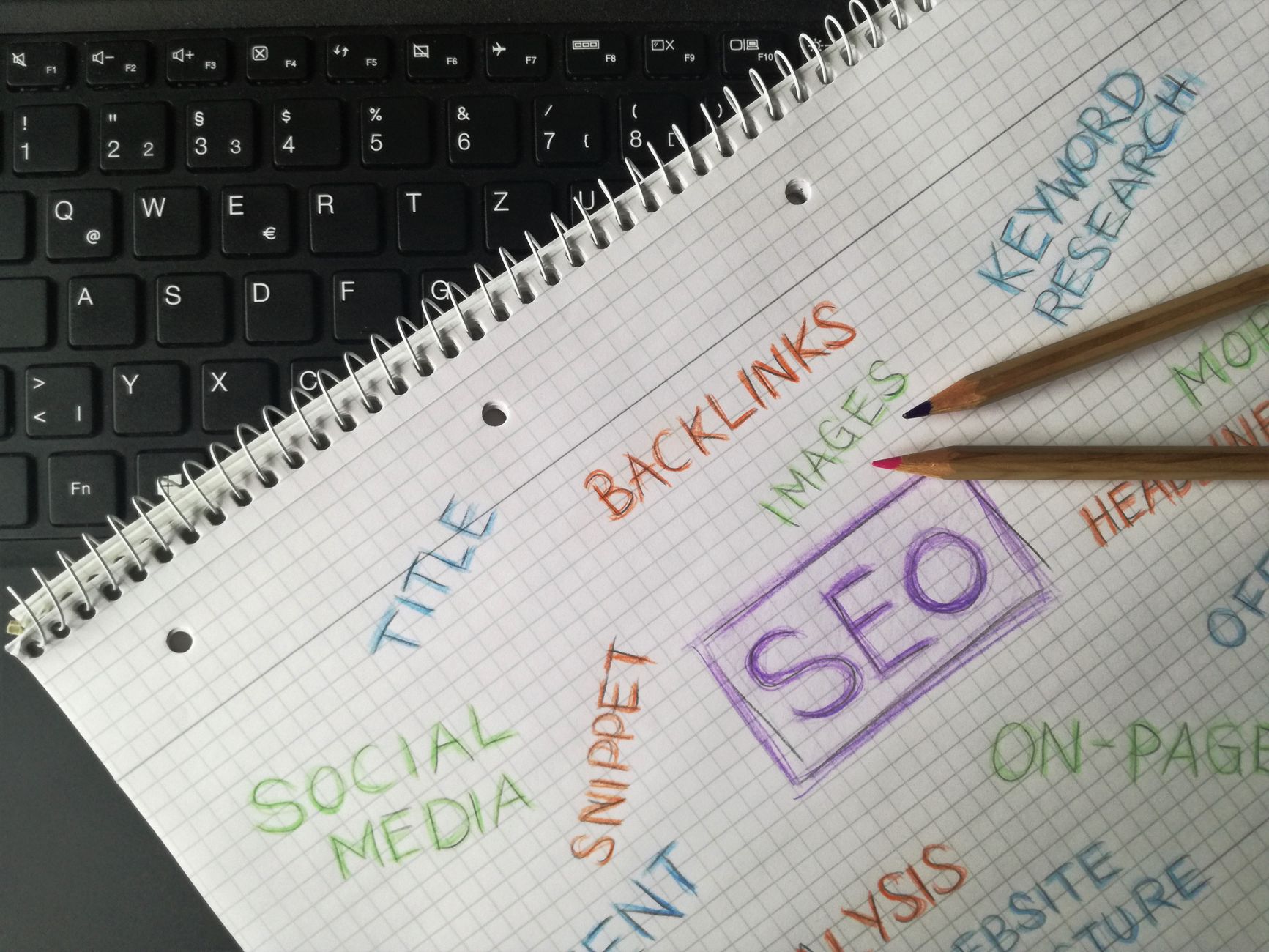
Your title tag is one of the strongest on-page signals you control. Google recommends descriptive, concise titles and advises site owners to avoid keyword stuffing and repetitive boilerplate. It also recommends that every page have its own distinct title.
That matters because many WordPress sites still use vague or repetitive titles. A better title makes the topic clearer for both users and search engines without sounding stuffed or mechanical.
| Weak title | Stronger title |
|---|---|
| SEO Services | SEO Company | SEO Expert | WordPress SEO Services for Small Businesses |
| Home | WordPress SEO Consultant for Growing Sites |
| Blog | WordPress SEO Tips for DIY Site Owners |
Google’s own documentation says title text should be descriptive and concise, and should avoid repeated boilerplate across many pages. It also explains that descriptive headings and titles help search engines understand page content more clearly. If your pages still use generic titles, fixing them is usually worth doing early.
Headings should organize the page
Good heading structure makes a page easier to scan and easier to understand. In most cases, that means one H1 for the main topic, H2s for the main sections, and H3s only when you need subsections inside a larger section.
Do not use headings just because they look bigger. Use them to create structure. A page with clear sections is usually easier for users to navigate and easier for you to improve later because the intent of each section is already defined.
Internal links are a basic SEO tool

Internal links help search engines find pages and understand which topics connect. Google recommends crawlable HTML links and descriptive anchor text, which is why internal linking deserves more attention than many site owners give it.
A simple rule works well here. When you publish a post, link it to a related service page or core guide. Then link older related posts back to the new one when that connection makes sense. Descriptive phrases work better than vague anchors because they add context. If you need a deeper framework, review the practical guide for DIY site owners alongside the setup problems guide and apply the same logic across your main pages.
Meta descriptions support clicks, not rankings
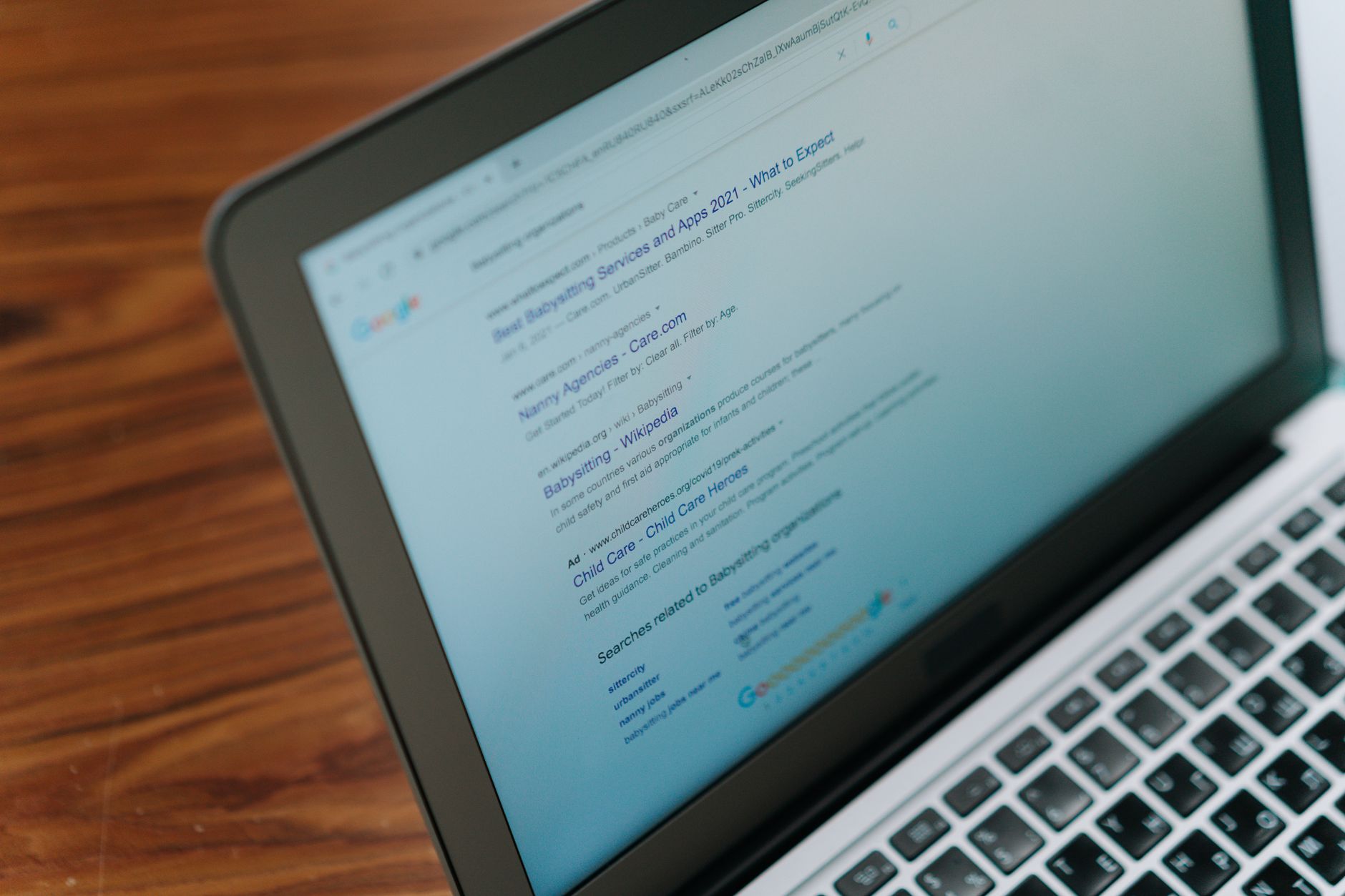
Meta descriptions are useful because they can improve how your page appears in search results, but they are not a shortcut to higher rankings. Google says it may use the meta description when it gives a more accurate summary of the page.
The practical takeaway is simple: write unique descriptions for your key pages, especially pages that already earn impressions. Focus on clarity and relevance. If every page uses the same recycled template, the snippet is less likely to help.
WordPress SEO fundamentals in order
If you are overwhelmed, follow an order of operations. That prevents you from spending hours on low-impact tweaks while bigger problems are still blocking progress. Clear priorities usually matter more than advanced tactics.
| Priority | What to check first | Why it matters |
|---|---|---|
| 1 | Indexing and crawl access | Pages cannot rank if search engines cannot reach them |
| 2 | Plugin conflicts and duplicate outputs | Confusing signals spread across the site |
| 3 | Page titles and headings | Clarifies what each page should rank for |
| 4 | Internal links | Supports discovery, hierarchy, and context |
| 5 | Meta descriptions and polish | Improves presentation after the basics are stable |
What beginners should stop doing
The biggest beginner mistake is treating SEO as a checklist inside a plugin instead of a site-wide system. More plugins, more tags, and more content do not automatically create better rankings. In many cases, they create more overlap and more confusion.
Another common mistake is publishing thin pages for tiny keyword variations. One strong page with a clear purpose usually beats several weaker pages competing for the same search intent. Google’s guidance on helpful, people-first content supports the same idea: build content to help users, not to manipulate rankings through volume alone.
When simple fundamentals are enough
Many small WordPress sites do not need advanced SEO tactics to improve. They need a simpler structure, better page titles, stronger internal links, and fewer technical conflicts. Those basics often create more movement than complicated add-ons.
If you are experiencing these symptoms, our team at WordPress SEO Expert can help. We can review whether your main issue is indexing, duplication, weak targeting, or plugin clutter before you waste more time fixing the wrong layer.
A simple next step
WordPress SEO fundamentals are not mysterious. They are mostly about sequencing. Fix the issues that block visibility before the issues that polish visibility, and keep your setup simpler than you think it needs to be.
Contact WordPress SEO Expert today to schedule a consultation. Book a free SEO consultation. No pitch, no pressure. Just an honest look at what your site actually needs and whether your current setup is part of the solution or part of the problem.

















