
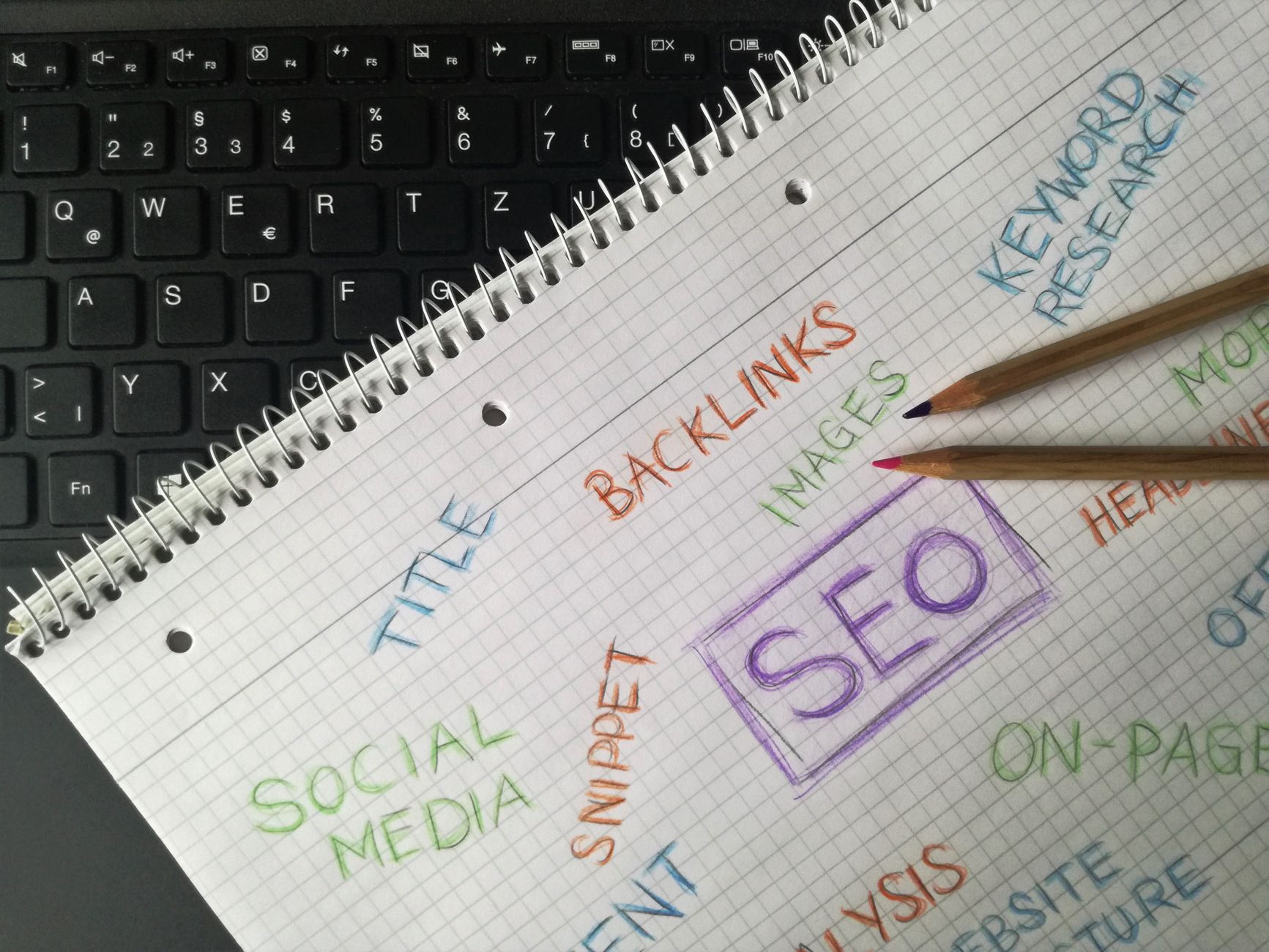
Getting started with WordPress SEO is usually less about doing more and more about doing the right things in the right order. Most beginners do not need a stack of tools or a perfect plugin score. They need a clean setup, clear page targeting, and fewer mixed signals.
If you are new to this, start simple. One SEO plugin is enough. A green light in an SEO plugin does not mean the page deserves to rank, and a long checklist does not tell you what matters first. The goal is a site that search engines can crawl, visitors can use easily, and Google can understand without confusion.
What should a beginner focus on first?
Beginners should focus on visibility blockers before polish. That means checking whether important pages can be crawled and indexed, whether titles describe the page clearly, and whether your site structure makes sense. Fix the issues that block visibility before the issues that polish visibility.
This is where many site owners lose time. They adjust plugin settings for hours while important pages are buried, duplicate archives are live, or page titles are too vague to compete. If you want a broader setup framework, review WordPress SEO Setup for Beginners and How to Fix WordPress SEO Setup Problems for a more detailed walkthrough.
Use one SEO plugin, not several
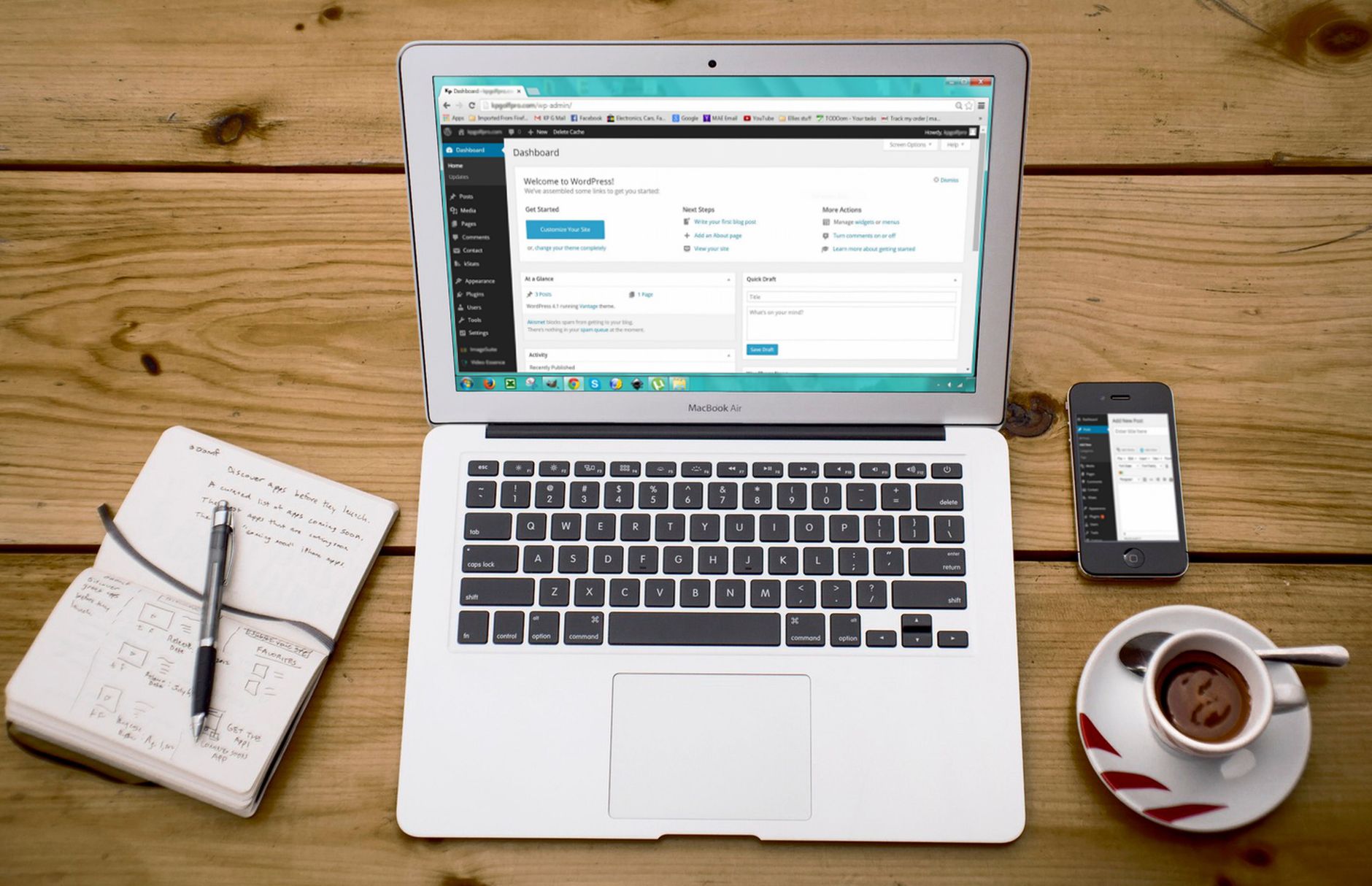
The best beginner setup is one well-configured SEO plugin. Running overlapping SEO plugins often creates duplicate metadata, conflicting canonicals, and competing sitemap outputs. One clean system is easier to understand and much easier to troubleshoot.
Beginners often assume more tools means better SEO. Usually, it creates clutter. Pick one plugin, configure the basics, and leave the rest alone unless there is a clear reason to add something. If your rankings are flat, the problem is more likely prioritization than missing features.
Check crawlability before writing more content
If search engines cannot reach or interpret the right pages, publishing more content will not solve the core problem. Make sure your key pages are indexable, included in your sitemap, and linked from other pages on the site.
Look for accidental noindex settings, thin category pages, duplicate archive URLs, and weak internal links. Beginners often think they have a content problem when they actually have a structure problem. A page that is hard to find internally often becomes harder for search engines to treat as important.
Write titles that match the page
Your title tag is one of the simplest places to improve SEO without overcomplicating things. Keep it descriptive, concise, and aligned with what the page actually offers. Avoid stuffing repeated keyword variations into the title just to satisfy a plugin prompt.
| Weak title | Stronger title |
|---|---|
| SEO Services | SEO Company | SEO Expert | WordPress SEO Services for Small Businesses |
| Blog Post | WordPress SEO for True Beginners |
| Best SEO Plugin, WordPress SEO Plugin, SEO Plugin | How to Choose a WordPress SEO Plugin |
A cleaner title helps users decide to click and helps search engines understand the page faster. If you are trying to improve older posts, compare your titles to the pages already bringing in the right traffic and make sure each title promises a clear answer.
Keep your site structure simple

A beginner-friendly site structure is shallow, clear, and easy to navigate. Important pages should not be buried behind unnecessary categories, tags, or archive layers. Simplicity usually beats cleverness in WordPress SEO.
Use a small set of meaningful categories. Keep primary pages close to the main navigation. Avoid publishing several thin pages that target tiny variations of the same phrase. Most site owners do not have one catastrophic problem. They have a stack of smaller issues that compound over time.
Internal links matter more than beginners think
Internal links help search engines discover pages, understand topical relationships, and identify which pages matter most. They also help visitors move naturally from one question to the next instead of leaving after one page.
Link related posts and service pages using descriptive anchor text. A phrase like practical guide for DIY site owners tells both users and search engines more than a vague “read more” link. If you are reviewing older content, our post on WordPress SEO checklist mistakes to avoid can help you spot common cleanup opportunities.
Do not chase perfect plugin scores
Plugin scores can be useful prompts, but they are not the goal. Many beginners waste time forcing exact-match keywords into headings, intros, and image alt text because the plugin asks for it. That often makes the page worse, not better.
You do not need a perfect score. The goal is a site that loads cleanly, is easy to use, and sends consistent signals about which pages matter most. Good SEO usually looks calmer than beginners expect.
If your setup still feels messy or you are not sure whether the real problem is indexing, duplication, weak targeting, or plugin clutter, our team at WordPress SEO Expert can help. Book a free SEO consultation. No pitch, no pressure. Just an honest look at what your site actually needs and whether your current setup is part of the solution or part of the problem.
A simple beginner SEO checklist
The easiest way to stay focused is to follow a short sequence. Start with the basics that affect visibility, then improve the details that support clicks and usability. This keeps you from spending hours on cosmetic changes that do not move performance.
| Priority | What to check |
|---|---|
| 1 | Search engine visibility and indexing settings |
| 2 | Single SEO plugin setup |
| 3 | Clear titles for important pages |
| 4 | XML sitemap and archive rules |
| 5 | Internal links to core pages |
| 6 | Duplicate URL and thin content cleanup |
| 7 | Speed improvements on key templates |
The best next step
The best next step for most beginners is not a redesign or a new plugin. It is a focused review of the pages that matter most, in the right order. Start with your homepage, core services, and the posts already closest to ranking.
Contact WordPress SEO Expert today to schedule a consultation. We will help you sort out what actually needs attention first so you can stop guessing and start improving the parts of your WordPress SEO setup that matter.

















