

Beginner WordPress SEO problems usually come from a messy setup, not a lack of effort. If your traffic is flat even though you installed a plugin and followed checklists, the issue is usually prioritization. A green light in an SEO plugin does not mean the page deserves to rank.
Most site owners do not have one catastrophic problem. They have a stack of smaller issues that compound over time: weak titles, thin archive pages, poor internal links, duplicate plugin features, and key pages that are hard for search engines to understand. Fix the issues that block visibility before the issues that polish visibility.
If you want a broader foundation before making changes, start with our practical WordPress SEO guide for DIY site owners and our article on how to fix WordPress SEO setup problems. Both will help you see where your current setup is helping and where it is getting in the way.
Start With One SEO Plugin
The fastest beginner fix is to simplify your setup. One well-configured SEO plugin is enough, and adding overlapping plugins often creates duplicate metadata, conflicting canonicals, and competing sitemap outputs.
If you have multiple SEO-related plugins handling titles, schema, redirects, or social previews, review what each one does and remove overlaps. Simpler setups are easier to troubleshoot and usually send cleaner signals to search engines. You do not need a perfect score. You need a site that is clear, crawlable, and consistent.
Check If Search Engines Can Index Your Pages
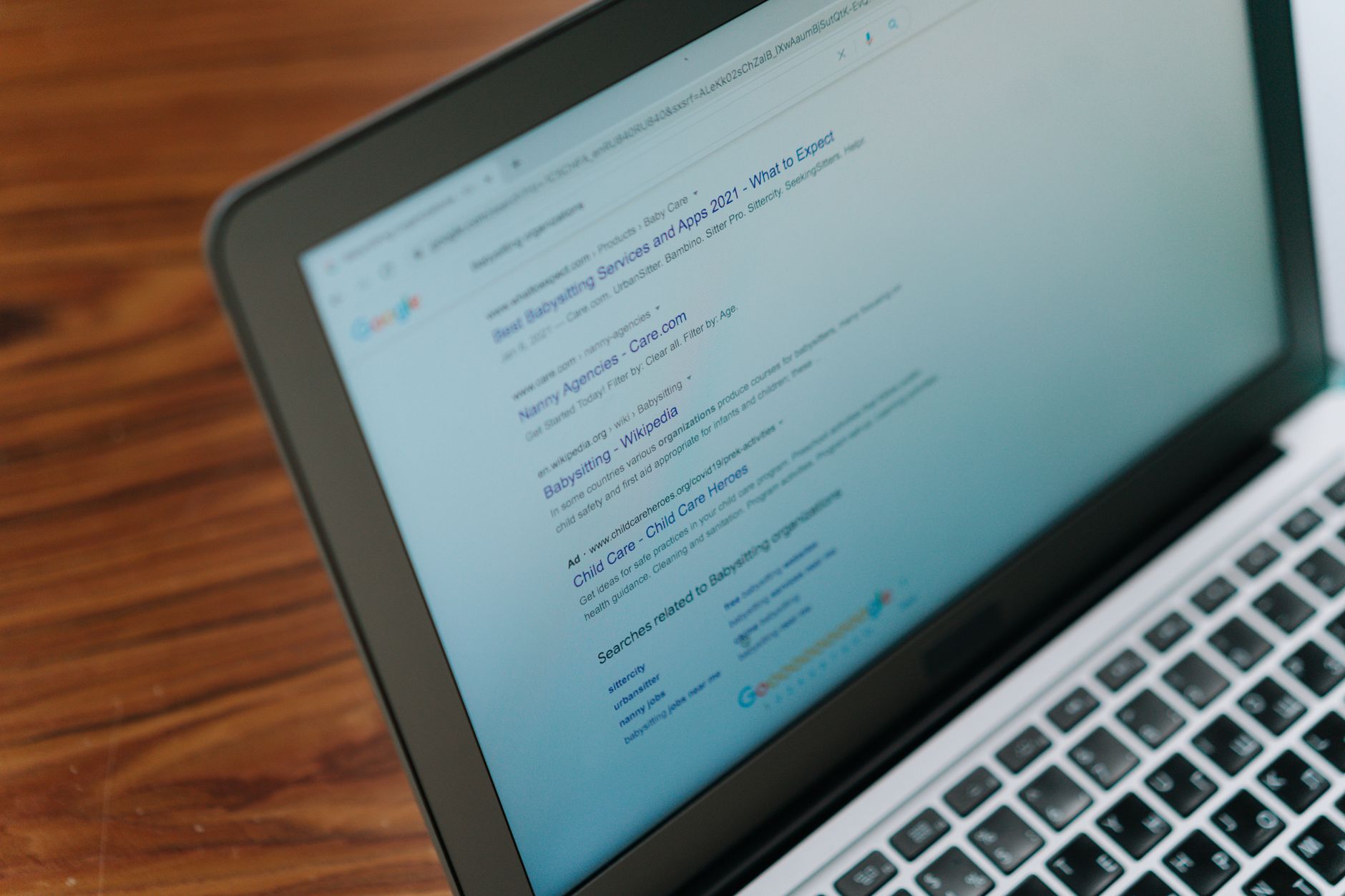
Before you rewrite pages, make sure they can actually be found and indexed. If important pages are blocked, no amount of copy editing will solve the real problem.
Check your WordPress reading settings, sitemap settings, and page-level indexing controls inside your SEO plugin. Google explains that a noindex rule tells Google not to index a page, so accidental noindex settings can quietly suppress visibility. Google also recommends crawlable links and clear site structures so important pages are easier to discover through normal navigation and internal links.
Make sure your homepage, service pages, category pages that matter, and best blog posts are linked from other crawlable pages. If a page only exists in a sitemap and nowhere else, it is usually under-supported.
Fix Titles Before You Touch Advanced Settings

Page titles are one of the clearest beginner wins. Google recommends descriptive, concise title text and warns against keyword stuffing and repetitive boilerplate, so your goal is clarity, not stuffing every variation into one line.
| Weak title | Stronger title |
|---|---|
| SEO Services | SEO Company | SEO Expert | WordPress SEO Services for Small Businesses |
| Blog | WordPress SEO Tips for Beginners |
| Home | Local Plumbing Repair in Austin |
Start with your most important pages first. Home, core service pages, and pages already getting impressions should be cleaned up before lower-value posts. This is where many beginners waste time: they polish minor pages while major pages still send weak signals.
Write Better Meta Descriptions
Meta descriptions do not fix poor rankings, but they can improve how your page is summarized in search results. Google says it may use the meta description when it better describes the page, and it recommends unique descriptions that accurately match each page.
That means each important page should have its own short, useful summary. Avoid copying the same template across your site. Treat the description like a short pitch that helps the right searcher understand what the page will actually deliver.
Clean Up Internal Links

Internal linking is one of the easiest ways for beginners to improve clarity. Google recommends descriptive, concise anchor text in crawlable HTML links, which helps both users and search engines understand the relationship between pages.
Link related blog posts to service pages, connect overlapping guides, and make sure important pages are not isolated. For example, if you are learning the basics, our post on WordPress SEO for DIY site owners pairs well with this article because it shows how technical setup, content targeting, and site structure work together.
If your rankings are flat and you are not sure whether the real problem is indexing, duplication, weak targeting, or plugin clutter, WordPress SEO Expert can help. Book a free SEO consultation. No pitch, no pressure. Just an honest look at what your site actually needs and whether your current setup is part of the solution or part of the problem.
Stop Indexing Thin Archive Pages
Many beginner WordPress sites create archive pages that add little value. Tag archives, date archives, and some author archives often create duplication instead of stronger rankings, especially on small sites.
If those pages are thin, set them to noindex in your SEO plugin and keep the focus on pages that actually deserve to rank. This is a common beginner mistake because WordPress creates these pages automatically, but automatic does not always mean useful.
Use Schema Carefully
Schema can help search engines understand your pages, but it is a support layer, not a shortcut. Google’s structured data guidelines say markup should represent the main visible content and should not be misleading.
For most beginners, that means keeping schema simple and relevant. Do not turn on every schema type your plugin offers just because it is available. Clean, accurate markup is better than a pile of mismatched settings.
A Simple Beginner Order of Operations
The best way to fix WordPress SEO problems is to work in sequence. That keeps you from wasting time on cosmetic improvements while bigger technical issues still block progress.
| Priority | What to fix | Why it matters |
|---|---|---|
| 1 | Indexing and crawl access | Pages cannot rank if search engines cannot reach them |
| 2 | Plugin overlap | Conflicting outputs create confusion sitewide |
| 3 | Page titles | Titles improve clarity and click potential |
| 4 | Meta descriptions | Descriptions support better search snippets |
| 5 | Internal links | Links strengthen discovery and hierarchy |
| 6 | Archive cleanup | Removes thin or duplicate indexable pages |
| 7 | Schema review | Refines signals after the basics are stable |
When Beginners Should Ask for Help
If you have already installed the plugin, updated content, and still are not seeing movement, the issue is usually not effort. It is usually that the wrong things were fixed in the wrong order.
WordPress SEO Expert can help you diagnose what is actually holding your site back. Contact WordPress SEO Expert today to schedule a consultation. We will help you sort technical issues from content issues and build a practical plan without overcomplicating your setup.

















