
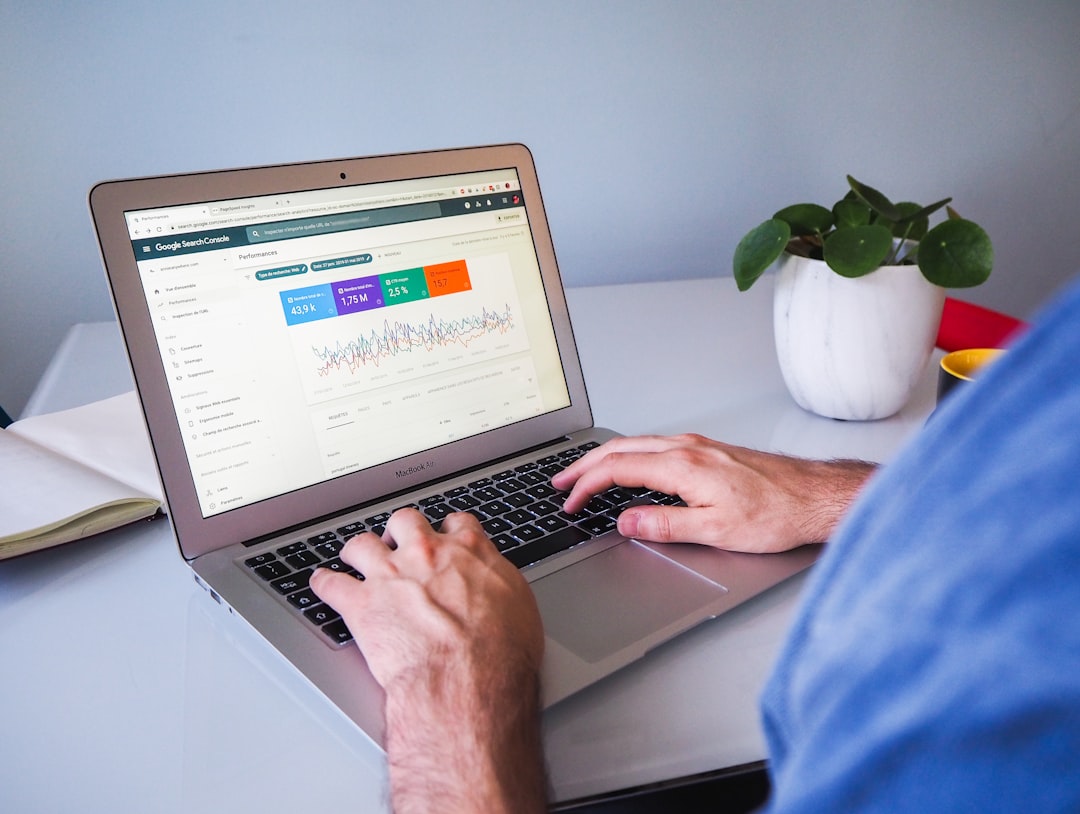
Low rankings usually come from a scattered plan, not one missing plugin. Most WordPress sites do not have one catastrophic SEO problem. They have a stack of smaller issues that compound over time, from weak titles and thin internal linking to index bloat and plugin overlap. The fix is to prioritize what affects Google visibility first.
This is where WordPress SEO Expert sees site owners get stuck. They publish more posts, tweak plugin settings, and chase green lights, but the pages that should rank are still hard to crawl, hard to understand, or too similar to competing pages on their own site. If you want the broader audit process behind this, review our WordPress SEO audit guide and our WordPress SEO best practices.
Start with indexing and crawl access
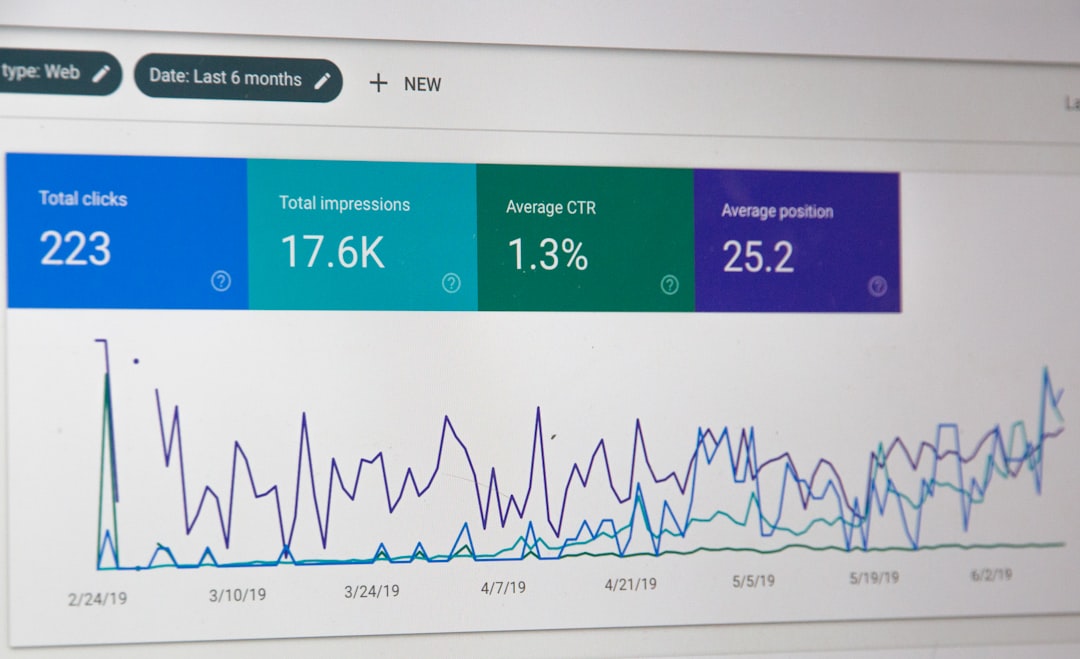
If Google cannot crawl the right pages or index them correctly, everything else underperforms. Fix the issues that block visibility before the issues that polish visibility.
Start by checking whether your key service pages, category pages, and core blog posts are indexable, internally linked, and included in your XML sitemap where appropriate. Google’s Search Essentials make the baseline clear: important content must be accessible to crawling and not blocked by directives or technical mistakes. On WordPress sites, common issues include accidental noindex settings, weak internal links, duplicate archives, and canonicals that point to the wrong URL.
Look first at revenue pages and pages already earning impressions. Those are usually the fastest pages to recover because they already have some visibility history.
Use one SEO plugin, not several
One well-configured SEO plugin is enough. Running overlapping plugins often creates duplicate metadata, conflicting canonicals, and competing sitemap outputs.
This is one of the most common WordPress cleanup jobs. Site owners install a second plugin for schema, a third for redirects, and then trust the dashboard scores without checking the page source. The gap between a clean setup and a messy one is not hype. It is whether your site sends one clear signal to Google or several contradictory ones.
Set up the essentials first: title templates, meta descriptions, sitemap behavior, archive indexing rules, and social defaults. After that, leave most optional features alone unless you have a specific reason to enable them.
Write title tags for people, not plugin scores
Your title tag is still one of the strongest on-page signals you control. The goal is not to cram every variation of a keyword into one line. The goal is to make the page instantly understandable and worth clicking.
Google recommends descriptive, concise titles and warns against keyword stuffing and repetitive boilerplate. It also emphasizes that each important page should have distinct title text that accurately describes the page. That means a specific service page title will usually outperform a generic title that repeats broad SEO terms without saying who the page is for or what it covers.
| Weak title | Stronger title |
|---|---|
| SEO Services | SEO Company | SEO Expert | WordPress SEO Services for Small Businesses |
| Blog | WordPress SEO Tips for Service Businesses |
| Local SEO | SEO Help | SEO Agency | Local WordPress SEO Help for Multi-Location Sites |
A green light in an SEO plugin does not mean the page deserves to rank. If the title reads awkwardly to a real person, rewrite it.
Use meta descriptions to improve clicks
Meta descriptions do not act like a direct ranking boost, but they can improve how your result is summarized and help more qualified searchers decide to click. That makes them worth writing well.
Google says it may use the meta description when it better summarizes the page than on-page text alone, and it advises creating unique descriptions for individual pages. For WordPress sites, that means avoiding one recycled template across dozens of posts and service pages. Write a short description that matches the page intent, states the benefit clearly, and gives the searcher a reason to choose your result.
Keep them specific. If the page is about a WordPress SEO audit, say that. If it is about WooCommerce category cleanup, say that instead of defaulting to broad agency language.
Fix duplicate URLs before publishing more content
Duplicate URL problems often waste more SEO value than a missing paragraph ever will. If Google sees several similar versions of a page, it has to guess which one matters most.
WordPress sites commonly create duplication through tag archives, attachment pages, filtered URLs, pagination, inconsistent trailing slashes, and WooCommerce faceted navigation. The practical fix is to decide which version should rank, support that version with internal links, and clean up the alternatives with canonicals or redirects where appropriate.
This is also where content strategy matters. Do not publish three thin posts for near-identical keywords when one stronger page could cover the topic better. Consolidation often beats expansion when overlap is the real problem.
Build internal links with intent
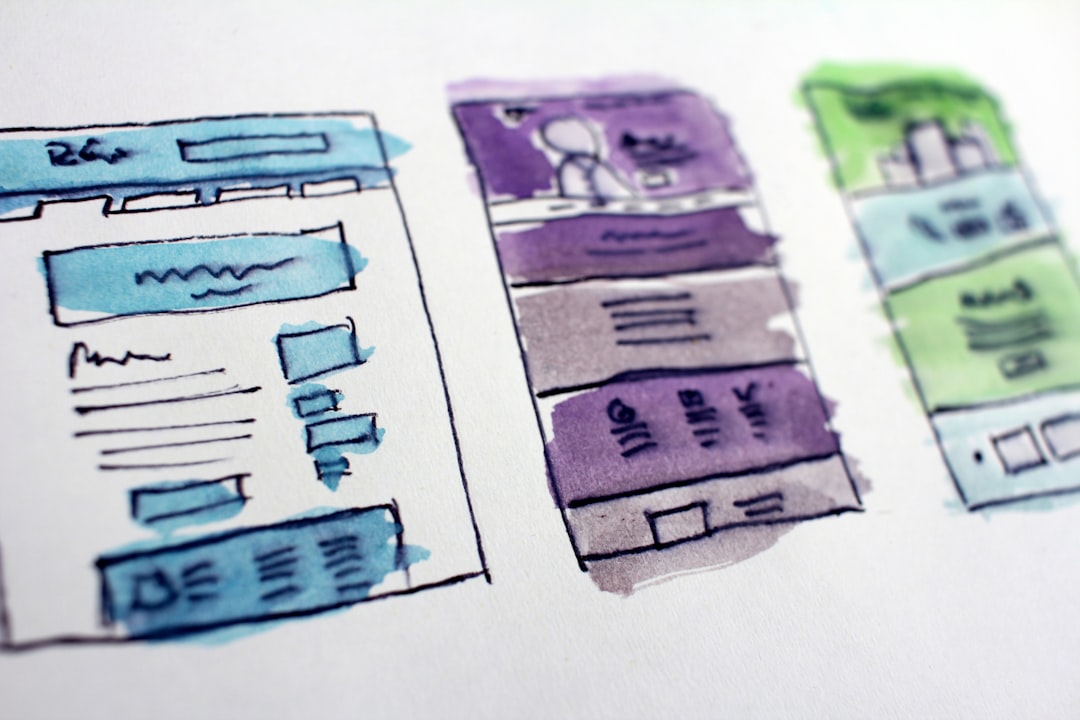
Internal linking helps Google discover pages, understand relationships between topics, and identify which URLs matter most. It also helps users move naturally from research to action.
Google recommends anchor text that is descriptive, concise, and natural. That means linking phrases that tell readers what they will get on the destination page instead of stuffing exact-match keywords everywhere. Start by linking informational posts to commercial pages, connecting related posts, and making sure your high-value pages are not isolated several clicks deep.
If you are not sure whether your current plugin configuration and site structure are helping or quietly hurting you, WordPress SEO Expert can help. We can identify the internal links and page relationships that deserve attention first.
Keep site structure simple
A simple structure is usually better than a clever one. Important pages should be easy to reach, easy to understand, and grouped in a way that makes sense for people before it makes sense for SEO theory.
For service businesses, keep primary service pages close to the main navigation. For blogs, use a small set of meaningful categories instead of endless tags. For WooCommerce, review filters and parameter-driven URLs so they do not create large numbers of low-value crawl paths.
Most site owners do not need a complex taxonomy plan. They need a structure that makes the main topics, services, and conversion paths obvious.
Improve speed without chasing perfect scores
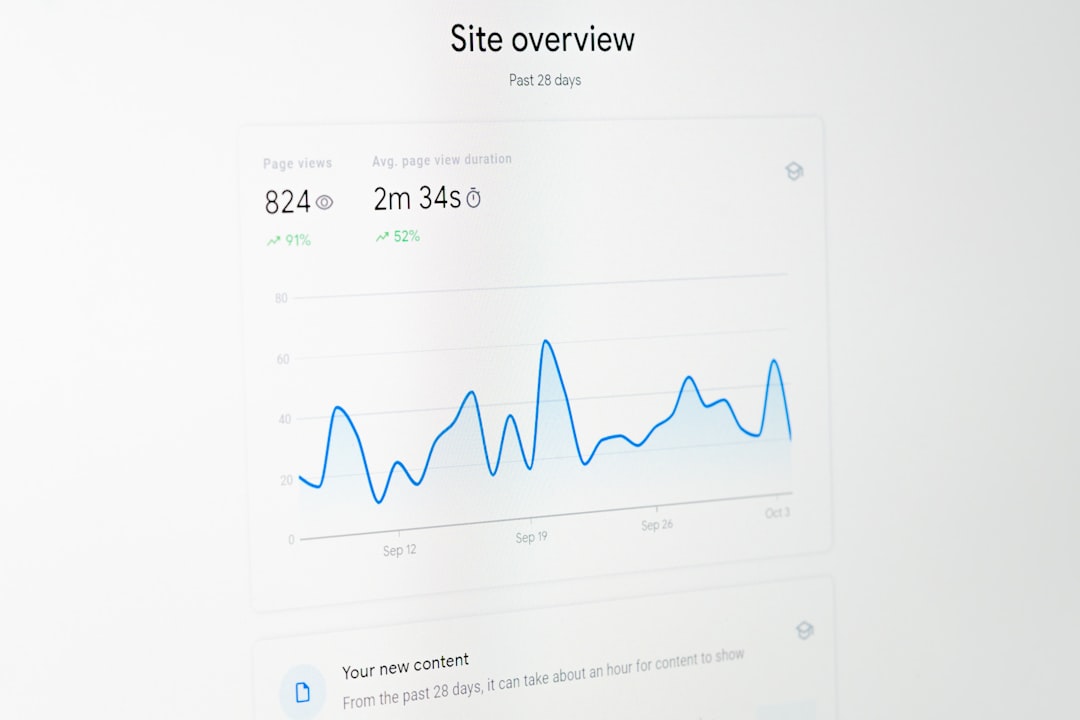
Speed matters when slow templates hurt usability and make the site frustrating to use. You do not need a perfect score. The goal is a site that loads cleanly and is easy to use.
Check your homepage, service pages, product pages, and blog templates separately because WordPress performance problems are often template-specific. Start with oversized images, unused plugins, heavy scripts, weak caching, and bloated page builders. If speed is one of your likely bottlenecks, our WordPress SEO best practices article can help you think through the order of operations before you start changing tools.
Do not let a speed plugin score pull you away from more important SEO blockers. A slightly faster page still struggles if it is duplicated, weakly linked, or misaligned with search intent.
Use structured data carefully
Structured data can help Google understand a page more clearly, but it is not a shortcut around weak content or technical confusion. Add only the markup that matches what visitors can actually see on the page.
Google’s structured data guidelines say markup should represent the main visible content and should not be misleading. That is why broad schema settings inside plugins should be reviewed carefully. More markup is not always better. Relevant markup is better.
If your plugin is outputting organization, article, FAQ, product, and review schema on pages that do not clearly support those formats, simplify the setup.
Create people-first content that matches intent
Google optimization works best when the page genuinely helps the searcher. Search engines can usually tell the difference between a useful answer and a page built mainly to repeat keywords.
Google’s guidance on helpful, people-first content emphasizes creating content to benefit users rather than to manipulate rankings. For WordPress sites, that usually means one clear H1, helpful subheadings, shorter paragraphs, stronger examples, and fewer thin pages built around slight keyword variations. Stronger coverage on fewer pages often performs better than scattered coverage across many near-duplicates.
If you are experiencing these symptoms, our team at WordPress SEO Expert can help.
What to fix first
The best optimization plan is usually short and prioritized. Fix the issues that block visibility before the issues that polish visibility.
| Priority | What to check | Why it matters |
|---|---|---|
| 1 | Indexing rules and crawl access | Pages cannot rank if Google cannot reach or index them properly |
| 2 | Canonical and redirect setup | Prevents duplicate URL confusion and diluted signals |
| 3 | Title tags and page intent | Improves relevance and click potential |
| 4 | Internal linking | Strengthens discovery, hierarchy, and topic relationships |
| 5 | Speed and template performance | Improves usability and reduces friction |
| 6 | Content depth and formatting | Helps pages satisfy search intent more clearly |
| 7 | Schema and sitemap hygiene | Supports cleaner technical signals |
The bottom line
WordPress SEO best practices for Google are not about doing everything. They are about doing the right things in the right order. Most sites improve faster when they clean up crawl issues, duplication, titles, internal links, and page structure before they chase advanced tactics.
If you want an honest assessment of what is holding your site back, WordPress SEO Expert is ready to help. Book a free SEO consultation. No pitch, no pressure. Just an honest look at what your site actually needs and whether your current setup is part of the solution or part of the problem. Contact WordPress SEO Expert today to schedule a consultation.

















