
Beginner WordPress SEO works best when you simplify the setup and focus on what helps Google crawl, understand, and trust your pages. Most flat rankings do not come from a lack of effort. They come from doing too many low-impact tasks before the fundamentals are in place.
If you are new to this, ignore the idea that one plugin setting or one green score will solve everything. A green light in an SEO plugin does not mean the page deserves to rank. The better goal is a clean site structure, clear page targeting, and a setup that sends consistent signals about which pages matter most.
What should beginners focus on first?
Start with the basics that affect visibility first: indexing, page titles, headings, internal links, and content quality. Google’s own guidance emphasizes descriptive titles, helpful content, and crawlable links rather than gimmicks or repetitive keyword stuffing.
That means your first checklist is short. Make sure search engines can see your pages. Use one SEO plugin instead of several. Give each important page a clear purpose. Then build internal links between related pages so Google can understand your structure more easily.
If you want a broader foundation before changing settings, read this practical WordPress SEO guide for DIY site owners. If your current setup already feels messy, this guide to fixing WordPress SEO setup problems is a useful companion.
Use one SEO plugin, not several
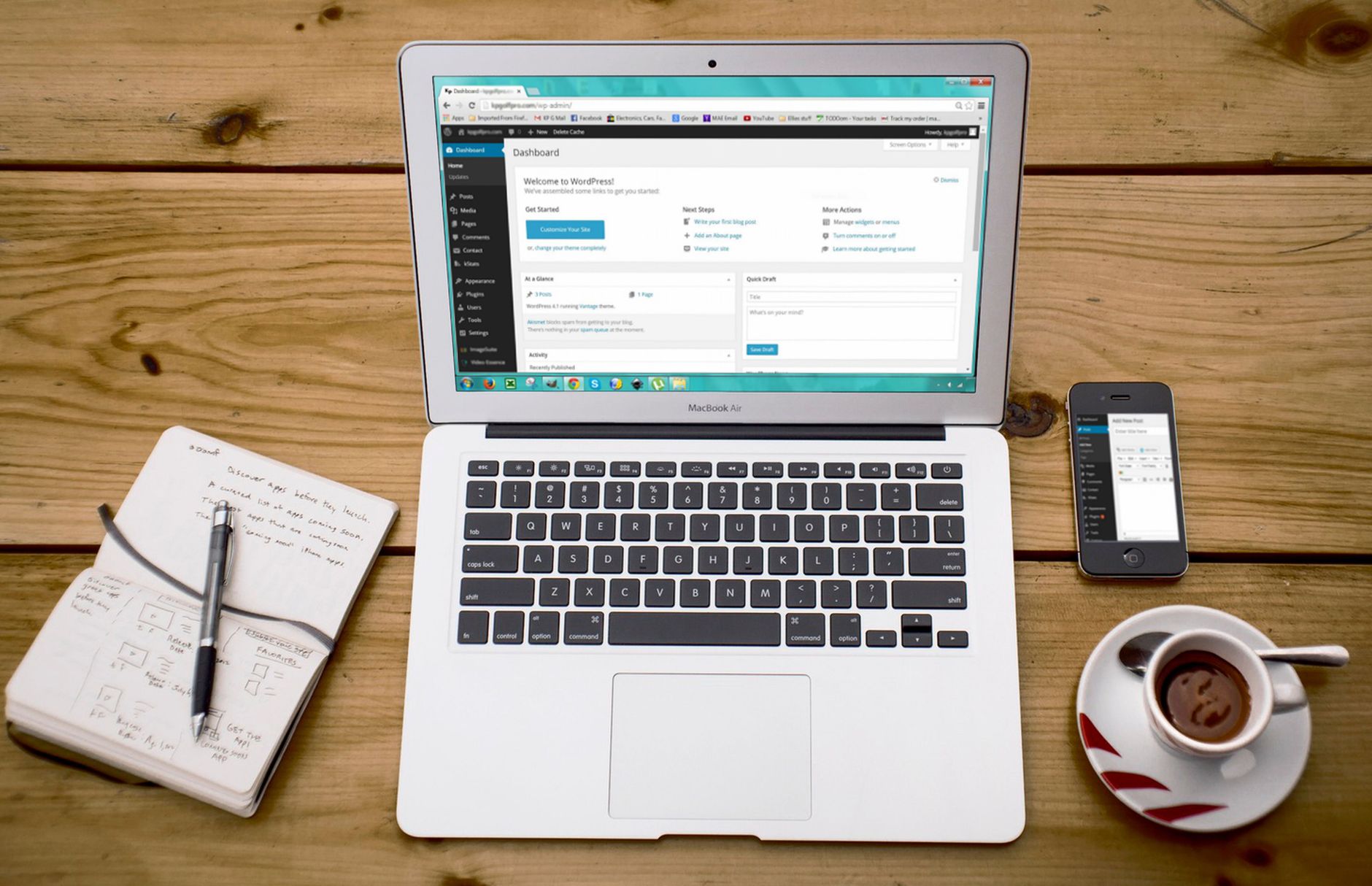
Beginners usually do better with a simple setup than a feature-heavy stack. One well-configured SEO plugin is enough. Running overlapping plugins often creates duplicate metadata, conflicting canonicals, and competing sitemap output.
Pick one plugin, set your title format, generate a sitemap, and review indexing settings. Then stop adding tools unless you have a clear reason. Plugin clutter makes WordPress harder to troubleshoot and rarely improves rankings by itself.
Write page titles Google can understand
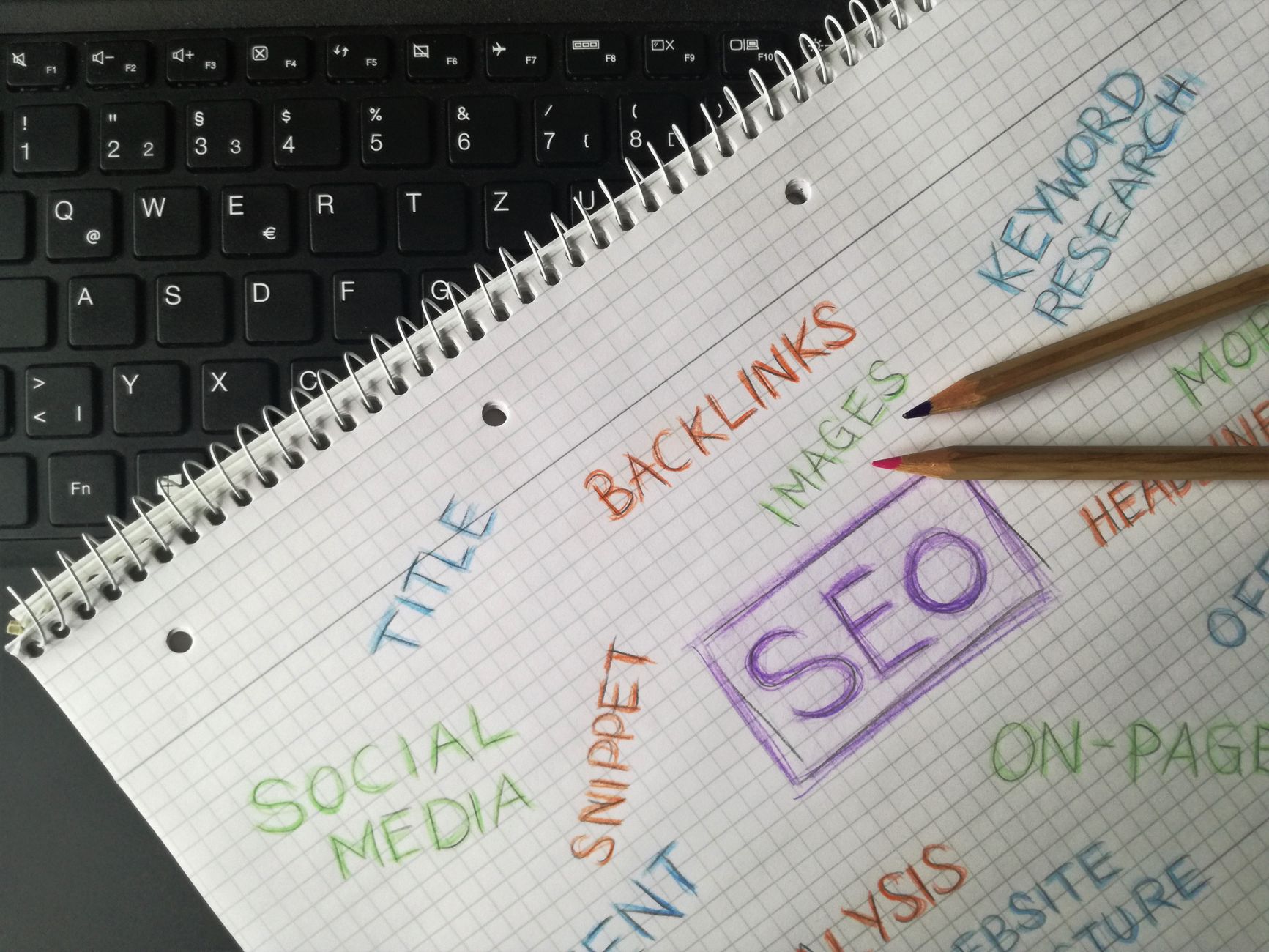
Your page title is one of the clearest signals you control. Google recommends descriptive, concise title text and warns against keyword stuffing and repetitive boilerplate. For beginners, that means every important page should have a distinct title that says what the page is actually about.
| Weak title | Stronger title |
|---|---|
| Home | WordPress SEO Services for Small Businesses |
| SEO Tips | Beginner WordPress SEO Tips for Google |
| SEO Services | SEO Company | SEO Expert | WordPress SEO Help for DIY Site Owners |
The stronger versions are easier for people to understand and easier for Google to interpret. They are specific without sounding forced. That is a much better target than trying to repeat the same phrase several times.
Keep headings and content clear
Beginners should aim for one clear topic per page and one clear H1 on that page. Google looks at prominent page text, including headings, to understand the main subject. If the title says one thing but the visible headline says another, your page sends mixed signals.
Use H2 headings to organize the page into sections that answer the visitor’s next question. Keep paragraphs direct. Explain the topic in plain language. You do not need to force your keyword into every sentence. You need a page that actually solves the reader’s problem.
Internal links matter more than most beginners expect




Internal links help Google discover pages and understand which ones are most important. Google’s documentation recommends crawlable links with descriptive anchor text, which is why linking related pages together is such a practical beginner move.
Link blog posts to service pages when the topic fits. Link related posts to each other with clear anchor text. Make sure important pages are not only reachable from the menu. For example, if you are building your first process, this beginner WordPress SEO setup guide and this WordPress SEO audit guide can help you connect the setup work in the right order.
Do not obsess over meta descriptions
Meta descriptions support clicks, but they are not the first thing to fix on a weak site. Google may use your meta description as the search snippet when it accurately summarizes the page, so beginners should write useful descriptions for key pages without treating them like a ranking shortcut.
A short, clear summary is enough. Focus first on your homepage, main service pages, and posts already getting impressions. If the rest of the setup is weak, rewriting every meta description on the site will not solve the larger problem.
Beginner mistakes to avoid
Most beginners do not fail because WordPress SEO is too advanced. They get stuck because the work is scattered. Avoid the common mistakes that create confusion early.
| Mistake | Better move |
|---|---|
| Installing multiple SEO plugins | Keep one plugin and configure it well |
| Chasing green lights | Focus on relevance, clarity, and structure |
| Publishing thin posts on similar topics | Build stronger pages around distinct topics |
| Ignoring internal links | Link related pages with descriptive anchor text |
| Polishing low-value pages first | Improve pages that already matter most |
If you are experiencing these problems, our team at WordPress SEO Expert can help. A good review usually shows whether the real issue is indexing, duplication, weak targeting, or plugin clutter.
A simple beginner order of operations
Fix the issues that block visibility before the issues that polish visibility. That single rule helps beginners avoid wasting time on minor tweaks while bigger structural issues are still holding the site back.
Start by confirming your important pages are indexable. Then clean up titles and headings. Add internal links. Improve the pages that already have some traction. After that, review site speed, image sizes, and any duplicate archive issues that make the site harder for Google to crawl.
When beginner SEO stops being simple
If your site still is not moving after the basics are in place, the problem is usually not that you missed one secret tactic. It is more likely that several smaller issues are compounding together. That is especially common after redesigns, migrations, or years of adding plugins without a clear plan.
WordPress SEO Expert can help you sort out what to fix first. Book a free SEO consultation. No pitch, no pressure. Just an honest look at what your site actually needs and whether your current setup is part of the solution or part of the problem.
Contact WordPress SEO Expert today to schedule a consultation if you want a practical path to better Google visibility without overcomplicating your WordPress setup.

















