

WordPress SEO on an existing site usually improves fastest when you stop chasing scattered fixes and start with a clean order of operations. If your rankings are flat, that does not automatically mean you need more plugins or more content. It usually means the important basics were never tightened in the right sequence.
A green light in an SEO plugin does not mean the page deserves to rank. The goal is not a perfect score. The goal is a site that is crawlable, easy to understand, internally connected, and clear about which pages matter most.
What beginners should fix first
If you already have a live WordPress site, begin with visibility blockers before polishing details. That means checking indexing, simplifying your plugin setup, improving page titles, and linking your important pages together before you spend weeks rewriting everything.
This is where many site owners get stuck. They have done work. They installed tools, published pages, and adjusted settings. But low rankings usually come from a scattered plan, not one missing plugin.
If you want a broader foundation before making changes, review our practical WordPress SEO guide for DIY site owners. It pairs well with this post because this article is focused specifically on improving an existing site instead of setting up a new one.
Start with indexing and crawl access

If Google cannot reliably crawl and index the right pages, the rest of your SEO work will underperform. Before touching copy, confirm that your important pages are indexable, included in your sitemap, and reachable through normal site links.
Google recommends making pages reachable through crawlable HTML links and using descriptive anchor text. Google also recommends clear, unique page titles and notes that meeting best practices does not guarantee rankings on its own, which is why this step is a foundation rather than a shortcut. Google’s SEO guidance for developers and Google’s link best practices are useful references here.
Check these first on your site:
Make sure search engines are not discouraged in WordPress reading settings. Confirm your XML sitemap is active. Review whether thin tag, author, or date archives should be indexed. Make sure your key service, category, or product pages are linked from other real pages, not just buried in a menu or sitemap.
Use one SEO plugin, not several
One well-configured SEO plugin is enough for most WordPress sites. Running overlapping SEO plugins often creates conflicting metadata, competing sitemap output, and duplicate canonical handling that makes troubleshooting much harder.
This is especially common on older sites that have changed owners, themes, or developers. A separate schema plugin, social plugin, and SEO plugin may all try to output overlapping signals. Simpler is usually stronger here.
If your current setup feels cluttered, our post on how to fix WordPress SEO setup problems can help you identify where the conflicts usually come from and what to clean up first.
Fix page titles before deeper rewrites
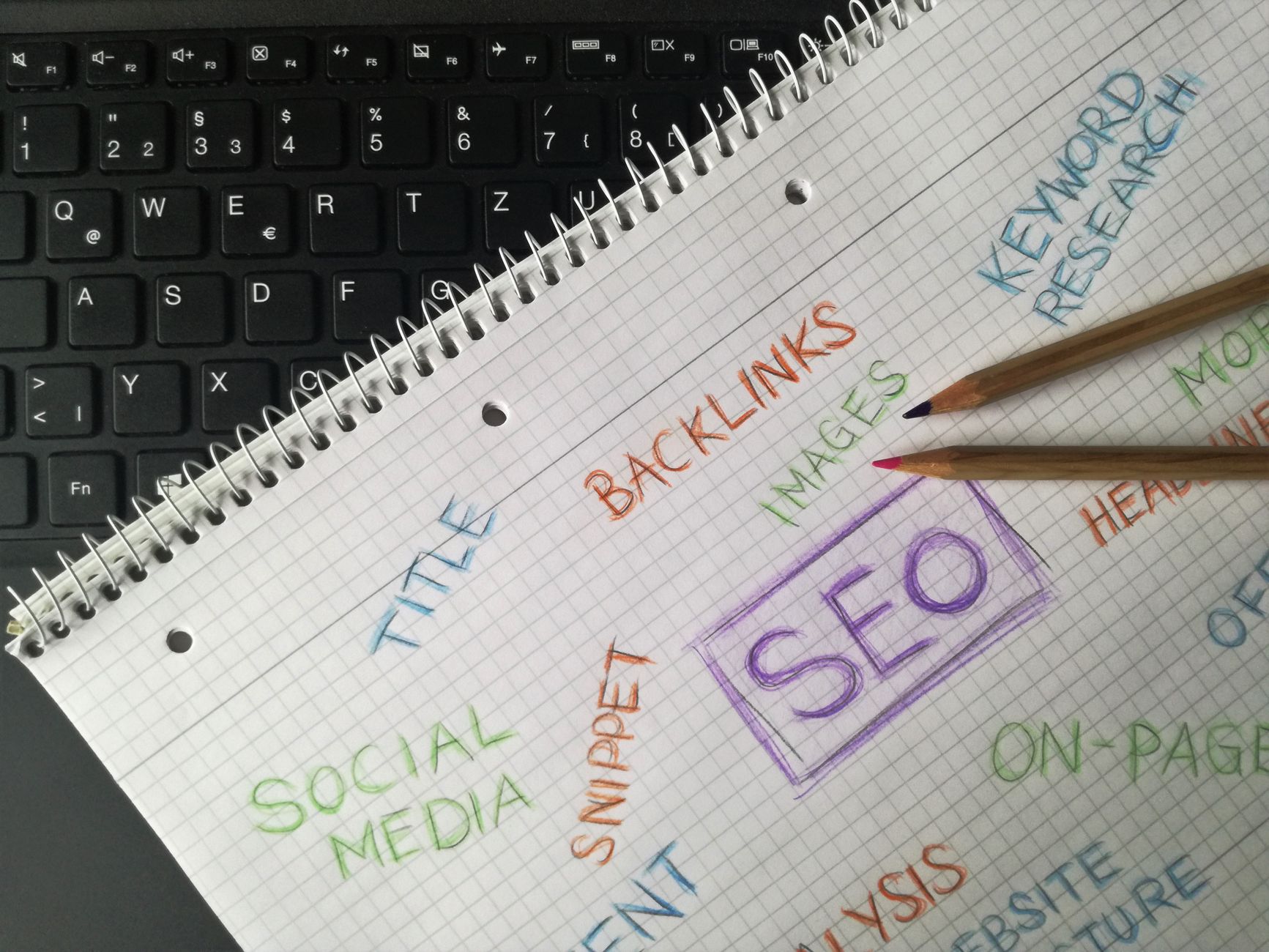
Page titles are one of the clearest on-page signals you control, so beginners should improve them early. Focus on titles that are specific, concise, and clearly describe the page instead of stuffing multiple keyword variations into the same field.
Google recommends descriptive, concise title text and warns against keyword stuffing and repetitive boilerplate. You can see that directly in Google’s title link documentation and its SEO Starter Guide.
| Weak title | Stronger title |
|---|---|
| SEO Services | SEO Company | SEO Expert | WordPress SEO Services for Small Businesses |
| Blog | WordPress SEO Tips for Existing Websites |
| Home | WordPress SEO Consultant for Small Business Sites |
Do this first on your homepage, primary service pages, top category pages, and posts that already get impressions. Fix the pages that already have some visibility before polishing pages that do not matter yet.
Strengthen internal links on important pages

Internal linking is one of the easiest wins on an existing site because it helps search engines find pages, understand hierarchy, and connect informational content to the pages that drive leads or sales. Weak internal links leave good pages under-supported.
Google says good anchor text should be descriptive, reasonably concise, and relevant to the page it links to. That means linking phrases naturally inside content, not relying on vague anchors or empty buttons. Google’s documentation on crawlable links and anchor text explains the principle clearly.
A simple beginner rule is enough: every important page on your site should receive links from at least a few other crawlable pages. Blog posts should point to related service pages. Related guides should point to each other. Orphan pages should be brought back into the structure.
If you are experiencing these symptoms, our team at WordPress SEO Expert can help. A focused review often shows whether the real problem is weak internal linking, duplication, indexing, or page targeting.
Keep headings, meta descriptions, and schema simple
Beginners do not need a complex setup here. Use one clear H1 per page, write a useful meta description for important pages, and only apply schema that matches visible content. These elements support SEO, but they do not replace the fundamentals above.
Google’s structured data guidance says your markup should reflect the content users can actually see on the page. Overloading a page with irrelevant schema types does not make it stronger. Google’s structured data documentation is the right baseline if you are unsure what belongs.
Keep the setup practical. One H1. Logical H2s and H3s. Unique descriptions on key pages. Basic organization, article, or breadcrumb schema if it genuinely matches the page.
What not to do on an older WordPress site
Most existing websites do not need a dramatic rebuild first. They need fewer conflicting tools, cleaner signals, and better prioritization. Avoid the common beginner moves that create more noise than progress.
Do not install multiple SEO plugins. Do not rewrite every page before checking indexing. Do not publish a batch of thin posts targeting tiny keyword variations. Do not treat plugin scores as proof that your pages are competitive. And do not ignore old archive pages, attachment pages, or duplicate URLs if they are diluting the site.
A practical beginner order of operations
If you want a simple roadmap, work from blocking issues to supporting improvements. This keeps you from wasting time polishing pages that still have basic technical or structural problems underneath them.
| Priority | Focus |
|---|---|
| 1 | Check indexing, crawl access, and sitemap status |
| 2 | Remove overlapping SEO plugin conflicts |
| 3 | Improve titles on core pages |
| 4 | Strengthen internal links to important pages |
| 5 | Clean up headings, meta descriptions, and visible-page schema |
| 6 | Expand or consolidate content only after the basics are stable |
When beginner fixes are not enough
If you have already done the basics and rankings are still flat, the issue is usually not effort. It is usually that the wrong pages are being emphasized, the technical setup is muddy, or small issues are compounding in ways that are hard to spot from inside the site.
WordPress SEO Expert can help you sort out what to fix first before you spend more time chasing green lights or adding tools you do not need. Book a free SEO consultation. No pitch, no pressure. Just an honest look at what your site actually needs and whether your current setup is part of the solution or part of the problem.
Contact WordPress SEO Expert today to schedule a consultation if you want a practical plan for improving an existing WordPress site without overcomplicating it.

















